Fujifilm Instax Mini 7+ Camera User Manual
Model: Instax Mini 7+
Brand: Fujifilm
Introduction
The Fujifilm Instax Mini 7+ camera is a fun and easy-to-use instant film camera that lets you capture and print memories instantly. With its sleek and stylish design, it's sure to turn heads and spark conversation wherever you go. The camera produces credit-card sized prints in seconds, making it perfect for capturing those special moments and sharing them with friends and family. Its automatic exposure control and built-in flash ensure great shots every time, even in low light conditions. And with a handy selfie mirror, taking self-portraits has never been easier. The Fujifilm Instax Mini 7+ camera is also lightweight and portable, making it perfect for on-the-go photography. And with Fujifilm Instax Mini film, which is widely available and affordable, you can keep capturing memories without breaking the bank. The camera also features a brightness adjustment dial, allowing for greater creative control over your shots. And its easy-to-operate design makes it perfect for beginners and experts alike.

Figure 1: Front view of the Fujifilm Instax Mini 7+ camera in light blue.
Setup
1. Installing Batteries
The Instax Mini 7+ camera requires four AA batteries for operation. To install them, open the battery compartment located on the side of the camera. Insert the batteries according to the polarity indicators (+/-) inside the compartment. Close the cover securely.
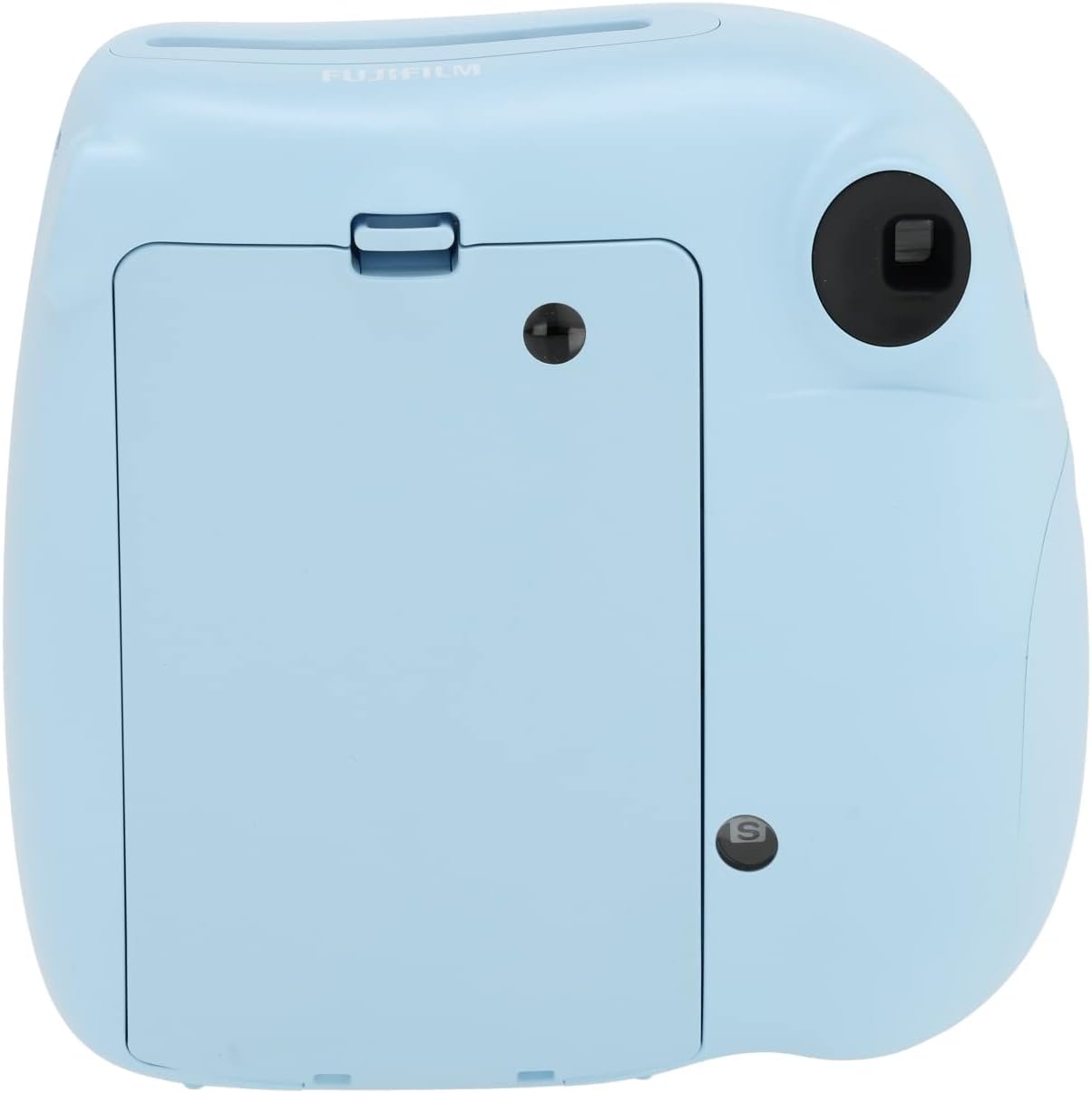
Figure 2: Rear view of the camera showing the film compartment. The battery compartment is located on the side, typically near the grip.
2. Loading Film Pack
To load the film, open the film compartment door on the back of the camera. Align the yellow mark on the film pack with the yellow mark inside the camera's film compartment. Gently push the film pack in until it clicks into place. Close the compartment door. The camera will automatically eject the dark protective sheet from the film pack. Do not open the film compartment door until all exposures are used, as this will expose the film and render it unusable.
Operating the Camera
1. Turning On/Off
To turn on the camera, simply pull out the lens barrel. The power lamp will light up. To turn off the camera, push the lens barrel back into the camera body.
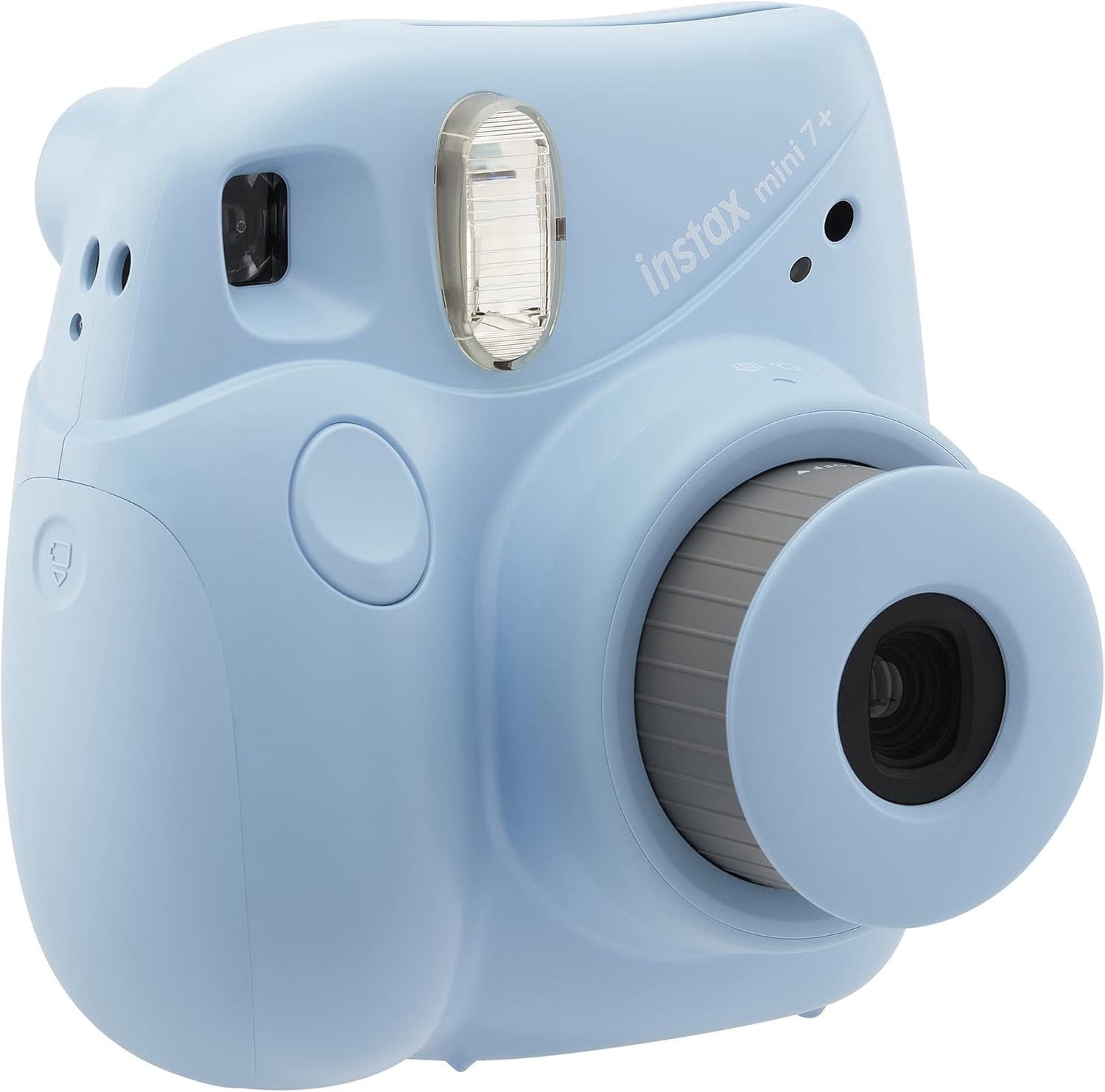
Figure 3: Camera with lens extended, ready for use.
2. Adjusting Exposure Settings
The Instax Mini 7+ features a brightness adjustment dial around the lens. Rotate this dial to select the appropriate lighting mode for your environment: Indoor/Dark, Cloudy/Shady, Fine, or Clear. The camera will indicate the recommended setting with a lit LED next to the corresponding icon.

Figure 4: Close-up of the exposure adjustment dial.
3. Taking a Picture
Look through the viewfinder to compose your shot. Press the shutter button located on the front of the camera. The built-in flash will fire automatically, and the instant print will eject from the top slot of the camera. Allow the print to develop for a few minutes; do not shake or bend the print during development.

Figure 5: The camera in use, with an instant print emerging.
Maintenance
To ensure the longevity of your Fujifilm Instax Mini 7+ camera, keep it clean and free from dust. Use a soft, dry cloth to wipe the camera body and lens. Avoid using abrasive cleaners or solvents. Store the camera in a cool, dry place away from direct sunlight and extreme temperatures. When not in use for extended periods, remove the batteries to prevent leakage.
Troubleshooting
If your camera is not functioning as expected, please refer to the following common issues:
- Camera does not turn on: Check if the batteries are inserted correctly and are not depleted. Replace with fresh AA batteries if necessary.
- Film does not eject: Ensure the film pack is correctly loaded and that there are still exposures remaining. The counter on the back of the camera indicates the number of remaining shots.
- Pictures are too dark/light: Adjust the brightness dial on the lens to match the ambient lighting conditions.
- Flash does not fire: The flash fires automatically. Ensure the camera is powered on and the batteries have sufficient charge.
For further assistance, please contact Fujifilm customer support.
Specifications
| Feature | Detail |
|---|
| Brand | Fujifilm |
| Model Name | Instax Mini 7+ |
| Special Feature | Auto Exposure |
| Film Format Type | Instant |
| Item Weight | 458 Grams (1.01 pounds) |
| Included Components | Camera Body & Accessories |
| Compatible Devices | camera |
| Exposure Control Type | Manual |
| Package Dimensions | 6.69 x 5.51 x 3.5 inches |
What's in the Box
- Camera Body
- Accessories (as included in original retail package)
Official Product Videos
No official product videos from the seller were available for embedding based on the provided data. Please refer to the text instructions and images for guidance.


