
Introduction
Welcome to the Philips T4506 True Wireless Headphones user manual. This guide provides essential information for setting up, operating, and maintaining your new headphones. Please read these instructions carefully to ensure optimal performance and longevity of your device.
What's in the Box
Your Philips T4506 True Wireless Headphones package includes the following items:
- Philips T4506 True Wireless Headphones (Left and Right earbuds)
- Portable USB-C Charging Case
- USB-C Charging Cable
- Eartips (3 sizes: Small, Medium, Large)
- Quick Start Guide
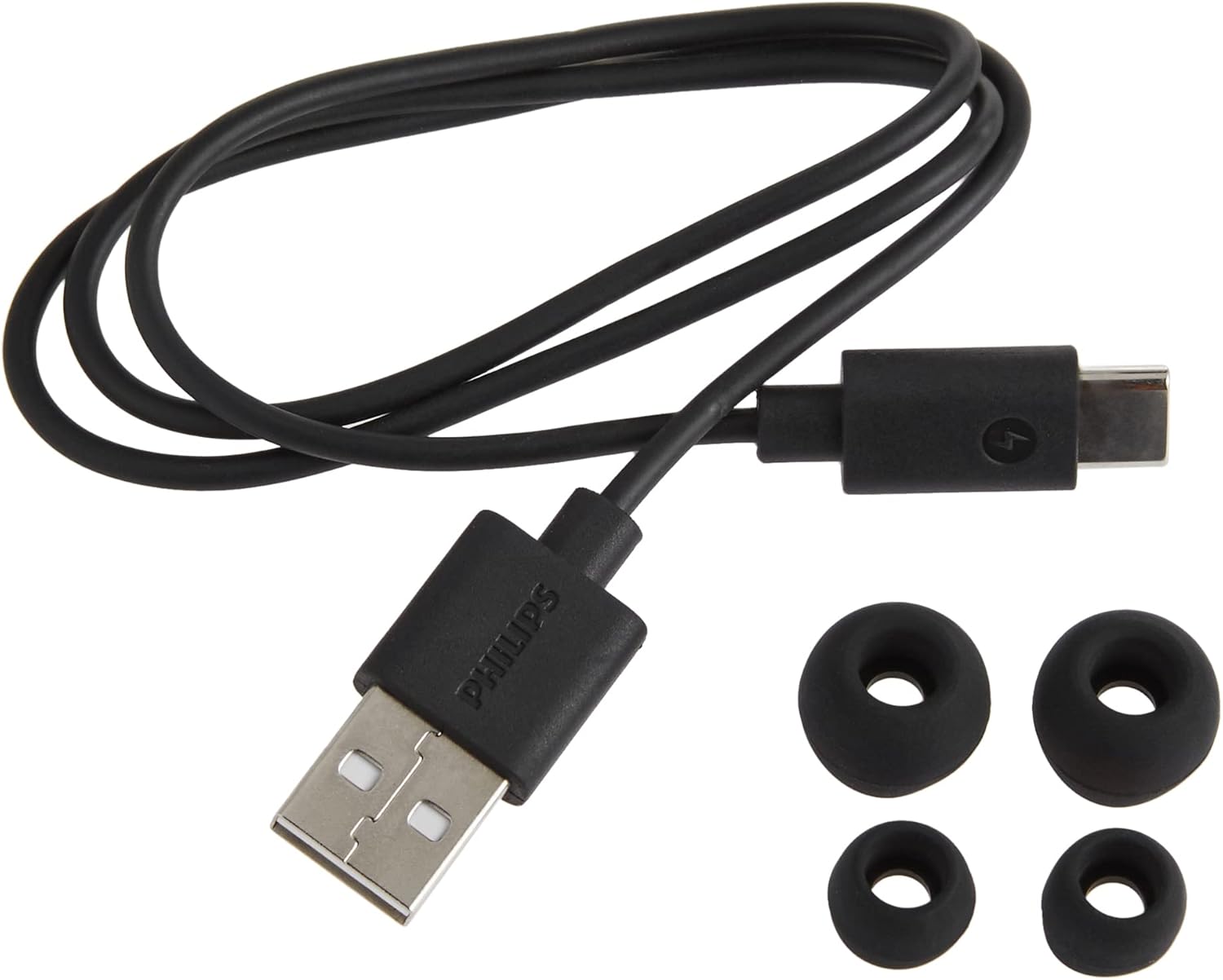
Included accessories: USB-C charging cable and three sizes of silicone ear-tips.
Product Overview
The Philips T4506 headphones feature a sleek design with touch controls and a compact charging case. Each earbud is equipped with 10 mm neodymium drivers for clear audio and active noise canceling technology.

Front view of Philips T4506 True Wireless Headphones and their charging case.

Philips T4506 True Wireless Headphones placed inside their open charging case.
Setup
1. Charging the Headphones and Case
Before first use, fully charge the charging case and earbuds. Place the earbuds into the charging case. Connect the USB-C cable to the charging case and a power source. The indicator lights on the case will show charging status. A full charge provides up to 6 hours of playtime for the earbuds, with an additional 18 hours from the charging case, totaling 24 hours.
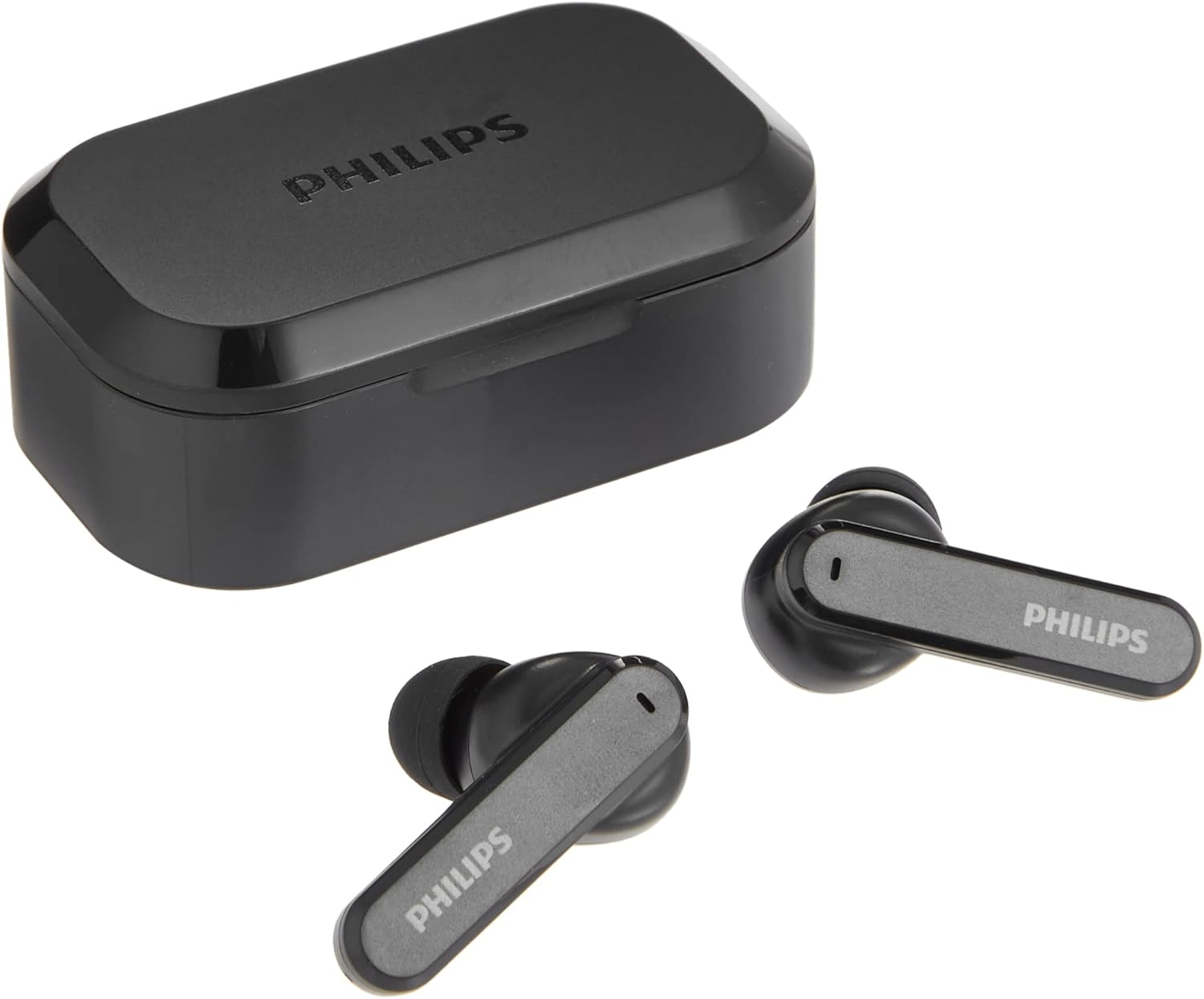
Philips T4506 True Wireless Headphones next to their closed USB-C charging case.
2. Bluetooth Pairing
- Open the charging case. The earbuds will automatically enter pairing mode.
- On your device (smartphone, tablet, etc.), enable Bluetooth.
- Search for "Philips T4506" in the list of available devices and select it to connect.
- Once connected, you will hear an audio confirmation.
The headphones will automatically reconnect to the last paired device when taken out of the case, if Bluetooth is enabled on the device.
3. Selecting the Right Ear-tip Size
For optimal sound quality and comfort, choose the ear-tips that best fit your ears. Experiment with the three included sizes (Small, Medium, Large) to find the most secure and comfortable fit. A proper seal is crucial for effective Active Noise Canceling.
Operating Instructions
Touch Controls
The Philips T4506 headphones feature intuitive touch controls on each earbud:
- Play/Pause Music: Single tap on either earbud.
- Next Track: Double tap on the right earbud.
- Previous Track: Double tap on the left earbud.
- Answer/End Call: Single tap on either earbud.
- Reject Call: Press and hold on either earbud.
- Activate Voice Assistant: Triple tap on either earbud.
Active Noise Canceling (ANC) and Awareness Mode
The headphones feature Active Noise Canceling to reduce ambient noise, allowing for a more immersive listening experience. Awareness Mode allows you to hear your surroundings without removing the earbuds. Switch between modes using the touch controls (refer to the Quick Start Guide for specific gestures).
Mono Mode
You can use a single earbud independently. Simply remove one earbud from the case, and it will automatically connect. The microphone functionality will be assigned to the earbud in use. This is useful for calls or when you need to be aware of your surroundings with one ear.
Maintenance
To ensure the longevity and performance of your Philips T4506 headphones:
- Cleaning: Regularly clean the earbuds and charging case with a soft, dry cloth. Avoid using abrasive cleaners or solvents.
- Water Resistance: The headphones have an IPX4 rating, meaning they are resistant to splashing water from any direction. They are not waterproof and should not be submerged in water. Dry them thoroughly if they get wet.
- Storage: When not in use, store the earbuds in their charging case to protect them and keep them charged.
Troubleshooting
If you encounter issues with your Philips T4506 headphones, try the following solutions:
- Earbuds not charging: Ensure the earbuds are correctly seated in the charging case and the charging contacts are clean. Verify the charging case itself has sufficient power or is connected to a power source.
- Earbuds not pairing/connecting: Make sure Bluetooth is enabled on your device and the earbuds are in pairing mode (open the case). Try forgetting the device in your phone's Bluetooth settings and re-pairing. Ensure the earbuds are sufficiently charged.
- Low battery message immediately after connecting: This may indicate an issue with the earbud's battery or charging contacts. Ensure contacts are clean and the earbuds are fully charged. If the issue persists, contact customer support.
- Sound quality issues: Check that the ear-tips provide a good seal in your ear canal. Try different sized ear-tips. Ensure the earbuds are clean and free from debris.
- No sound from one earbud: Try placing both earbuds back in the case, closing it, and then reopening to reset the connection. Ensure both earbuds are charged.
Specifications
| Feature | Detail |
|---|---|
| Model Name | T4506 |
| Item Model Number | T4506BK |
| Brand | Philips |
| Connectivity Technology | Wireless (Bluetooth) |
| Wireless Communication Technology | Bluetooth |
| Noise Control | Active Noise Cancellation, Awareness Mode |
| Water Resistance Level | IPX4 (Water Resistant) |
| Battery Life | Up to 24 Hours (6 hours earbuds + 18 hours charging case) |
| Charging Time | 2 Hours |
| Control Method | Touch, Voice |
| Audio Driver Type | Dynamic Driver |
| Bluetooth Range | 10 Meters |
| Earpiece Shape | Rounded tip |
| Product Dimensions | 1.34 x 3.78 x 6.14 inches |
| Item Weight | 9.6 ounces |
Warranty and Support
For warranty information and customer support, please refer to the documentation included with your product or visit the official Philips website. Keep your proof of purchase for any warranty claims.


