
1. Introduction
This user manual provides comprehensive instructions for the iZEEKER GD500 Dual Dash Cam. This device is designed to record high-quality video footage from both the front and rear of your vehicle, offering enhanced security and peace of mind while driving and parked. Featuring a Sony IMX335 sensor, G-Sensor, Motion Detection, Parking Monitor, Loop Recording, and WDR technology, the GD500 captures clear and reliable evidence on its 3-inch IPS display.

The iZEEKER GD500 Dual Dash Cam, showcasing its main unit and the compact rear camera.
Official product video demonstrating the key features and capabilities of the iZEEKER GD500 Dual Dash Cam, including its dual recording and advanced functionalities.
2. What's Included
Upon opening the product packaging, verify that all components are present and in good condition:
- iZEEKER GD500 Dash Camera (Main Unit)
- Rear Camera
- Suction Cup Mount
- Car Charger (with USB port)
- Rear Camera Cable (long Type-C to Type-C)
- Micro USB Cable (shorter, for data transfer)
- Crowbar Tool (for cable tucking)
- Extra 3M Adhesive Pad
- Reset Tool (paperclip-like)
- Quick Start Guide
- User Manual

A visual representation of all items included in the iZEEKER GD500 Dual Dash Cam package.
3. Setup
Follow these steps to set up your iZEEKER GD500 Dash Cam:
- Insert Micro SD Card: Locate the Micro SD card slot on the main unit and insert a compatible card (up to 128GB, Class 10 or higher recommended).
- Mount the Front Camera: Attach the suction cup mount to the dash cam. Clean a spot on your windshield, ideally behind the rearview mirror, and firmly press the suction cup to secure the main unit. Ensure it does not obstruct your view.
- Connect Power: Plug the car charger into your vehicle's 12V power outlet. Connect the Micro USB end of the power cable to the main dash cam unit.
- Install Rear Camera (Optional): If using the rear camera, connect one end of the long Type-C cable to the rear camera unit and the other end to the designated port on the main dash cam. Mount the rear camera on your rear windshield using its adhesive pad. Route the cable neatly along the vehicle's interior trim using the provided crowbar tool.
- Power On: Once connected, the dash cam should automatically power on when the vehicle's ignition is turned on.
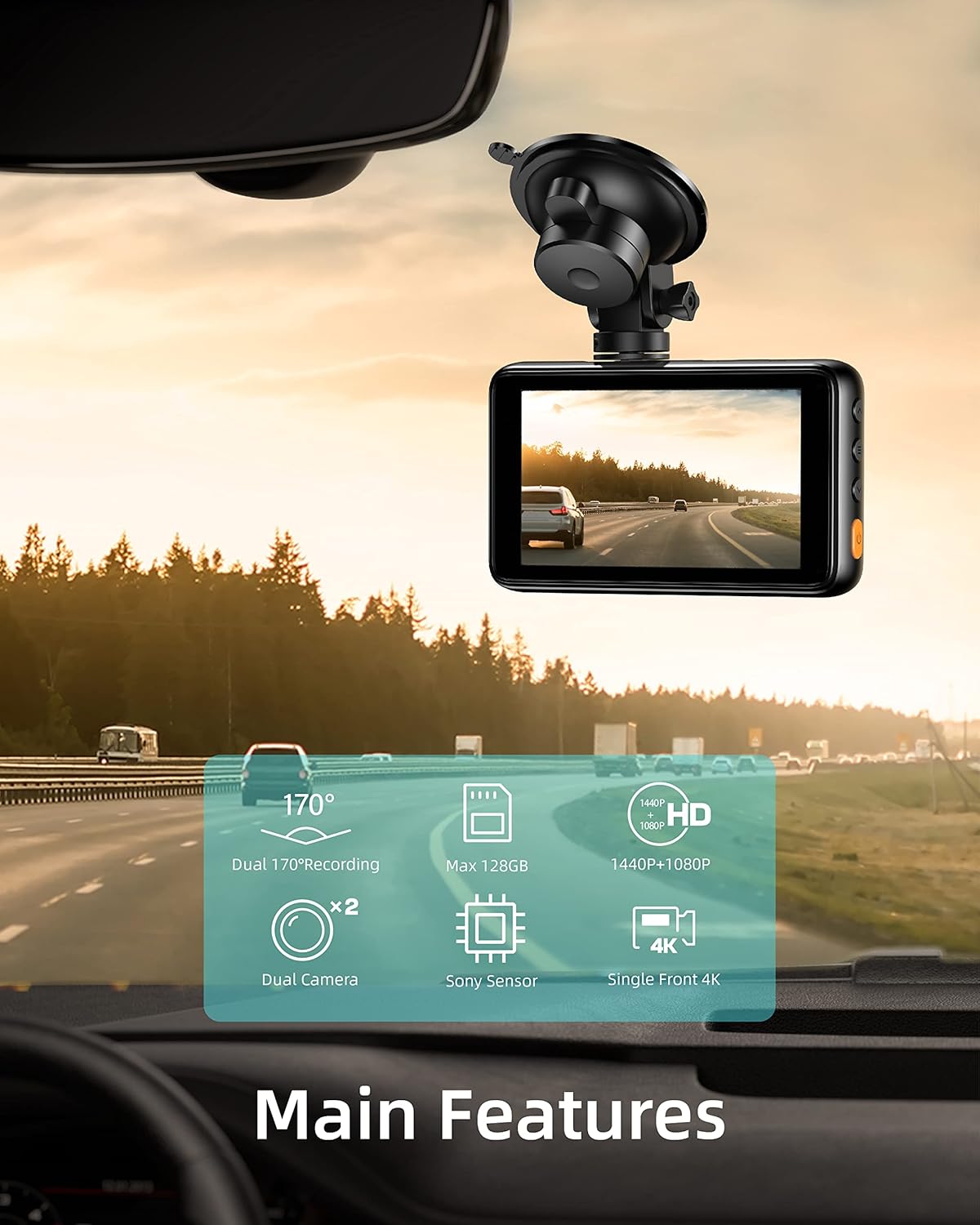
The main dash cam unit mounted on the front windshield, showing its compact size and display.
4. Operating Instructions
The iZEEKER GD500 offers various recording modes and features:
- Dual Recording: The dash cam simultaneously records from both the front (2.5K) and rear (1080P) cameras, providing comprehensive coverage.
- Loop Recording: When the memory card is full, the dash cam automatically overwrites the oldest unlocked video files, ensuring continuous recording without manual intervention.
- G-Sensor (Emergency Recording): The built-in G-Sensor detects sudden impacts or collisions. In such events, it automatically locks the current video footage to prevent it from being overwritten, securing critical evidence.
- Motion Detection: When enabled, the dash cam will automatically start recording if it detects motion in front of the vehicle while parked.
- Parking Monitor: Provides continuous surveillance when your vehicle is parked. For 24/7 parking monitoring, a separate Micro-port hardwire kit (sold separately) is required.
- WDR (Wide Dynamic Range): This technology helps balance exposure in challenging lighting conditions, ensuring clear video capture in both bright and dark areas.
- Super Night Vision: Equipped with an F1.8 aperture lens and a Sony IMX335 sensor, the dash cam delivers enhanced low-light performance for clear night recordings.

The dash cam supports 4K QHD recording for the front camera, ensuring high-resolution video capture.

Illustration of the dual video quality, with 1440P for the front camera and 1080P for the rear camera.

The Parking Mode feature, which captures continuous video footage when the vehicle is parked (requires hardwire kit for 24/7 monitoring).

The Incident Recording Mode, which automatically stores video data before and after a collision detected by the 3-axis G-Sensor.
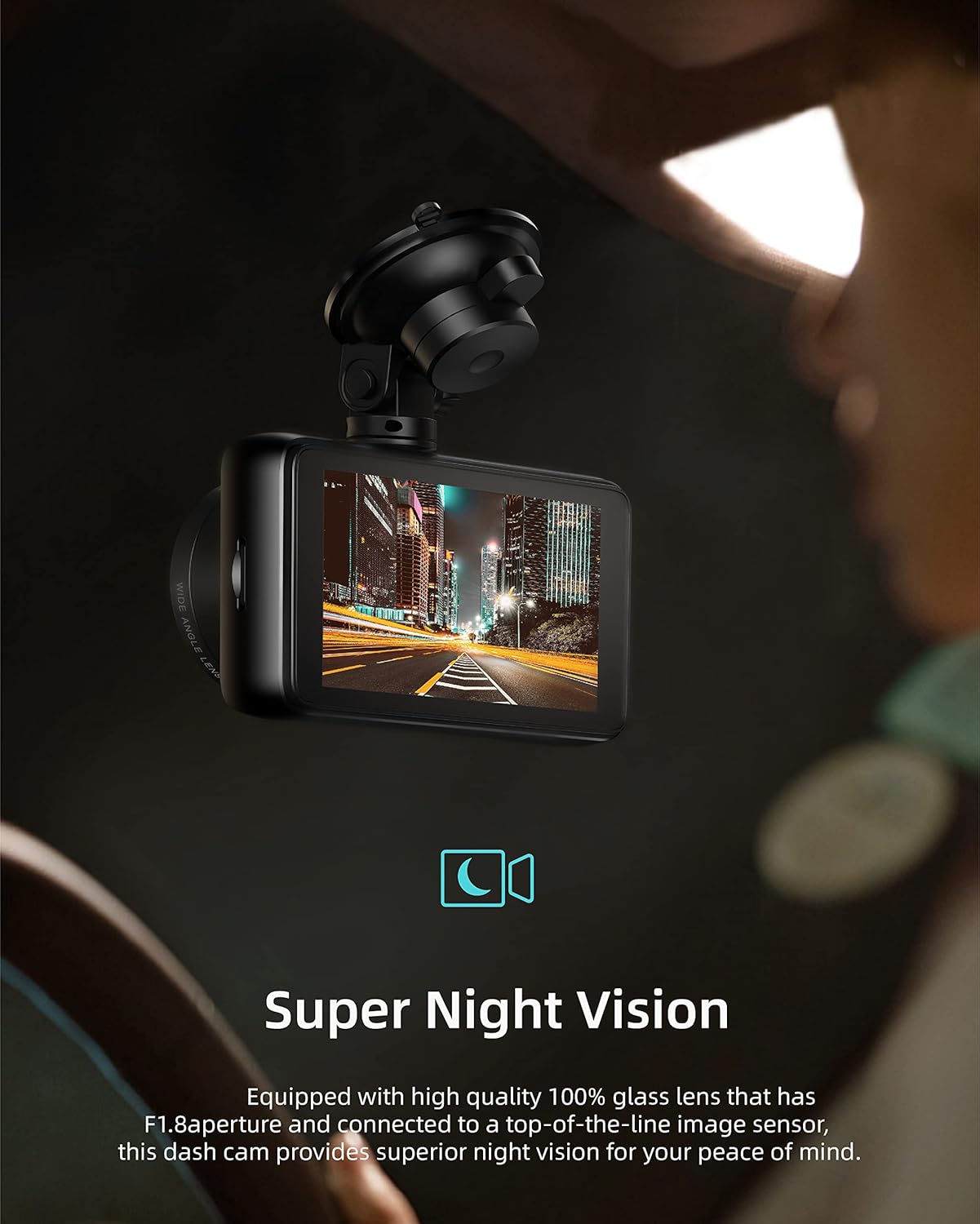
The Super Night Vision capability, ensuring clear recordings even in low-light conditions.
5. Maintenance
To ensure optimal performance and longevity of your iZEEKER GD500 Dash Cam, regular maintenance is recommended:
- Clean Lenses: Periodically wipe the front and rear camera lenses with a soft, lint-free cloth to ensure clear video quality. Avoid abrasive materials.
- Check SD Card: Regularly check the Micro SD card for errors or corruption. It is recommended to format the card monthly to maintain optimal performance and prevent data issues.
- Firmware Updates: Check the official iZEEKER website for any available firmware updates to ensure your dash cam has the latest features and bug fixes.
- Secure Mounting: Ensure the suction cup mount remains firmly attached to the windshield. In hot climates, extreme temperatures can sometimes affect the suction, requiring re-attachment.
6. Troubleshooting
If you encounter any issues with your iZEEKER GD500, refer to the following common solutions:
- Camera Shuts Down/Turns Off Randomly:
- Check the power cable connection. A faulty cable can cause intermittent power.
- Disable "Screen Saver" function if it's turning off during stop-and-go traffic.
- Ensure Parking Guard and Motion Detection are turned off if not using a hardwire kit, as these features can cause power issues without continuous power supply.
- Rear Camera Not Recognized:
- Verify the rear camera cable is securely connected at both ends (main unit and rear camera).
- Inspect the cable for any damage or shorts.
- Difficulty Deleting Old Files/SD Card Issues:
- Format the Micro SD card regularly (e.g., monthly) through the dash cam's menu settings.
- Ensure you are using a high-quality, genuine Class 10 (or higher) Micro SD card.
- If issues persist, try a different Micro SD card.
- Suction Cup Mount Detaches:
- Clean the windshield surface thoroughly before attaching the mount.
- Ensure the suction cup is clean and free of debris.
- Apply firm pressure when attaching and twist to secure.
- In extremely hot conditions, the suction may weaken; re-attach as needed.
If these solutions do not resolve the issue, please contact iZEEKER customer support.
7. Specifications
| Feature | Detail |
|---|---|
| Product Dimensions | 2.76 x 5.51 x 4.33 inches (main unit) / 5.11"D x 5.59"W x 3.74"H (overall) |
| Item Weight | 1.17 pounds |
| Model Number | GD500 |
| Video Capture Resolution | Front: 2.5K (1440P) / Rear: 1080P |
| Display | 3-inch IPS Display |
| Sensor | Sony IMX335 Sensor |
| Field of View | 170 Degrees (Dual 170° Recording) |
| Storage Support | Supports up to 128GB Micro SD card |
| Connectivity | USB |
| Control Method | Touch |
| Power Source | 1 Lithium Ion battery required (internal) |

Diagram illustrating the Sony IMX335 Sensor, which enhances image quality in various lighting conditions.
8. Warranty & Support
iZEEKER is committed to providing excellent customer service and product support:
- 24-Hour Response: Expect quick and professional responses to your inquiries within 24 hours.
- 30-Day Return Policy: Enjoy a 30-day no-reason return or exchange policy.
- 365-Day Replacement: Replacements and accessories are available within 365 days of purchase.
- Lifetime After-Sales Service: iZEEKER provides lifetime after-sales service for every customer.
For any assistance, please contact iZEEKER support at support@izeeker.co.

Icons representing iZEEKER's commitment to customer support, including 24-hour response, 30-day returns, 365-day replacement, and lifetime service.


