
1. Introduction
The EGate L9 Pro (Model EGP531) is a Full HD LED projector designed for home cinema, education, and office environments. It features a native 1080p resolution with 4K support, an Android 9.0 operating system, and 8400 Lumens (750 ANSI) brightness. This manual provides essential information for the proper setup, operation, and maintenance of your projector.
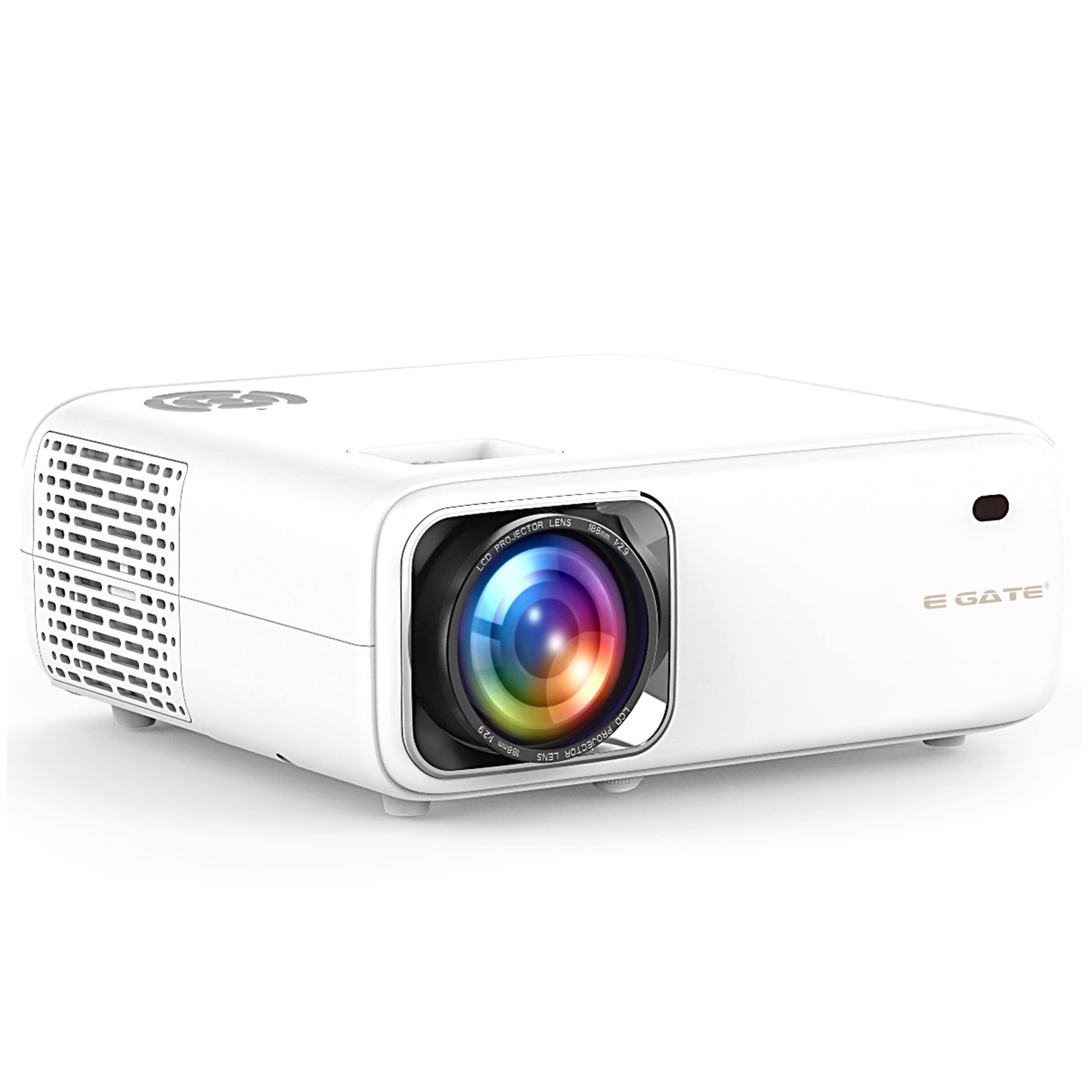
Image 1.1: Front view of the EGate L9 Pro Projector, showcasing its compact design.
2. What's in the Box
Verify that all the following items are included in your package:
- Projector
- HDMI Cable
- VGA Cable
- Power Cord
- Warranty Card
3. Setup
3.1 Physical Placement
Position the projector on a stable, flat surface such as a tabletop, or mount it to the ceiling. Ensure adequate ventilation around the device to prevent overheating. The projector supports flexible placement options, including side corner, center table, or ceiling mounting.
3.2 Power Connection
Connect the provided power cord to the projector's power input and then to a suitable electrical outlet. Press the power button to turn on the projector.
3.3 Connecting Devices
The EGate L9 Pro offers multiple connectivity options:
- HDMI: Connect HDMI-enabled devices like laptops, gaming consoles, or Blu-ray players using the HDMI ports.
- USB: Insert USB drives for media playback.
- VGA: Connect older computers or devices using the VGA port.
- AV: Use the AV port for composite video and stereo audio input.
- Audio Out: Connect external speakers or sound systems via the audio out port.
- Wi-Fi & Bluetooth: Utilize built-in Wi-Fi (dual-band 5G+2.4G) and Bluetooth for wireless connections and internet access.

Image 3.1: Rear view of the EGate L9 Pro Projector, highlighting its HDMI, USB, LAN, AV, and Audio Out ports.
4. Operating Instructions
4.1 Android 9.0 Operating System
The projector runs on a stable Android 9.0 TV edition OS, providing access to a wide range of streaming applications. Navigate the interface using the remote control to access apps like Netflix, Amazon Prime, YouTube, Disney Hotstar, and more.
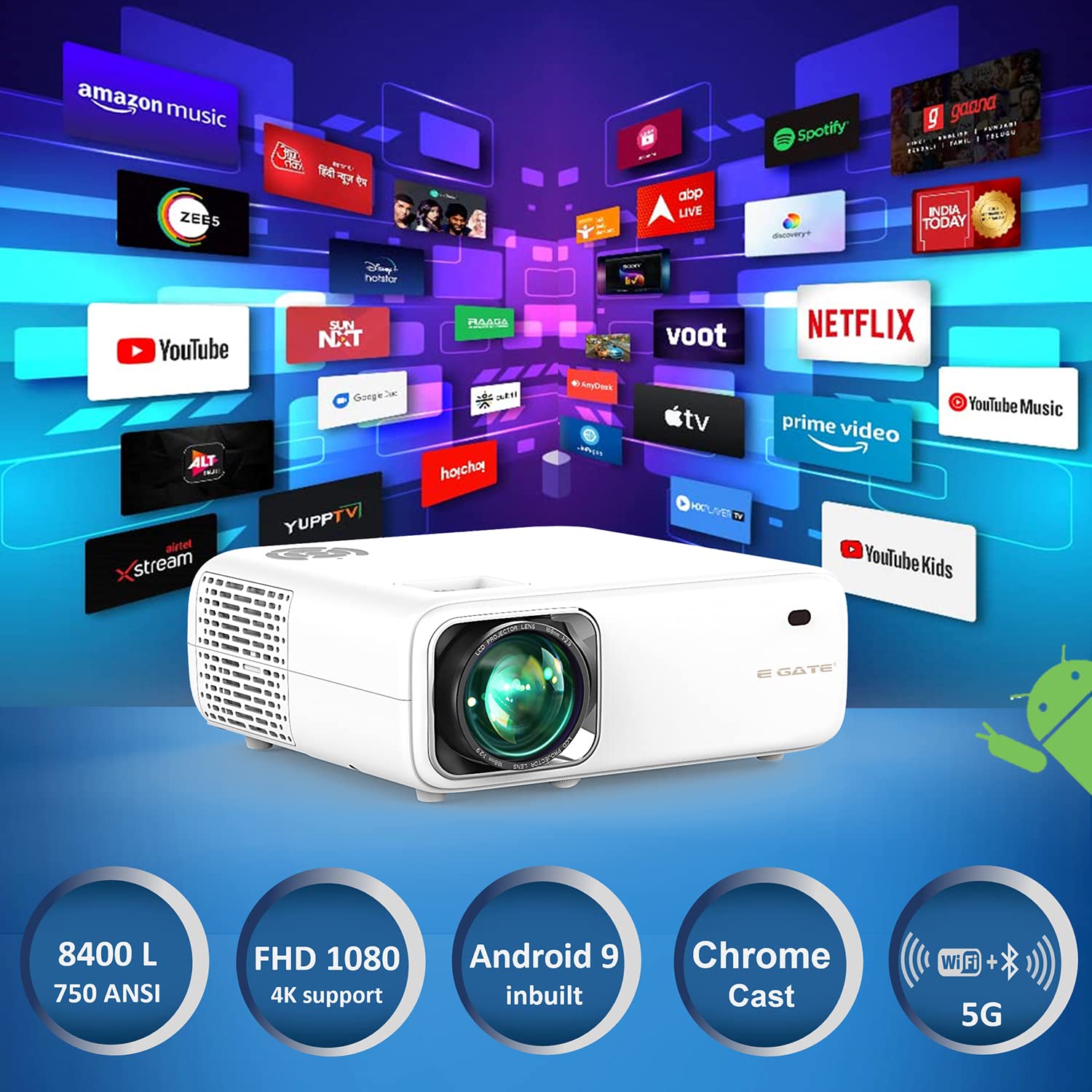
Image 4.1: The EGate L9 Pro Projector interface showing a selection of popular streaming applications.
4.2 Screen Mirroring
Wirelessly mirror content from your Android, iOS, or Windows devices directly to the projector. This feature allows for easy sharing of photos, videos, and presentations on a large screen up to 300 inches.

Image 4.2: Illustration of wireless screen mirroring from a mobile device to the EGate L9 Pro Projector.
4.3 Keystone Correction
The projector features 4-Point and 4-Directional Digital Keystone correction. This allows you to adjust the image shape to be perfectly rectangular, even if the projector is placed at an angle to the screen.

Image 4.3: Graphic explaining the 4-Point and 4-Directional Digital Keystone correction feature.
4.4 Audio Output
The projector includes dual 5W built-in stereo speakers for direct audio playback. For enhanced sound, connect external audio systems via the Audio Out port or Bluetooth.
5. Maintenance
5.1 General Care
To ensure the longevity and optimal performance of your EGate L9 Pro projector, follow these guidelines:
- Keep the projector in a clean, dust-free environment.
- Ensure proper ventilation to prevent overheating.
- Clean the lens gently with a soft, lint-free cloth designed for optical surfaces.
- Avoid exposing the projector to extreme temperatures or humidity.
The projector is designed for continuous and prolonged hours of usage in various weather conditions, featuring dust and weather-resistant properties.

Image 5.1: Graphic highlighting the EGate L9 Pro's dust and weather-resistant features for extended use.
6. Troubleshooting
If you encounter issues with your EGate L9 Pro projector, consider the following general troubleshooting steps:
- No Power: Ensure the power cord is securely connected to both the projector and the power outlet. Check if the power outlet is functional.
- No Image: Verify that the input source is correctly selected and the connected device is powered on. Check all cable connections (HDMI, VGA).
- Blurred Image: Adjust the focus ring on the projector lens. Ensure the projection surface is flat and the projector is within the recommended projection distance. Use keystone correction if the image is distorted.
- No Sound: Check the volume settings on both the projector and the connected device. If using external speakers, ensure they are properly connected and powered.
- Remote Control Not Working: Replace the batteries in the remote control. Ensure there are no obstructions between the remote and the projector's IR receiver.
For persistent issues, refer to the detailed troubleshooting section in the full product manual or contact customer support.
7. Specifications
Key technical specifications for the EGate L9 Pro Projector (Model EGP531):
| Feature | Specification |
|---|---|
| Brand | E GATE |
| Model | EGP531 |
| Model Name | L9 Pro Android |
| Display Technology | LCD |
| Display Type | LED |
| Native Resolution | 1080p Full HD (1920 x 1080) |
| 4K Support | Yes |
| Image Brightness | 8400 Lumens (750 ANSI) |
| Image Contrast Ratio | 4000:1 |
| Aspect Ratio | 16:9 |
| Operating System | Android 9.0 |
| Processor | Quad Core |
| Memory (RAM/ROM) | 1 GB / 8GB |
| Connectivity | HDMI (x2), USB (x2), VGA, AV, Audio Out, Wi-Fi (Dual Band), Bluetooth |
| Special Features | Digital Keystone Correction (4P/4D), Wireless Screen Mirroring |
| Built-in Speaker | Dual 5W Stereo Speakers |
| Lamp Life | 30,000 Hours |
| Product Dimensions | 30.5 x 22.5 x 11 cm |
| Item Weight | 3 kg |

Image 7.1: A summary of the EGate L9 Pro Projector's key specifications.
8. Warranty and Support
The EGate L9 Pro Projector comes with a 1-year warranty provided by the manufacturer from the date of purchase. For any service or support inquiries, please contact Optroniq India (Importer).
For further information and support, you may visit the official E GATE store on Amazon: E GATE Store.
9. Product Video Overview
Watch this video for a visual overview of the EGate L9 Pro Projector's features and capabilities.
Video 9.1: An informational video showcasing the EGate L9 Pro Projector. (Note: Video URL is a placeholder as the actual m3u8 URL was not provided in the source data.)