Introduction
The SoundPEATS TrueAir2 Wireless Earbuds offer an enhanced audio experience with advanced features. Equipped with the Qualcomm QCC3040 chip and Bluetooth 5.2 technology, these earbuds provide a stable and efficient wireless connection. Key features include TrueWireless Mirroring for balanced power consumption, 4-Mic technology with cVc 8.0 Noise Cancellation for clear calls, and aptX Codec support for high-quality audio. The semi-in-ear design ensures comfortable wearing for extended periods.
What's in the Box
Your SoundPEATS TrueAir2 package includes the following items:
- SoundPEATS TrueAir2 Wireless Earbuds
- Charging Case
- USB-C Charging Cable
- User Manual
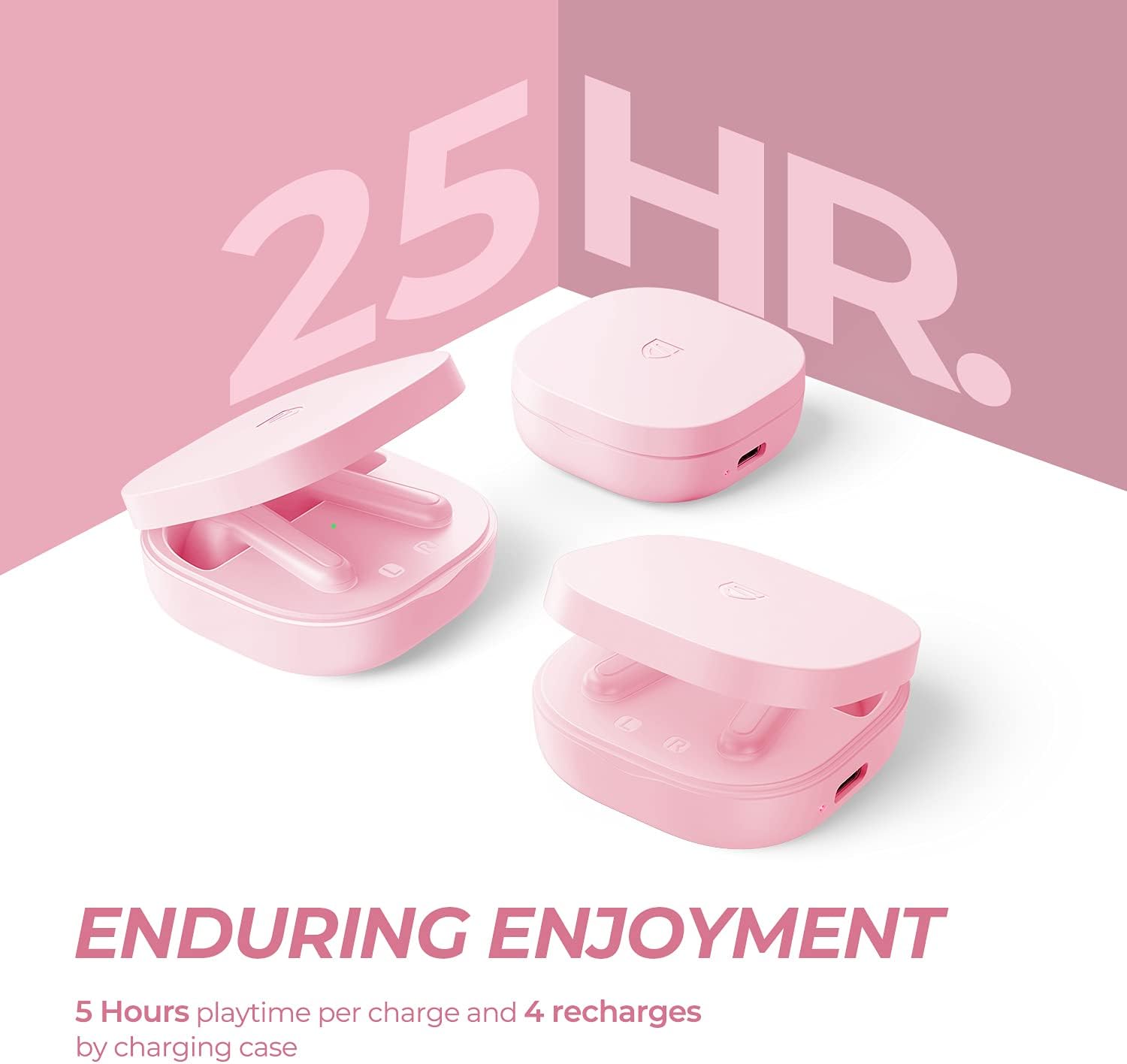
Image: Contents of the SoundPEATS TrueAir2 package, including the pink earbuds, matching charging case, USB-C cable, and user manual.
Setup
1. Charging the Earbuds and Case
Before first use, fully charge the earbuds and the charging case. The charging case provides up to 4 recharges for the earbuds, offering a total of 25 hours of listening time. A full charge for the case takes approximately 2 hours.
- Connect the provided USB-C charging cable to the charging port on the case and to a power source.
- The indicator lights on the case will show the charging status.
- Once fully charged, the indicator lights will change or turn off.

Image: The SoundPEATS TrueAir2 charging case with earbuds inside, illustrating the charging process and extended battery life.
2. Pairing the Earbuds
The earbuds utilize Bluetooth V5.2 for a stable connection.
- Open the charging case, and the earbuds will automatically enter pairing mode. The indicator light on one earbud will flash white and red alternately.
- Activate Bluetooth on your device (smartphone, tablet, laptop).
- Select "SoundPEATS TrueAir2" from the list of available Bluetooth devices.
- Once connected, the indicator light on the earbud will turn white.
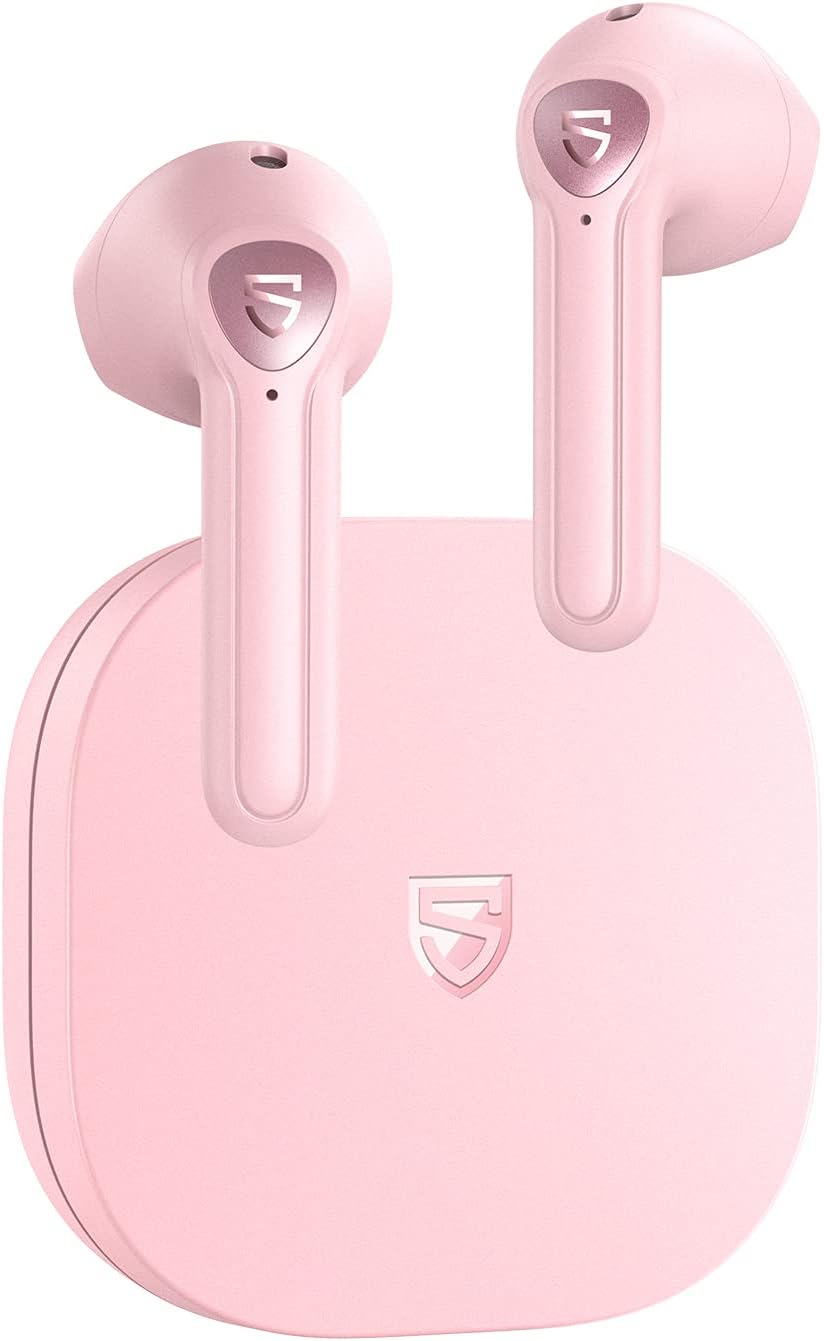
Image: SoundPEATS TrueAir2 earbuds resting in their open charging case, ready for pairing.
3. Wearing the Earbuds
The semi-in-ear design is crafted for comfort during prolonged use.
- Identify the left (L) and right (R) earbuds.
- Gently insert the earbuds into your ears, ensuring a snug and comfortable fit.
- Adjust the earbuds until they feel secure and the sound quality is optimal.

Image: A woman wearing the SoundPEATS TrueAir2 earbuds, demonstrating their comfortable and discreet fit.
Operating Instructions
1. Touch Controls
The SoundPEATS TrueAir2 earbuds feature intuitive touch controls on both earbuds. These controls allow you to manage music playback, calls, and voice assistant activation.
| Action | Left Earbud | Right Earbud |
|---|---|---|
| Single Tap | Volume Down | Volume Up |
| Double Tap | Play/Pause, Answer/End Call | Play/Pause, Answer/End Call |
| Triple Tap | Previous Track | Next Track |
| Long Press (1.5s) | Activate Voice Assistant | Noise Control (ANC/Transparency) |
Note: Some touch controls can be customized via the SoundPEATS app for personalized functionality.
2. Noise Control (ANC & Transparency)
The earbuds feature cVc 8.0 Noise Cancellation for calls and can adapt to your environment.
- cVc 8.0 Noise Cancellation: Utilizes 4-Mic technology (two microphones per earbud) to effectively reduce background noise during calls, ensuring clear communication.
- Transparency Mode: Allows you to hear your surroundings without removing the earbuds. Activate this mode via the touch controls or the SoundPEATS app.

Image: Diagram illustrating the dual microphone setup in each SoundPEATS TrueAir2 earbud for enhanced noise cancellation during calls.
3. Connectivity Features
The TrueAir2 earbuds are equipped with advanced connectivity options for a seamless audio experience.
- Qualcomm QCC3040 Chip & Bluetooth 5.2: Ensures a stable, low-latency connection with improved efficiency.
- TrueWireless Mirroring: Optimizes connection stability and balances power consumption between both earbuds.
- aptX Codec: Provides high-quality audio streaming for compatible devices.
- Mono Mode: Either earbud can be used independently. Simply take one earbud out of the case, and it will automatically connect.

Image: Visual representation of TrueWireless Mirroring technology, showing seamless connection between both earbuds.
Maintenance
Proper maintenance ensures the longevity and optimal performance of your earbuds.
- Cleaning: Regularly clean the earbuds, especially the ear tips and charging contacts, with a soft, dry, lint-free cloth. Avoid using harsh chemicals.
- Storage: Store the earbuds in their charging case when not in use to protect them from dust, damage, and to keep them charged.
- Water Resistance: The earbuds are water-resistant (IPX4 rated), meaning they can withstand splashes and sweat. Do not submerge them in water or expose them to heavy rain.
Troubleshooting
If you encounter any issues with your SoundPEATS TrueAir2 earbuds, try the following steps:
- No Sound: Ensure the earbuds are charged, properly paired, and the volume on your device is turned up.
- Pairing Issues: Turn off Bluetooth on your device, place the earbuds back in the case, close the lid, then open it again to re-enter pairing mode. Try pairing again.
- Reset: If issues persist, refer to the user manual for specific factory reset instructions. This usually involves placing earbuds in the case and holding a button for a few seconds.
- Unstable Connection: Ensure there are no obstructions between the earbuds and your device. Keep the device within the recommended Bluetooth range.
Specifications
| Feature | Detail |
|---|---|
| Model Name | TrueAir2 |
| Bluetooth Version | 5.2 |
| Chipset | Qualcomm QCC3040 |
| Audio Codec | aptX |
| Noise Cancellation | cVc 8.0 (for calls) |
| Microphones | 4-Mic Tech (2 per earbud) |
| Playtime per Charge | 5 Hours |
| Total Playtime (with case) | 25 Hours |
| Charging Time | 2 Hours (case) |
| Water Resistance | IPX4 |
| Earpiece Shape | Semi-In-Ear |
| Control Method | Touch |
Warranty & Support
SoundPEATS products come with a standard warranty. For detailed warranty information, product support, or troubleshooting assistance, please refer to the official SoundPEATS website or contact their customer service directly.
You can visit the SoundPEATS Store on Amazon for more products and information.
Related Documents - TrueAir2
 |
SoundPEATS TrueAir2 Wireless Earbuds User Manual This document provides instructions and information for the SoundPEATS TrueAir2 wireless earbuds, covering pairing, reset, wearing, button controls, game mode, Q&A, and FCC statements. |
 |
SoundPEATS TrueAir2 Wireless Earbuds FAQ and Troubleshooting Guide Find answers to common questions and solutions for troubleshooting your SoundPEATS TrueAir2 wireless earbuds, covering Bluetooth connectivity, sound issues, charging, touch controls, and customer support. |
 |
SOUNDPEATS TrueAir2 Wireless Earbuds User Manual Get detailed instructions for your SOUNDPEATS TrueAir2 wireless earbuds. Learn about pairing, controls, charging, factory reset, and specifications with this comprehensive user guide. |
 |
SoundPEATS Air3 Wireless Earbuds FAQ Frequently Asked Questions for SoundPEATS Air3 Wireless Earbuds, covering Bluetooth connectivity, sound issues, charging problems, touch controls, and customer support. |
 |
SOUNDPEATS H2 Wireless Earbuds User Manual Get started with your SOUNDPEATS H2 wireless earbuds. This guide covers first-time setup, pairing, reset procedures, wearing tips, product diagram, detailed controls, common questions and answers, and FCC compliance information. |
 |
SoundPEATS Air3 Earbuds FAQ and Troubleshooting Guide Comprehensive FAQ and troubleshooting guide for SoundPEATS Air3 wireless earbuds, covering Bluetooth connectivity, sound issues, charging, touch controls, and customer support. |