
1. Introduction
This manual provides essential information for setting up, operating, maintaining, and troubleshooting your HP 15-dy2024nr 15.6 Inch Laptop. This device is designed for productivity and entertainment, featuring an 11th Generation Intel Core i5 processor, Intel Iris Xe Graphics, 8 GB RAM, and a 256 GB PCIe NVMe M.2 SSD, running on Windows 11 Home.

Image: The HP 15-dy2024nr laptop, highlighting its core components: 11th Generation Intel Core i5-1135G7 processor, Intel Iris Xe Graphics, and Windows 11 Home operating system.
2. What's in the Box
Your HP 15-dy2024nr laptop package includes the following items:
- HP Laptop 15-dy2024nr
- AC Power Adapter
- Lithium Ion Battery (pre-installed)
3. Setup
3.1 Initial Power-On and Charging
Before first use, ensure your laptop is fully charged. Connect the AC power adapter to the laptop's power port and then to a wall outlet. The battery charges from 0% to 50% in approximately 45 minutes using HP Fast Charge technology.
Video: Demonstrates connecting the power adapter to the laptop and observing the charging status, highlighting the battery's functionality.
3.2 Operating System Setup (Windows 11 Home)
Upon first boot, follow the on-screen instructions to complete the Windows 11 Home setup. This includes selecting your region, connecting to a Wi-Fi network, and creating a user account.
3.3 HP QuickDrop Setup
HP QuickDrop allows for wireless transfer of photos, videos, and documents between your PC and mobile device. Install the HP QuickDrop app on both your laptop and mobile device, then follow the in-app instructions to pair them for seamless file sharing.
Video: Illustrates the process of wirelessly sharing content between a mobile device and the HP laptop using HP QuickDrop.
4. Operating Your Laptop
4.1 Keyboard and Touchpad
The laptop features a full-sized keyboard with a dedicated numeric keypad for efficient data entry. The HP Imagepad supports multi-touch gestures for precise scrolling, zooming, and navigation.

Image: A close-up view of the laptop's keyboard and touchpad, emphasizing the full numeric keypad and spacious design.
4.2 Display Features
Experience clear visuals on the 15.6-inch Full HD (1920 x 1080) IPS display. Its micro-edge bezel design maximizes screen space, and the anti-glare coating reduces reflections for comfortable viewing.
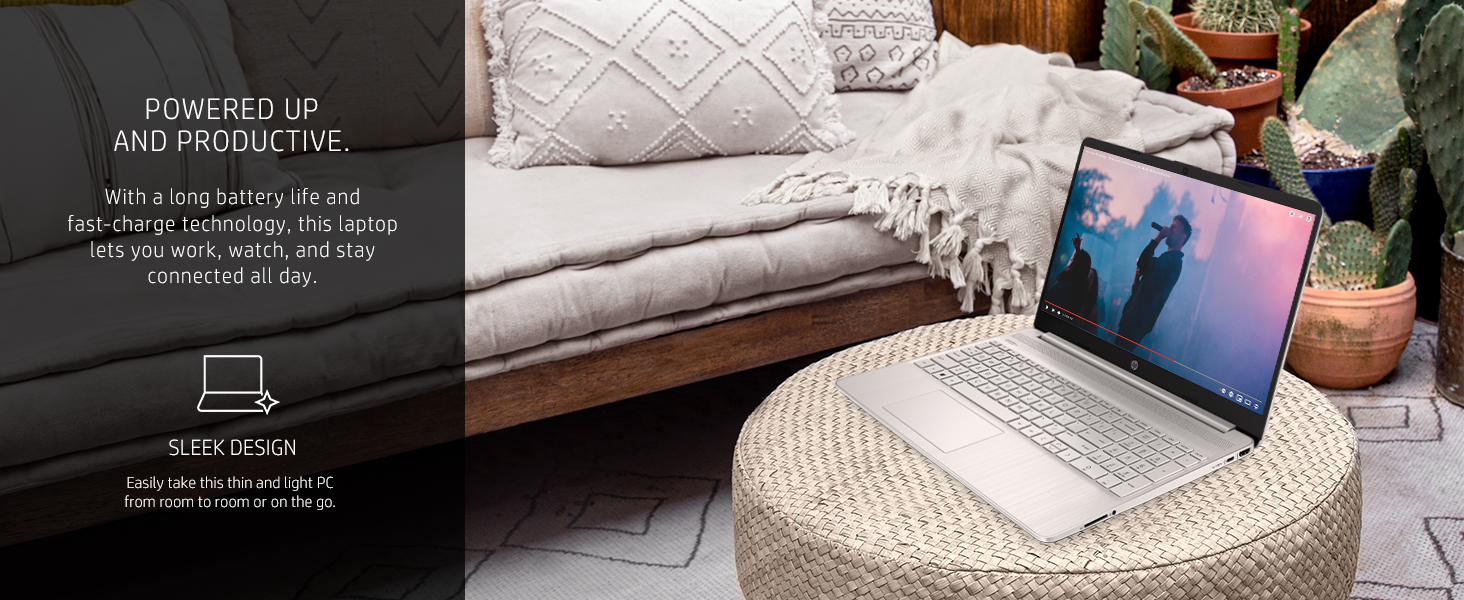
Image: Visual representation of the laptop's display features, including Full HD IPS, anti-glare, and micro-edge design.
4.3 Performance and Storage
The 11th Generation Intel Core i5-1135G7 processor and Intel Iris Xe Graphics provide responsive performance for daily tasks and entertainment. The 256 GB PCIe NVMe M.2 SSD offers fast boot-up and application loading, complemented by 8 GB of DDR4 RAM for smooth multitasking.
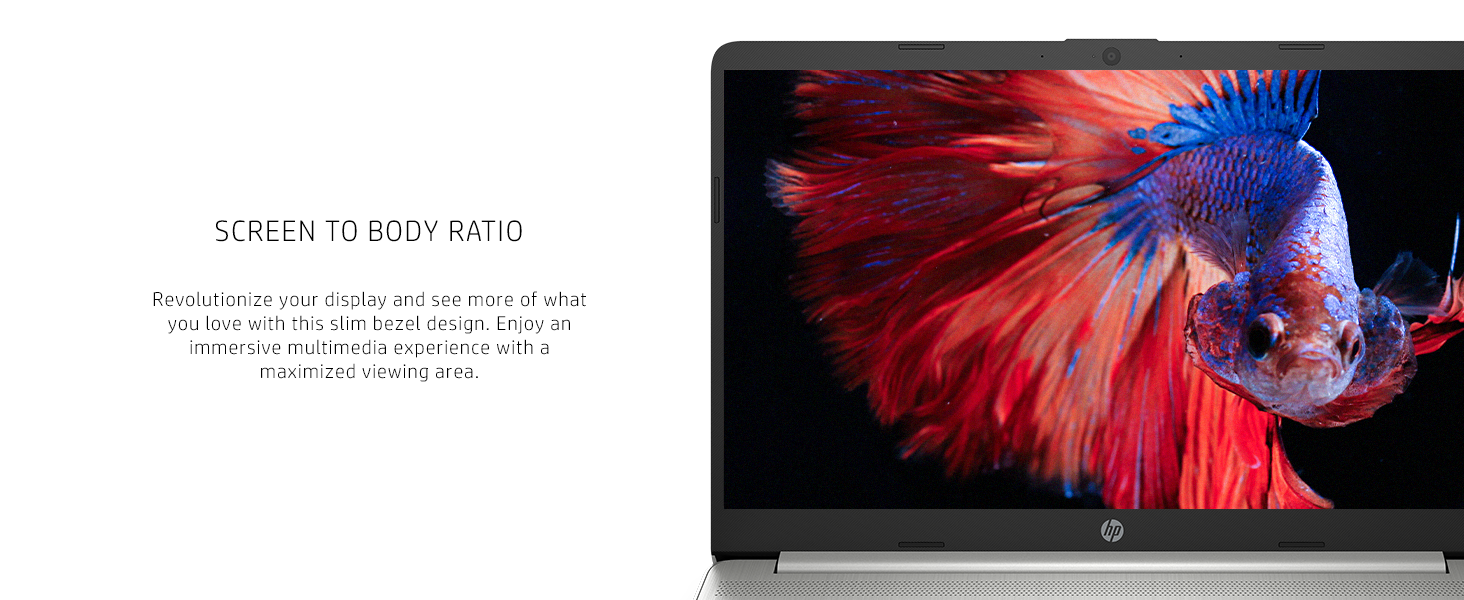
Image: Highlights the laptop's memory and storage capabilities, including the 256 GB SSD and 8 GB RAM, suitable for various applications.
4.4 Connectivity
The laptop supports Wi-Fi 6 (802.11ax) and Bluetooth 5.0 for reliable wireless connections. Physical ports include:
- Multi-format SD Media Card Reader
- SuperSpeed USB Type-C®
- HDMI 1.4b
- Headphone/Microphone Combo
- AC Smart Pin
- SuperSpeed USB Type-A (x2)
- Ethernet (RJ-45)

Image: Detailed view of the laptop's left and right sides, illustrating the available ports for external devices and connectivity.
4.5 Webcam and Microphones
The integrated HP True Vision 720p HD camera and dual array digital microphones with advanced noise reduction software are suitable for video conferencing and online communication.
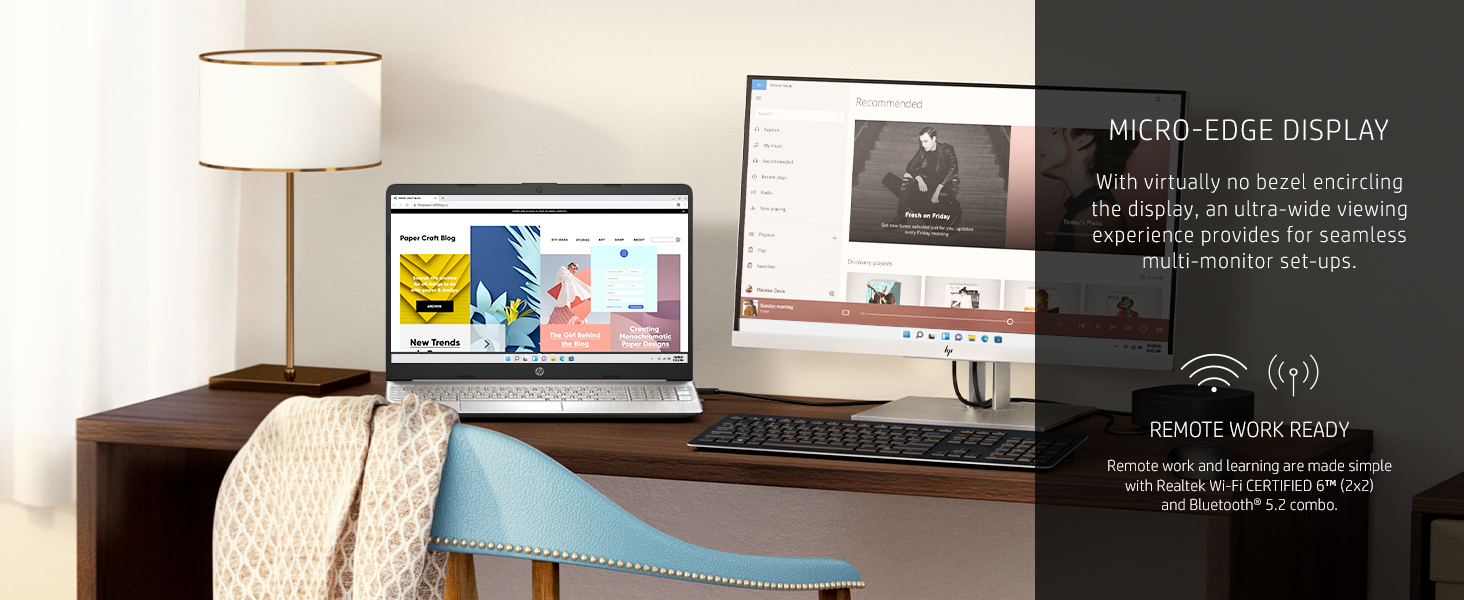
Image: The laptop displaying a video call, emphasizing the clarity of the HP True Vision HD Camera and the functionality of the dual array microphones.
5. Maintenance
5.1 General Care
- Keep the laptop clean by gently wiping surfaces with a soft, lint-free cloth.
- Avoid exposing the laptop to extreme temperatures, direct sunlight, or moisture.
- Handle the laptop with care to prevent physical damage.
5.2 Software Updates
Regularly check for and install Windows updates to ensure optimal performance, security, and access to the latest features. Windows 11 updates are automatically enabled.
5.3 Storage Management
Periodically review and manage files on your 256 GB SSD to maintain sufficient free space for system operations and new data. Utilize cloud storage services like Dropbox (100GB for one year included) for additional storage and backup.
6. Troubleshooting
If you encounter issues with your HP laptop, consider the following basic troubleshooting steps:
- Power Issues: Ensure the AC adapter is securely connected and the power outlet is functional. If the battery is low, allow it to charge for some time before attempting to power on.
- Display Problems: If the screen is blank, try adjusting the brightness settings or connecting an external monitor to check if the display hardware is functioning.
- Connectivity Issues: For Wi-Fi or Bluetooth problems, try restarting your router/modem or toggling the wireless features on and off in Windows settings.
- Performance Slowdown: Close unnecessary applications, check for background processes, and ensure your system is up-to-date.
For more detailed assistance, refer to the HP support website or contact customer service.
7. Specifications
| Feature | Detail |
|---|---|
| Brand | HP |
| Model Number | 15-dy2024nr |
| Screen Size | 15.6 Inches |
| Screen Resolution | 1920 x 1080 pixels (Full HD) |
| Processor | 11th Generation Intel Core i5-1135G7 (up to 4.2 GHz) |
| RAM | 8 GB DDR4 (2666 MHz) |
| Hard Drive | 256 GB PCIe NVMe M.2 SSD |
| Graphics Coprocessor | Intel Iris Xe Graphics |
| Operating System | Windows 11 Home |
| Wireless Type | 802.11ax (Wi-Fi 6), Bluetooth 5.0 |
| USB Ports | 3 (2x USB 3.0 Type-A, 1x USB Type-C) |
| Other Ports | HDMI 1.4b, Ethernet, SD Card Reader, Headphone/Microphone Combo |
| Average Battery Life | Up to 8.15 Hours |
| Item Weight | 3.75 pounds |
| Product Dimensions | 14.11 x 9.53 x 0.71 inches |
| Color | Natural Silver |
| Special Features | Amazon Alexa voice service, HP Audio Switch, HP Connection Optimizer, HP Fast Charge, HP QuickDrop |
| Environmental Certifications | ENERGY STAR certified, EPEAT Silver registered, Low Halogen display |
8. Warranty and Support
Your HP 15-dy2024nr laptop comes with a 1-year limited hardware warranty. For warranty claims, technical support, or additional resources, please visit the official HP support website or contact HP customer service.
For further information, you may visit the HP Store on Amazon.


