
Introduction
The Crown Audio DCi 2X600 DriveCore Install Analog Series Power Amplifier is a high-performance, 2-channel amplifier designed for professional installation applications. It delivers 2 x 600 watts of power and supports both Low Z (low impedance) and 70-volt constant voltage output modes. Utilizing Crown's proprietary DriveCore technology, this amplifier offers efficient operation and reliable audio performance for various sound system installations.
Safety Information
Important Safety Instructions:
- Read these instructions thoroughly before operating the amplifier.
- Keep these instructions for future reference.
- Heed all warnings on the product and in the operating instructions.
- Follow all instructions.
- Do not use this apparatus near water.
- Clean only with a dry cloth.
- Do not block any ventilation openings. Install in accordance with the manufacturer's instructions.
- Do not install near any heat sources such as radiators, heat registers, stoves, or other apparatus (including amplifiers) that produce heat.
- Do not defeat the safety purpose of the polarized or grounding-type plug. A polarized plug has two blades with one wider than the other. A grounding-type plug has two blades and a third grounding prong. The wide blade or the third prong are provided for your safety. If the provided plug does not fit into your outlet, consult an electrician for replacement of the obsolete outlet.
- Protect the power cord from being walked on or pinched, particularly at plugs, convenience receptacles, and the point where they exit from the apparatus.
- Only use attachments/accessories specified by the manufacturer.
- Unplug this apparatus during lightning storms or when unused for long periods of time.
- Refer all servicing to qualified service personnel. Servicing is required when the apparatus has been damaged in any way, such as power-supply cord or plug is damaged, liquid has been spilled or objects have fallen into the apparatus, the apparatus has been exposed to rain or moisture, does not operate normally, or has been dropped.
- CAUTION: To reduce the risk of electric shock, the grounding of this plug must be maintained.
Setup
1. Unpacking and Inspection
Carefully unpack the amplifier and inspect it for any signs of damage during shipping. Retain the packaging materials for future use or if the unit needs to be returned.
2. Mounting
The DCi 2X600 amplifier is designed for surface mount installation. Ensure adequate ventilation around the unit to prevent overheating. Do not block the fan or ventilation openings.
3. Rear Panel Overview and Connections
The rear panel of the amplifier provides all necessary connections for power, audio input, and audio output, along with configuration switches.
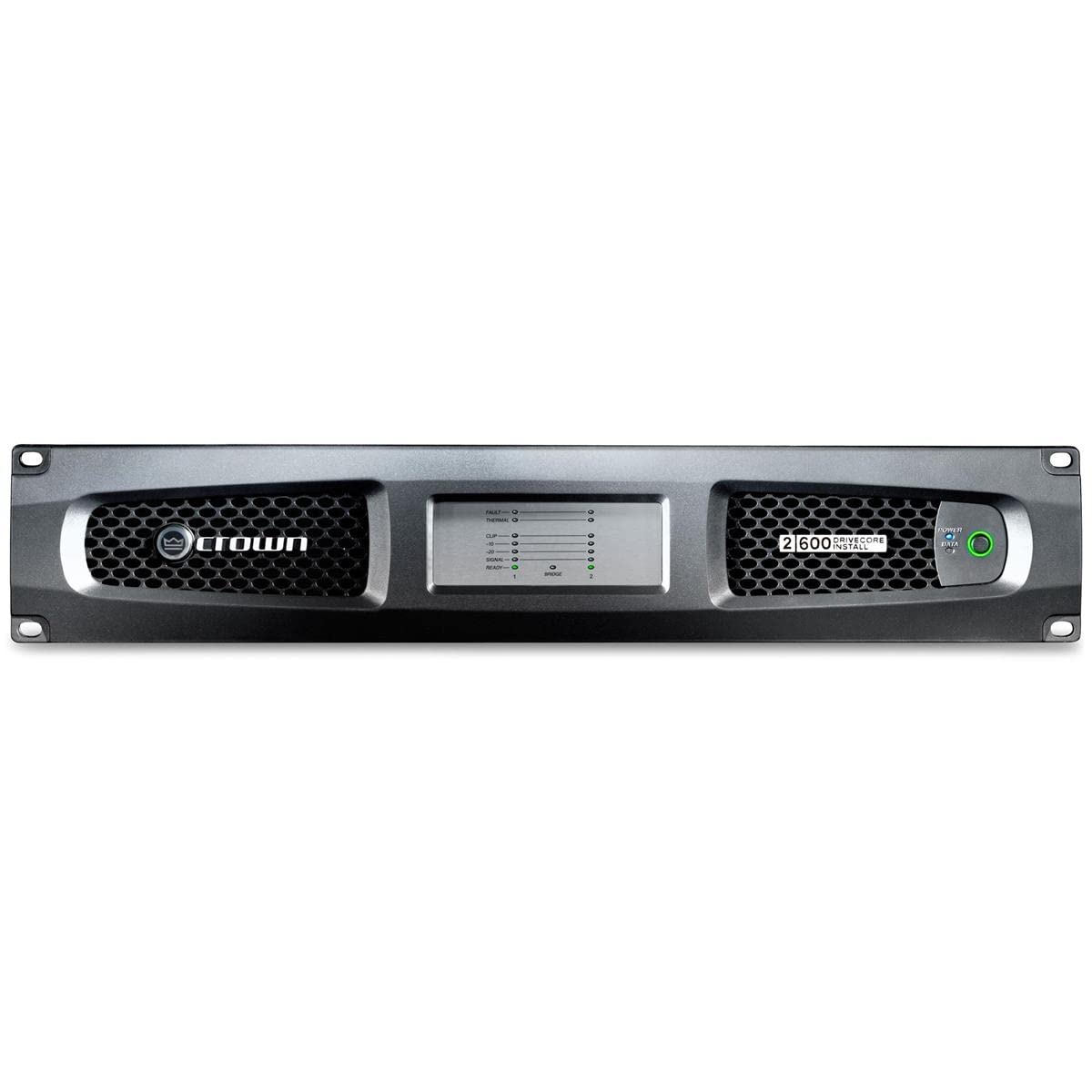
Figure 1: Rear Panel of Crown Audio DCi 2X600 Amplifier. This image displays the various ports and controls on the back of the amplifier, including the AC power inlet, cooling fan, global settings DIP switches, input attenuation controls, balanced input terminals, and speaker output terminals.
Power Connection:
- Connect the supplied AC power cord to the AC inlet on the rear panel.
- Ensure the power source matches the amplifier's voltage requirements (100-240V~, 50/60Hz, 570W).
- The unit is protected by a F20AH 250V fuse.
- Always ensure the grounding of the plug is maintained to reduce the risk of electric shock.
Audio Input Connections:
- Connect your audio source to the INPUT terminals. The amplifier features balanced inputs.
- Ensure proper polarity for all connections.
Audio Output Connections:
- Connect your speakers to the OUTPUT terminals.
- Observe the correct wiring for your speaker configuration (Low Z or 70V). Refer to the "Output Wiring" section on the rear panel for guidance.
- The amplifier supports 2 channels of output.
Operating Instructions
1. Powering On/Off
- After all connections are made, connect the power cord to an AC outlet.
- The amplifier will power on. There is no dedicated power switch on the rear panel; power is controlled by the AC connection.
- To power off, disconnect the AC power cord.
2. Global Settings (DIP Switches)
The "GLOBAL SETTINGS" section on the rear panel features DIP switches to configure various operational parameters. Refer to the labels next to the switches for specific functions such as "ON" and "OFF" states, and other settings like "H2-2-1" and "BRE 1-2". These settings typically control input sensitivity, routing, or other system-wide behaviors.
- DIP Switch 1 (Global): Controls a global setting, often related to power-on behavior or system mode.
- DIP Switches 2-4 (H2-2-1 / BRE 1-2): These switches configure specific operational modes or input/output linking. Consult the full product manual for detailed explanations of each combination.
3. Attenuation Controls
The amplifier includes attenuation controls, likely rotary knobs or additional DIP switches, to adjust the input level for each channel. These allow for fine-tuning the signal strength before amplification.
4. Output Wiring Configuration
The rear panel provides diagrams for "OUTPUT WIRING" and "CLASS 2 WIRING". Ensure your speaker connections match the intended configuration for either Low Z or 70V systems. Incorrect wiring can damage the amplifier or speakers.
- Output Wiring: Shows standard speaker connections.
- Class 2 Wiring: Indicates specific wiring requirements for Class 2 circuits, often related to safety standards for low-voltage, high-current applications.
5. Status Indicators
The "AMP STATUS" indicator (likely an LED) provides visual feedback on the amplifier's operational state. Refer to the full manual for a complete list of status codes and their meanings.
Maintenance
1. Cleaning
- Clean the exterior of the amplifier with a soft, dry cloth.
- Do not use liquid cleaners or aerosols, as they may damage the finish or internal components.
- Periodically check and clean the ventilation openings and fan to ensure proper airflow.
2. Fuse Replacement
- The amplifier is protected by a F20AH 250V fuse.
- If the amplifier fails to power on, check the fuse.
- WARNING: Disconnect the power cord before attempting to replace the fuse.
- Only replace with a fuse of the exact same type and rating (F20AH 250V). Using an incorrect fuse can cause damage or fire.
3. Ventilation
Ensure the amplifier has adequate space for ventilation. Do not obstruct the cooling fan or air vents. Proper airflow is crucial for maintaining optimal operating temperature and preventing thermal shutdown.
Troubleshooting
If you encounter issues with your DCi 2X600 amplifier, refer to the following common troubleshooting steps:
- No Power:
- Check if the power cord is securely connected to both the amplifier and the AC outlet.
- Verify the AC outlet is live.
- Inspect and replace the F20AH 250V fuse if blown (see Maintenance section).
- No Audio Output:
- Ensure input sources are connected correctly and are active.
- Check all speaker connections for proper wiring and polarity.
- Verify that the attenuation controls are not set to minimum.
- Check the "AMP STATUS" indicator for any error codes.
- Distorted Audio:
- Reduce the input signal level to prevent clipping.
- Check speaker impedance compatibility with the amplifier.
- Ensure all cables are in good condition and properly connected.
- Overheating:
- Ensure the amplifier has sufficient ventilation and the fan is not obstructed.
- Reduce the output level if operating at high volumes for extended periods.
If problems persist after following these steps, contact Crown Audio customer support or a qualified service technician.
Specifications
| Feature | Specification |
|---|---|
| Model | DCi 2X600 |
| Brand | Crown |
| Number of Channels | 2 |
| Output Power | 2 x 600 Watts (1200 Watts total) |
| Voltage | 70 Volts (AC) Maximum Supply Voltage |
| Mounting Type | Surface Mount |
| Item Dimensions (L x W x H) | 22 x 21 x 8 inches |
| Manufacturer | Crown |
| UPC | 691991008979 |
| ASIN | B09FR2T24P |
Warranty and Support
For warranty information and technical support, please refer to the official Crown Audio website or contact your authorized Crown Audio dealer. Keep your purchase receipt as proof of purchase for warranty claims.
Online Resources: www.crownaudio.com


