
Introduction
Thank you for choosing the Vitafit Digital Body Weight Bathroom Scale. This scale is designed to provide accurate and consistent weight measurements with ease of use. Featuring a crystal clear LED display and a durable tempered glass platform, it is built for reliability and convenience. Please read this manual thoroughly before use to ensure proper operation and maintenance.

Image: The Vitafit Digital Body Weight Bathroom Scale, showcasing its sleek black design and clear digital display.
Safety Information
- Always place the scale on a hard, flat surface. Using it on soft surfaces like carpet may affect accuracy.
- The scale surface is made of tempered glass. It can be slippery when wet. Ensure the surface is dry before stepping on.
- Do not jump on the scale or drop heavy objects on it, as this may damage the glass or internal components.
- Keep the scale away from water and extreme temperatures.
- This scale is intended for personal use only and not for commercial or medical purposes.
- Keep batteries out of reach of children. If swallowed, seek medical attention immediately.
Package Contents
Please check the package to ensure all items are present:
- 1 x Vitafit Digital Body Weight Bathroom Scale (Model VT727)
- 3 x AAA Batteries (pre-installed or included separately)
- 1 x User Manual (this document)
Setup
1. Battery Installation
The scale requires 3 AAA batteries. These are typically included with your purchase. Locate the battery compartment on the underside of the scale. Open the cover and insert the batteries, ensuring the correct polarity (+/-) as indicated inside the compartment. Close the cover securely.
2. Placement
For accurate readings, place the scale on a hard, flat, and stable surface. Avoid carpets, rugs, or uneven flooring, as these can lead to inaccurate measurements.
3. Unit Selection
On the underside of the scale, near the battery compartment, you will find a unit switch. This allows you to select your preferred unit of measurement: pounds (lb), kilograms (kg), or stones (st).

Image: The underside of the scale, highlighting the battery compartment, the unit switch for lb/kg/st, and anti-slip pads for stability.
4. Initial Calibration
The Vitafit scale features auto-calibration. After installing batteries and placing it on a flat surface, the scale will automatically calibrate itself. You may see '0.0' or '0.00' on the display, indicating it is ready for use.
Operating Instructions
1. Taking a Measurement
The scale uses a convenient 'step-on' technology. Simply step onto the center of the scale with bare, dry feet. The scale will automatically turn on and display your weight.

Image: A person stepping onto the Vitafit scale, demonstrating the 'step-on' activation feature.
2. Reading the Display
The scale is equipped with a crystal clear LED display with large numbers, designed for easy readability in various lighting conditions. Stand still on the scale until your weight reading stabilizes and flashes a few times, indicating the final measurement.
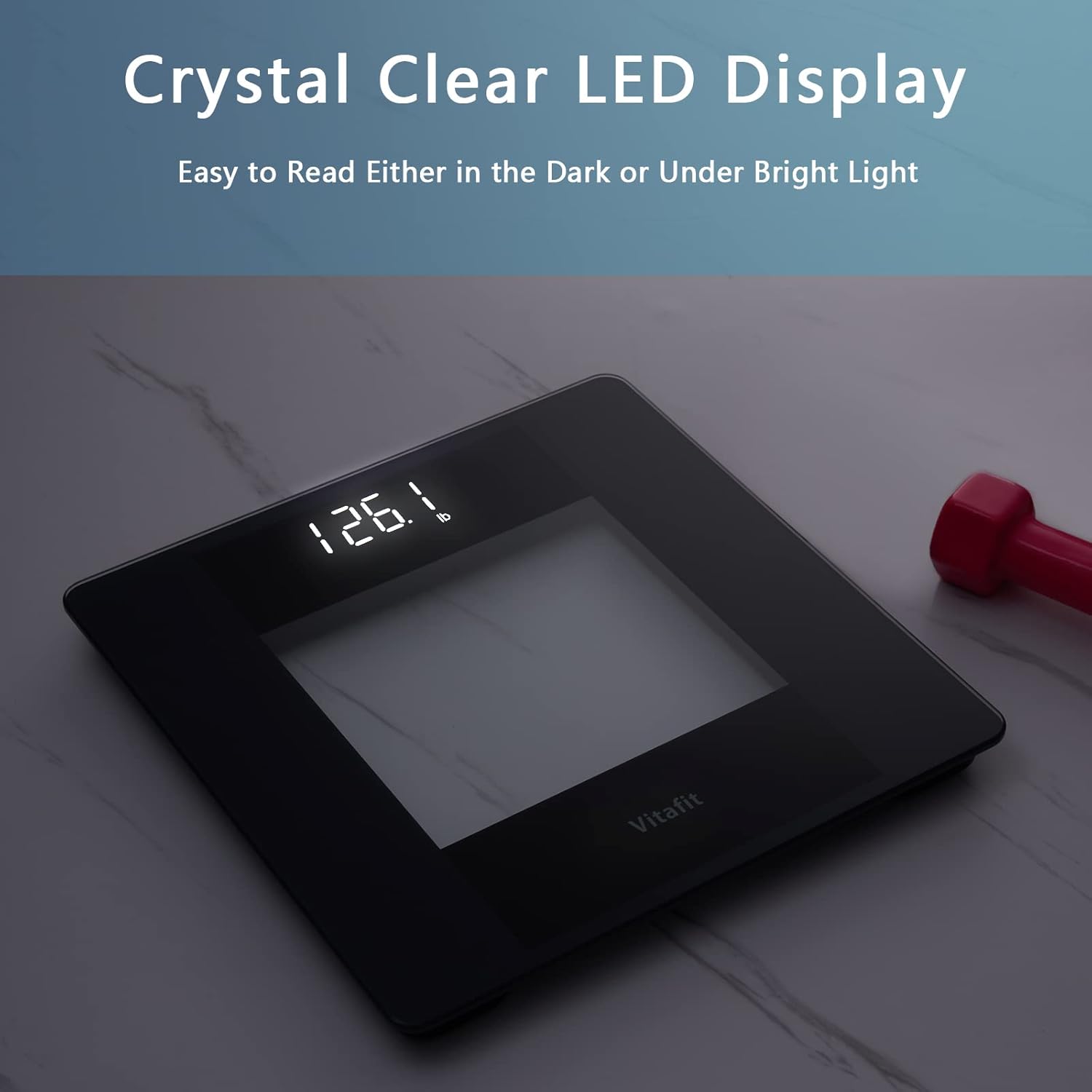
Image: The scale's bright LED display, clearly showing a weight measurement, visible even in low light.
3. Auto Power Off
To conserve battery life, the scale will automatically turn off after several seconds of inactivity.
Maintenance
Cleaning
Wipe the scale surface with a damp cloth and mild detergent. Do not use abrasive cleaners or immerse the scale in water. Ensure the scale is completely dry before storage or next use.
Storage
Store the scale in a cool, dry place. Avoid storing it vertically or with objects resting on it, as this may affect its accuracy over time.
Battery Replacement
When the display shows 'Lo' or becomes dim, it's time to replace the batteries. Follow the battery installation steps in the Setup section.
Troubleshooting
| Problem | Possible Cause | Solution |
|---|---|---|
| Display shows 'Lo' | Low battery power. | Replace the 3 AAA batteries. |
| Display shows 'Err' | Overload or unstable measurement. | Ensure weight is within capacity (400lb/182kg). Step off, wait for '0.0', then step on again. |
| Inaccurate or inconsistent readings | Scale not on a hard, flat surface; movement during measurement; initial calibration issue. | Place scale on a firm, level surface. Stand still during measurement. Step off, wait for '0.0', then step on again. Ensure batteries are fresh. |
| No display when stepping on | Batteries incorrectly installed or dead. | Check battery polarity or replace batteries. |
Specifications
| Feature | Detail |
|---|---|
| Model Number | VT727 |
| Brand | Vitafit |
| Product Dimensions | 28 x 28 x 2.4 cm (11 x 11 x 0.95 inches) |
| Product Weight | 1.2 kg |
| Weight Capacity | 400 lb / 182 kg / 28 st |
| Measurement Increment | 0.1 lb / 0.05 kg |
| Units of Measurement | lb / kg / st |
| Display Type | Crystal Clear LED |
| Power Source | 3 x AAA batteries (included) |
| Special Features | Auto Shut Off, Backlit Display, Step-On Technology, Durable Tempered Glass Platform |

Image: The scale highlighting its maximum weight capacity in pounds, kilograms, and stones.
Warranty and Support
Vitafit is committed to providing high-quality products. For information regarding warranty coverage, product support, or any inquiries, please refer to the contact information provided with your purchase or visit the official Vitafit website. Please retain your proof of purchase for warranty claims.
