
Introduction
This manual provides essential instructions for setting up, operating, and maintaining your Cubitt CT4 GPS Smart Watch. Please read this manual thoroughly to ensure proper use and to maximize the features of your device.
Product Overview
The Cubitt CT4 GPS Smart Watch is a fitness tracker designed to monitor various health metrics and track your activities with built-in GPS. It features a 1.28" TFT-LCD color touch screen and is IP68 waterproof.

Image: The Cubitt CT4 GPS Smart Watch featuring a round display, two side buttons, and a grey silicone strap. The screen shows a watch face with activity data and a map icon.
Components
- Display: 1.28" TFT-LCD Color Touch Screen
- Buttons: Two physical buttons on the side for navigation and function control.
- Sensors: Heart Rate, Blood Oxygen (SpO2), Stress, Sleep monitoring sensors on the back.
- Strap: Interchangeable silicone strap.
- Charging Port: Magnetic charging pins on the back.
Setup
1. Charging the Device
Before first use, fully charge your Cubitt CT4 GPS Smart Watch. Connect the magnetic charging cable to the charging pins on the back of the watch and plug the USB end into a power adapter (not included) or a computer's USB port. The watch display will indicate charging status. A full charge typically takes approximately 2 hours and provides over 7 days of battery life.
2. App Installation
To access all features and synchronize data, download the official Cubitt companion application on your smartphone. Search for "Cubitt" in your device's app store (available for Android and iOS).
3. Device Pairing
- Ensure your smartphone's Bluetooth is enabled.
- Open the Cubitt app and follow the on-screen instructions to create an account or log in.
- Select "Add Device" or a similar option within the app.
- The app will search for nearby devices. Select "CT4 GPS" from the list.
- Confirm the pairing request on both your watch and smartphone.
- Once paired, the watch will synchronize time and data with your phone.
Operating Instructions
Basic Navigation
- Touch Screen: Swipe left/right, up/down to navigate through menus and widgets. Tap to select an option.
- Side Buttons:
- Press the top button to return to the previous screen or watch face.
- Press the bottom button to access the main menu or specific functions (customizable).
- Wake-up Function: Raise your wrist to automatically wake the screen.
Key Features
GPS Tracking
The built-in GPS allows for precise tracking of outdoor activities without needing your phone. Start an outdoor workout (e.g., running, walking) from the Sports Modes menu, and the watch will automatically activate GPS to record your route, distance, and pace.
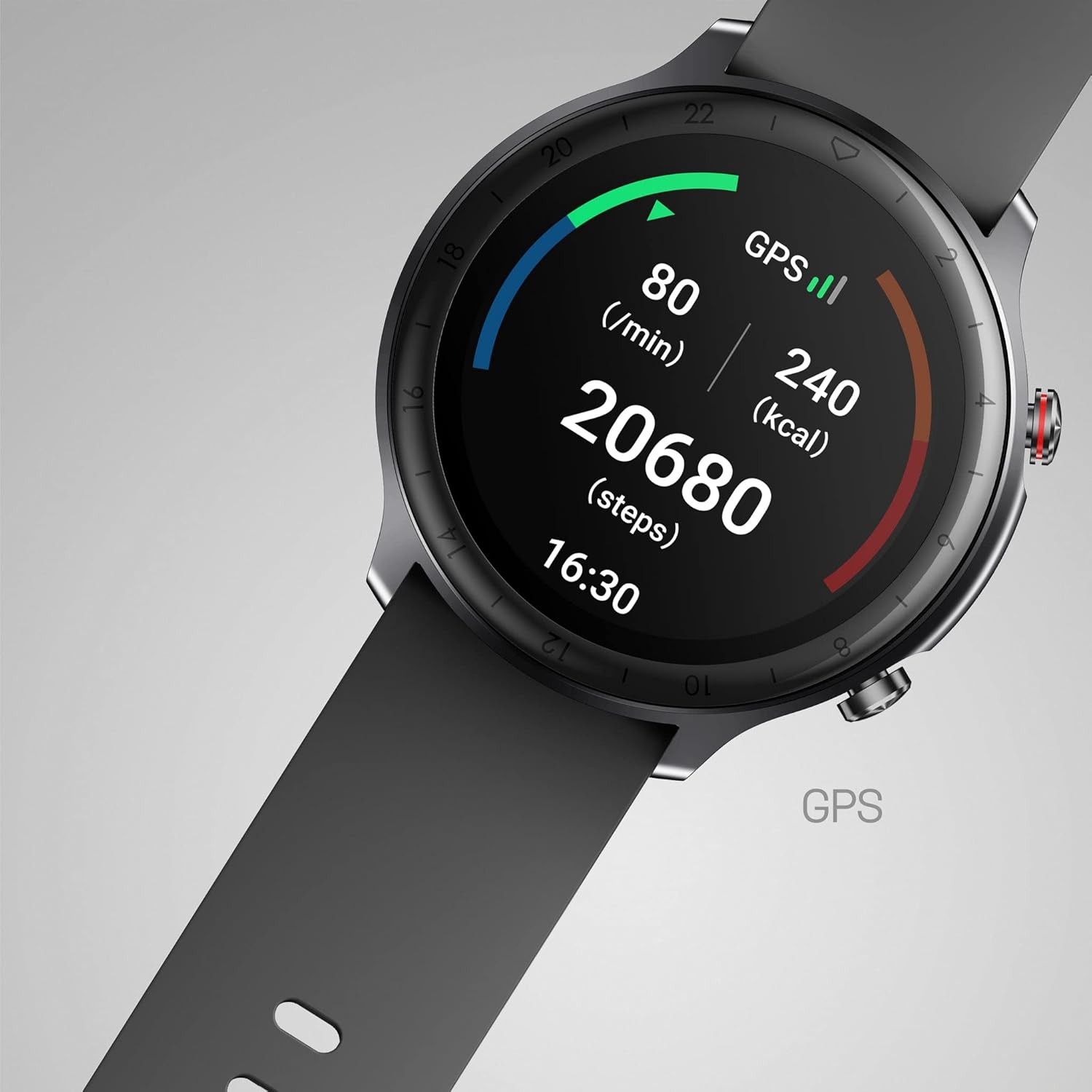
Image: The Cubitt CT4 GPS Smart Watch screen showing activity metrics including heart rate (80 bpm), GPS status, calories burned (240 kcal), and steps taken (20680 steps), along with the current time (16:30).
Health Monitoring
The watch continuously monitors your health data. Access these features from the main menu or by swiping to the respective widgets:
- Heart Rate Monitor: Provides real-time heart rate readings and tracks your heart rate throughout the day.
- Blood Oxygen (SpO2) Monitor: Measures your blood oxygen saturation levels.
- Stress Monitor: Assesses your stress levels based on heart rate variability.
- Sleep Monitor: Tracks your sleep patterns, including deep sleep, light sleep, and wake-up times. Review detailed analysis in the Cubitt app.

Image: Three Cubitt CT4 GPS Smart Watches showcasing different health monitoring screens: Heart Rate Monitor with a graph, Stress Monitor with a bar chart, and Blood Oxygen (SpO2) Monitor showing 98% saturation.
Smart Notifications
Once paired with your smartphone, the watch can display notifications for calls, text messages, and social media apps (e.g., WhatsApp, Facebook, Instagram, Twitter, Skype). Calls can be alerted via vibration, with an option to hang up directly from the watch.
Sports Modes
The watch supports 14 different sports modes. Select your activity from the Sports menu to track specific metrics relevant to that exercise. Data can be synced with Strava.
Additional Smart Functions
The Cubitt CT4 GPS Smart Watch includes various utility features:
- Alarm clock and timer
- Calendar alerts
- Weather forecast
- Breathing training
- Find your phone function
- Do Not Disturb mode
- Women's health tracking
- Music control for your smartphone
- Customizable screen duration
- Drink water reminders
- Sedentary alerts
Maintenance
Water Resistance (IP68 / 5 ATM)
The Cubitt CT4 GPS Smart Watch is IP68 rated, meaning it is resistant to dust and can withstand immersion in water up to 1.5 meters for 30 minutes. It is suitable for showering and swimming in shallow water. However, it is not recommended for diving, high-pressure water activities, or exposure to hot water/steam, which can compromise the seal.
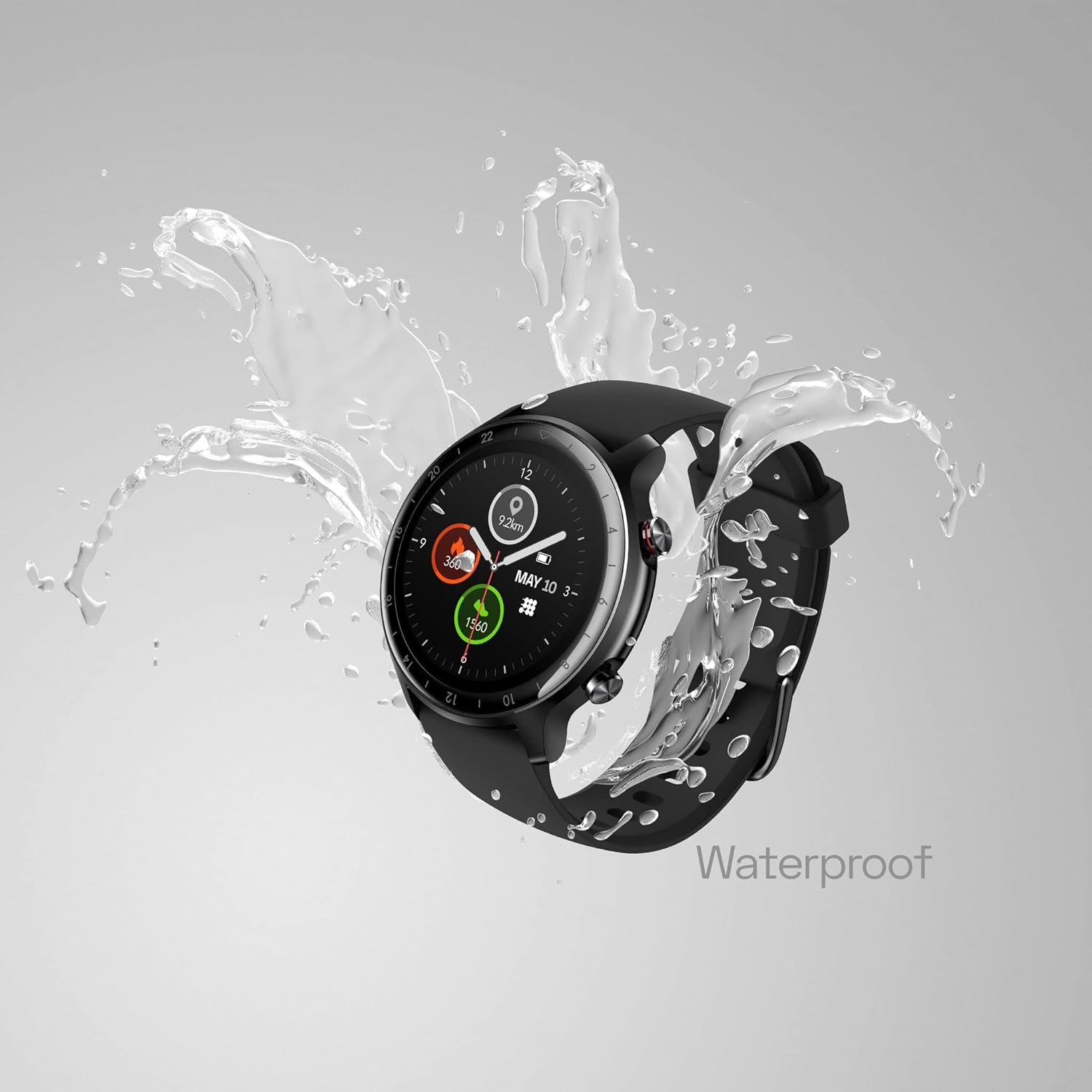
Image: The Cubitt CT4 GPS Smart Watch, with a black strap, is shown with water splashing around it, illustrating its waterproof capability.
Cleaning and Care
- Regularly clean the watch and strap with a soft, damp cloth.
- Ensure the charging contacts are clean and dry before charging.
- Avoid using harsh chemicals or abrasive materials for cleaning.
- If the watch gets wet, dry it thoroughly before charging or prolonged use.
- To prevent skin irritation, ensure the watch is worn comfortably and not too tightly, and keep your wrist clean and dry.
Troubleshooting
- Watch not turning on: Ensure the watch is fully charged. Connect it to the charger for at least 10 minutes.
- Cannot pair with phone:
- Ensure Bluetooth is enabled on your phone and the watch is within range.
- Restart both your phone and the watch.
- Try unpairing and re-pairing the device through the Cubitt app.
- Inaccurate heart rate/SpO2 readings:
- Ensure the watch is worn snugly on your wrist, but not too tight.
- Clean the sensor on the back of the watch.
- Avoid excessive movement during measurements.
- Notifications not appearing:
- Check notification settings in the Cubitt app and your phone's system settings.
- Ensure the watch is connected via Bluetooth.
- Short battery life:
- Reduce screen brightness or screen-on time.
- Disable continuous heart rate monitoring if not needed.
- Limit the number of active notifications.
Specifications
| Feature | Detail |
|---|---|
| Model Name | CT4 GPS (CT4G-88) |
| Display | 1.28" TFT-LCD Color Touch Screen |
| Water Resistance | IP68 (5 ATM) |
| Connectivity | Built-in GPS, Bluetooth |
| Sensors | Heart Rate, Blood Oxygen, Stress, Sleep Monitor |
| Battery Life | 7+ days (typical usage) |
| Operating System | Android (compatible with Android/iOS app) |
| Item Weight | 3.2 ounces |
| Dimensions | 6.69 x 3.7 x 0.94 inches (Package) |
Safety Information
- Consult your doctor before starting any new exercise program or if you have pre-existing health conditions.
- The Cubitt CT4 GPS Smart Watch is not a medical device and should not be used for diagnosing or treating any medical conditions.
- If you experience skin irritation, redness, or discomfort, discontinue use and consult a doctor. Ensure the watch is clean and dry, and not worn too tightly.
- Keep the device and its accessories out of reach of children.
- Do not attempt to disassemble or modify the watch. This will void the warranty and may cause damage or injury.
- Dispose of the device and its battery according to local regulations. Do not dispose of in fire.
Warranty and Support
For warranty information, technical support, or service inquiries, please refer to the official Cubitt Tracking Technologies website or contact their customer service directly. Keep your proof of purchase for warranty claims.
Official Website: Cubitt Tracking Technologies Store