
1. Introduction
Thank you for purchasing the SONA STC 1319DC 8-inch Remote High Velocity Fan. This fan is designed to provide efficient air circulation with its energy-saving DC motor and versatile oscillation features. Please read this manual thoroughly before use to ensure proper operation and maintenance.
2. Important Safety Instructions
- Read all instructions before using this fan.
- Do not operate any fan with a damaged cord or plug. Discard fan or return to an authorized service facility for examination and/or repair.
- Do not run cord under carpeting. Do not cover cord with throw rugs, runners, or similar coverings. Do not route cord under furniture or appliances. Arrange cord away from traffic area and where it will not be tripped over.
- Always unplug the fan from the power outlet when not in use, when moving the fan from one location to another, and before cleaning.
- Do not insert fingers or any other objects through the grille when the fan is operating.
- Do not use this fan near windows, in a bathroom, or in any wet area.
- This appliance is not intended for use by persons (including children) with reduced physical, sensory or mental capabilities, or lack of experience and knowledge, unless they have been given supervision or instruction concerning use of the appliance by a person responsible for their safety.
- Children should be supervised to ensure that they do not play with the appliance.
3. Package Contents
Please check the package for the following items:
- SONA STC 1319DC 8-inch High Velocity Fan
- Remote Control
- User Manual
4. Product Features
The SONA STC 1319DC fan is equipped with advanced features for optimal performance and user convenience:
- Energy Saving DC Motor: Provides powerful airflow with low electricity consumption.
- 6 Speed Selection: Choose from gentle breezes to strong airflow for various scenarios.
- Soft Touch Control: Intuitive control panel for easy operation.
- Up-Down and Left-Right Oscillation: Ensures wide air distribution for enhanced air circulation.
- Remote Control: Convenient operation from a distance.
- 7 Hours Timer: Set the fan to automatically turn off after a specified duration.
- Removable Fan Guard: For easy cleaning and maintenance.

Figure 4.1: Overview of the SONA STC 1319DC fan, showcasing its compact design and key features like remote control and energy-saving DC motor.
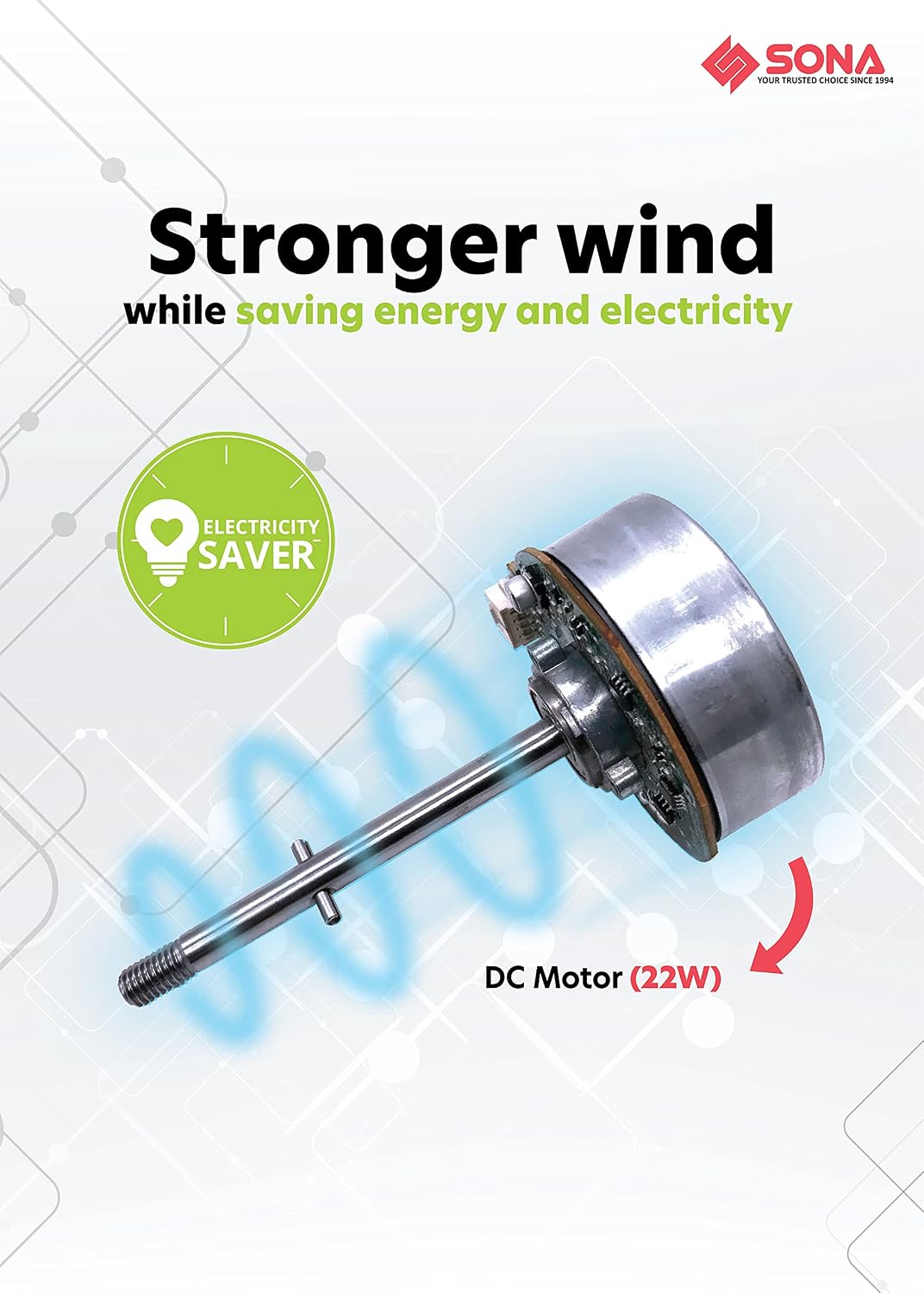
Figure 4.2: Illustration of the energy-saving DC motor (22W) which provides strong wind while consuming less electricity.

Figure 4.3: The fan effectively delivers air up to 8 meters, suitable for various room sizes like study rooms or bedrooms.

Figure 4.4: The control panel allows selection of 6 speeds for different scenarios: Speeds 1-2 for gentle ventilation, Speeds 3-4 for mild cooling, and Speeds 5-6 for strong breezes.

Figure 4.5: The fan features both vertical and horizontal oscillation, providing greater air circulation throughout the room.
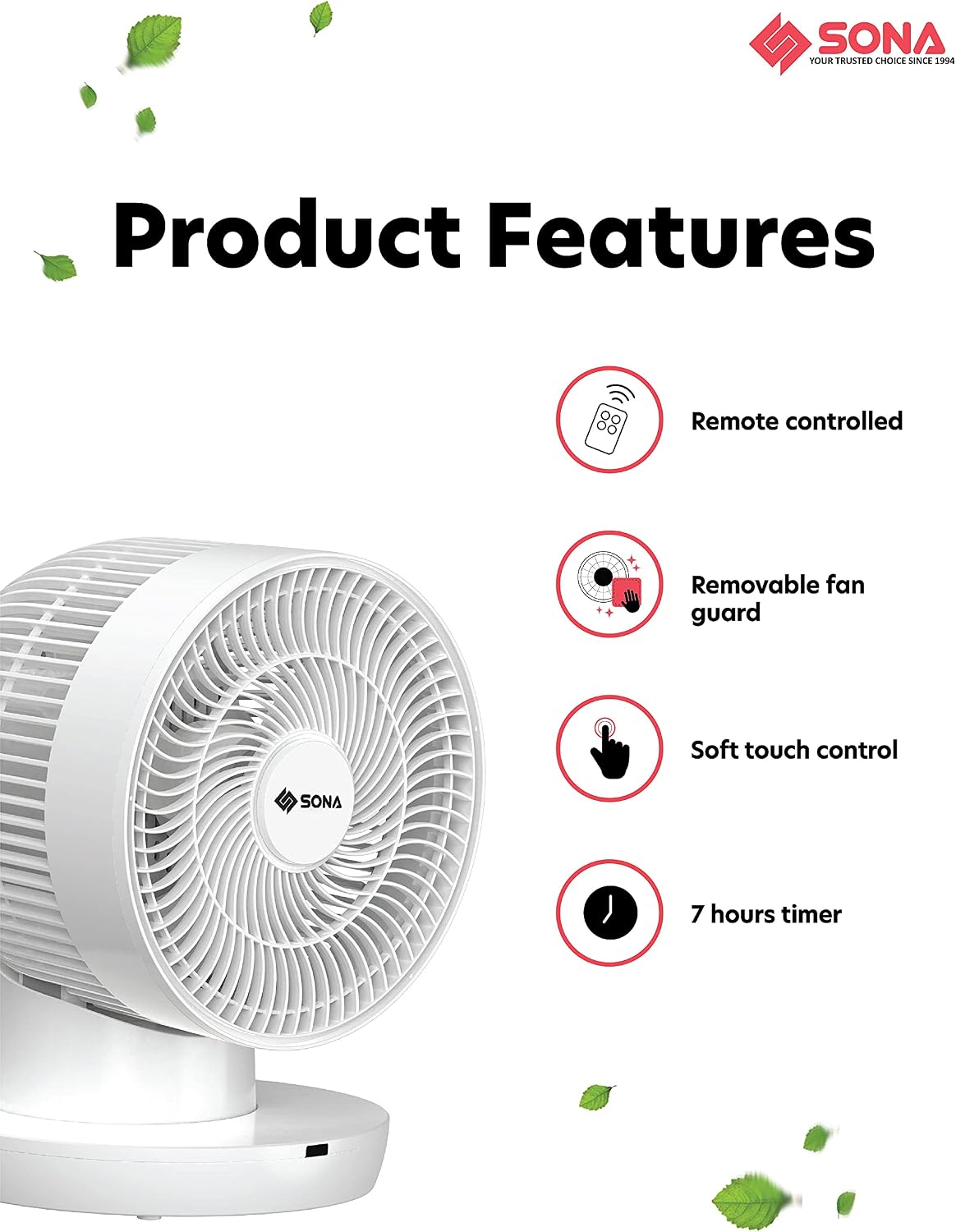
Figure 4.6: A visual summary of key features including remote control, removable fan guard, soft touch control, and 7-hour timer.

Figure 4.7: Information on the energy efficiency of the DC motor, highlighting potential annual savings.
5. Setup and Placement
The SONA STC 1319DC fan requires no assembly. Simply follow these steps for initial setup:
- Unpack: Carefully remove the fan and all packaging materials from the box.
- Placement: Place the fan on a firm, level surface. Ensure there is adequate space around the fan for proper air circulation and oscillation. Avoid placing it near curtains or other objects that could obstruct airflow or get caught in the fan blades.
- Power Connection: Plug the power cord into a standard electrical outlet.
6. Operating Instructions
The fan can be operated using the soft touch controls on the unit or the included remote control.
6.1 Control Panel / Remote Control Functions
- Power Button (⏻): Press to turn the fan ON or OFF.
- Speed Button (⇋): Press repeatedly to cycle through the 6 speed settings (1 to 6).
- Horizontal Oscillation Button (↔): Press to activate or deactivate horizontal (left-right) oscillation.
- Vertical Oscillation Button (↕): Press to activate or deactivate vertical (up-down) oscillation.
- Timer Button (⏱): Press repeatedly to set the auto-off timer for 1, 2, 3, 4, 5, 6, or 7 hours. The corresponding indicator light will illuminate.
6.2 Remote Control Battery Installation
The remote control requires batteries (not included). Open the battery compartment on the back of the remote, insert the batteries according to the polarity indicators, and close the compartment.
7. Maintenance and Cleaning
Regular cleaning will help maintain the fan's performance and extend its lifespan.
- Disconnect Power: Always unplug the fan from the power outlet before cleaning.
- Exterior Cleaning: Use a soft, damp cloth to wipe the exterior surfaces of the fan. Do not use abrasive cleaners or solvents.
- Grille Cleaning: The front grille is removable for easier cleaning of the fan blades. Gently twist or unclip the grille as per the design to remove it. Use a soft brush or vacuum cleaner to remove dust from the blades and grilles. Ensure all parts are dry before reassembling.
- Storage: If storing the fan for an extended period, cover it to protect it from dust and store it in a cool, dry place.
8. Troubleshooting
If you encounter any issues with your fan, please refer to the following common problems and solutions:
| Problem | Possible Cause | Solution |
|---|---|---|
| Fan does not turn on. | No power supply. | Check if the power cord is securely plugged into a working outlet. |
| Weak airflow. | Fan blades or grilles are dirty. | Clean the fan blades and grilles as described in the Maintenance section. |
| Fan is noisy. | Loose parts or dust accumulation. | Ensure all parts are securely fastened. Clean the fan thoroughly. If noise persists, contact customer support. |
| Remote control not working. | Dead batteries or obstruction. | Replace batteries in the remote control. Ensure there is no obstruction between the remote and the fan's sensor. |
9. Specifications
| Feature | Specification |
|---|---|
| Model | STC 1319DC |
| Fan Size | 8 inches |
| Motor Type | DC Motor |
| Speed Settings | 6 Speeds |
| Oscillation | Up-Down and Left-Right |
| Control Type | Remote Control, Soft Touch Panel |
| Timer | Up to 7 hours |
| Power Source | Corded Electric |
| Item Weight | 3.4 Kilograms |
| Form Factor | Table Fan |
| Included Components | Remote |
| Color | White |
10. Warranty and Support
Warranty: This SONA STC 1319DC fan comes with a 5 Years Warranty on the Motor from the date of purchase. Please retain your proof of purchase for warranty claims. The warranty covers manufacturing defects in the motor under normal use conditions.
Customer Support: For any questions, technical assistance, or warranty claims, please contact SONA customer service. Refer to the product packaging or the official SONA website for contact details.
