
1. Introduction
Thank you for purchasing the dyplay 30-Inch Soundbar. This manual provides essential information for setting up, operating, and maintaining your soundbar. Please read it thoroughly before use and retain it for future reference.

Image 1.1: The dyplay 30-Inch Soundbar with its remote control, showcasing its sleek design.
2. What's in the Box
Carefully unpack the box and ensure all items listed below are present and in good condition.
- dyplay 30-Inch Soundbar
- Power Adapter
- AAA Batteries (for remote control)
- Remote Controller
- HDMI Cable
- Digital Optical Cable
- Audio Cable (3.5mm to 3.5mm)
- Stereo RCA to 3.5mm Audio Cable
- User Manual

Image 2.1: All components included in the dyplay soundbar package, laid out for inspection.
3. Product Features
- Powerful Audio Output: 120 Watts peak power for enhanced sound.
- Advanced Sound Quality: Features two full-range speakers and built-in DSP (Digital Signal Processor) for accurate and wide-frequency sound reproduction.
- Multiple EQ Modes: Four distinct equalization modes to optimize audio for different content types.
- Versatile Connectivity: Supports HDMI ARC, Optical, AUX, Bluetooth 5.0, USB, and TF card inputs.
- Flexible Installation: Designed for both desktop placement and wall mounting.

Image 3.1: An internal view illustrating the full-range speaker components responsible for sound output.
4. Setup
4.1 Physical Placement
The soundbar offers two primary installation methods:
- Desktop Placement: Place the soundbar on a flat, stable surface directly in front of your television. Ensure there are no obstructions blocking the sound.
- Wall Mounting: The soundbar is designed to be wall-mountable. Use appropriate mounting hardware (not always included) and follow the instructions provided with your mounting kit to securely attach the soundbar to the wall below your TV.
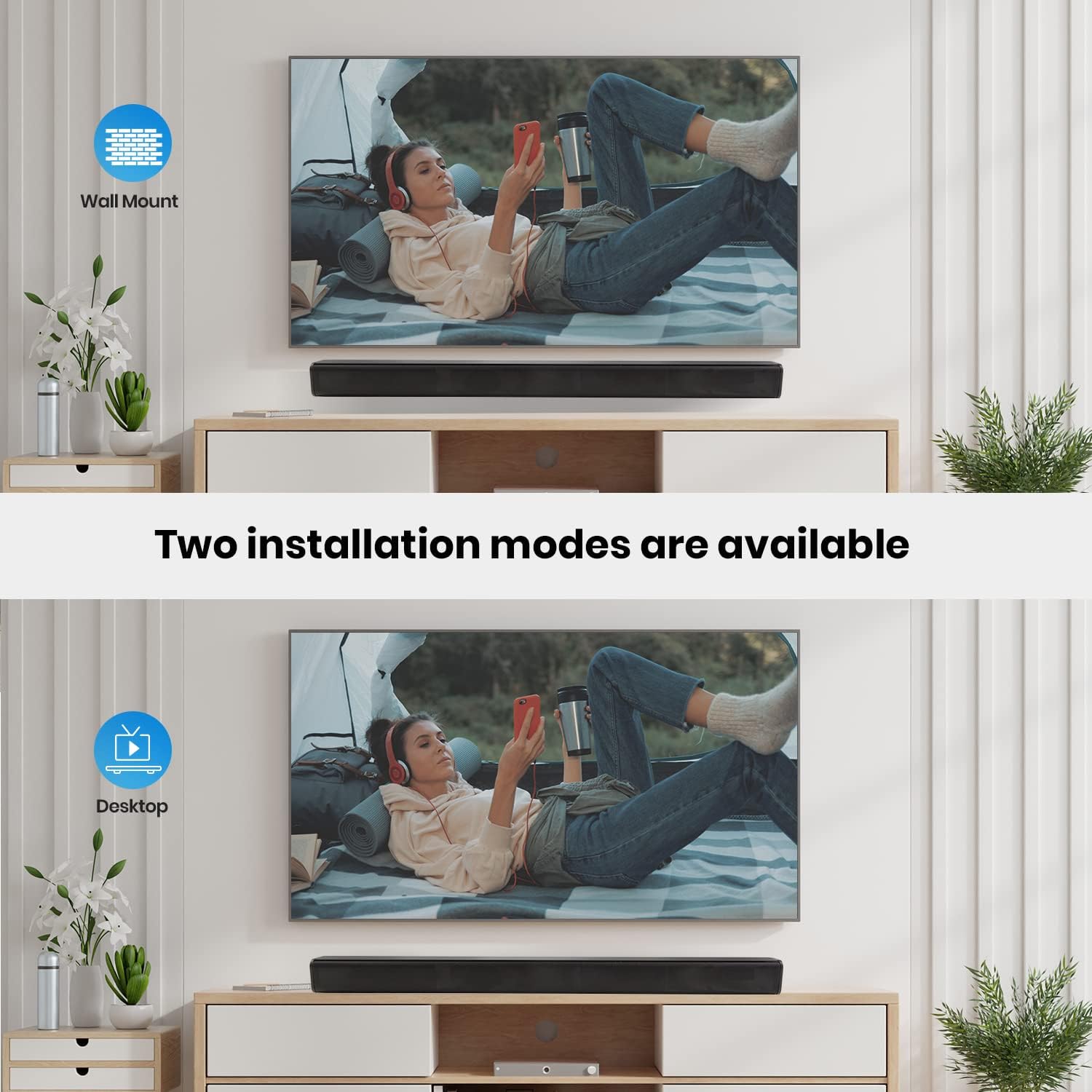
Image 4.1: Visual representation of the soundbar installed both wall-mounted and placed on a desktop.
4.2 Connecting to Your TV/Device
Connect the soundbar to your audio source using one of the following methods:
- HDMI ARC Connection:
Connect one end of the HDMI cable to the HDMI ARC port on your soundbar and the other end to the HDMI ARC port on your TV. This connection allows audio to be sent from the TV to the soundbar and enables control of the soundbar volume using your TV remote (if supported by your TV). - Optical Connection:
Connect one end of the Digital Optical Cable to the OPTICAL port on your soundbar and the other end to the Optical Digital Audio Out port on your TV or audio source. Ensure the protective caps are removed from the optical cable ends before connecting. - AUX Connection:
Connect one end of the 3.5mm audio cable to the AUX port on your soundbar and the other end to the 3.5mm audio output (headphone jack) on your TV or device. - Bluetooth Pairing:
Power on the soundbar and select Bluetooth mode. On your mobile device, search for available Bluetooth devices and select "dyplay Soundbar" to pair. - USB/TF Card Playback:
Insert a USB drive or TF card containing audio files into the respective port on the soundbar. The soundbar will automatically switch to USB or TF mode and begin playback.

Image 4.2: A close-up view of the soundbar's rear panel, highlighting the HDMI ARC, USB, Optical, AUX, DC IN, and TF card ports.
5. Operating Instructions
5.1 Power On/Off
Press the Power button on the remote control or the soundbar to turn the unit on or off.
5.2 Input Source Selection
Press the Input or Mode button on the remote control or the soundbar to cycle through available input sources: HDMI ARC, Optical, AUX, Bluetooth, USB, and TF.
5.3 Volume Adjustment
Use the Volume Up (+) and Volume Down (-) buttons on the remote control or the soundbar to adjust the audio level. Press the Mute button to temporarily silence the sound.
5.4 EQ Mode Selection
Press the EQ button on the remote control to switch between the four preset equalization modes, optimizing the sound for different content such as movies, music, or news.
5.5 Bluetooth Operation
When in Bluetooth mode, the soundbar will be discoverable. After pairing with your device, you can control playback (play/pause, next/previous track) using your connected device or the remote control.
6. Maintenance
- Cleaning: Use a soft, dry cloth to clean the surface of the soundbar. Do not use liquid cleaners or abrasive materials, as they may damage the finish.
- Storage: If storing the soundbar for an extended period, disconnect it from the power source and store it in a cool, dry place away from direct sunlight and extreme temperatures.
- Ventilation: Ensure the soundbar has adequate ventilation and that its vents are not blocked to prevent overheating.
7. Troubleshooting
- No Power:
Ensure the power adapter is securely connected to both the soundbar and a working power outlet. Check if the power outlet is functional. - No Sound:
- Verify that the correct input source is selected on the soundbar.
- Check all audio cables (HDMI ARC, Optical, AUX) for secure connections.
- Ensure the volume on both the soundbar and your connected device (TV, phone) is turned up and not muted.
- If using Optical, ensure your TV's audio output is set to 'PCM' or 'Stereo' and not 'Dolby Digital' or 'DTS' if the soundbar does not support those formats.
- Bluetooth Connection Issues:
- Ensure the soundbar is in Bluetooth pairing mode.
- Disable and re-enable Bluetooth on your device.
- Move your device closer to the soundbar to reduce interference.
- Forget the soundbar from your device's Bluetooth list and attempt to pair again.
- Remote Control Not Working:
- Check and replace the batteries in the remote control.
- Ensure there are no obstructions between the remote control and the soundbar's sensor.
- Point the remote directly at the soundbar's front panel.
8. Specifications
| Feature | Specification |
|---|---|
| Model Name | Wall Mountable Sound Bar |
| Speaker Type | Soundbar |
| Special Feature | Subwoofer (implied by product description, though not a separate unit) |
| Recommended Uses | Music, TV Audio Enhancement |
| Surround Sound Channel Configuration | 3.0 |
| Product Dimensions | 4"D x 4"W x 32"H (approx. 10.16cm D x 10.16cm W x 81.28cm H) |
| Is Waterproof | FALSE |
| Number of Items | 1 (Soundbar unit) |
| Control Method | Remote |
| Speaker Size | 30 Inches (length) |
| Power Source | Corded Electric |
| Item Weight | 3.59 pounds (approx. 1.63 kg) |
| Brand | dyplay |
| Speaker Maximum Output Power | 120 Watts |
| Connectivity Technology | Auxiliary, Bluetooth, HDMI ARC, Optical, USB, TF Card |
| Audio Output Mode | Stereo |
| Mounting Type | Bar Mount, Plug Mount (Wall Mount, Desktop) |
9. Warranty and Support
For warranty information or technical support, please refer to the warranty card included in your product packaging or contact dyplay customer service through the retailer's platform where the product was purchased. Please have your product model number (B09FDYCN3) and purchase date available when contacting support.