
1. Introduction
Thank you for purchasing the Ajazz K61 60% RGB Wired Gaming Keyboard. This compact and ergonomic keyboard is designed to enhance your gaming and typing experience with its responsive keys, customizable RGB backlighting, and anti-ghosting features. This manual provides detailed instructions on how to set up, operate, maintain, and troubleshoot your keyboard.

Figure 1: Ajazz K61 60% RGB Wired Gaming Keyboard, showcasing its compact design and vibrant RGB lighting.
2. Safety Information
- Do not expose the keyboard to liquids or excessive moisture.
- Avoid extreme temperatures and direct sunlight.
- Do not attempt to disassemble or modify the keyboard, as this will void the warranty and may cause damage.
- Keep out of reach of small children.
3. Package Contents
- Ajazz K61 60% Gaming Keyboard x 1
- USB Cable x 1
- User Manual x 1
4. Product Overview and Features
The Ajazz K61 keyboard is engineered for performance and comfort, featuring a compact 60% layout that saves desk space while retaining essential functionality through FN key combinations.
Key Features:
- Compact 60% Layout: Standard UK layout with 62 keys, providing more desktop space. Direction key conversion is available via FN + W, A, S, D.
- RGB Backlighting: Supports 7 types of RGB light modes and 8 monochrome backlight modes. Brightness and breathing speed are adjustable.
- Anti-Ghosting: Features 19 anti-ghosting keys for accurate and reliable input during intense gaming sessions.
- Multimedia Keys: Includes 12 multimedia keys accessible via FN combinations for convenient control.
- Ergonomic Design: Designed for comfort during long periods of use, with adjustable keyboard brackets to provide an optimal typing angle.
- Durable Construction: High-quality injection molded laser engraved ABS keycaps ensure durability. The keyboard is also resistant to general liquid spills.
- Wide Compatibility: Compatible with Windows XP, Win7/8/10, Mac OS2.0, and other operating systems.

Figure 2: Illustrates the tactile feedback and low noise operation of the keys, enhancing typing and gaming performance.

Figure 3: Highlights the compact 60% design, RGB backlighting, and water/dust resistance of the keyboard.
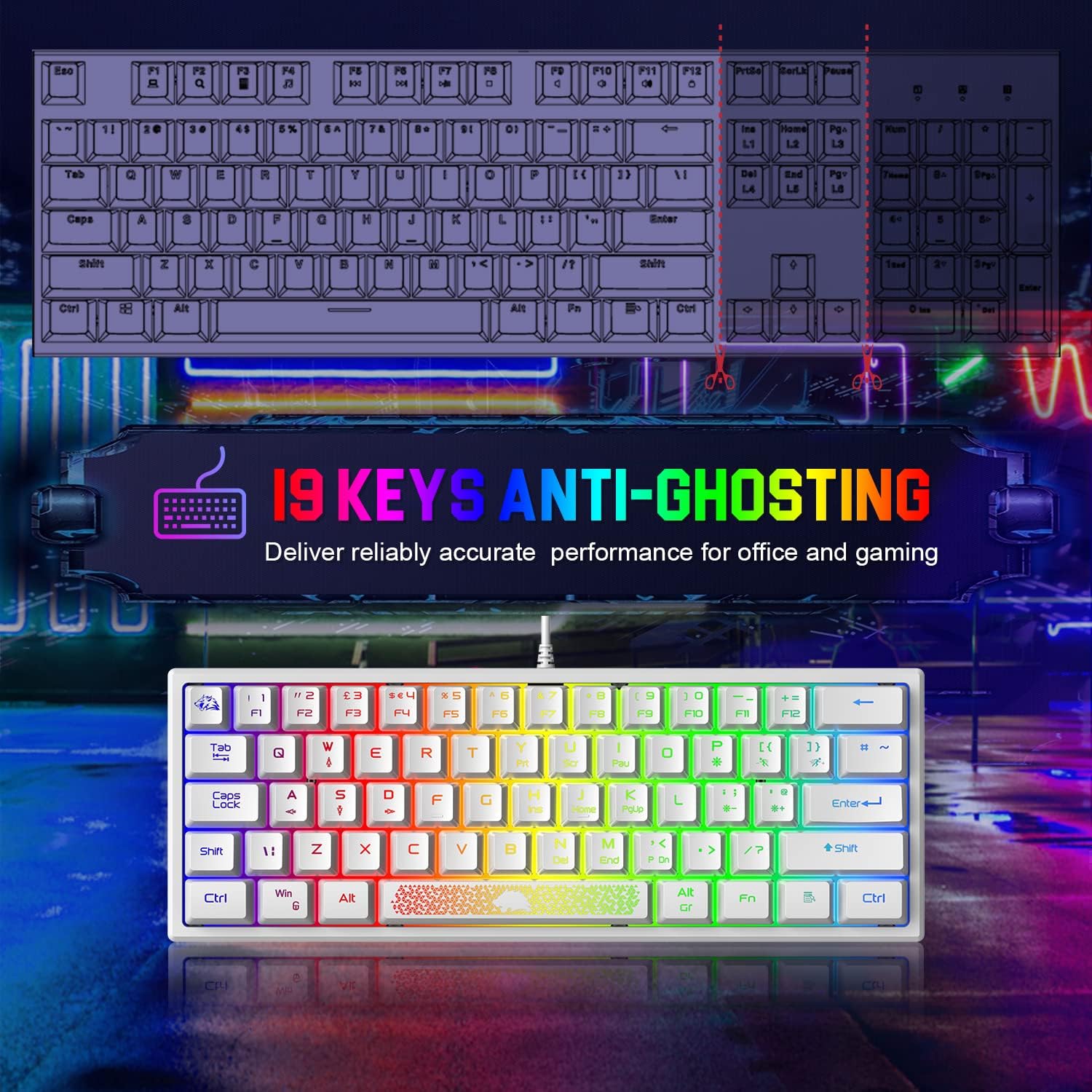
Figure 4: Demonstrates the 19-key anti-ghosting capability, ensuring precise input for gaming and office tasks.

Figure 5: Shows the keyboard's portability and ergonomic design, making it suitable for travel and comfortable use.
5. Setup
Setting up your Ajazz K61 keyboard is straightforward. Follow these steps to get started:
- Unpack the Keyboard: Carefully remove the keyboard and USB cable from the packaging.
- Connect the USB Cable: Insert the USB-A end of the cable into an available USB port on your computer (PC, laptop, or Mac).
- Connect to Keyboard: Insert the other end of the USB cable into the port on the keyboard.
- Driver Installation: The keyboard is plug-and-play. Your operating system (Windows, Mac OS) will automatically detect and install the necessary drivers. No additional software installation is required.
- Adjust Keyboard Angle: Extend the two keyboard brackets on the underside of the keyboard to adjust the typing angle for optimal comfort.
6. Operating Instructions
The Ajazz K61 keyboard utilizes Function (FN) key combinations to access various features and multimedia controls due to its compact layout.
6.1. RGB Backlight Control
- Change Backlight Mode: Press FN + P to cycle through 7 RGB light modes and 8 monochrome backlight modes.
- Decrease Backlight Brightness: Press FN + = (equals key) to decrease the backlight brightness.
- Increase Backlight Brightness: Press FN + ' (apostrophe key) to increase the backlight brightness.

Figure 6: Displays the variety of 7 Chroma RGB lighting modes available on the keyboard.
6.2. Function Key Combinations
Access standard F-keys and other special functions using the FN key:
| Combination | Function |
|---|---|
| FN + 1 | F1 |
| FN + 2 | F2 |
| FN + 3 | F3 |
| FN + 4 | F4 |
| FN + 5 | F5 |
| FN + 6 | F6 |
| FN + 7 | F7 |
| FN + 8 | F8 |
| FN + 9 | F9 |
| FN + 0 | F10 |
| FN + - | F11 |
| FN + + | F12 |
| FN + N | DELETE |
| FN + Y | Print Screen (PrtSc) |
| FN + U | Scroll Lock (ScrLk) |
| FN + I | Pause |
| FN + H | Insert (Ins) |
| FN + J | Home |
| FN + K | Page Up (PgUp) |
| FN + M | End |
| FN + ,< | Page Down (PgDn) |
| FN + WIN | Lock Windows Key |

Figure 7: Illustrates the 12 convenient shortcuts accessible via FN key combinations.
6.3. Direction Key Conversion
To convert the W, A, S, D keys into arrow keys, press FN + W. Press FN + W again to revert them to their standard functions.
7. Maintenance
Proper maintenance will ensure the longevity and optimal performance of your Ajazz K61 keyboard.
- Cleaning: Use a soft, lint-free cloth slightly dampened with water or a mild cleaning solution to wipe down the keycaps and keyboard surface. Avoid harsh chemicals.
- Dust Removal: Use compressed air to remove dust and debris from between the keycaps.
- Spill Management: While the keyboard is resistant to general spills, in case of a liquid spill, immediately disconnect the keyboard from your computer and allow it to dry completely before reconnecting.
- Storage: When not in use for extended periods, store the keyboard in a dry, cool place away from direct sunlight.
8. Troubleshooting
If you encounter any issues with your Ajazz K61 keyboard, refer to the following common problems and solutions:
- Keyboard Not Responding:
- Ensure the USB cable is securely connected to both the keyboard and the computer.
- Try connecting the keyboard to a different USB port on your computer.
- Test the keyboard on another computer to determine if the issue is with the keyboard or the computer's USB port.
- Specific Keys Not Working:
- Check for any physical obstructions or debris under the non-functional key.
- If the key is part of a function combination (e.g., F1-F12), ensure you are pressing the FN key simultaneously.
- For the Windows key, ensure it is not locked (press FN + WIN to toggle).
- Backlight Not Working or Incorrect:
- Ensure the backlight is turned on and brightness is not set to minimum (use FN + ' to increase brightness).
- Cycle through backlight modes using FN + P to see if it resolves the issue.
- Direction Keys (W, A, S, D) Not Functioning as Expected:
- Press FN + W to toggle the direction key conversion mode.
9. Specifications
| Feature | Specification |
|---|---|
| Brand | AJAZZ |
| Model | K61 |
| Keyboard Size | Approx. 30.48 x 10.92 x 3.05 cm (12 x 4.3 x 1.2 inches) |
| Keyboard Weight | Approx. 611 g (13 ounces) |
| Number of Keys | 62 |
| Layout | 60% UK Standard Layout |
| Connection Type | USB Wired |
| Backlight | RGB (7 modes, 8 monochrome modes) |
| Anti-Ghosting | 19 Keys |
| Keycap Material | ABS (Injection molded, laser engraved) |
| Switch Type | Tactile (Membrane with mechanical feel) |
| Compatibility | Windows 10/8/7/XP, Mac OS 2.0+ |
| Color | White |
10. Warranty and Support
Ajazz products are designed and manufactured to the highest quality standards. For warranty information or technical support, please refer to the contact details provided with your purchase or visit the official Ajazz website. Please retain your proof of purchase for warranty claims.


