
1. Introduction
The CEYOMUR CY50 Trail Camera is a high-performance device designed for wildlife monitoring, hunting, farm surveillance, and home security. It captures impressive 48MP photos and records stunning 4K videos, day and night. With its robust IP66 waterproof design and advanced features, it's an ideal choice for various outdoor applications.
This manual provides detailed instructions on setting up, operating, and maintaining your trail camera to ensure optimal performance and longevity.

Figure 1.1: CEYOMUR CY50 Trail Camera in an outdoor environment.
2. Package Contents
Please check the package contents to ensure all items are present:
- CEYOMUR Trail Camera (CY50)
- Mounting Belt
- Mounting Bracket
- Screws
- USB Data Cable
- User Manual (this document)

Figure 2.1: Contents of the CEYOMUR CY50 package.
3. Product Overview
The CEYOMUR CY50 features a user-friendly design with the lens and LCD screen on the same side for easy angle adjustment. It includes a robust casing for strong waterproof and dustproof performance.

Figure 3.1: Front-facing openable design of the CEYOMUR CY50.
Figure 3.2: Key features of the CEYOMUR CY50 Trail Camera.
4. Setup
4.1 Battery and SD Card Installation
The camera requires 8xAA batteries and a full-size SD card (not included). Ensure the batteries are inserted with correct polarity. The SD card slot is conveniently located on the side for easy access.

Figure 4.1: Battery and SD card installation.
4.2 Mounting the Camera
Use the provided mounting belt or bracket and screws to secure the camera to a tree or wall. The integrated design allows for easy lens angle adjustment after mounting.

Figure 4.2: Camera mounted on a tree.
5. Operating Modes
The camera supports various operating modes to suit your needs:
- Photo Mode: Captures 48MP still images.
- Video Mode: Records 4K video footage.
- Photo + Video Mode: Captures a still image followed by a video clip.
- Time-Lapse Mode: Captures images at set intervals to create time-lapse videos.
The 0.3s fast trigger speed ensures you don't miss any action.

Figure 5.1: Fast trigger speed in action.
5.1 Night Vision
Equipped with 36pcs 850nm Infrared LEDs, the camera captures clear black and white images and videos at night without disturbing wildlife.
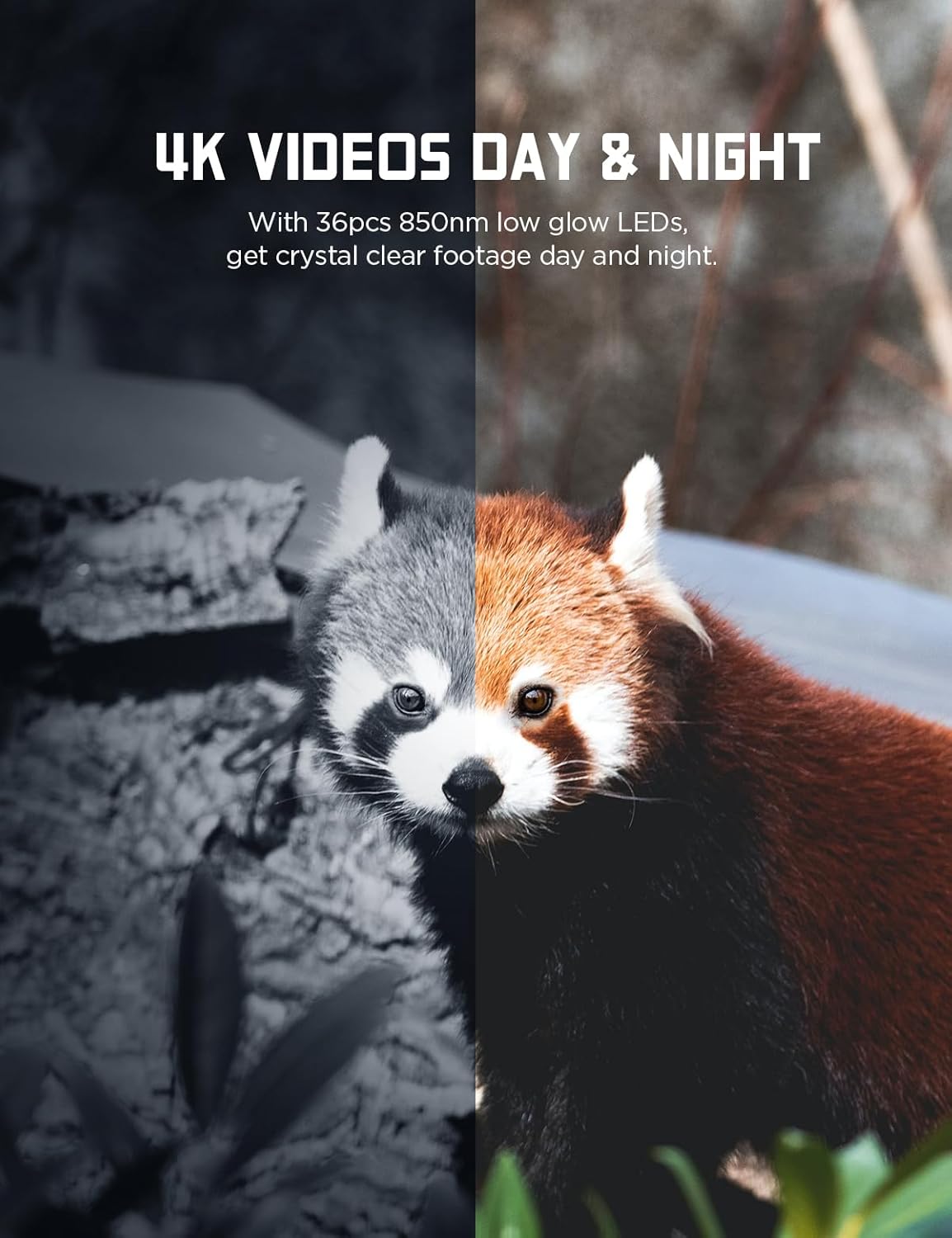
Figure 5.2: 4K Videos Day & Night.
Video 5.1: Official CEYOMUR video demonstrating 20MP 1080P Trail Camera CY50 features and footage.
6. Media Playback & Transfer
View captured photos and videos directly on the camera's 2