
Introduction
This manual provides essential instructions for the safe and efficient operation of your Tyler Wireless Bluetooth Speaker TWS406-BK. Please read this manual thoroughly before using the device and retain it for future reference.

Figure 1: Tyler Wireless Bluetooth Speaker TWS406-BK
The Tyler TWS406-BK is a portable wireless speaker designed for versatile audio playback. It features Bluetooth connectivity, USB, Micro SD, and AUX inputs, along with an FM radio function. The speaker is water-resistant and includes a carry strap for portability.
Setup
1. Package Contents
Before use, ensure all items are present in the package:
- Tyler Wireless Bluetooth Speaker (TWS406-BK)
- USB Charging Cable
- AUX Audio Cable
- Shoulder Strap
- User Manual (this document)
2. Charging the Speaker
The speaker is equipped with a built-in 3.7V rechargeable Li-ion battery. For optimal performance, fully charge the speaker before first use.
- Connect the supplied USB charging cable to the speaker's DC 5V input port.
- Connect the other end of the USB cable to a 5V/1A-2A USB charger (not included).
- The indicator light will illuminate during charging and turn off once fully charged. Full charge typically takes 2-4 hours.
- To prolong battery life, avoid charging for more than 8 hours.
3. Attaching the Carry Strap
The speaker comes with a detachable shoulder strap for convenient portability. Attach the clips of the strap to the designated loops on either side of the speaker's handle.
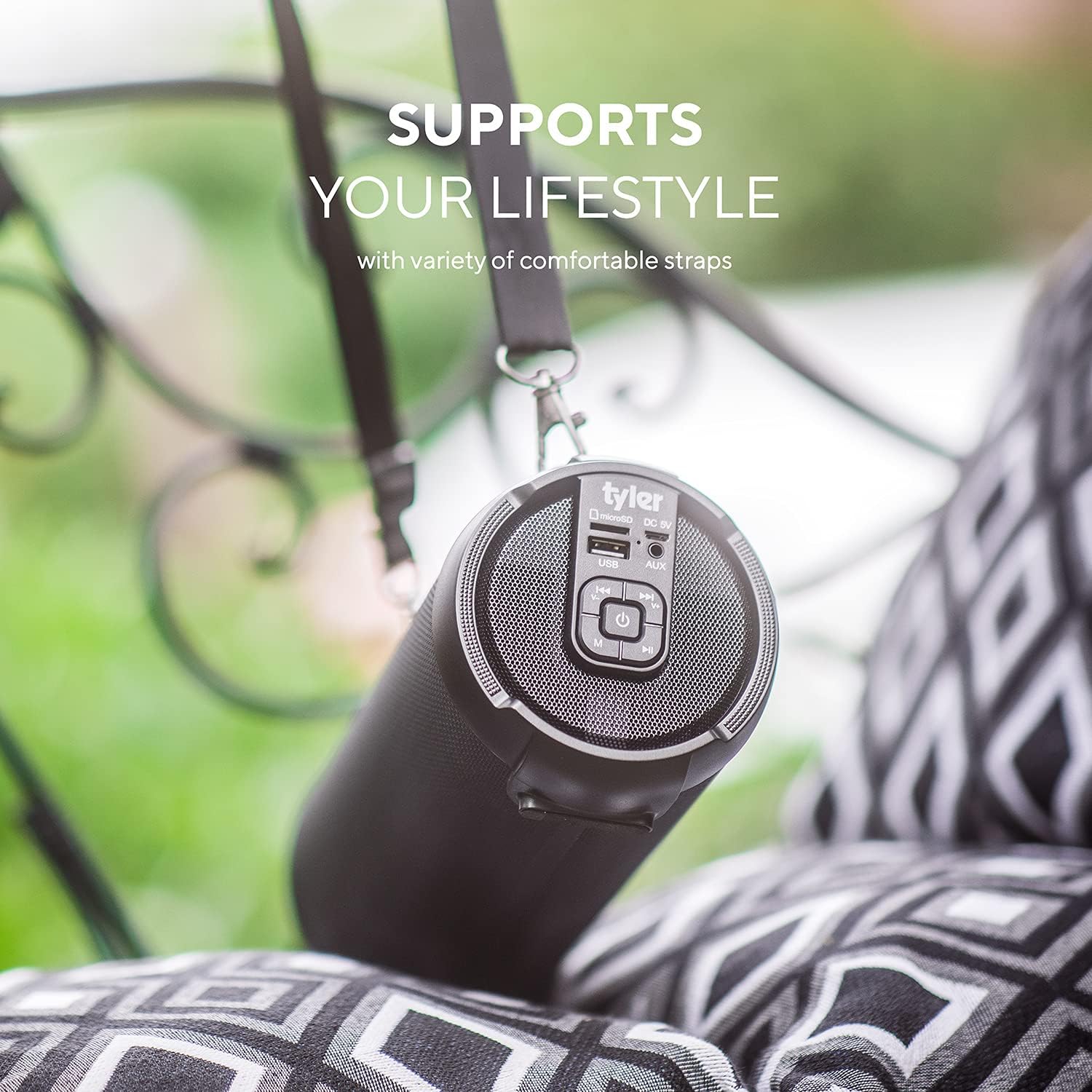
Figure 2: Speaker with attached carry strap
Operation
1. Controls and Ports Overview
The main control panel and input ports are located on the side of the speaker, protected by a rubber flap for water resistance.

Figure 3: Control panel and input ports (USB, Micro SD, AUX, DC 5V)
- Power Button (O): Press and hold to turn the speaker ON/OFF.
- Play/Pause Button (▶): Press to play or pause audio.
- Mode Button (M): Press to cycle through input modes (Bluetooth, FM Radio, USB, Micro SD, AUX).
- Volume Down / Previous Track (-): Press to decrease volume. Press and hold to go to the previous track.
- Volume Up / Next Track (+): Press to increase volume. Press and hold to go to the next track.
- USB Port: For USB flash drive playback.
- Micro SD Card Slot: For Micro SD card playback.
- AUX Input: For connecting external audio devices via the 3.5mm audio cable.
- DC 5V Input: For charging the speaker.
2. Bluetooth Pairing
- Turn on the speaker by pressing and holding the Power button. The blue LED light will blink quickly, indicating it is in Bluetooth pairing mode.
- On your mobile device, enable Bluetooth and search for available devices.
- Select "Tyler TWS406" from the list. The speaker will make a tone when successfully paired, and the blue LED will stop blinking and remain solid.
- You can now play audio from your device through the speaker.
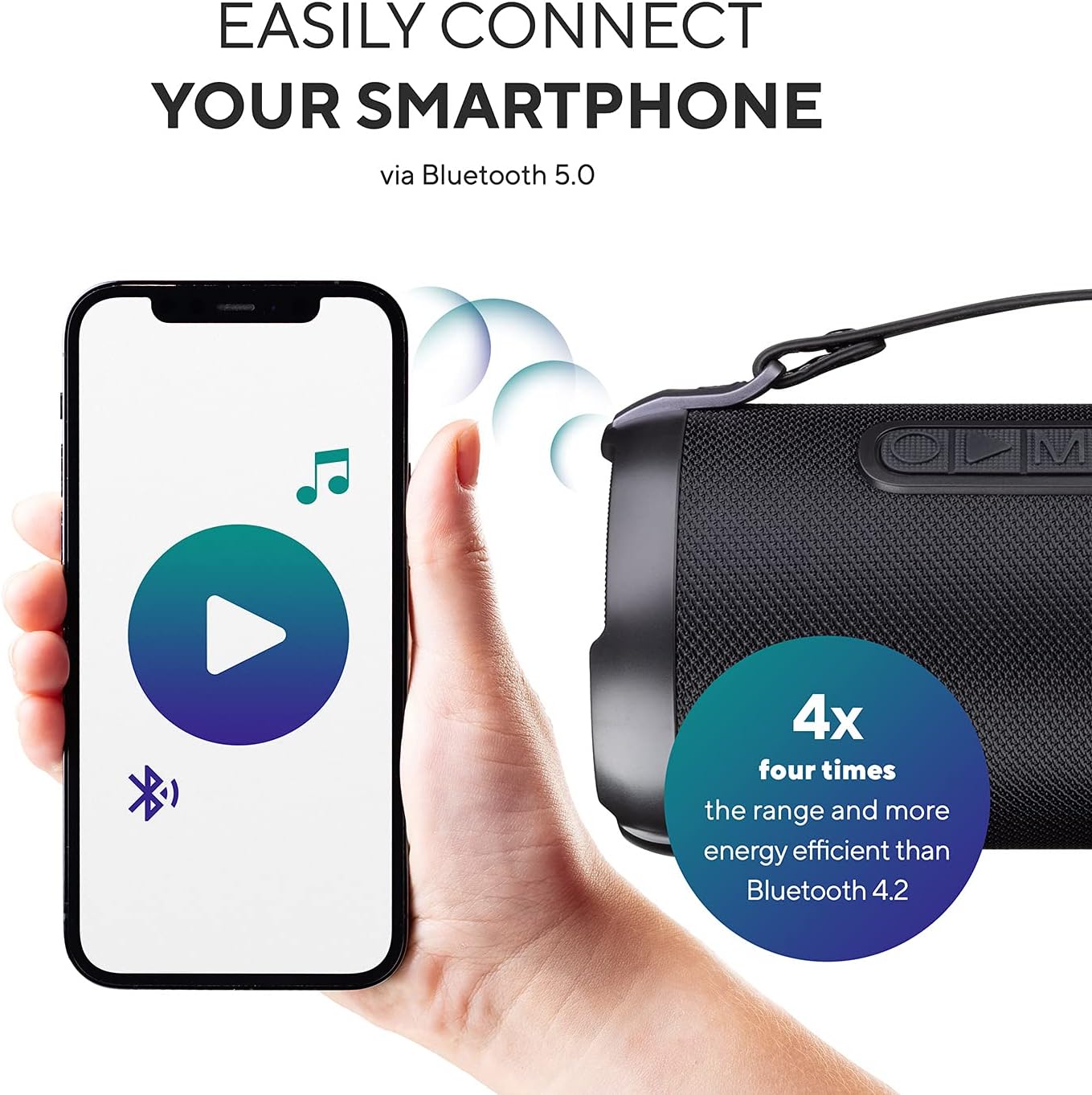
Figure 4: Bluetooth connection with a smartphone
3. Multi-Speaker Function (TWS Mode)
You can pair two identical Tyler TWS406-BK speakers for a powerful surround sound effect.
- Power on both speakers.
- On one speaker, press and hold the Play/Pause button. The speaker will make a tone when it begins pairing, and will make a tone 3 more times once successfully paired with the second speaker.
- Connect your mobile device to one of the paired speakers via Bluetooth. Audio will now play through both speakers.
- To exit TWS mode, press and hold the Play/Pause button again on either speaker.

Figure 5: Two speakers paired for surround sound
4. USB / Micro SD Playback
- Insert a USB flash drive or Micro SD card (with MP3 audio files) into the corresponding port.
- The speaker will automatically switch to USB/Micro SD mode and begin playing audio. If not, press the 'M' (Mode) button to select the correct input.
- Use the Play/Pause, Volume Up/Next Track, and Volume Down/Previous Track buttons to control playback.
5. AUX Input
- Connect one end of the supplied 3.5mm AUX audio cable to the speaker's AUX input port.
- Connect the other end to the headphone jack of your external audio device.
- The speaker will automatically switch to AUX mode. If not, press the 'M' (Mode) button to select AUX input.
- Control playback and volume primarily from your connected audio device.
6. FM Radio Function
- Power on the speaker. Press the 'M' (Mode) button to cycle to FM Radio mode.
- For improved reception, insert the AUX audio cable into the AUX port; it functions as an external antenna.
- Press the Play/Pause button to auto-search for FM stations. The speaker will scan and store available stations automatically.
- Press the Volume Up/Next Track or Volume Down/Previous Track buttons to tune to stored FM channels.
Maintenance
1. Water Resistance
The Tyler TWS406-BK speaker is water-resistant, designed to withstand light water splashes. It is suitable for use near pools or outdoors in light rain. It is not designed for water submersion. Ensure the rubber flap covering the ports is securely closed to maintain water resistance.
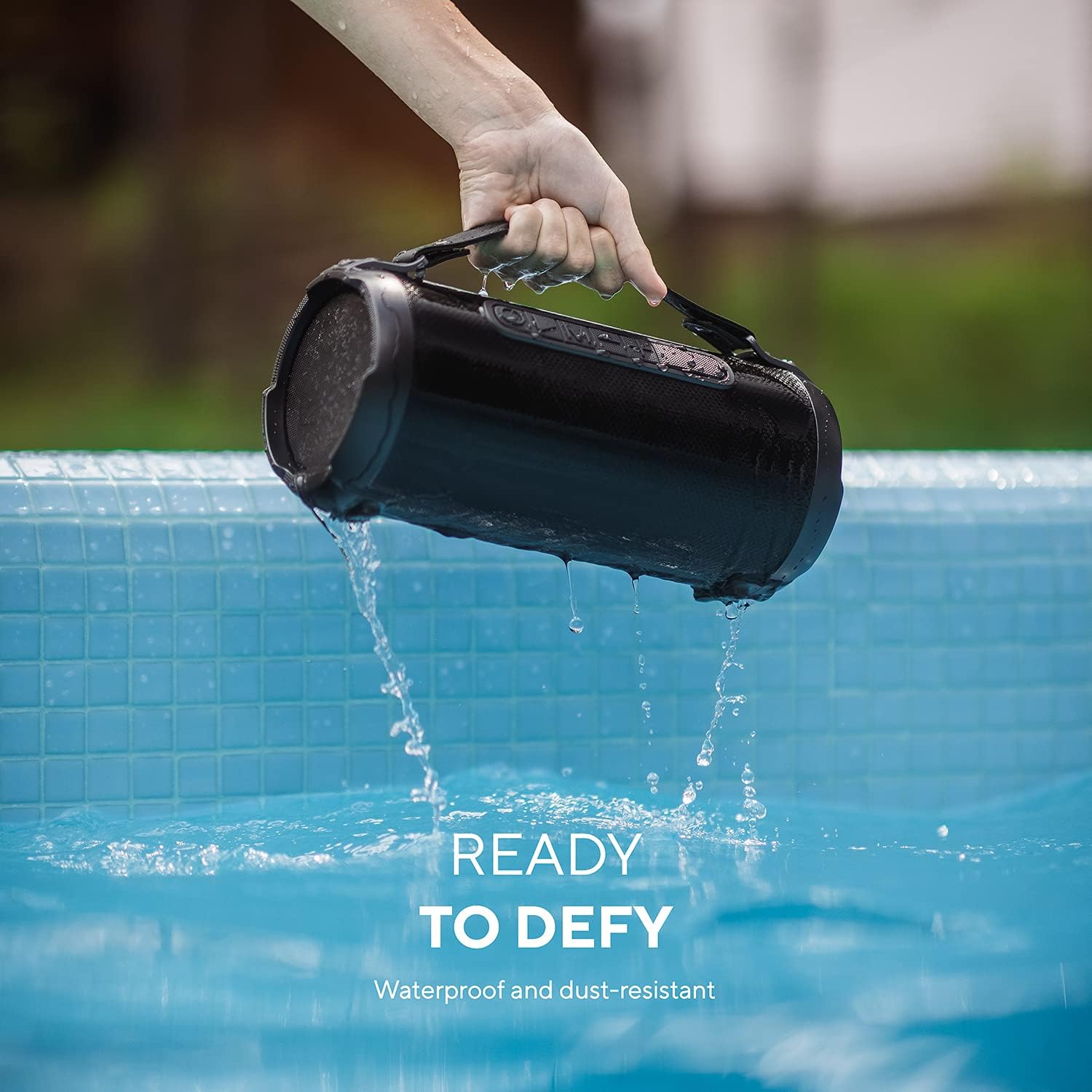
Figure 6: Speaker demonstrating water resistance
2. Cleaning
Wipe the speaker with a soft, damp cloth. Do not use harsh chemicals or abrasive cleaners. Ensure all ports are dry before charging or connecting other devices.
3. Battery Care
To maximize battery lifespan, avoid fully discharging the battery frequently. If the speaker will not be used for an extended period, charge it to approximately 50% every few months.
Troubleshooting
- No Power: Ensure the battery is charged. Connect the speaker to a power source using the supplied USB cable.
- Cannot Pair via Bluetooth:
- Ensure the speaker is in Bluetooth pairing mode (blinking blue LED).
- Make sure Bluetooth is enabled on your device and it is within 10 meters (33 feet) of the speaker.
- Forget "Tyler TWS406" from your device's Bluetooth settings and try pairing again.
- Restart both the speaker and your device.
- No Sound:
- Check the volume levels on both the speaker and your connected device.
- Ensure the correct input mode (Bluetooth, USB, Micro SD, AUX, FM) is selected using the 'M' button.
- If using USB/Micro SD, ensure audio files are in a compatible format (e.g., MP3).
- Poor FM Radio Reception: Insert the AUX audio cable into the AUX port to act as an external antenna. Relocate the speaker to an area with better signal.
- Audio Latency (Bluetooth): Some latency may occur when watching videos via Bluetooth. For synchronized audio/video, use the AUX cable connection.
Specifications
| Feature | Specification |
|---|---|
| Brand | Tyler |
| Model Name | TWS406-BK |
| Connectivity Technology | Auxiliary, Bluetooth, USB |
| Wireless Communication Technology | Bluetooth |
| Bluetooth Range | 10 Meters (33 Feet) |
| Speaker Maximum Output Power | 100 Watts |
| Impedance | 4 Ohms |
| Audio Output Mode | Stereo, Surround (with TWS) |
| Special Feature | Bass Boost, Stereo |
| Power Source | Battery Powered (3.7V Li-ion) |
| Water Resistance Level | Water Resistant |
| Material | Plastic Or Metal |
| Item Weight | 3.14 pounds |
| Package Dimensions | 12.6 x 6.46 x 6.06 inches |
Warranty and Support
1. Warranty Information
This product comes with a Limited Warranty. Please refer to the warranty card included in your package or contact Tyler customer service for detailed terms and conditions.
2. Customer Support
For technical assistance, troubleshooting, or warranty inquiries, please contact Tyler customer support. Contact information can typically be found on the product packaging or the official Tyler website.
