
Rulefiss T7A
Rulefiss T7A Portable Bluetooth Speaker Instruction Manual
Model: T7A
Introduction
Thank you for purchasing the Rulefiss T7A Portable Bluetooth Speaker. This manual provides essential information for setting up, operating, and maintaining your speaker. Please read it thoroughly before use to ensure optimal performance and longevity of your device.
Package Contents
Please check the package for the following items:
- 1 x Rulefiss T7A Portable Bluetooth Speaker
- 1 x Micro USB Charging Cable
- 1 x User Manual
Product Overview
The Rulefiss T7A is a versatile portable Bluetooth speaker designed for various environments, including showers and outdoor activities. It features IP7 waterproofing, LED lights, a built-in microphone, and dual pairing capabilities.

Image: Front view of the Rulefiss T7A speaker, highlighting its control buttons and central T7A logo.
Button Functions

Image: Detailed diagram illustrating the function of each button on the T7A speaker.
- Power Button (On/Off): Press and hold to power the speaker on or off.
- M Button (Mode): Short press to switch between Bluetooth mode and FM Radio mode.
- T Button (LED Control): Short press to cycle through LED light modes.
- - Button (Volume Down / Next Song): Short press to decrease volume. Long press to skip to the next song.
- + Button (Volume Up / Previous Song): Short press to increase volume. Long press to go to the previous song.
- Play/Pause Button: Short press to play or pause music. Long press to search FM channels in FM mode.
- Built-in Microphone: For hands-free calling.
Setup
1. Charging the Speaker
Before first use, fully charge the speaker. Connect the micro USB charging cable to the speaker's charging port and the other end to a USB power adapter (not included) or a computer's USB port. The LED indicator will show charging status.
- Charging time: Approximately 3-4 hours.
- Playtime: Up to 7 hours at 50% volume.
2. Powering On/Off
To power on, press and hold the Power Button until the LED lights illuminate and you hear an audible prompt. To power off, press and hold the Power Button again until the lights turn off.
3. Bluetooth Pairing
- Ensure the speaker is powered on and in Bluetooth mode (indicated by a flashing blue LED). If not, short press the M Button to switch to Bluetooth mode.
- Enable Bluetooth on your device (smartphone, tablet, etc.).
- Search for "T7A" in your device's Bluetooth settings and select it to pair.
- Once paired, the LED will stop flashing, and you will hear a confirmation sound.
Note: The speaker will automatically attempt to reconnect to the last paired device when powered on.
4. Dual Pairing Function (TWS)
To achieve true wireless stereo (TWS) sound, you can pair two T7A speakers together.
- Ensure both T7A speakers are powered on and in Bluetooth mode, but not connected to any device.
- On one of the speakers (this will be the primary speaker), double-press the Play/Pause Button. The speakers will search for each other.
- Once successfully paired, you will hear a confirmation sound, and the LED on the primary speaker will flash, while the secondary speaker's LED will be solid.
- Now, connect your device to the primary speaker ("T7A") via Bluetooth as described in step 3.

Image: Illustration of two T7A speakers connected for dual pairing, enhancing the audio experience.
5. Attaching with Suction Cup
The T7A speaker features a built-in suction cup for easy attachment to smooth, flat surfaces such as glass, tiles, or the back of a phone/tablet. Ensure the surface is clean and dry for optimal adhesion.
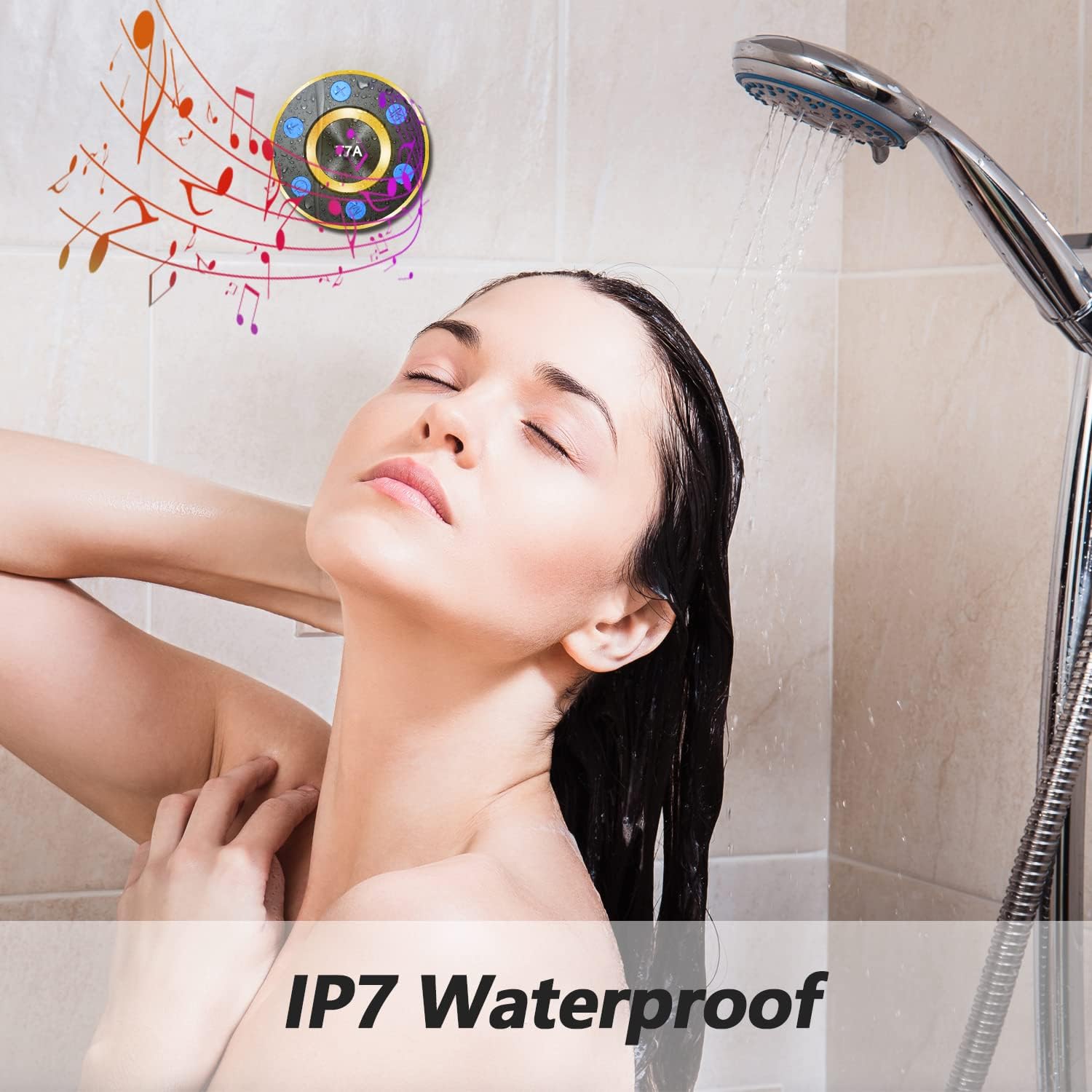
Image: The T7A speaker securely attached to a shower wall, demonstrating its waterproof capability and suction cup feature.
Operating Instructions
1. Playing Music
After successful Bluetooth pairing, you can play music from your connected device. Use the Play/Pause Button on the speaker to control playback. Use the + and - buttons for volume adjustment (short press) or track navigation (long press).
For optimal volume, ensure both your connected device and the speaker are set to their maximum volume levels. For iOS devices, continuously short press the '+' button on the speaker or increase phone volume. For Android devices, ensure phone volume is maximum, then continuously short press the '+' button on the speaker.
2. FM Radio Mode
To use the FM radio function:
- Insert the supplied micro USB charging cable into the speaker's charging port. This cable acts as an FM antenna.
- Short press the M Button to switch to FM Radio mode.
- Long press the Play/Pause Button to automatically scan and save available FM channels.
- Use the + and - buttons (long press) to switch between saved channels.

Image: The T7A speaker being used in diverse environments, including an office, picnic, and camping, demonstrating its portability and FM radio capability.
3. LED Light Modes
The speaker features colorful LED lights that can enhance your listening experience. Short press the T Button to cycle through different light modes, including beat-driven and fixed color options. You can also use the LED light function independently without playing music.

Image: The T7A speaker showcasing its customizable multi-colored LED mood lights, creating a vibrant atmosphere.
4. Hands-Free Calling
When connected to your smartphone via Bluetooth, the built-in microphone allows you to answer or end calls directly from the speaker.
- Answer Call: Short press the Play/Pause Button.
- End Call: Short press the Play/Pause Button during a call.
- Reject Call: Long press the Play/Pause Button when an incoming call rings.
Maintenance
Cleaning
The T7A speaker is IP7 waterproof, meaning it can withstand immersion up to 3 feet for 30 minutes. To clean, gently wipe the surface with a soft, damp cloth. Do not use harsh chemicals or abrasive cleaners. Ensure the charging port cover is securely closed before exposing the speaker to water.

Image: The T7A speaker in a wet environment, highlighting its waterproof capabilities.
Storage
Store the speaker in a cool, dry place away from direct sunlight and extreme temperatures. If storing for an extended period, charge the battery periodically (e.g., every 3 months) to maintain battery health.
Battery Care
The speaker contains a built-in rechargeable Li-Ion battery. To prolong battery life:
- Avoid fully discharging the battery frequently.
- Do not expose the speaker to temperatures above 60°C (140°F).
- Use only the provided charging cable or a certified equivalent.
Troubleshooting
Speaker does not power on
- Ensure the battery is charged. Connect the speaker to a power source using the micro USB cable.
- Press and hold the Power Button for a few seconds to ensure it's not just a short press.
Cannot pair with Bluetooth device
- Make sure the speaker is in Bluetooth pairing mode (flashing blue LED).
- Ensure the speaker is within 10 meters (33 feet) of your device.
- Turn off Bluetooth on other nearby devices that might be trying to connect.
- Forget "T7A" from your device's Bluetooth list and try pairing again.
- Restart both the speaker and your Bluetooth device.
No sound or low volume
- Increase the volume on both the speaker and your connected device.
- Ensure the speaker is properly paired and connected.
- Check if the audio source on your device is playing.
FM Radio reception is poor
- Ensure the micro USB cable is securely plugged into the speaker's charging port, as it acts as the antenna.
- Try repositioning the speaker or the USB cable for better signal reception.
- Perform an automatic channel scan again by long pressing the Play/Pause button in FM mode.
Suction cup does not hold
- Ensure the surface is clean, dry, and smooth.
- Press firmly on the speaker to remove any air bubbles under the suction cup.
- Avoid porous or textured surfaces.
Specifications
| Model Name | T7A |
| Connectivity Technology | Bluetooth |
| Wireless Communication Technology | Bluetooth |
| Bluetooth Range | 10 Meters (33 feet) |
| Speaker Type | Portable, 3D, Surround Sound |
| Speaker Maximum Output Power | 50 Watts |
| Water Resistance Level | IP7 Waterproof |
| Power Source | Battery Powered (1 Lithium Polymer battery included) |
| Battery Life | Up to 7 hours (at 50% volume) |
| Charging Time | 3-4 hours |
| Control Method | Touch Buttons |
| Product Dimensions | 1.97"D x 1.97"W x 1.97"H |
| Item Weight | 9.9 ounces |
| Mounting Type | Suction Cup Mount |
Warranty Information
This Rulefiss T7A speaker comes with a limited warranty. Please refer to the product packaging or contact customer support for specific warranty terms and conditions. The warranty typically covers manufacturing defects under normal use.
For returns or replacements, please adhere to the retailer's return policy, which is generally 30 days from the purchase date.
Customer Support
If you encounter any issues or have questions not covered in this manual, please contact Rulefiss customer support. You can typically find contact information on the product packaging, the official Rulefiss website, or through your purchase platform.
When contacting support, please have your product model (T7A) and purchase details ready.
Ask a question about this manual
Ask about setup, troubleshooting, compatibility, parts, safety, or missing instructions. Manuals+ will review the question and use this page’s manual context to help answer it.