
Introduction
The HearMuffs Wireless are over-the-ear advanced Bluetooth hearing protection headphones designed specifically for infants and toddlers aged 0-4. These headphones provide safe listening levels by limiting maximum volume, ensuring protection from loud and potentially harmful noises. They are also equipped with Bluetooth connectivity for audio streaming, offering both protection and entertainment for young children.
What's Included
Your HearMuffs Wireless package includes the following items:
- One (1) pair of Bluetooth HearMuffs
- One (1) charging cable
- One (1) user manual (this document)

Figure 1: Contents of the HearMuffs Wireless package, including the headphones, charging cable, and user manual.
Key Features
The HearMuffs Wireless are designed with several key features to ensure optimal hearing protection and user comfort:
- Advanced Noise Reduction: Provides up to 25 dB noise reduction, protecting sensitive ears from loud environments such as concerts, sporting events, and fireworks.
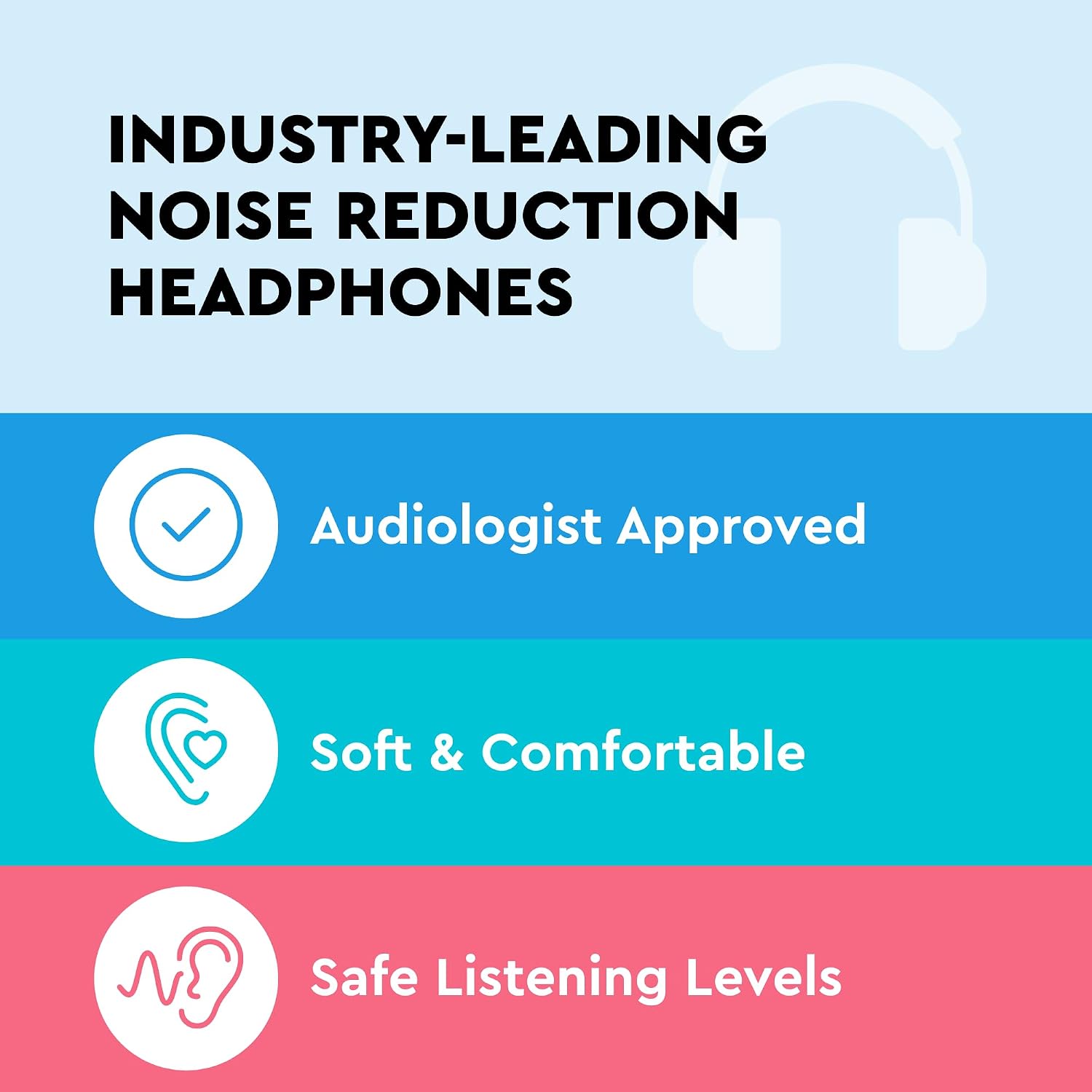
Figure 2: Illustration of key benefits including audiologist approval, comfort, and safe listening levels.

Figure 3: Comparison of safe and dangerous noise levels, highlighting the need for hearing protection.
- Comfortable & Adjustable Design: Engineered for maximum comfort with smooth foam cushioning and an adjustable headband to fit a wide range of head sizes for children up to age four. Made with kid-friendly, non-toxic materials.

Figure 4: The HearMuffs are designed for child safety and comfort with adjustable features.
- Wireless Bluetooth Streaming: Allows for wireless connection to Bluetooth-enabled devices, enabling caregivers to play music or soothing sounds directly into the HearMuffs while maintaining hearing protection.

Figure 5: Overview of the HearMuffs' capabilities including protection, entertainment, volume limiting, and Bluetooth streaming.
Setup
Charging the HearMuffs
Before first use, fully charge your HearMuffs Wireless. Use the provided charging cable to connect the headphones to a USB power source (e.g., computer USB port, wall adapter). The LED indicator light will show charging status and turn off when fully charged.
Bluetooth Pairing
- Ensure the HearMuffs are powered off.
- Press and hold the Power/Bluetooth button until the LED indicator flashes blue and red, indicating pairing mode.
- On your device (smartphone, tablet, etc.), enable Bluetooth and search for available devices.
- Select "HearMuffs Wireless" from the list of devices.
- Once connected, the LED indicator will turn solid blue.
Adjusting the Fit
The HearMuffs feature an adjustable headband. Gently slide the earcups up or down along the headband to achieve a snug yet comfortable fit for your child. Ensure the earcups fully cover the ears to provide optimal noise reduction.

Figure 6: The HearMuffs Wireless with adjustable headband for a secure fit.
Operating Instructions
Power On/Off
- To power on: Press and hold the Power button for approximately 3 seconds until the LED indicator lights up.
- To power off: Press and hold the Power button for approximately 5 seconds until the LED indicator turns off.
Volume Control
The HearMuffs Wireless are designed with a built-in volume limiting feature to protect young ears. While connected via Bluetooth, you can control the audio volume directly from your paired device. The headphones will ensure the volume remains within safe listening levels for children.
Playing Audio
Once successfully paired and powered on, simply start playing audio from your Bluetooth-enabled device. The sound will be transmitted wirelessly to the HearMuffs. Ensure your device's volume is adjusted appropriately, keeping in mind the HearMuffs' volume limiting feature.
Maintenance
Cleaning
To clean your HearMuffs, gently wipe the surfaces with a soft, damp cloth. Do not use harsh chemicals or abrasive cleaners. Ensure no moisture enters the charging port or speaker grilles.
Storage
When not in use, store the HearMuffs in a cool, dry place away from direct sunlight and extreme temperatures. The foldable design allows for compact storage, making them easy to put away or transport.
Battery Care
To prolong battery life, avoid fully discharging the battery frequently. Recharge the HearMuffs regularly, even if not used for extended periods. Do not attempt to replace the internal Lithium Ion battery.
Troubleshooting
| Problem | Possible Cause | Solution |
|---|---|---|
| HearMuffs do not power on. | Battery is low or depleted. | Charge the HearMuffs using the provided charging cable. |
| Cannot pair with Bluetooth device. | HearMuffs not in pairing mode; device Bluetooth off; too far from device. | Ensure HearMuffs are in pairing mode (flashing blue/red LED). Turn on Bluetooth on your device. Move device closer to HearMuffs. |
| No sound or low sound. | Volume on device is too low; HearMuffs not connected; audio source issue. | Increase volume on your paired device. Re-pair the HearMuffs. Check if audio is playing correctly from the source device. |
Specifications
| Feature | Detail |
|---|---|
| Model Number | LA-INFANT-BT-BLUE |
| Noise Reduction Rating (NRR) | Up to 25 dB |
| Connectivity | Bluetooth Wireless |
| Recommended Age | 0-4 Years |
| Battery Type | 1 Lithium Ion battery (included) |
| Item Weight | 9.9 ounces |
| Package Dimensions | 8.07 x 8.07 x 3.07 inches |
| Manufacturer | Lucid Audio |
Warranty and Support
Lucid Audio stands behind the quality of its products. For specific warranty details and terms, please refer to the warranty card included with your purchase or visit the official Lucid Audio website. If you encounter any issues or have questions regarding your HearMuffs Wireless, please contact Lucid Audio customer support for assistance.
You can find more information and support resources by visiting the Lucid Audio Store on Amazon.
