
Introduction
This manual provides comprehensive instructions for the setup, operation, and maintenance of your Live Fine Smart WiFi Automatic Pill Dispenser. Please read this manual thoroughly before using the device to ensure proper function and safety.
The Live Fine Smart WiFi Automatic Pill Dispenser is designed to help organize and dispense medications, vitamins, and supplements for up to 28 days, with audio/visual alerts and remote monitoring capabilities via a mobile application.
Safety Information
- Always keep the pill dispenser out of reach of children and pets.
- Do not use the dispenser if the lock is damaged or missing.
- Always follow the instructions provided with the dispenser for proper use, storage, and disposal.
- In case of accidental spills, clean up immediately to prevent slipping hazards.
- If swallowed, seek immediate medical attention.
- This device is intended for medication management and should not replace professional medical advice.
Package Contents
Verify that all items are present in the package:
- Live Fine Smart WiFi Automatic Pill Dispenser
- Type-C Power Adapter
- Locking Key
- Dosage Rings (9 interchangeable)
- AA Batteries (4 for backup)
- User Manual (this document)
Setup
1. Powering the Device
Connect the provided Type-C power adapter to the dispenser and a power outlet. Insert the 4 AA batteries into the battery compartment for backup power during outages or travel.

Image: Rear view of the pill dispenser showing the Type-C power input and the battery compartment for 4 AA backup batteries.
2. Installing Dosage Rings
Select the appropriate dosage ring based on your medication schedule (e.g., 1x per day, 2x per day). Place the ring onto the central mechanism, ensuring it aligns correctly with the 28 compartments.

Image: The pill dispenser with a clear lid, showing the internal compartments filled with various pills. Below it, nine interchangeable dosage rings are laid out, indicating different dosing frequencies.
3. Filling the Dispenser
Unlock the lid using the provided key. Carefully place medications into the designated compartments according to your chosen dosage ring and schedule. Ensure the lid is securely locked after filling.

Image: The Live Fine Smart WiFi Automatic Pill Dispenser with a clear lid, filled with various colored pills in its 28 compartments. A smartphone next to it displays the Live Fine app interface, showing "NEXT DOSE" and "5:00PM EDT".
4. WiFi Connection and App Setup
Download the LiveFine mobile application from your device's app store. Follow the in-app instructions to connect the dispenser to your 2.4GHz WiFi network. This enables remote monitoring and schedule adjustments.

Image: A smartphone screen showing the Live Fine app with "NEXT DOSE: 7:00PM EDT". On the right, a diagram illustrates multiple family members (icons for a man, woman, boy, and nurse) connecting to the pill dispenser, emphasizing shared monitoring capabilities.
Operating Instructions
Setting Alarms and Schedule
Use the LiveFine mobile app to program up to 9 daily alarms. You can customize the alarm tone (3 options) and volume (3 options) directly on the device or through the app. The large LCD display shows the current time, next alarm, and battery indicator.

Image: A smartphone displaying the Live Fine app. The top section shows "NEXT DOSE: 5:00PM EDT, Dose 2 of 3". Below, "YOUR CYCLE AT A GLANCE" displays "9 day cycle", "27 active slots", "Refill 06/16/2021", and "25 remaining doses". The bottom section shows alarm settings with "Doses per day 3" and specific alarm times (9:13AM, 5:00PM, 10:00PM).

Image: A detailed view of the Live Fine Smart WiFi Automatic Pill Dispenser's central control panel. The LCD screen displays "8:25 PM" and "Next Alarm 9:00 PM". Various features are labeled with arrows, including Alarm Volume, Battery Level, Power Cable, Current Alarm, WiFi Connection, Current Time, Next Alarm, and Alarm Tone.
Dispensing Medication
When an alarm sounds, the dispenser will rotate to present the correct dosage. Slide the retrieval window open to access your medication. The alarm will sound for 30 minutes or until the dispenser is inverted to retrieve the pills.

Image: A close-up of the Live Fine Smart WiFi Automatic Pill Dispenser, highlighting the "OPEN" button and the sliding retrieval window where pills are dispensed. The internal compartments are visible, filled with various medications.
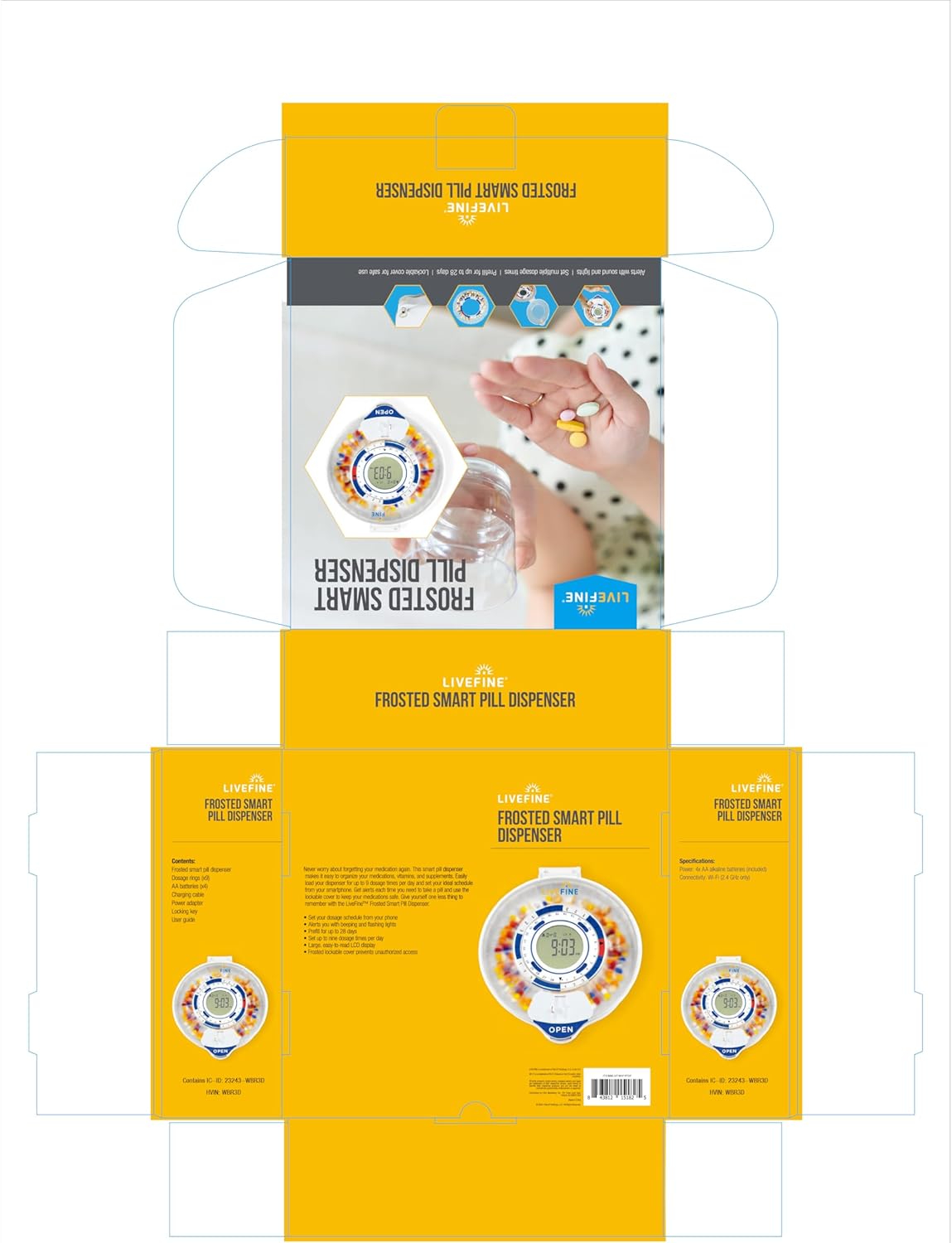
Image: The Live Fine Smart WiFi Automatic Pill Dispenser with visual indicators for alarm and lights. Icons above it represent "Set Timed Reminders," "Select Alarm Tone," and "Control the Volume," illustrating customizable alert options.
Maintenance
Cleaning
To clean the dispenser, ensure it is unplugged and batteries are removed. Wipe the exterior with a soft, damp cloth. Do not immerse the device in water. Avoid using harsh chemicals or abrasive cleaners.
Battery Replacement
When the battery indicator appears on the LCD display, replace the 4 AA backup batteries. Ensure correct polarity when inserting new batteries.
Troubleshooting
| Problem | Possible Cause | Solution |
|---|---|---|
| Dispenser not powering on. | Power adapter not connected or faulty; backup batteries depleted or incorrectly installed. | Ensure power adapter is securely connected. Check and replace AA batteries if necessary. |
| No WiFi connection. | Incorrect WiFi password; dispenser out of range; only supports 2.4GHz WiFi. | Verify WiFi password. Move dispenser closer to the router. Ensure your network is 2.4GHz. Re-attempt connection via the app. |
| Alarms not sounding or dispensing. | Alarms not set correctly in the app; dispenser not connected to WiFi; low battery. | Check alarm settings in the LiveFine app. Confirm WiFi connection. Replace backup batteries. |
| Lid cannot be opened or closed. | Locking mechanism jammed; key missing or damaged. | Ensure the key is fully inserted and turned. Do not force the lid. Contact customer support if the lock is damaged. |
Specifications
- Model: LVFWIFIPDC
- Dimensions: 7.99 x 9.09 x 2.56 inches
- Weight: 2.16 Pounds
- Power Source: Type-C Adapter (included), 4x AA Batteries (backup)
- Connectivity: 2.4GHz WiFi
- Capacity: 28 medication compartments
- Alarms: Up to 9 programmable alarms per day
- Lid Type: Clear Lid
Warranty and Support
For warranty information or technical support, please refer to the manufacturer's official website or contact their customer service department. Keep your purchase receipt for warranty claims.
Manufacturer: Live Fine
Website: Live Fine Store on Amazon

