
Introduction
Welcome to the user manual for your Togetface K37 Kids Wireless Earbuds. These earbuds are designed to provide a high-quality audio experience with features tailored for comfort and ease of use. Please read this manual carefully to ensure proper setup, operation, and maintenance of your device.
What's in the Box
Upon unboxing your Togetface K37 Wireless Earbuds, you should find the following components:
- 1 x Pair of Wireless Earbuds
- 1 x Charging Case
- 1 x User Manual (this document)
- 1 x USB-C Charging Cable
- 3 x Pairs of Eartips (Small, Medium, Large)
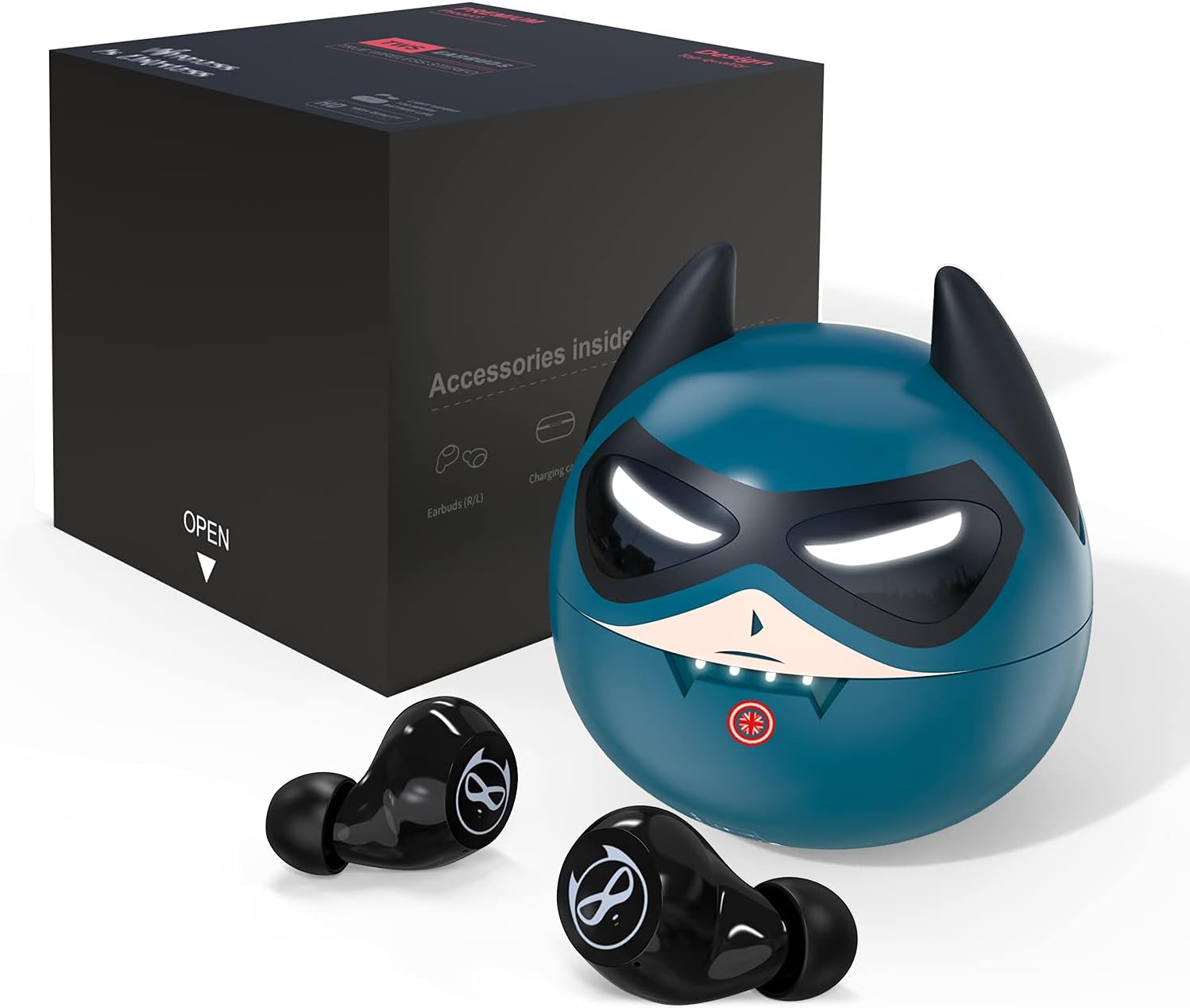
Image: The contents of the product box, including the blue earbud charging case, two black earbuds, a USB-C cable, and a user manual.
Product Overview
The Togetface K37 Wireless Earbuds offer a range of features for an enhanced listening experience:
- Noise Canceling and HIFI Sound Quality: Equipped with CVC8.0 Noise Canceling technology to reduce ambient noise and provide a clear audio experience.
- Comfort Secure Fit: Comes with three different sizes of ear tips to ensure a comfortable and secure fit for various ear sizes, enhancing noise isolation.
- IPX5 Waterproof: Designed to withstand sweat, splashes, and light rain, making them suitable for sports and outdoor activities.
- Touch Control: Intuitive touch controls allow for easy management of music playback, calls, and voice assistant activation without needing to access your connected device.
- One-Step Pairing: Automatically connects to the last paired device upon removal from the charging case.
- Extended Playtime: Up to 6 hours of playtime on a single charge, with an additional 30 hours provided by the portable charging case.
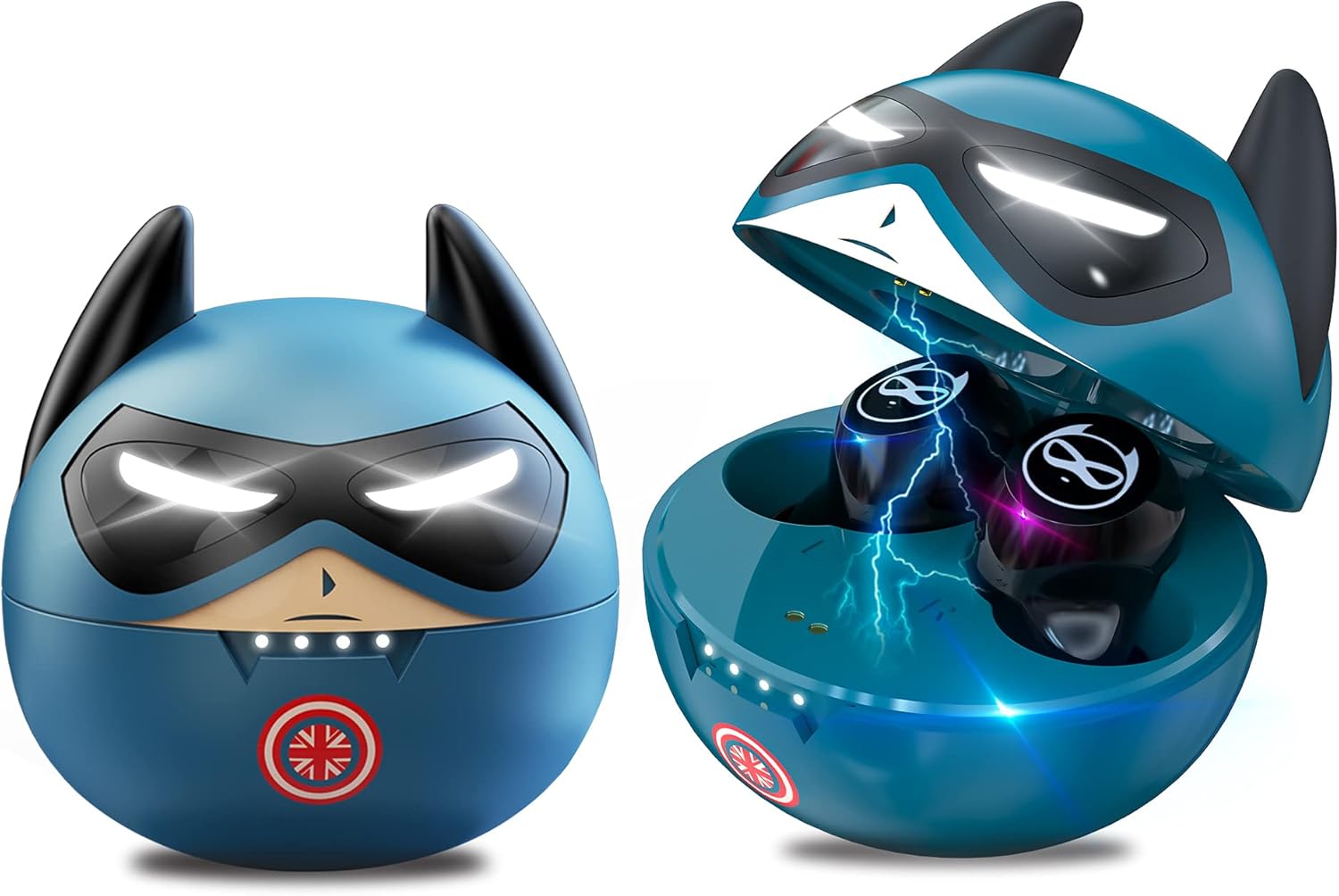
Image: The blue Togetface K37 Kids Wireless Earbuds and their matching charging case, designed with a superhero-like face. The case is shown both closed and open, revealing the earbuds inside.
Setup
1. Charging the Earbuds and Case
Before first use, fully charge the earbuds and the charging case.
- Connect the provided USB-C charging cable to the charging port on the back of the case.
- Plug the other end of the cable into a USB power source (e.g., computer, wall adapter).
- The LED indicators on the case (often resembling the character's mouth or eyes) will light up to show charging status. When fully charged, the lights may turn off or change color.
- Place the earbuds into the charging case. They will magnetically snap into place and begin charging automatically. The earbuds' indicator lights will show their charging status.

Image: A close-up of the charging case showing the USB-C charging port and a charging cable connected.
2. Bluetooth Pairing
Follow these steps to pair your earbuds with your device:
- Ensure the charging case is charged and your device's Bluetooth is turned on.
- Open the charging case and remove both earbuds. They will automatically power on and enter pairing mode.
- On your device, go to Bluetooth settings and search for available devices.
- Select "K62" (or similar model name) from the list to connect.
- Once connected, you will hear a confirmation tone, and the earbud indicator lights will stop flashing.
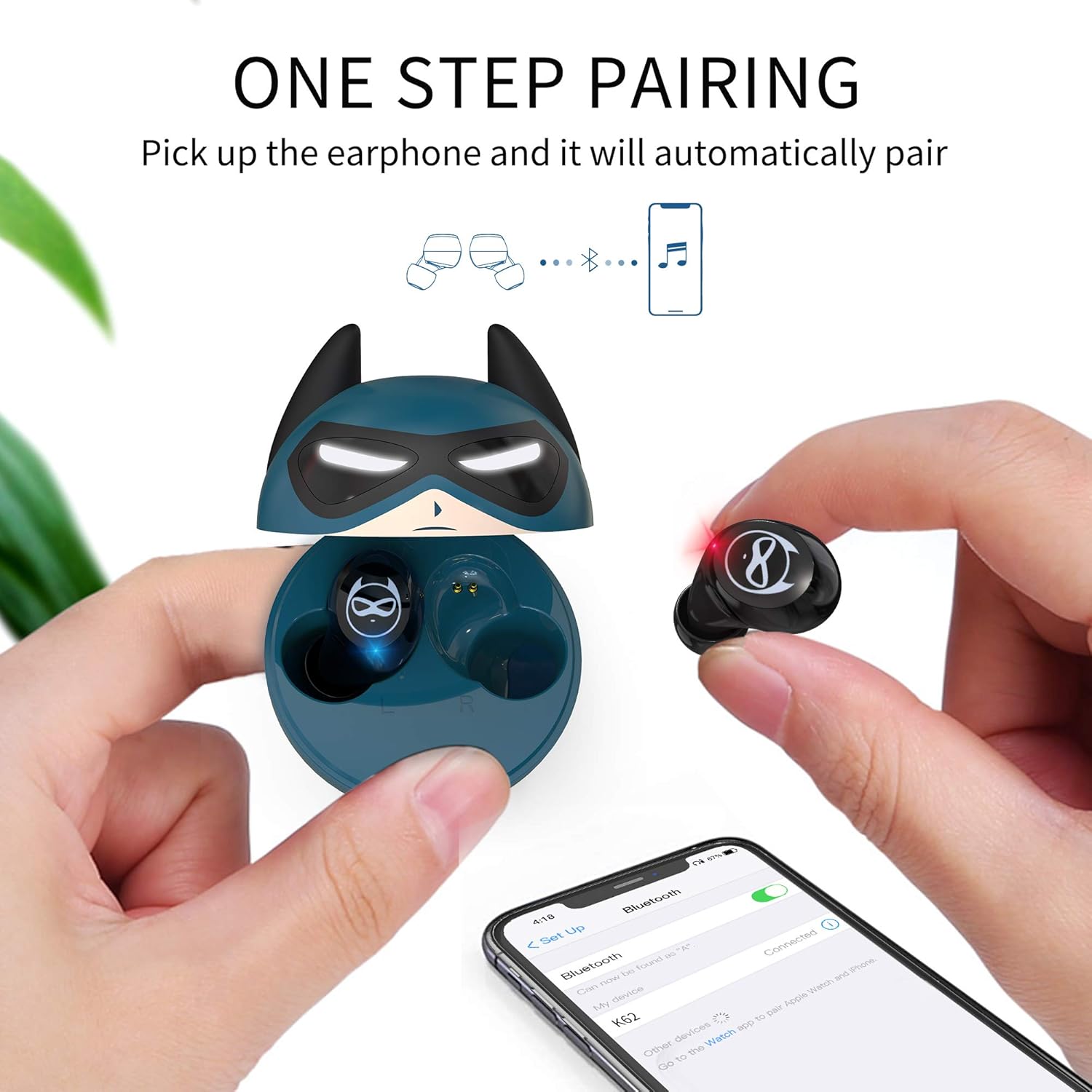
Image: A visual representation of the one-step pairing process, showing a hand removing an earbud from the case and a smartphone displaying the Bluetooth connection.
3. Ear Tip Selection and Fit
Choosing the correct ear tip size is crucial for comfort, sound quality, and noise isolation.
- Experiment with the three provided ear tip sizes (Small, Medium, Large).
- Gently attach the desired ear tip to the earbud nozzle.
- Insert the earbud into your ear and rotate it slightly until it feels secure and comfortable, forming a good seal.

Image: A diagram showing small, medium, and large ear tips, with an earbud correctly inserted into an ear for a comfortable fit.
Operating Instructions
Touch Controls
The Togetface K37 earbuds feature intuitive touch controls on each earbud:
- Play/Pause: Single tap on either earbud.
- Next Track: Double tap on the right earbud.
- Previous Track: Double tap on the left earbud.
- Volume Up: Press and hold the right earbud.
- Volume Down: Press and hold the left earbud.
- Answer/End Call: Single tap on either earbud.
- Reject Call: Press and hold either earbud for 2 seconds.
- Activate Voice Assistant (Siri/Google Assistant): Triple tap on the left earbud.
- Game Mode: Triple tap on the right earbud to switch to low-latency game mode.

Image: A graphic illustrating the various touch control functions for the earbuds, including Siri activation, play/pause, track skipping, and call management.
Wearing the Earbuds
For optimal sound and comfort, ensure the earbuds are correctly positioned in your ears.
- Gently insert each earbud into the corresponding ear canal.
- Rotate the earbud slightly until it feels snug and stable. The ear tip should create a gentle seal.

Image: A person wearing a Togetface K37 earbud, demonstrating a proper and comfortable fit in the ear.
Maintenance
Cleaning
Regular cleaning helps maintain sound quality and hygiene.
- Use a soft, dry, lint-free cloth to wipe the earbuds and charging case.
- Remove ear tips and clean them with mild soap and water. Ensure they are completely dry before reattaching.
- Use a cotton swab or a small, soft brush to gently clean any debris from the earbud nozzles and charging contacts.
Storage
Store your earbuds properly to prolong their lifespan.
- Always store the earbuds in their charging case when not in use.
- Keep the charging case and earbuds in a cool, dry place, away from extreme temperatures and direct sunlight.
Troubleshooting
If you encounter any issues with your Togetface K37 earbuds, refer to the following common solutions:
| Problem | Solution |
|---|---|
| Earbuds not pairing/connecting |
|
| No sound or low volume |
|
| Earbuds not charging |
|
| One earbud not working |
|
Specifications
| Feature | Detail |
|---|---|
| Model Name | K37 |
| Connectivity Technology | Wireless (Bluetooth 5.0) |
| Bluetooth Range | 10 Meters |
| Noise Control | Active Noise Cancellation (CVC8.0) |
| Water Resistance Level | IPX5 (Waterproof) |
| Control Type | Touch Control |
| Battery Life (Earbuds) | Up to 6 Hours |
| Total Playtime (with Case) | Up to 36 Hours |
| Headphones Jack | No Jack |
| Item Weight | 45 Grams (1.59 ounces) |
| Product Dimensions | 1.57 x 1.77 x 1.57 inches |
| Material | Plastic |
| Included Components | Wireless earbuds, charging case, user book, USB-C cable, 3 eartips (S, M, L) |
Official Product Video
Video: An official product video showcasing the features and design of the Togetface K37 Kids Wireless Earbuds, highlighting their cute design, sound quality, and ease of use.
Warranty and Support
Togetface products are designed for quality and reliability. For specific warranty information and customer support, please refer to the contact details provided on the product packaging or visit the official Togetface website. Keep your purchase receipt as proof of purchase for any warranty claims.