
Introduction
Welcome to the Helix TIMEX METALFIT 2.0 Smartwatch user manual. This guide provides detailed instructions on how to set up, operate, and maintain your smartwatch. Please read this manual carefully to ensure proper use and to maximize the device's features.
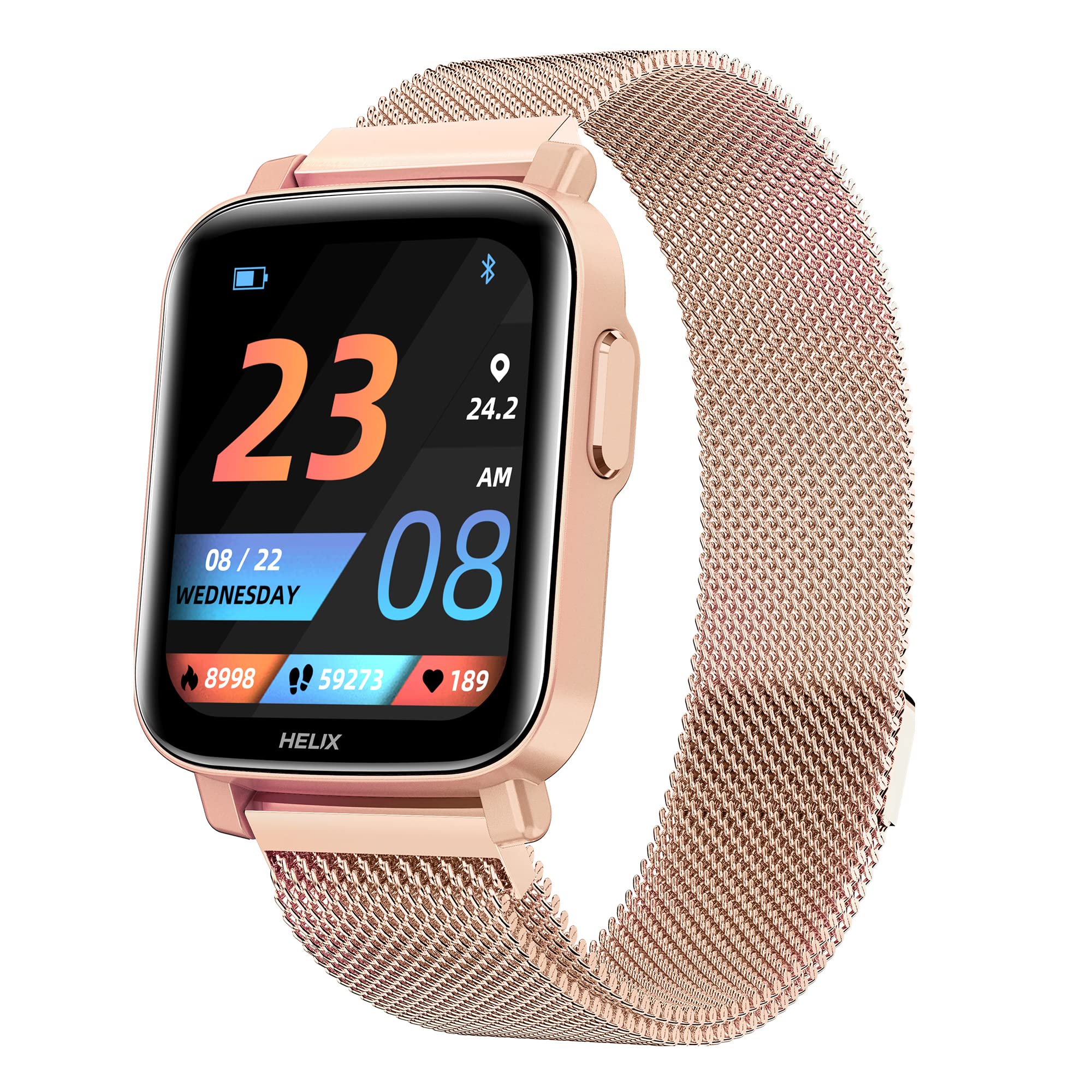
Image: The Helix TIMEX METALFIT 2.0 smartwatch, showcasing its sleek design and display.
Setup
1. Charging the Smartwatch
Before first use, fully charge your smartwatch. Connect the magnetic charging cable to the charging pins on the back of the watch and plug the USB end into a standard USB power adapter (not included).
- A full charge typically takes approximately 2 hours.
- The battery icon on the screen will indicate charging status.
2. Installing the Helix Smart App
To unlock the full potential of your METALFIT 2.0 smartwatch, download and install the 'Helix Smart' application on your smartphone.
- Scan the QR code provided in the watch packaging or search for 'Helix Smart' in the Google Play Store (for Android) or Apple App Store (for iOS).
- Install the application on your smartphone.

Image: Screenshots of the Helix Smart App interface on a smartphone, showing options for Google Play and App Store downloads.
3. Pairing the Smartwatch with Your Phone
Ensure Bluetooth is enabled on your smartphone and the smartwatch is sufficiently charged.
- Open the 'Helix Smart' app on your phone.
- Follow the on-screen instructions to create an account or log in.
- Navigate to the 'Device' section and select 'Add Device'.
- The app will search for available devices. Select 'METALFIT 2.0' from the list.
- Confirm the pairing request on both your phone and the smartwatch.
Operating the Smartwatch
1. Basic Navigation
The METALFIT 2.0 features a 1.5-inch HD IPS full-touch display for intuitive interaction.

Image: Close-up of the smartwatch display showing time, date, and activity metrics, highlighting the large touchscreen with auto brightness.
- Swipe Up/Down: Scroll through menus and notifications.
- Swipe Left/Right: Access quick functions or widgets.
- Tap: Select an item or confirm an action.
- Side Button: Press to wake the screen, return to the home screen, or access the main menu.
2. Bluetooth Calling
The smartwatch supports Bluetooth calling, allowing you to make and receive calls directly from your wrist when connected to your smartphone.

Image: A person wearing the smartwatch, with an enlarged view of the watch display showing an incoming call interface, indicating dial pad, inbuilt contacts, microphone, and speaker.
- Making Calls: Access the dial pad or contacts list on the watch to initiate a call.
- Receiving Calls: An incoming call notification will appear on the watch. Tap to answer or decline.
- The watch utilizes an inbuilt microphone and speaker for call functionality.
3. Health Monitoring
The METALFIT 2.0 provides comprehensive health monitoring features.

Image: The smartwatch display showing SpO2 (blood oxygen) measurement at 98%, alongside icons for Female Health Tracking, SpO2 Monitor, Temperature Sensor, and Stress Monitor.
- SpO2 Monitor: Measures blood oxygen saturation levels.
- Body Temperature: Monitors your body temperature.
- Blood Pressure (BP): Provides blood pressure readings.
- Heart Rate Monitor: Continuously tracks your heart rate.
- Sleep Tracking: Analyzes your sleep patterns.
- Female Health Tracking: Offers dedicated tracking for female health cycles.
Note: Health monitoring data is for reference only and should not be used for medical diagnosis or treatment. Consult a medical professional for health concerns.
4. Sports Modes
Engage in various physical activities with 20 built-in sports modes.
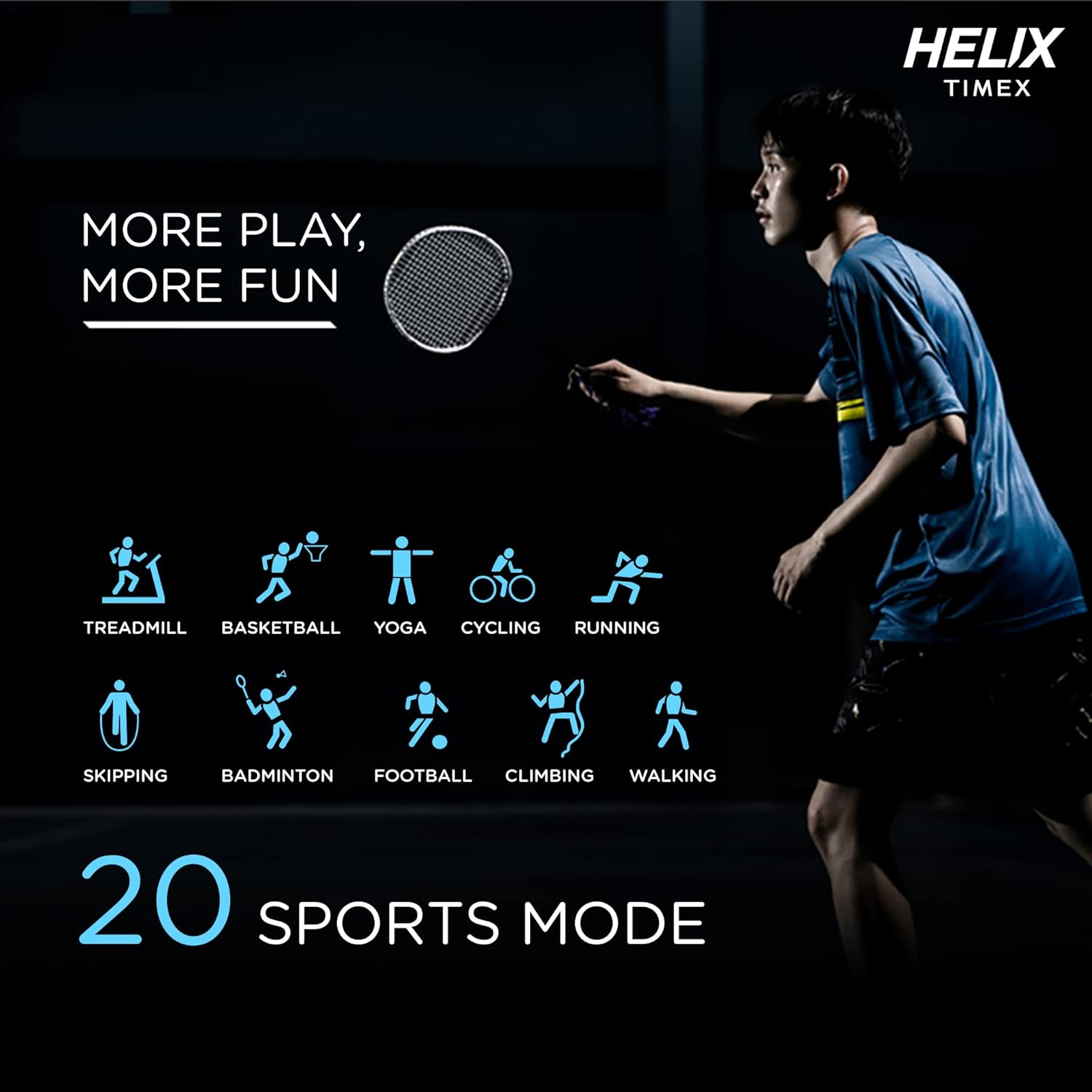
Image: A person playing badminton, with icons representing 20 different sports modes including Treadmill, Basketball, Yoga, Cycling, Running, Skipping, Badminton, Football, Climbing, and Walking.
- Select a sports mode before starting your workout to track specific metrics like duration, calories burned, and heart rate.
- Modes include Treadmill, Basketball, Yoga, Cycling, Running, Skipping, Badminton, Football, Climbing, Walking, and more.
5. Smart Features
The smartwatch offers a range of smart features to enhance your daily life.

Image: The smartwatch surrounded by icons representing various smart features: Female Health Tracking, Music Control, Camera Control, Daily Activity Tracking, Call Answering Option, Social Media Notifications, Sleep Tracking, Message, Phone Finder, and Sedentary Reminder.
- Music Control: Control music playback on your smartphone.
- Camera Control: Use your watch as a remote shutter for your phone's camera.
- Daily Activity Tracking: Monitor steps, distance, and calories burned.
- Social Media Notifications: Receive alerts from your favorite apps.
- Message Notifications: View incoming messages.
- Phone Finder: Locate your paired smartphone.
- Sedentary Reminder: Get alerts to move after periods of inactivity.
- Voice Assistant: Interact with your device using voice commands.
6. Watch Faces
Personalize your smartwatch with a variety of watch faces available through the Helix Smart App.

Image: A collage of different watch face designs displayed on the smartwatch, illustrating customization options.
- Browse and download new watch faces from the app to match your style or mood.
Maintenance
1. Cleaning Your Smartwatch
- Wipe the screen and strap with a soft, damp, lint-free cloth.
- Avoid using harsh chemicals or abrasive materials.
- Ensure the charging contacts are clean and dry before charging.
2. Water Resistance
The METALFIT 2.0 is IP67 water and dust resistant.
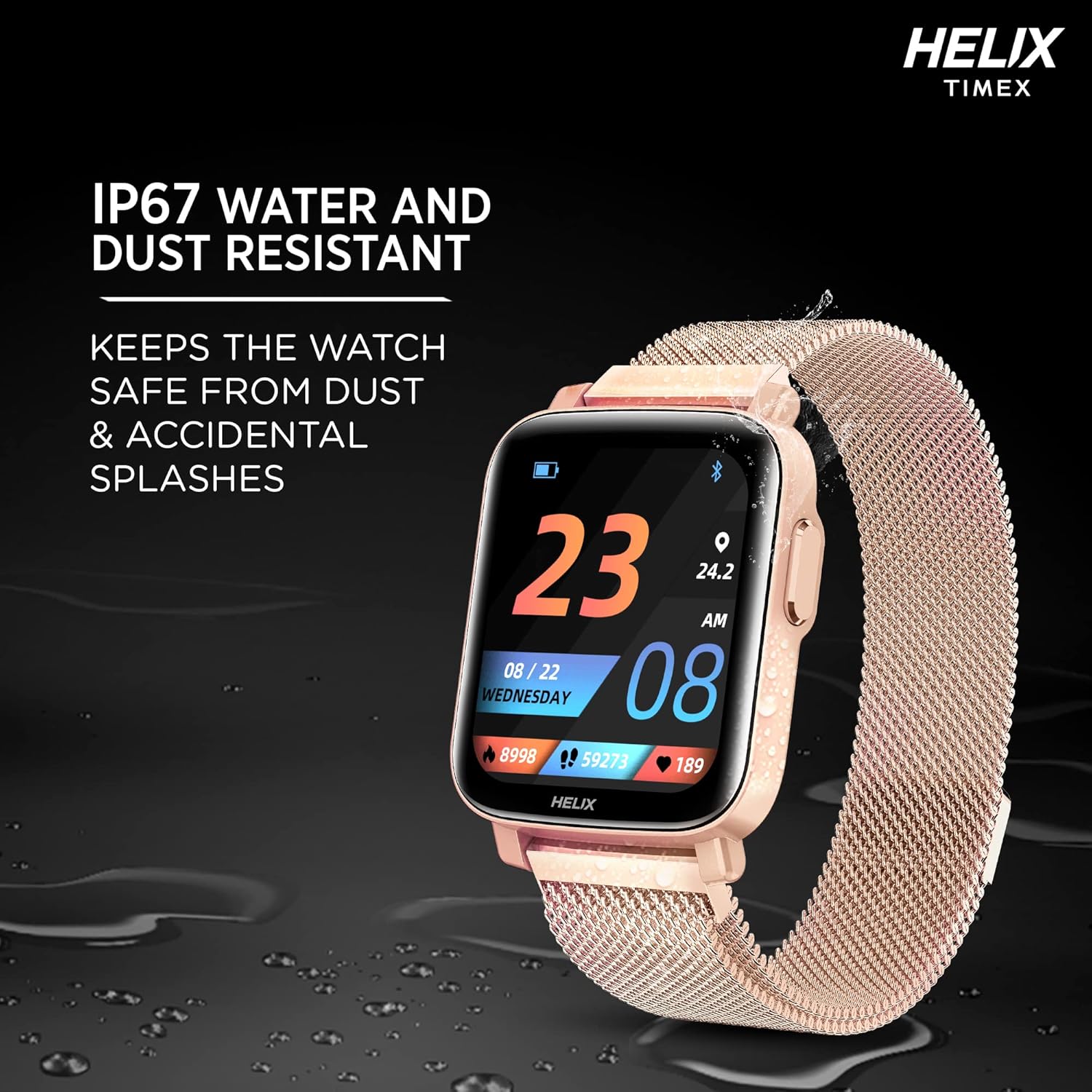
Image: The smartwatch lying on a wet surface, illustrating its IP67 water and dust resistance.
- It is resistant to splashes, rain, and brief immersion in water (up to 1 meter for 30 minutes).
- Not suitable for swimming, showering with hot water, or diving.
- Avoid exposure to high-pressure water or steam.
3. Battery Life and Charging
The smartwatch offers extended battery life depending on usage.

Image: The smartwatch display showing a charging animation, with text indicating up to 7 days battery life without call function and up to 72 hours with call function.
- Up to 7 days of battery life without the Bluetooth calling function.
- Up to 72 hours of battery life with the Bluetooth calling function enabled.
- Charge the device using the provided magnetic charging cable.
Troubleshooting
- Smartwatch not turning on: Ensure the device is fully charged. Connect it to the charger for at least 30 minutes.
- Cannot pair with phone: Make sure Bluetooth is enabled on your phone and the smartwatch is within range. Restart both devices and try pairing again through the Helix Smart App.
- Inaccurate health data: Ensure the watch is worn snugly on your wrist, not too tight or too loose. Clean the sensor on the back of the watch.
- Notifications not appearing: Check app permissions on your phone to ensure the Helix Smart App has access to notifications. Verify notification settings within the app.
- Bluetooth calling issues: Ensure the watch is properly connected to your phone via Bluetooth. Check the volume settings on both devices.
Specifications
| Feature | Detail |
|---|---|
| Model Name | METALFIT 2.0 |
| Brand | Helix |
| Display Type | 1.5-inch HD IPS Full-touch LCD |
| Connectivity | Bluetooth |
| Operating System | Smartwatch OS |
| Metrics Measured | Heart Rate, Blood Oxygen (SpO2), Body Temperature, Blood Pressure |
| Sports Modes | 20+ (e.g., Treadmill, Basketball, Yoga, Cycling, Running, Skipping, Badminton, Football, Climbing, Walking) |
| Battery Life (Typical) | Up to 7 days (without calling), Up to 72 hours (with calling) |
| Waterproof Rating | IP67 |
| Human Interface Input | Microphone, Touch Control |
| Compatible Devices | Smartphones with Bluetooth |
| Item Weight | 120 g |
| Manufacturer | helix |
Support
For any questions or support regarding your Helix TIMEX METALFIT 2.0 Smartwatch, please contact our customer service.
- Toll-Free Support: 1800 419 2727
- Operating Hours: Monday to Saturday, 10 AM - 7 PM
This service is provided by the TIMEX Group.