
GoolRC A220-P40
GoolRC WLtoys XK A220-P40 RC Plane User Manual
Model: A220-P40 | Brand: GoolRC
1. Introduction
Welcome to the user manual for your GoolRC WLtoys XK A220-P40 RC Plane. This remote control aircraft is designed for both beginners and experienced pilots, featuring a durable EPP material construction, 4-channel control, and a versatile 3D/6G flight mode system. This manual provides essential information for assembly, operation, maintenance, and troubleshooting to ensure a safe and enjoyable flying experience.

The GoolRC WLtoys XK A220-P40 RC Plane and its remote controller.
2. What's in the Box
- RC Plane
- Remote Controller
- User Manual
- Other Accessories (e.g., spare propellers, USB charger, landing gear)

All components included in the product package.
3. Key Features
- 4 Channel Design: Easy to learn. The aileron channel controls the aircraft to turn left and right, the lifting controls the aircraft to ascend and descend, and the throttle channel controls the aircraft flight speed, the direction controls the plane to circle around.
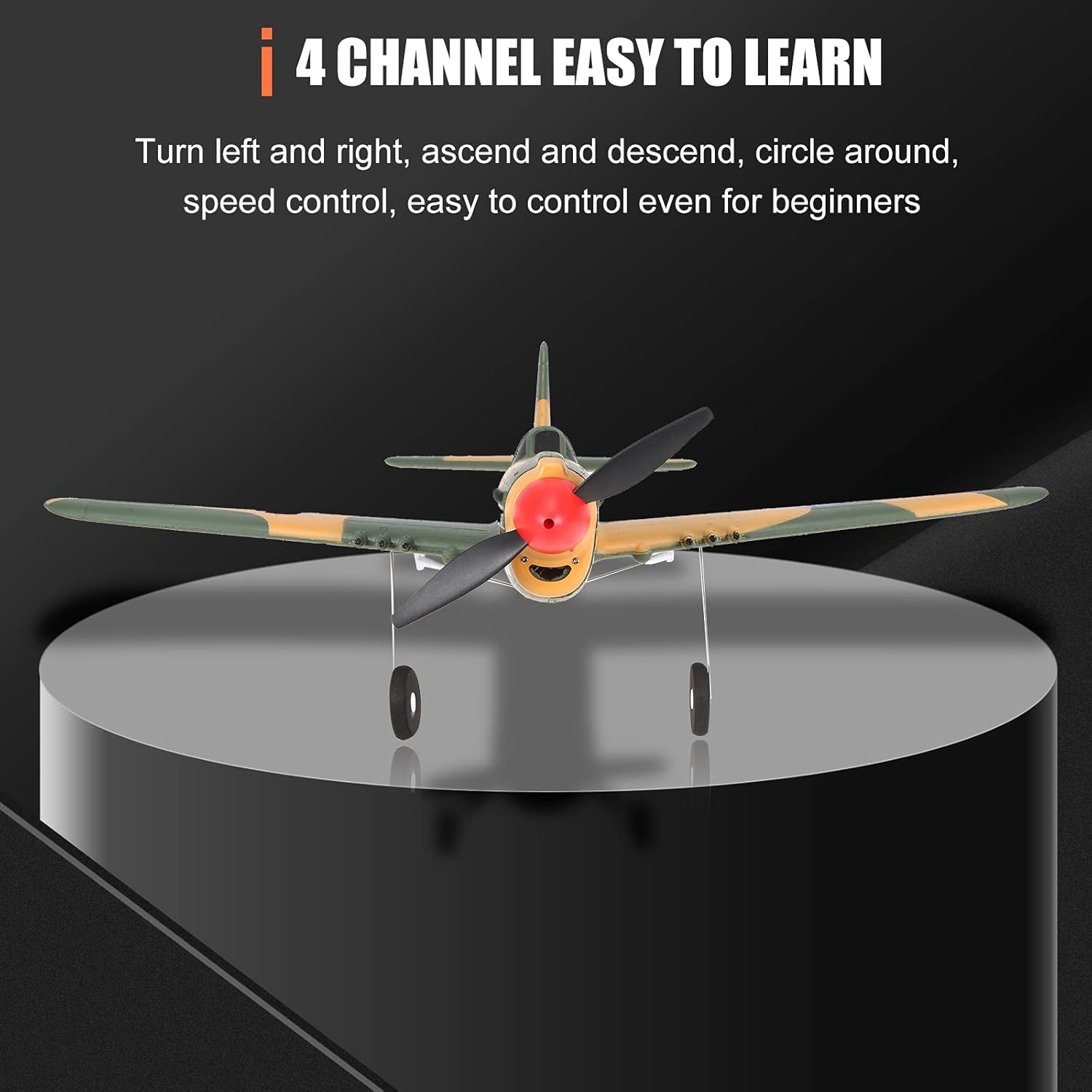
The 4-channel design allows for easy and intuitive control.
- 2.4Ghz Technology: 2.4Ghz technology with radio control distance of 150m. Equipped with high speed hollow cup motor, fast speed, long life, low energy consumption and the strong anti-interference ability allows you to have more fun with this remote control model airplane.

Experience stable and long-range control with 2.4Ghz technology.
- Durable EPP Material: Adopt high-density and super-tough EPP material, which is resistant to impact and drop, not easy to be damaged and can last for a long time provides flexibility and durability to keep the plane from crashing damages.

The EPP foam construction ensures lightweight durability.
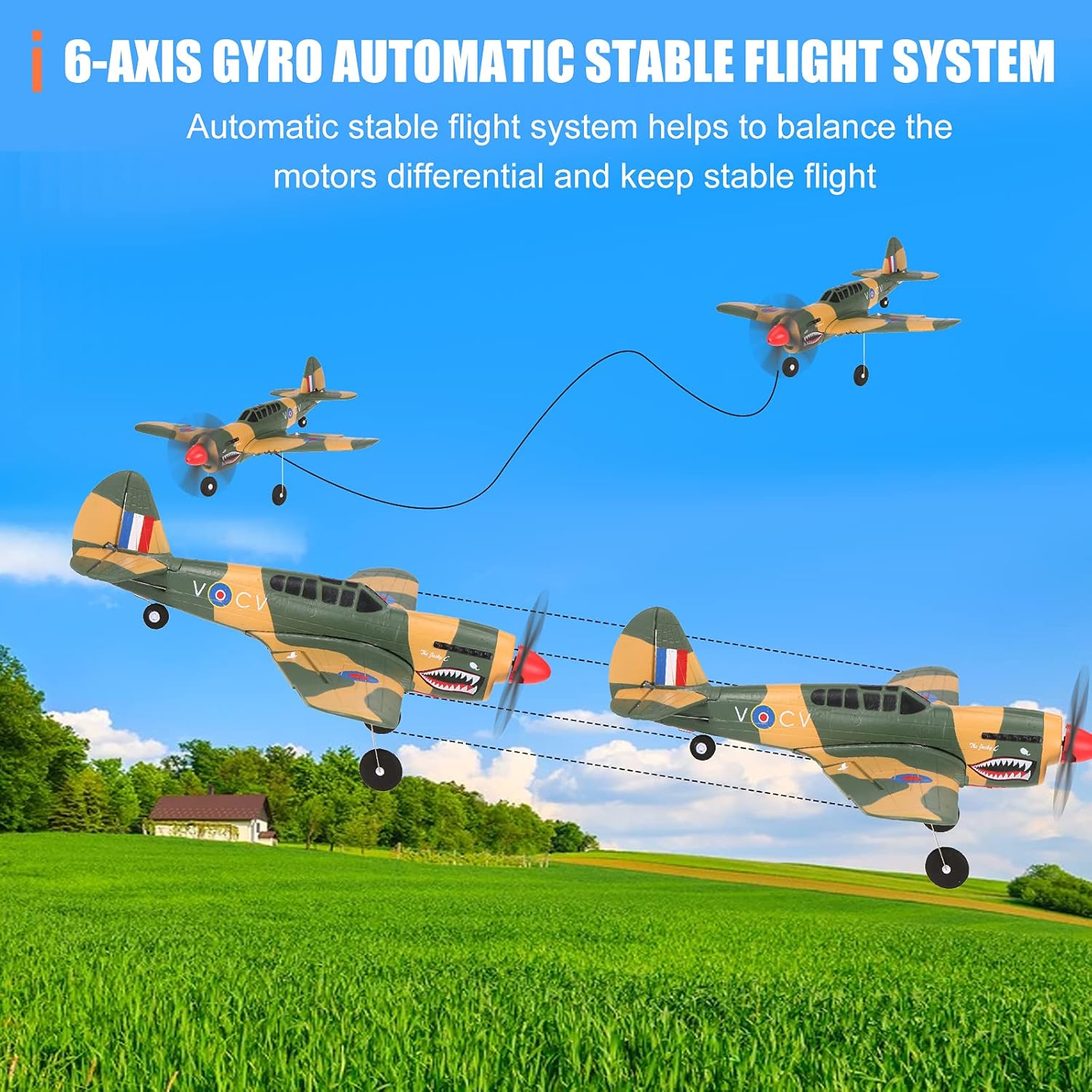
- More Stable Flight (6-Axis Gyro): Built in six axis gyroscope and automatic stable flight system, with 1020 motor super power deceleration group, route locking is more stable. Remote control 6G / 3D mode can be switched freely. 6G mode is suitable for beginners. 3D mode can realize somersault and left-right roll. It is recommended to fly the aircraft to a certain height before operation to avoid improper operation and reduce the possibility of falling.

The 6-axis gyroscope provides enhanced flight stability.
- Better Design: The blades, motors and wings are detachable for easy replacement. Two receiver conversion sockets are added to the flight control system. 5V is suitable for Futaba (S-BUS) and other receivers with (S-BUS)ports, and 3V is suitable for DSM receivers. USB special charger, more effective protection against battery overcharge.
4. Specifications
| Specification | Value |
|---|---|
| Model Number | A220-P40 |
| Brand | GoolRC |
| Flight Time | About 10 minutes |
| Charging Time | About 50 minutes |
| Remote Control Distance | About 150 meters |
| Motor | Coreless motor 1020 |
| Battery | 3.7V 400mAh 20C * 1 Lithium Polymer |
| Package Dimensions | 15.75 x 7.83 x 6.54 inches |
| Item Weight | 1.46 pounds |

Overview of the GoolRC A220-P40 Fighter's key specifications.
5. Setup Guide
5.1. Assembly
The GoolRC A220-P40 comes mostly pre-assembled. Ensure all detachable parts like the propeller, wings, and landing gear are securely attached before flight. The propeller is designed to detach upon impact to prevent damage, and can be easily reattached.
5.2. Battery Installation
Locate the battery compartment on the underside of the aircraft. Insert the 3.7V 400mAh Lithium Polymer battery and connect it to the aircraft's power port. Ensure the battery is fully charged using the provided USB charger before first use. The USB charger protects against overcharge.

Proper battery placement is crucial for flight balance.
5.3. Remote Controller Overview
Familiarize yourself with the remote controller's functions:
- Throttle/Direction Joystick: Controls flight speed and circling direction.
- Up and Down/Aileron Stick: Controls ascent/descent and left/right turns.
- Trim Buttons: Fine-tune throttle, elevator, and aileron for stable flight.
- 6G/3D Conversion Button: Switches between beginner-friendly 6G mode and acrobatic 3D mode.
- Power Indicator: Shows controller battery status.
- Switch: Power on/off.

Understand your remote controller for precise flight.
6. Operating Instructions
6.1. First Flight Considerations
Choose an open area free from obstacles, people, and animals. Avoid flying in windy conditions, especially for beginners, as the lightweight design can be affected. Ensure both the aircraft and remote controller are fully charged and properly bound.
6.2. Flight Modes (3D/6G)
- 6G Mode (Beginner-Friendly): Provides automatic stable flight, ideal for learning. The 6-axis gyroscope helps maintain stability.
- 3D Mode (Advanced): Allows for acrobatic maneuvers like somersaults and rolls. It is recommended to switch to 3D mode only after gaining sufficient height and experience in 6G mode.
Switch between 6G for stability and 3D for aerobatics.
6.3. Basic Flight Controls
Use the joysticks on the remote controller to manipulate the aircraft. Practice gentle movements to understand the plane's response. Always maintain visual line of sight with the aircraft.
6.4. Propeller Protection
The propeller is designed to detach easily upon impact to prevent damage to the motor and propeller itself. If the propeller detaches, simply reattach it to the main shaft.

The propeller's breakaway design minimizes damage during crashes.
6.5. Official Product Video
Watch this official video from the seller for a visual guide on operating the GoolRC WLtoys XK A220-P40 RC Plane:
Official demonstration of the GoolRC WLtoys XK A220-P40 RC Plane in flight.
7. Maintenance
- Cleaning: Wipe the aircraft gently with a dry, soft cloth after each use to remove dust or debris. Avoid using water or harsh chemicals.
- Propeller Replacement: If a propeller is damaged beyond reattachment, replace it with a spare. Ensure the new propeller is installed correctly.
- Battery Care: Always disconnect the battery from the aircraft after use. Store the battery in a cool, dry place. Do not overcharge or over-discharge the battery.
- Storage: Store the aircraft in a safe place away from direct sunlight, extreme temperatures, and moisture.
8. Troubleshooting
| Problem | Possible Cause | Solution |
|---|---|---|
| Aircraft is tail-heavy or balloons up during flight. | Incorrect Center of Gravity (CG). | Ensure landing gear is installed (if applicable) or add small weights to the nose to balance the aircraft. Calibrate the gyroscope on a flat surface. |
| Aircraft does not respond to controls or flies erratically. | Low battery on aircraft or remote; interference; improper binding; damaged components. | Charge batteries; ensure clear line of sight; re-bind controller; check for visible damage to propellers, motors, or control surfaces. |
| Propeller detaches frequently. | Normal breakaway function; worn propeller shaft. | Reattach propeller firmly. If it continues to detach without impact, inspect the shaft for wear and replace if necessary. |
| Difficulty controlling in windy conditions. | Lightweight design susceptible to wind. | Fly in calm conditions. For experienced pilots, use 3D mode and apply more aggressive control inputs, especially rudder in turns. |
9. Warranty and Support
For any product-related inquiries, technical support, or warranty claims, please contact GoolRC customer service through the platform where you purchased the product. Please have your purchase details and model number (A220-P40) ready when contacting support.
For more information and updates, you may visit the official GoolRC store: GoolRC Amazon Store
Ask a question about this manual
Ask about setup, troubleshooting, compatibility, parts, safety, or missing instructions. Manuals+ will review the question and use this page’s manual context to help answer it.