
1. Introduction
The Nillkin SnapHold Magnetic Wall Mount provides a convenient and secure way to mount your MagSafe-compatible iPhone or device on various flat surfaces. This product is designed for hands-free use in locations such as bathrooms, kitchens, gyms, and bedrooms, allowing you to enjoy media, video calls, or follow instructions without holding your device. The strong magnetic attraction ensures your device remains firmly in place.
2. Product Compatibility
The Nillkin SnapHold Magnetic Wall Mount is designed for optimal compatibility with:
- iPhone 17 Pro Max/17 Pro/17/16/15/14/13/12 Series
- MagSafe Cases
- Nillkin Magnetic Cases
- Devices with MagSafe rings
Note: This product is not suitable for use in vehicles.

Image: Compatibility chart for Nillkin SnapHold Magnetic Sticker.
3. Setup and Installation
Follow these steps to properly install your Nillkin SnapHold Magnetic Wall Mount:
- Prepare the Surface: Choose a clean, flat, and dry surface for installation. Wipe the surface thoroughly to remove any dust, dirt, or moisture.
- Remove Release Paper: Carefully peel off the protective release paper from the adhesive side of the magnetic sticker.
- Apply the Sticker: Press the magnetic sticker firmly onto the prepared surface. Apply pressure for a few seconds to ensure strong adhesion.
- Allow to Set: For optimal adhesion and stability, allow the sticker to set for at least 12 hours before attaching your device.
Important: Do not stick the magnetic sticker directly onto your phone. It is designed to be affixed to a wall or other flat surface. Avoid removing and re-pasting the sticker, as this will decrease its adhesiveness.
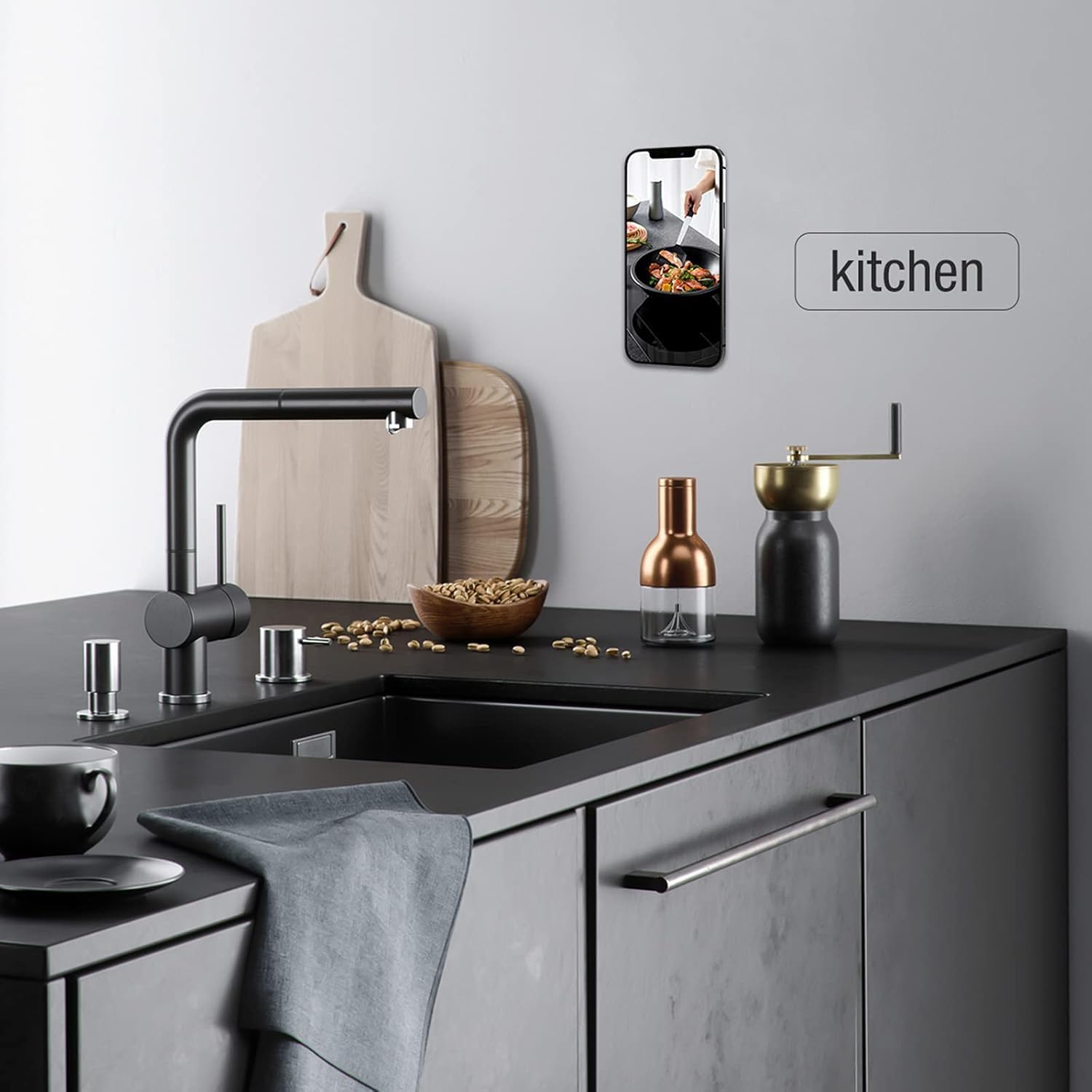
Image: Step-by-step installation guide for the SnapHold Magnetic Sticker.
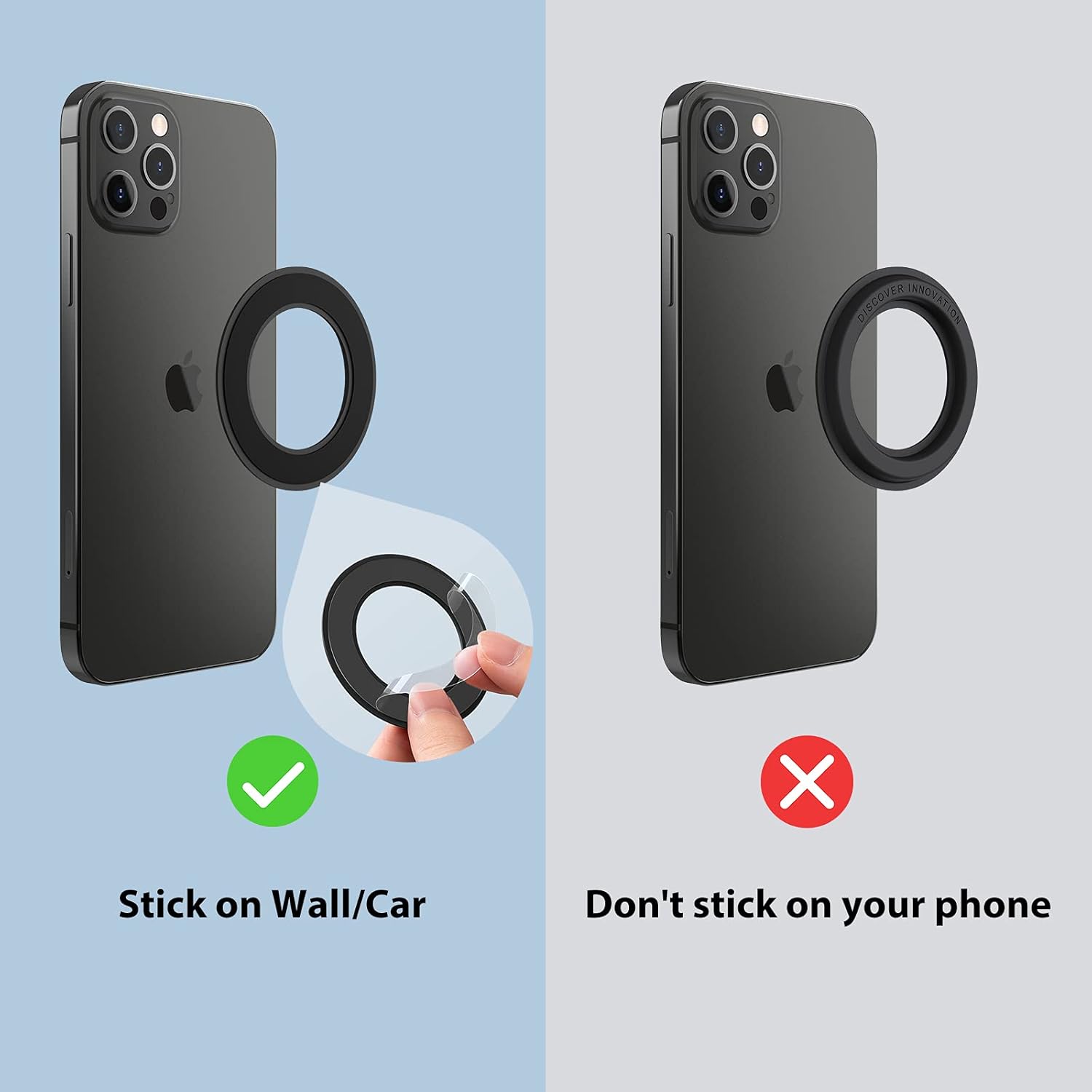
Image: Correct and incorrect application of the magnetic sticker.
Video: Demonstration of Nillkin SnapHold Magnetic Sticker installation and initial usage.
4. Operating Instructions
Once the SnapHold Magnetic Wall Mount is securely installed, using it is simple:
- Attach Device: Bring your MagSafe-compatible iPhone (or device with a MagSafe case/ring) close to the installed magnetic sticker. The strong rubidium magnet will automatically attract and secure your device.
- Adjust Position: The magnetic connection allows for easy rotation and adjustment of your device's orientation (portrait or landscape) to suit your viewing needs.
- Remove Device: Gently pull your device away from the magnetic sticker to detach it.

Image: Various application scenarios for the magnetic phone holder.

Image: Specific examples of the phone holder in use in a bathroom, gym, and bedroom.
Video: Short demonstration of the magnetic sticker's versatility in different settings.
Video: Product demonstration showcasing various applications of the magnetic phone holder.
Video: Further demonstration of the magnetic phone holder's use in different environments.
5. Maintenance
To ensure the longevity and performance of your Nillkin SnapHold Magnetic Wall Mount:
- Keep the magnetic surface clean and free from debris.
- Avoid exposing the adhesive to extreme temperatures or direct sunlight for prolonged periods, as this may weaken the bond.
- Do not attempt to reposition the sticker after initial application, as this will compromise its adhesive strength.
6. Troubleshooting
If you encounter any issues with your magnetic wall mount, consider the following:
- Weak Adhesion: Ensure the surface was thoroughly cleaned and dry before application. Avoid touching the adhesive side during installation. Allow the recommended 12-hour setting time. If the sticker has been repositioned multiple times, its adhesive may be compromised.
- Device Not Sticking: Verify that your phone or case is MagSafe compatible or has a built-in magnetic ring. Ensure there are no obstructions between your device and the magnetic sticker.
- Device Falling: Check if the magnetic sticker is firmly attached to the wall. Ensure the device's weight does not exceed the magnetic holder's capacity (800g magnetic attraction).
7. Specifications
| Feature | Detail |
|---|---|
| Brand | Nillkin |
| Model | SnapHold Magnetic Sticker |
| Color | Black (2 PCS) |
| Compatible Devices | iPhone 17 Pro Max/17 Pro/17/16/15/14/13/12 Series, MagSafe Case, Nillkin Magnetic Case, MagSafe Ring |
| Mounting Type | Wall Mount |
| Magnetic Strength | 800g magnetic attraction |
| Material | Durable PU leather exterior with scratch-resistant coating |
8. Warranty and Support
Your Nillkin SnapHold Magnetic Wall Mount comes with a 12-month warranty. For any product issues, concerns, or dissatisfaction, please contact Nillkin customer support directly for assistance.
