Introduction
This manual provides essential instructions for the safe and efficient use of your T'nB XCLUSIV Wireless Bluetooth Headphones, Model EBXCLUSIVVT. Please read this guide thoroughly before operating the device and retain it for future reference.
Product Overview
The T'nB XCLUSIV Wireless Bluetooth Headphones offer a true wireless audio experience with an ergonomic half in-ear design. They come with a portable charging case featuring a distinctive Amazonia design.
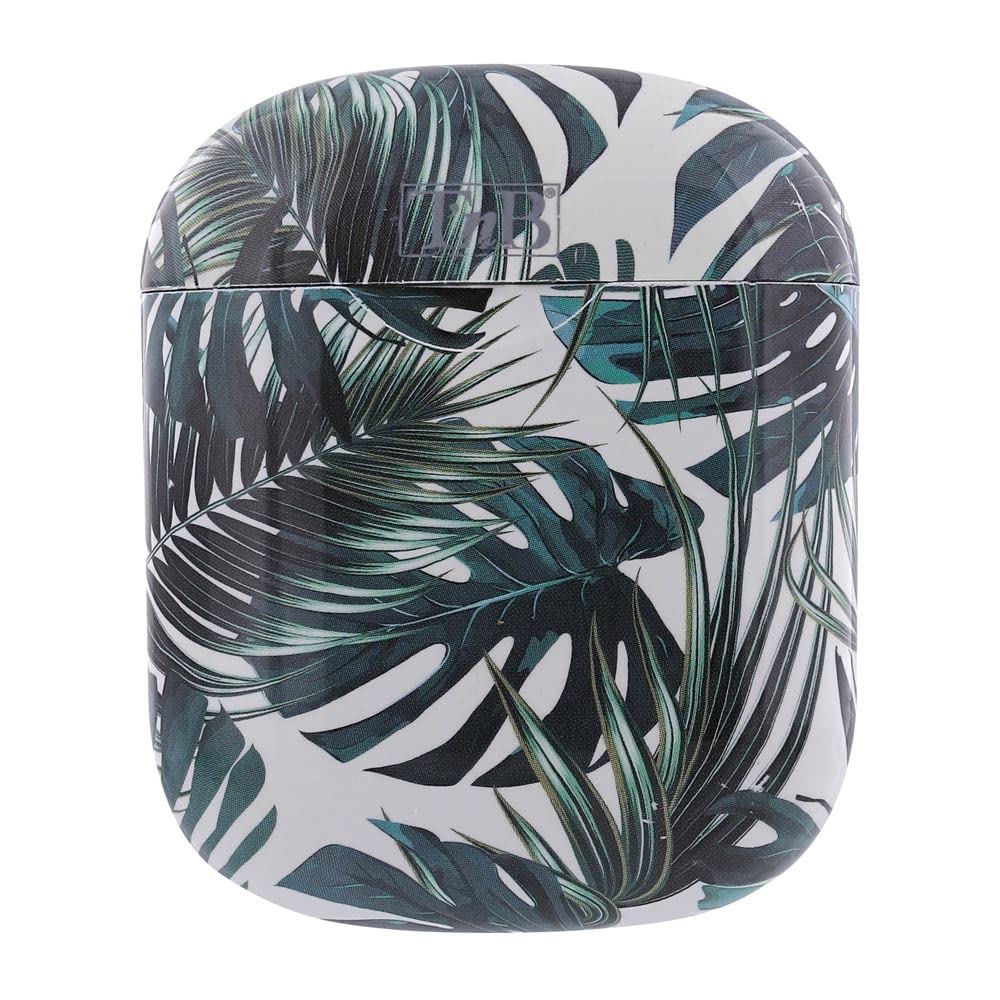
Image showing the two white T'nB XCLUSIV wireless earbuds above their open charging case, which features a vibrant green and white Amazonia leaf pattern.
Setup
1. Charging the Device
- Charge the Charging Case: Connect the provided micro USB charging cable to the charging port on the case and the other end to a USB power source (e.g., computer, wall adapter). The indicator light on the case will show charging status.
- Charge the Headphones: Place the headphones into the charging case. Ensure they are correctly seated. The headphones will begin charging automatically.
- Allow sufficient time for a full charge before first use.
2. Initial Pairing
- Power On: Remove both headphones from the charging case. They will automatically power on and attempt to pair with each other.
- Activate Bluetooth: On your mobile device, navigate to the Bluetooth settings and ensure Bluetooth is enabled.
- Select Device: Look for "T'nB XCLUSIV" or a similar name in the list of available Bluetooth devices and select it to pair.
- Confirmation: Once paired, you will hear an audio confirmation, and the indicator lights on the headphones will change.
Operating Instructions
Power On/Off
- Power On: Remove headphones from the charging case. They will power on automatically. Alternatively, press and hold the multi-function button on each earbud for approximately 3 seconds.
- Power Off: Place headphones back into the charging case. They will power off automatically. Alternatively, press and hold the multi-function button on each earbud for approximately 5 seconds.
Bluetooth Connection
- Once paired, the headphones will automatically connect to the last paired device when powered on and within range.
- If connection fails, ensure Bluetooth is active on your device and the headphones are charged.
Basic Controls
The headphones feature a multi-function touch control area on each earbud for various operations:
- Play/Pause: Tap once on either earbud.
- Next Track: Double-tap the right earbud.
- Previous Track: Double-tap the left earbud.
- Answer/End Call: Tap once on either earbud during an incoming call or an active call.
- Reject Call: Press and hold either earbud for 2 seconds during an incoming call.
- Activate Voice Assistant: Triple-tap either earbud (functionality depends on your connected device).
Using the Microphone
The built-in universal microphone allows for hands-free calling. Ensure the headphones are connected to your device for microphone functionality.
Maintenance
- Cleaning: Use a soft, dry, lint-free cloth to clean the headphones and charging case. Do not use abrasive cleaners, alcohol, or chemical solvents.
- Storage: When not in use, store the headphones in their charging case to protect them and keep them charged. Store in a cool, dry place away from direct sunlight and extreme temperatures.
- Battery Care: To prolong battery life, avoid fully discharging the headphones and charging case frequently. Charge them regularly, even if not used for extended periods.
- Water Resistance: The headphones are water-resistant. Avoid submerging them in water or exposing them to heavy rain. Dry them thoroughly if they get wet.
Troubleshooting
- Headphones not pairing with each other:
Ensure both headphones are charged. Place them back in the charging case, close the lid, wait a few seconds, then remove them again to re-initiate the pairing process.
- Headphones not connecting to device:
Check if Bluetooth is enabled on your device. Ensure the headphones are charged and within range. Try forgetting the device in your phone's Bluetooth settings and re-pairing.
- No sound or low volume:
Adjust the volume on both your device and the headphones. Ensure the headphones are properly seated in your ears. Check if the headphones are connected to the correct audio output on your device.
- Charging case not charging:
Verify the micro USB cable is securely connected to both the case and the power source. Try a different cable or power adapter.
- One earbud not working:
Ensure both earbuds are charged. Try placing both earbuds back in the case, closing it, and then removing them to reset the connection.
Specifications
| Model Number | EBXCLUSIVVT |
| Connectivity Technology | Wireless (Bluetooth 5.0) |
| Headphone Type | Half In-ear |
| Battery Life | Up to 10 hours |
| Sensitivity | 96 dB |
| Impedance | 32 Ohms |
| Microphone | Built-in universal microphone |
| Water Resistance Level | Water Resistant |
| Item Weight | 0.13 Kilograms |
| Included Components | 2 x headphones, 1 x charging box, 1 x micro USB charging cable, 1 x user manual |
Warranty and Support
For warranty information or technical support, please refer to the documentation provided with your purchase or visit the official T'nB website. Keep your proof of purchase for any warranty claims.


