Product Overview
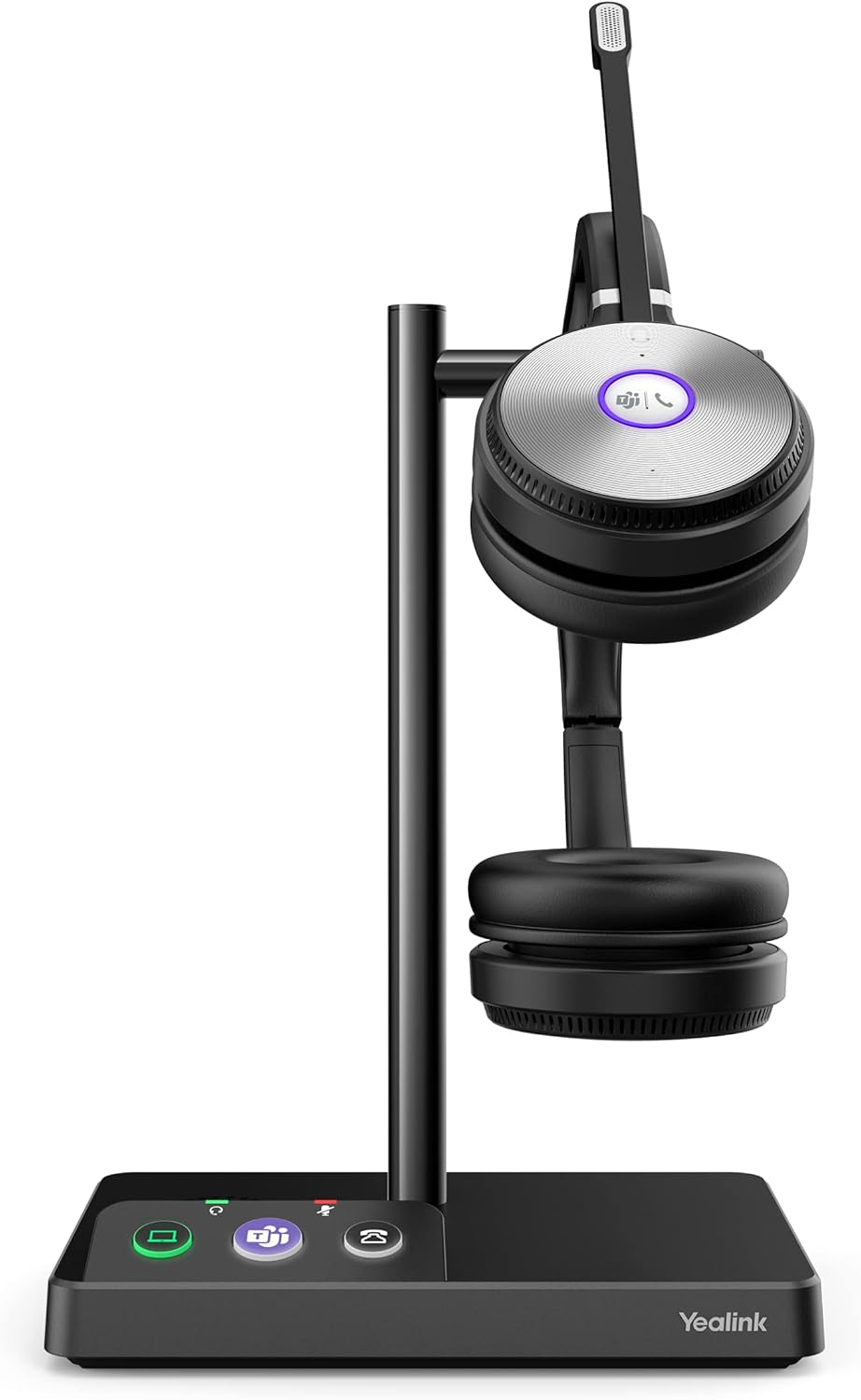
The Yealink WH62 Duo Teams Wireless Noise Canceling Headset is designed for professionals seeking a high-quality audio experience with flexible connectivity. This headset integrates seamlessly with USB-enabled desk phones, computers, and softphones, offering superior sound clarity and comfort for all-day use.
- Noise Cancellation: Features Acoustic Shield technology with dual microphones to filter out background noise, ensuring HD voice quality.
- Wireless Freedom: Offers up to 160m wireless range and 14 hours of talk time, supporting high-density office installations for up to 200 users.
- All-Day Comfort: Lightweight design with an adjustable headband and replaceable ear cushions, available in dual wearing styles.
- Intelligent Mute: Microphone can be muted by simply rotating it upwards by 30 degrees.
- Multi-Platform Compatibility: Certified for Microsoft Teams and compatible with various UC platforms, desk phones, and computers.
This video provides an overview of the Yealink WH6X series headsets, highlighting key features such as noise cancellation, wireless range, and multi-device connectivity, suitable for various office environments.
Setup
Follow these steps to set up your Yealink WH62 Duo headset with your devices.
Connecting to a Computer
Connect the charging base to your computer using the provided USB cable. The headset will automatically connect to the base.
The Yealink WH62 Duo headset is shown on its charging base, which is connected via USB to a laptop. This setup allows for seamless integration with computer-based communication platforms.
Connecting to a Desk Phone
Connect the charging base to your USB-enabled desk phone using the appropriate USB cable. Ensure your desk phone's firmware is updated to version 86 or above for full functionality.
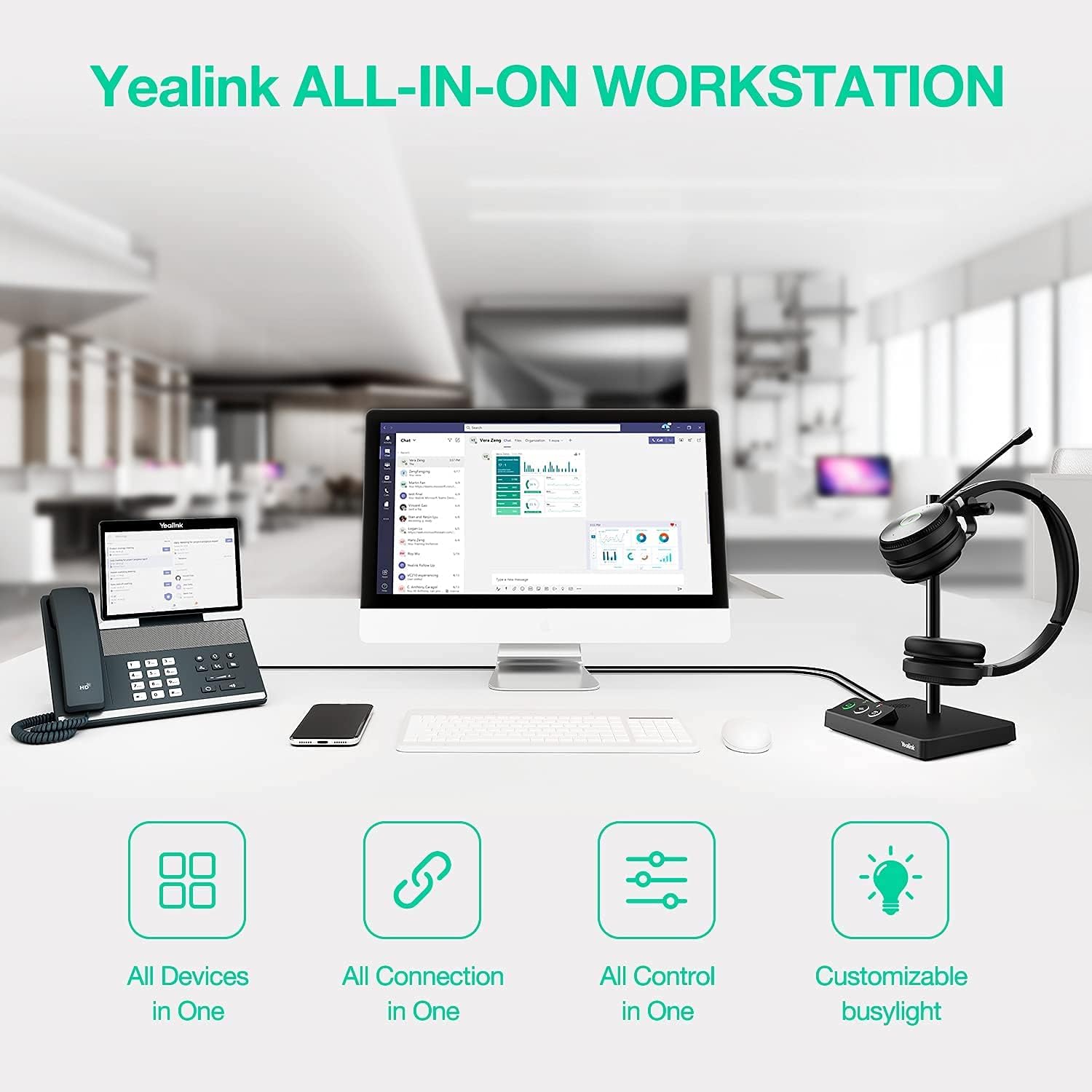
The Yealink WH62 Duo headset is placed on its charging base, which is connected to a compatible Yealink desk phone, demonstrating its integration with traditional telephony systems.
Operating Your Headset
Call Control
- Answer/End Call: Use the dedicated button on the headset to answer or end calls.
- Volume Adjustment: Adjust the listening volume using the controls on the headset.
- Mute/Unmute: Rotate the microphone boom upwards by 30 degrees to mute, and downwards to unmute.

This image highlights the intelligent mute technology of the headset, where rotating the microphone boom upwards by 30 degrees activates the mute function.
Noise Cancellation
The Acoustic Shield technology uses two microphones to create a virtual 'shield' around your voice, effectively blocking out background noise for your listeners.
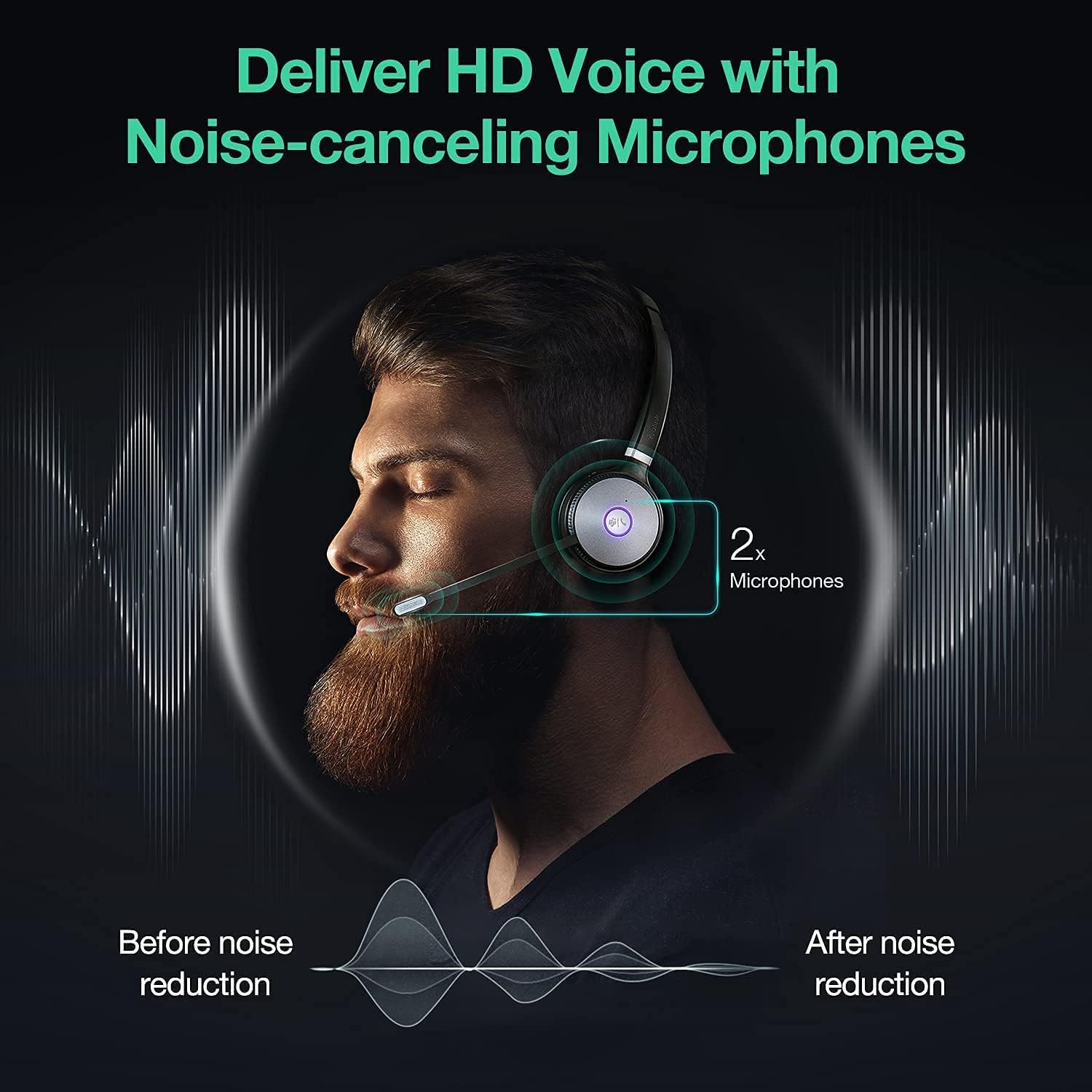
A visual representation of the headset's Acoustic Shield technology, showing how two microphones filter out background noise for clear communication.
Wireless Range
Enjoy freedom of movement with a wireless range of up to 160 meters (approximately 525 feet) from the charging base. This allows you to move around your office or home while staying connected.

This image displays the Yealink WH62 Duo headset on its charging base, with a graphic overlay indicating its extensive wireless range, allowing users freedom of movement during calls.
Compatibility
The Yealink WH62 Duo headset offers broad compatibility with various communication platforms and devices.
Multi-Platform Support
- Certified for Microsoft Teams, with a dedicated Teams button for one-touch activation.
- Compatible with major Unified Communications (UC) platforms, ensuring a consistent call experience.
Desk Phone Compatibility
The headset connects to a wide range of Yealink IP phones and other desk phones that include a USB headset port. Ensure your phone's firmware is updated for optimal performance.

A detailed table outlining the compatibility of the Yealink WH62 Duo headset with various Yealink IP phone models, specifying required firmware versions for different functionalities.
Maintenance
To ensure the longevity and optimal performance of your Yealink WH62 Duo headset, follow these maintenance guidelines:
- Cleaning: Regularly wipe the headset and charging base with a soft, dry cloth. Avoid using harsh chemicals or abrasive materials.
- Ear Cushions: Replace ear cushions as needed to maintain hygiene and comfort. Replacement cushions are available from authorized Yealink resellers.
- Storage: When not in use, store the headset on its charging base or in a cool, dry place away from direct sunlight and extreme temperatures.
Troubleshooting
If you encounter issues with your Yealink WH62 Duo headset, try the following solutions:
- No Audio/Microphone Issues:
- Ensure the headset is properly seated on the charging base and fully charged.
- Verify that the charging base is correctly connected to your computer or desk phone.
- Check audio settings on your computer or desk phone to ensure the headset is selected as the default audio device.
- Connectivity Problems:
- Perform a factory reset of the charging base (refer to the full user manual for specific instructions).
- Update the firmware of your headset and, if applicable, your desk phone to the latest version using the Yealink USB Connect application.
- Disconnect and reconnect the power to the charging base.
- Limited Wireless Range:
- Ensure there are no major obstructions (e.g., thick walls, large metal objects) between the headset and the charging base.
- Minimize interference from other wireless devices operating on similar frequencies.
Technical Specifications
| Feature | Specification |
|---|---|
| Model Name | Yealink WH62 Dual - Teams |
| Noise Control | Active Noise Cancellation (Acoustic Shield) |
| Connectivity Technology | Wireless (DECT) |
| Wireless Range | Up to 160 meters (525 feet) |
| Talk Time | Up to 14 hours |
| Wearing Style | Over-ear (Dual) |
| Headphones Jack | USB |
| Compatible Devices | Desktops, Telephones, Laptops |
| Item Weight | 4.5 ounces (0.13 Kilograms) |
| Product Dimensions | 8.66 x 3.15 x 1.18 inches |
| UPC | 841885105066 |
Warranty and Support
Your Yealink WH62 Duo headset comes with a manufacturer's warranty. For detailed warranty information, product support, or to purchase replacement parts, please visit the official Yealink website or contact their customer service.
It is recommended to purchase from authorized resellers to ensure valid warranty coverage and access to official support.


