
Shadowhawk S1476
Shadowhawk LED Flashlight S1476 User Manual
Model: S1476
1. Introduction
Thank you for choosing the Shadowhawk S1476 LED Flashlight. This high-performance, rechargeable flashlight is designed for various applications, offering exceptional brightness, adjustable focus, and multiple lighting modes. Its robust aluminum construction and IP67 waterproof rating ensure durability and reliability in diverse environments. This manual provides detailed instructions for setup, operation, maintenance, and troubleshooting to help you get the most out of your device.

Image 1: Shadowhawk S1476 LED Flashlight and included accessories.
2. What's in the Box
Upon unboxing, please verify that all the following components are present:
- Shadowhawk S1476 LED Flashlight
- High-Capacity Rechargeable Lithium-Ion Battery (5000mAh)
- USB-C Charging Cable
- AAA Battery Holder (for 3 AAA batteries)
- 3 x AAA Batteries
- Lanyard
- Protective Storage Case
- Belt Holster
- Mini LED Keychain Light
Image 2: All components included in the Shadowhawk S1476 package.
3. Setup
3.1 Battery Installation
The Shadowhawk S1476 flashlight can be powered by the included rechargeable Lithium-Ion battery or by three AAA batteries using the provided battery holder.
- Unscrew the tail cap of the flashlight by turning it counter-clockwise.
- For Rechargeable Lithium-Ion Battery: Insert the 5000mAh Lithium-Ion battery with the positive (+) end facing towards the flashlight head.
- For AAA Batteries: Place three AAA batteries into the AAA battery holder, ensuring correct polarity. Insert the battery holder into the flashlight with the positive (+) end of the holder facing towards the flashlight head.
- Screw the tail cap back on clockwise until it is securely tightened.
3.2 Charging the Flashlight
The Shadowhawk S1476 features a convenient USB-C charging port. The flashlight can also function as a power bank to charge other devices via its USB-A output port.
- Locate the USB-C charging port on the side of the flashlight, usually protected by a rubber cover.
- Open the rubber cover and insert the provided USB-C charging cable into the port.
- Connect the other end of the USB-C cable to a USB power source (e.g., wall adapter, power bank, computer USB port, car charger).
- The blue indicator lights on the flashlight will illuminate to show the charging progress (25%, 50%, 75%, 100%).
- A full charge typically takes approximately 4 to 6 hours.
- Once fully charged, disconnect the cable and securely close the rubber cover to maintain IP67 waterproof integrity.
Power Bank Function: To use the flashlight as a power bank, connect your device's charging cable to the USB-A output port on the flashlight.

Image 3: USB-C charging of the Shadowhawk S1476 flashlight.

Image 4: The flashlight's power bank function, charging a mobile phone.
4. Operating Instructions
4.1 Power On/Off
- To Turn On: Press the power button once.
- To Turn Off: Press and hold the power button for approximately 3 seconds. This allows you to turn off the flashlight directly without cycling through all modes.
4.2 Switching Lighting Modes
The Shadowhawk S1476 features 5 distinct lighting modes to suit various situations:
- Strong: Maximum brightness for powerful illumination.
- Medium: Balanced brightness for general use.
- Low: Reduced brightness for extended battery life or close-range tasks.
- Strobe: Flashing light for signaling or disorienting.
- SOS: International Morse code signal for emergencies.
To Cycle Modes: With the flashlight on, press the power button repeatedly to cycle through the modes in the order: Strong → Strobe → Medium → Low → SOS.

Image 5: The five available lighting modes for various needs.
4.3 Adjustable Focus (Zoom Function)
The flashlight features an adjustable focus mechanism, allowing you to switch between a wide floodlight and a concentrated spotlight beam.
- To Adjust Focus: Gently slide the head of the flashlight forward or backward. There is no rotation required.
- Sliding the head forward will narrow the beam into a focused spotlight, ideal for long-distance illumination (up to 500m).
- Sliding the head backward will widen the beam into a broad floodlight, suitable for illuminating a larger area.

Image 6: Adjusting the focus by sliding the flashlight head.

Image 7: The flashlight's ultra-bright and wide beam capability.
5. Maintenance
- Cleaning: Wipe the flashlight body with a soft, damp cloth. Do not use abrasive cleaners or solvents.
- Battery Care: For optimal battery life, recharge the Lithium-Ion battery regularly, even if not in frequent use. Avoid fully discharging the battery.
- Storage: Store the flashlight in a cool, dry place, away from direct sunlight and extreme temperatures. If storing for extended periods, remove the batteries.
- O-rings: Periodically inspect the O-rings for wear and tear. A thin layer of silicone grease can be applied to maintain their integrity and the flashlight's waterproof rating.

Image 8: The IP67 waterproof design with robust rubber sealing.
6. Troubleshooting
If you encounter issues with your Shadowhawk S1476 flashlight, please refer to the following common problems and solutions:
| Problem | Possible Cause | Solution |
|---|---|---|
| Flashlight does not turn on. | Battery is dead or low. Battery inserted incorrectly. Tail cap is loose. | Recharge the battery. Check battery polarity. Tighten the tail cap securely. |
| Light is dim or flickers. | Low battery charge. Loose connection. | Recharge the battery. Ensure tail cap is tight and battery contacts are clean. |
| Flashlight does not charge. | Charging cable or adapter faulty. Charging port obstructed. | Try a different USB-C cable and power adapter. Check the charging port for debris and clean if necessary. |
| Flashlight gets hot during use. | Normal operation at high brightness. | This is normal for high-lumen flashlights. Reduce brightness mode if excessive heat is a concern. |
7. Specifications
| Feature | Detail |
|---|---|
| Brand | Shadowhawk |
| Model | S1476 |
| Light Source Type | LED (XHP70.2) |
| Brightness | 1000 Lumens (Max) |
| Beam Distance | Up to 500 meters |
| Lighting Modes | Strong, Strobe, Medium, Low, SOS (5 modes) |
| Power Source | Battery Powered |
| Battery Type | Rechargeable Lithium-Ion (5000mAh) or 3 x AAA batteries |
| Running Time | Up to 12 hours (depending on mode) |
| Charging Time | 4-6 hours (via USB-C) |
| Material | Aluminum |
| Color | Black |
| Special Feature | Adjustable Focus (Zoom), Power Bank Function |
| Waterproof Rating | IP67 |
| Product Dimensions | 1.57 x 1.57 x 5.91 inches |
| Item Weight | 1.08 pounds (approx. 0.49 kg) |
| Voltage | 4.2 Volts |
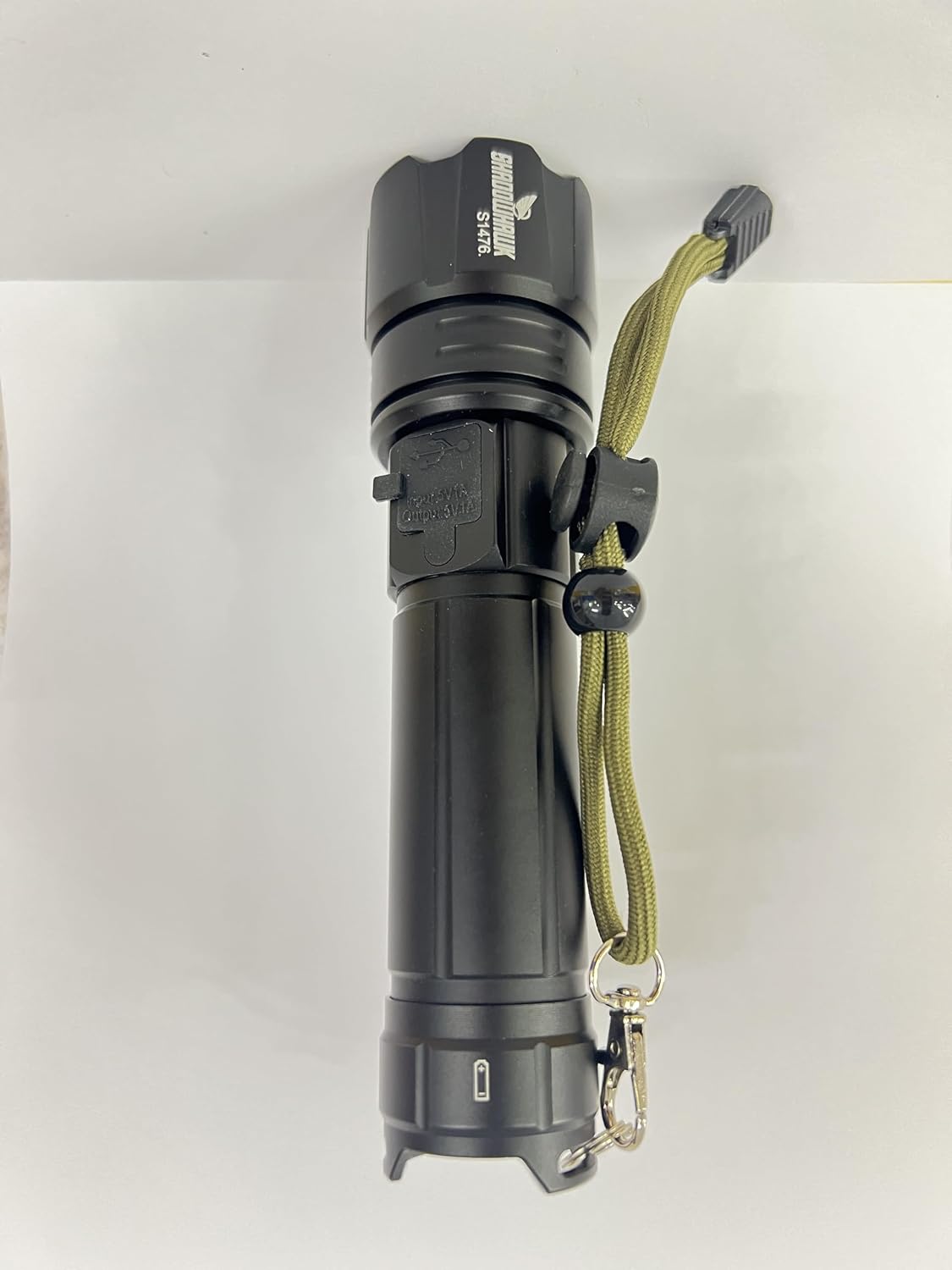
Image 9: Product Information Sheet with detailed specifications.
For more detailed product information and energy efficiency data, please refer to the EPREL database: https://eprel.ec.europa.eu/qr/2076366
8. Safety Information
Please read and adhere to the following safety precautions to prevent injury or damage to the flashlight:
- WARNING: Do not shine the light directly on the eyes. The high intensity beam can cause temporary vision impairment or permanent eye damage.
- Keep out of reach of children.
- Do not disassemble the flashlight. This will void the warranty and may cause damage.
- Avoid exposing the flashlight to extreme temperatures or open flames.
- Use only the recommended battery types and charging methods.
- Ensure the rubber cover for the charging port is securely closed when not charging to maintain waterproof integrity.

Image 10: Important safety warning regarding direct eye exposure.
9. Warranty & Support
The Shadowhawk S1476 LED Flashlight comes with a Lifetime Warranty, reflecting our commitment to quality and durability.
For any questions, technical support, or warranty claims, please contact our customer service team:
- Manufacturer: Shadowhawk
- After-Sales Service Email: support.eu@shadowhawk.top
- EC/REP EU Authorized Representative:
- Name: TechTribe GmbH
- Address: Romy-Schroder-Strasse 4a, 40549 Dusseldorf, Germany
- Email: SherifaTradingEU@163.com
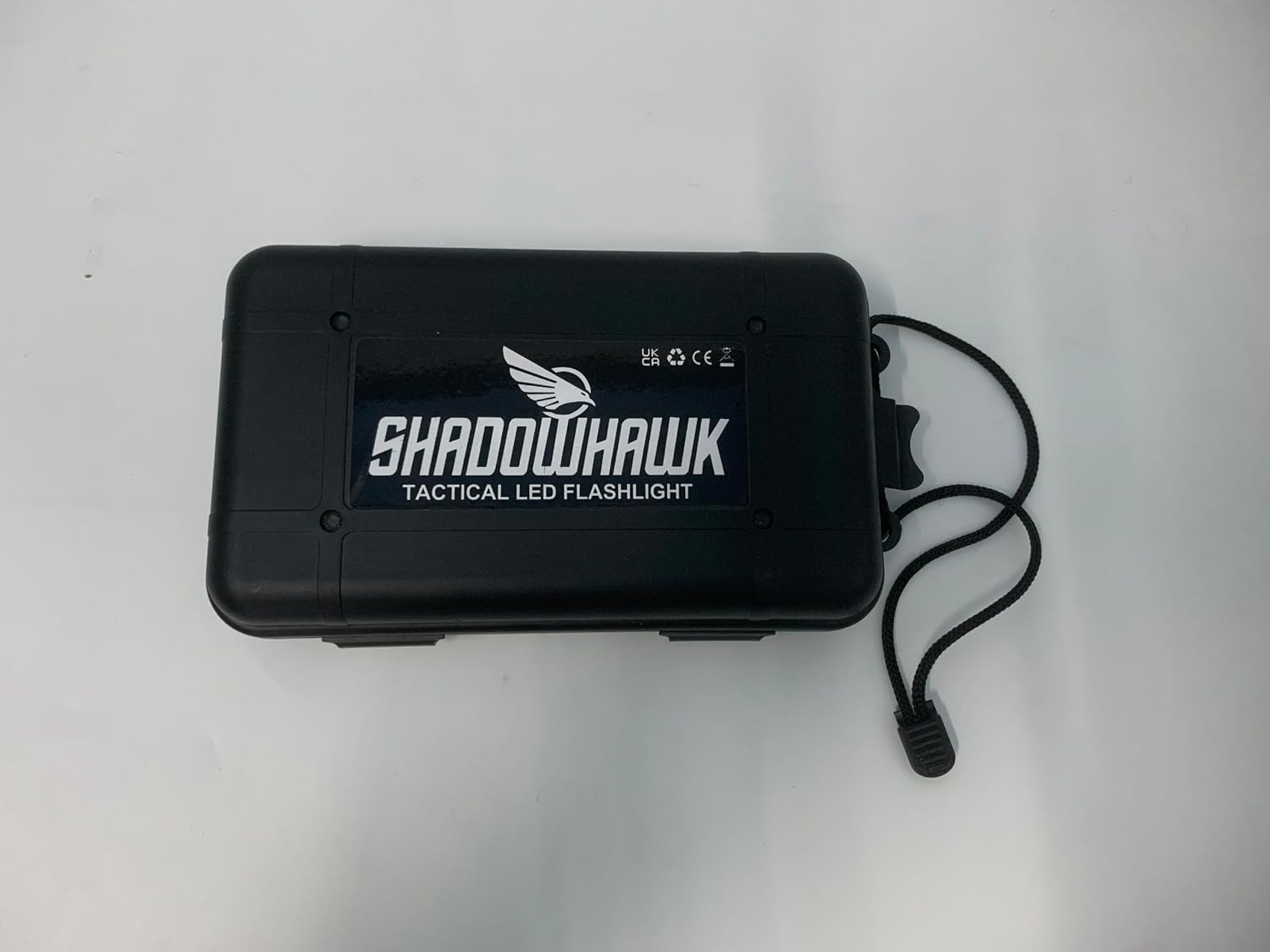
Image 11: Product information and contact details from packaging.
Related documentsS1476


Ask a question about this manual
Ask about setup, troubleshooting, compatibility, parts, safety, or missing instructions. Manuals+ will review the question and use this page’s manual context to help answer it.