
Introduction
Welcome to the user manual for your new KXD D68S 4G Unlocked Smartphone. This guide provides essential information to help you set up, operate, maintain, and troubleshoot your device. Please read this manual thoroughly to ensure optimal performance and longevity of your smartphone.
The KXD D68S is designed for ease of use, featuring a 6.088-inch display, Android 11 operating system, dual SIM capability, and a 4000mAh battery. It includes an 8MP main camera and supports face unlock and fingerprint recognition for enhanced security.
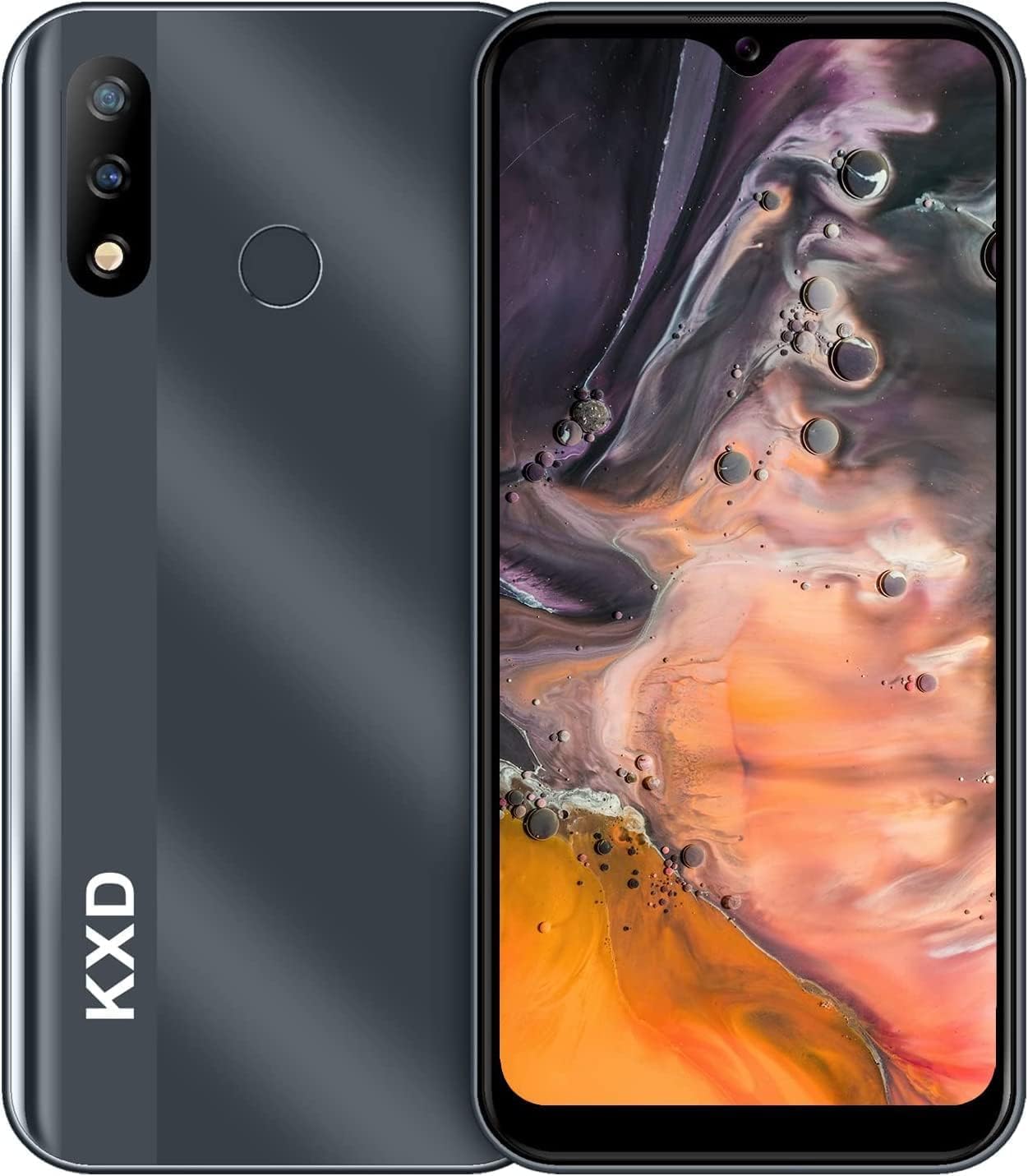
Image: Front and back view of the KXD D68S smartphone, showcasing its sleek design and camera module.
Setup
1. SIM Card and MicroSD Card Installation
Your KXD D68S supports dual SIM cards and a MicroSD card for expanded storage. Ensure the phone is powered off before inserting or removing cards.
- Locate the SIM card tray on the side of the device.
- Use the provided SIM ejector tool to gently push into the small hole on the tray until it pops out.
- Place your Nano-SIM cards into the designated slots with the gold contacts facing down. If using a MicroSD card, place it in its dedicated slot.
- Carefully push the tray back into the phone until it is flush with the side.
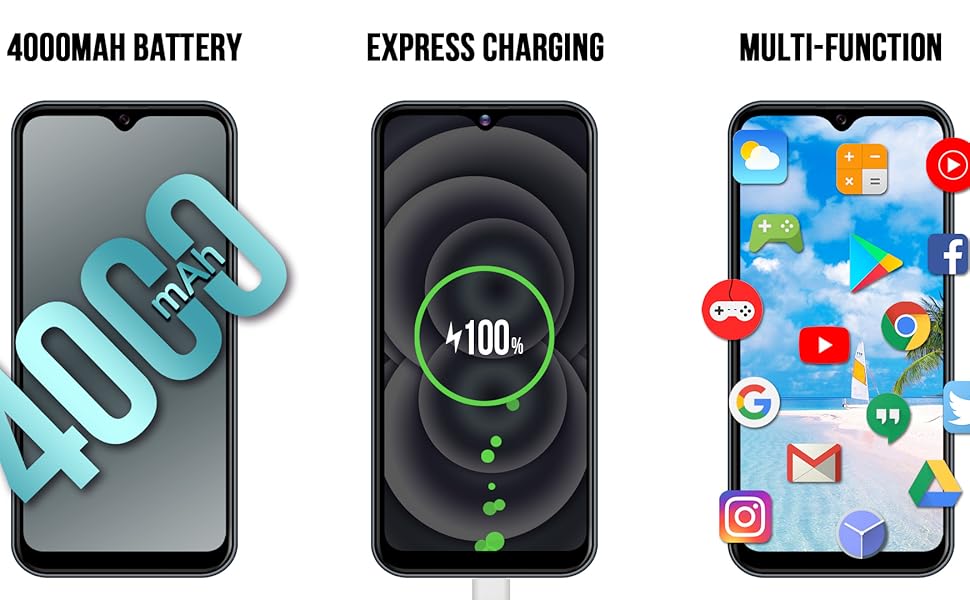
Image: An overview of the KXD D68S smartphone, highlighting its dual SIM capability and expandable storage.
2. Initial Power On and Basic Configuration
After inserting your SIM cards, press and hold the power button located on the side of the phone until the KXD logo appears. Follow the on-screen prompts to complete the initial setup:
- Select your language and region.
- Connect to a Wi-Fi network for faster setup and software updates.
- Sign in with your Google account or create a new one. This is essential for downloading apps from the Google Play Store.
- Set up screen lock (PIN, pattern, or password) and biometric security (Face Unlock, Fingerprint).
Operating Your Device
1. Navigation and User Interface
The KXD D68S runs on Android 11, offering an intuitive user experience. Swipe up from the bottom of the screen to access the app drawer. Swipe down from the top to view notifications and quick settings.

Image: The KXD D68S display showcasing the Android interface with Google Assistant and various applications, demonstrating the user experience.
2. Calls and Messaging
- Making Calls: Tap the Phone icon, enter the number, and tap the call button.
- Sending Messages: Open the Messages app, tap 'Start chat', enter the recipient's number or select from contacts, type your message, and send.
- Dual SIM Management: When making a call or sending a message, you will be prompted to select which SIM card to use if both are active.
3. Camera Usage
The KXD D68S features an 8MP rear camera and an 8MP front camera. Open the Camera app to capture photos and videos.
- Taking Photos: Tap the shutter button to capture an image.
- Recording Videos: Switch to video mode and tap the record button to start/stop recording.
- Switching Cameras: Tap the camera switch icon to toggle between the front and rear cameras.

Image: Close-up of the KXD D68S rear camera module, detailing the 8-megapixel high-definition lens and 2-megapixel depth-of-field lens, along with the fingerprint sensor.

Image: Examples of photographs captured using the KXD D68S camera, demonstrating its imaging capabilities.
4. Security Features: Face Unlock & Fingerprint
Enhance your device security and convenience with biometric authentication.
- Setting Up: Go to Settings > Security > Face Unlock / Fingerprint. Follow the on-screen instructions to register your face or fingerprint.
- Usage: To unlock, simply look at the front camera for Face Unlock or place your registered finger on the rear fingerprint sensor.
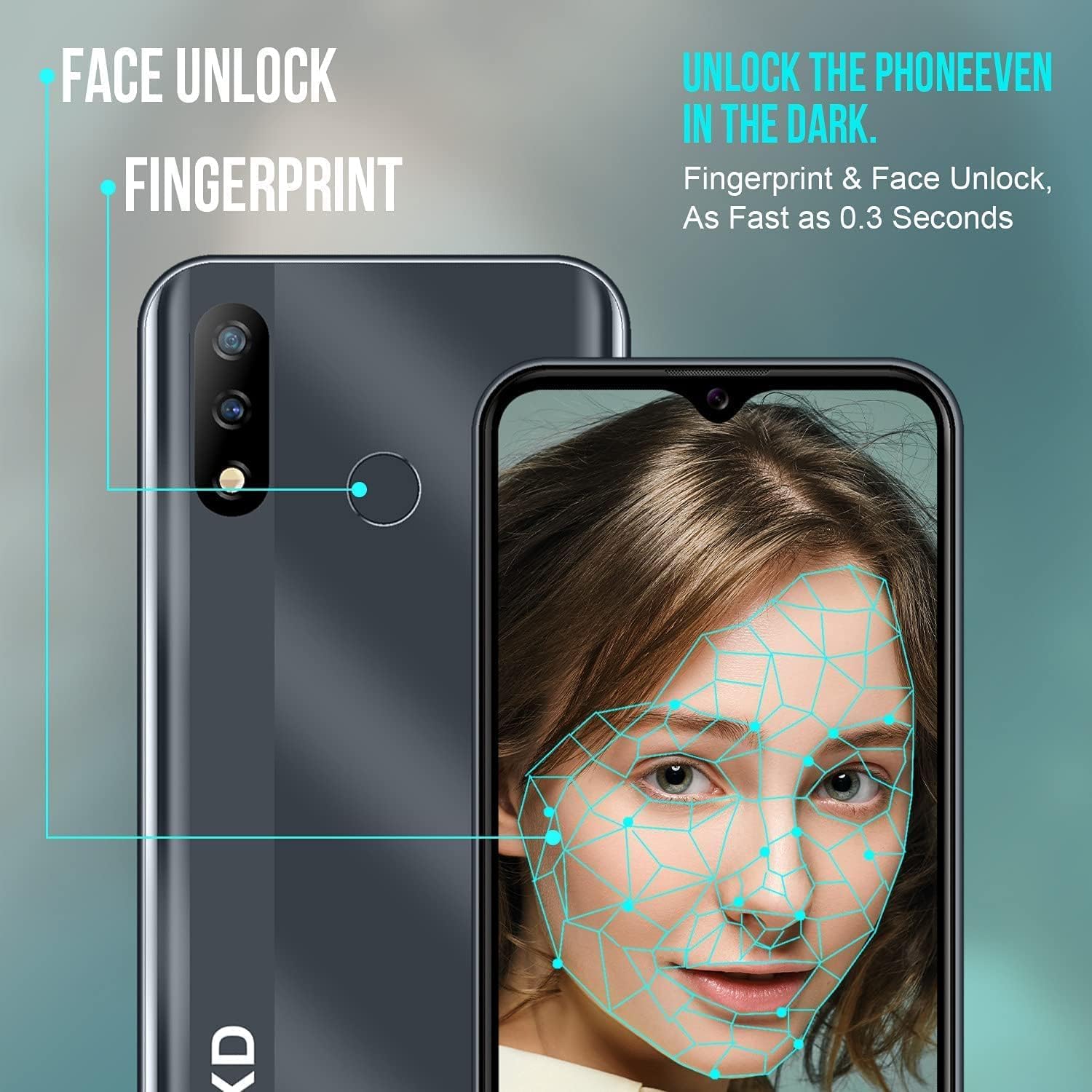
Image: Visual representation of the KXD D68S's Face Unlock and Fingerprint recognition features, showing how they function for quick and secure access.
5. Battery Management
The KXD D68S is equipped with a 4000mAh battery. To optimize battery life:
- Adjust screen brightness.
- Close unused apps running in the background.
- Disable Wi-Fi, Bluetooth, and GPS when not in use.
- Enable Battery Saver mode from Quick Settings or Battery settings.

Image: Side profile of the KXD D68S smartphone, emphasizing its 4000mAh battery capacity, designed for extended usage.

Image: An illustration depicting the KXD D68S charging, alongside estimated usage times for music playback, talk time, and standby time on a full charge.
Maintenance
1. Software Updates
Regularly check for and install software updates to ensure your device has the latest security patches and features. Go to Settings > System > System update.
2. Cleaning Your Device
Use a soft, lint-free cloth to clean the screen and body of your phone. Avoid using harsh chemicals or abrasive materials that could damage the device.
3. Storage Management
Your KXD D68S comes with 32GB of internal storage, expandable up to 128GB with a MicroSD card. Regularly manage your storage to maintain optimal performance:
- Delete unnecessary files, photos, and videos.
- Uninstall unused applications.
- Move large files to a MicroSD card or cloud storage.

Image: The KXD D68S display showcasing various application icons, with text indicating 2GB RAM, 32GB ROM, and 128GB SD extension, illustrating the device's memory and storage capabilities.
Troubleshooting
Common Issues and Solutions
- Device Not Responding: Press and hold the power button for about 10-15 seconds to force a restart.
- Battery Drains Quickly: Review battery management tips in the "Operating Your Device" section. Check for background apps consuming power.
- Cannot Connect to Wi-Fi/Mobile Data: Ensure Wi-Fi is enabled and you are within range. For mobile data, check SIM card installation and network settings. Restarting the phone can often resolve connectivity issues.
- Apps Crashing: Clear the cache and data for the problematic app (Settings > Apps > [App Name] > Storage > Clear Cache/Clear Data). If the issue persists, uninstall and reinstall the app.
- Slow Performance: Free up storage space, close unused background apps, and restart your device.
Factory Reset (Last Resort)
If your device experiences persistent issues that cannot be resolved through other troubleshooting steps, a factory reset may be necessary. Warning: This will erase all data on your phone. Back up important data before proceeding.
- Go to Settings > System > Reset options.
- Select "Erase all data (factory reset)".
- Confirm your decision and enter your PIN/pattern/password if prompted.
- The phone will restart and begin the reset process.
Specifications
| Model Name | KXD D68S |
| Operating System | Android 11.0 |
| Processor | SC9832E Quad-Core |
| RAM | 2 GB |
| Internal Storage | 32 GB (Expandable up to 128GB via MicroSD) |
| Screen Size | 6.088 Inches |
| Resolution | 1280*600 FW+ |
| Rear Camera | 8 MP + 2 MP (Depth-of-field) |
| Front Camera | 8 MP |
| Battery Capacity | 4000 mAh |
| Cellular Technology | 4G LTE |
| Wireless Carrier | Unlocked for All Carriers |
| Connectivity | Wi-Fi, Bluetooth, GPS |
| Special Features | Dual SIM, Face Unlock, Fingerprint Sensor, Fast Charging Support |
| Audio Jack | 3.5 mm |
| Dimensions | 6.1 x 2.91 x 0.39 inches |
| Weight | 5.3 ounces (0.15 Kilograms) |

Image: The KXD D68S's 6.088-inch high-definition display, illustrating its resolution (1280*600 FW+) and screen-to-body ratio (89.25%).
Warranty and Support
For warranty information and customer support, please refer to the warranty card included with your product packaging or visit the official KXD website. Keep your proof of purchase for warranty claims.
If you encounter issues not covered in this manual, please contact KXD customer service for assistance. Provide your model number (D68S) and a detailed description of the problem.