
Energizer WCP119
Energizer WCP119 15W Magnetic Wireless Charger User Manual
Model: WCP119
1. Introduction
Thank you for choosing the Energizer WCP119 15W Magnetic Wireless Charger. This device is designed to provide convenient and efficient wireless charging for your compatible smartphones and other Qi-enabled devices. Its strong magnetic alignment ensures optimal charging performance, especially for iPhone 12 series and newer models with MagSafe compatibility.
Please read this manual thoroughly before using the product to ensure safe and proper operation. Keep this manual for future reference.
2. Safety Information
To prevent injury or damage to your device, please observe the following safety precautions:
- Do not expose the charger to liquids, moisture, or extreme temperatures.
- Do not disassemble, repair, or modify the charger. This will void the warranty and may cause damage or injury.
- Keep the charger away from strong magnetic fields, as this may interfere with its function.
- Ensure proper ventilation around the charger during use.
- Do not place metal objects or foreign materials on the charging surface.
- Disconnect the charger from the power source when not in use or during electrical storms.
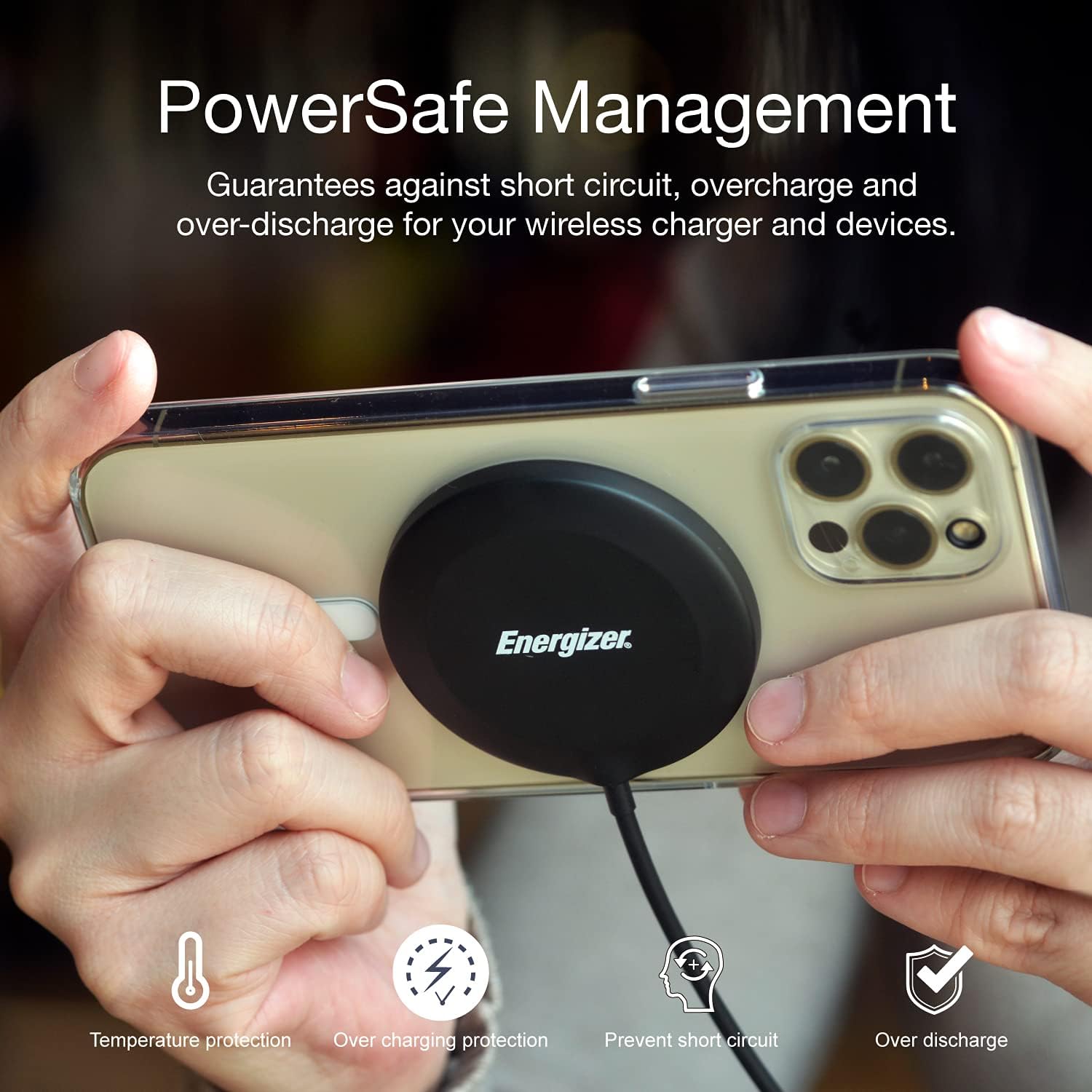
- This charger features PowerSafe Management, which guarantees protection against short circuit, overcharge, and over-discharge for your wireless charger and devices.
3. Package Contents
Please check the package for the following items:
- 1 x Energizer WCP119 15W Magnetic Wireless Charger (with integrated Type-C cable)
- 1 x User Manual (this document)
4. Product Overview
The Energizer WCP119 is a compact and powerful magnetic wireless charger. Its sleek design and integrated cable make it highly portable and easy to use. The charger features a strong magnetic ring for precise alignment with compatible devices, ensuring efficient power transfer.


The internal structure of the charger is engineered for optimal performance and safety, featuring multiple layers including a copper coil for efficient power transfer and circuit boards for intelligent power management.

5. Setup
- Connect to Power: Plug the USB Type-C connector of the Energizer WCP119 charger into a compatible USB power adapter (not included). For optimal charging speed, use a power adapter that supports Power Delivery (PD) or Quick Charge (QC) with an output of at least 9V/2A or 12V/1.5A.
- Power On: Once connected to a power source, the charger is ready for use. There are no buttons or switches to activate.
6. Operating Instructions
Using the Energizer WCP119 is straightforward:
- Place Your Device: Position your Qi-enabled smartphone or device onto the charging surface of the Energizer WCP119.
- Magnetic Alignment: For iPhone 12 series and newer models, or devices with MagSafe compatible cases, the charger will magnetically snap into perfect alignment, ensuring efficient and stable charging.
- Charging Confirmation: Your device's screen should indicate that charging has begun. The charger supports fast charging: up to 7.5W for iPhones and up to 15W for other compatible Qi devices.
- Remove Device: Once charging is complete, simply lift your device from the charger.


7. Maintenance
To ensure the longevity and optimal performance of your Energizer WCP119 charger:
- Cleaning: Use a soft, dry cloth to wipe the surface of the charger. Do not use abrasive cleaners or solvents.
- Storage: Store the charger in a cool, dry place when not in use.
- Cable Care: Avoid bending or crimping the integrated Type-C cable excessively.
8. Troubleshooting
| Problem | Possible Cause | Solution |
|---|---|---|
| Device not charging. |
|
|
| Slow charging. |
|
|
| Charger or device gets hot. |
|
|
9. Specifications
| Feature | Detail |
|---|---|
| Model Number | WCP119 |
| Brand | Energizer |
| Input Voltage | 9 Volts |
| Amperage | 2 A |
| Power Output | 15 Watts (Max) |
| Special Features | Fast Charging, Magnetic Alignment |
| Compatible Devices | Mobile phones (Qi-enabled) |
| Connectivity Technology | USB Type-C |
| Components Included | Type-C Cable (integrated) |
10. Warranty and Support
Information regarding specific warranty details or availability of spare parts for the Energizer WCP119 is not provided in the product specifications. For any support inquiries, warranty claims, or technical assistance, please contact the seller or the official Energizer customer support channel through their website or contact information provided at the point of purchase.
Always retain your proof of purchase for any warranty-related claims.
Related documentsWCP119

Ask a question about this manual
Ask about setup, troubleshooting, compatibility, parts, safety, or missing instructions. Manuals+ will review the question and use this page’s manual context to help answer it.