
1. Introduction
Thank you for choosing the SXFJF TWS Wireless Bluetooth Earbuds. This manual provides essential information for setting up, operating, and maintaining your earbuds to ensure optimal performance and longevity. Please read this manual thoroughly before use.
2. Package Contents
Verify that all items listed below are present in your package:
- 2 x Wireless Earbuds (Left and Right)
- 1 x Charging Case
- 1 x Type-C Charging Cable
- 1 x User Manual
3. Product Overview
The SXFJF TWS Wireless Bluetooth Earbuds feature an in-ear design with a compact charging case. They are equipped with Bluetooth V5.0 for stable connectivity, a built-in microphone for HD calls, and IPX7 waterproofing. The charging case provides extended battery life for on-the-go use.

Image: The earbuds securely placed within their charging case, ready for use or charging.
4. Setup
4.1 Charging the Charging Case
Before first use, fully charge the charging case. Connect the provided Type-C charging cable to the charging port on the case and a USB power source. The indicator lights on the case will show the charging status. A full charge typically takes approximately 30 minutes for the case.
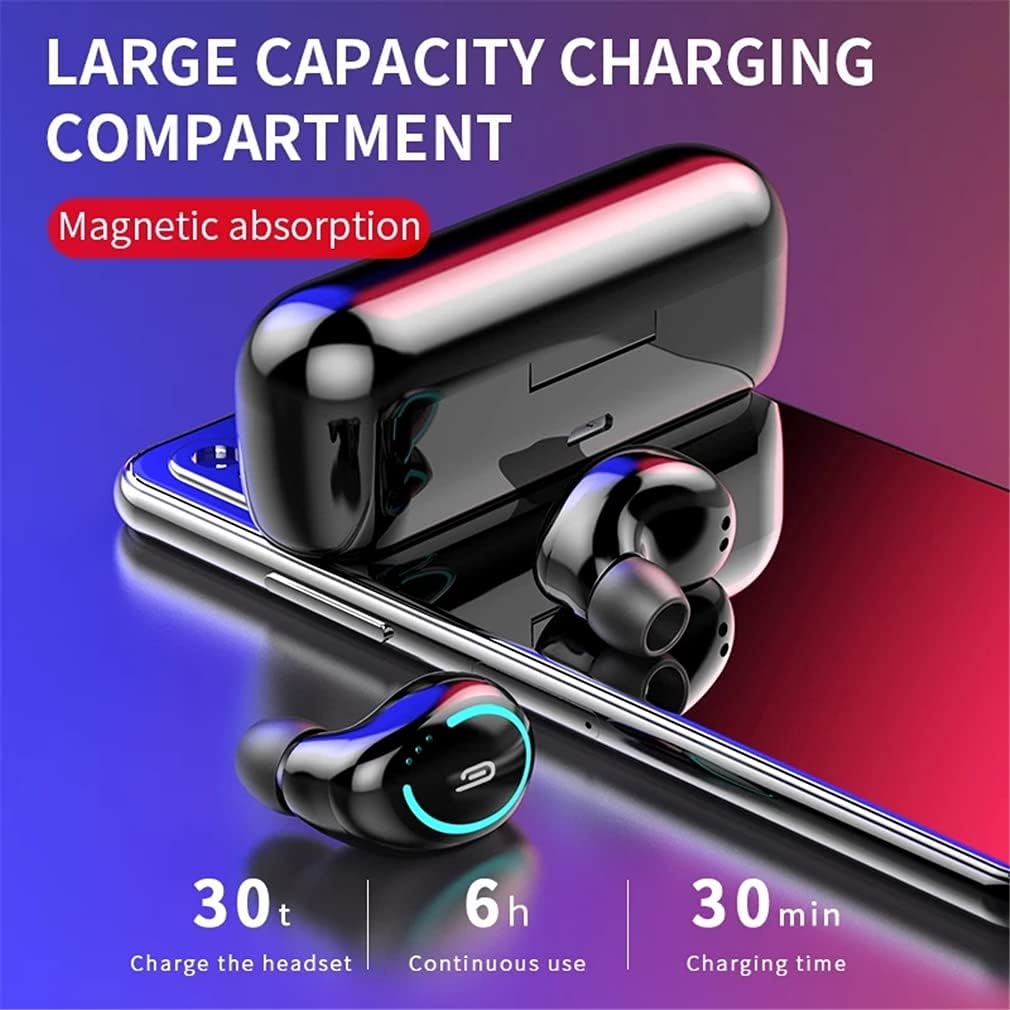
Image: The charging case with earbuds, highlighting its capacity and charging capabilities. The image indicates 30 minutes for charging the case, 6 hours of continuous use for earbuds, and 30 charges for the headset from the case.
4.2 Charging the Earbuds
Place the earbuds into the charging case. Ensure they are correctly seated in their respective slots. The earbuds will automatically begin charging. A full charge for the earbuds takes approximately 1 hour.
4.3 Powering On/Off
- Power On: The earbuds will automatically power on when removed from the charging case.
- Power Off: Place the earbuds back into the charging case to automatically power them off and begin charging.
4.4 Bluetooth Pairing
- Remove both earbuds from the charging case. They will automatically power on and enter pairing mode.
- On your device (smartphone, tablet, etc.), enable Bluetooth.
- Search for available Bluetooth devices and select "TWS Earphone" (or similar name) from the list.
- Once connected, you will hear a confirmation prompt, and the earbuds' indicator lights will change.
After the initial pairing, the earbuds will automatically connect to the last paired device when removed from the charging case.

Image: An earbud being placed into the charging case, demonstrating the automatic pairing feature and magnetic absorption for secure placement.
5. Operating Instructions
5.1 Basic Controls
The earbuds feature touch controls for various functions. Specific touch patterns may vary slightly; refer to the quick start guide for detailed diagrams if available. Common controls include:
- Play/Pause: Single tap on either earbud.
- Next Track: Double tap on the right earbud.
- Previous Track: Double tap on the left earbud.
- Answer/End Call: Single tap on either earbud during an incoming call.
- Reject Call: Press and hold either earbud for 2 seconds during an incoming call.
- Activate Voice Assistant: Triple tap on either earbud.
5.2 Single Earbud Use
Either earbud can be used independently. Simply remove one earbud from the charging case, and it will automatically connect to your device. The other earbud can remain in the case or be used later for stereo mode.
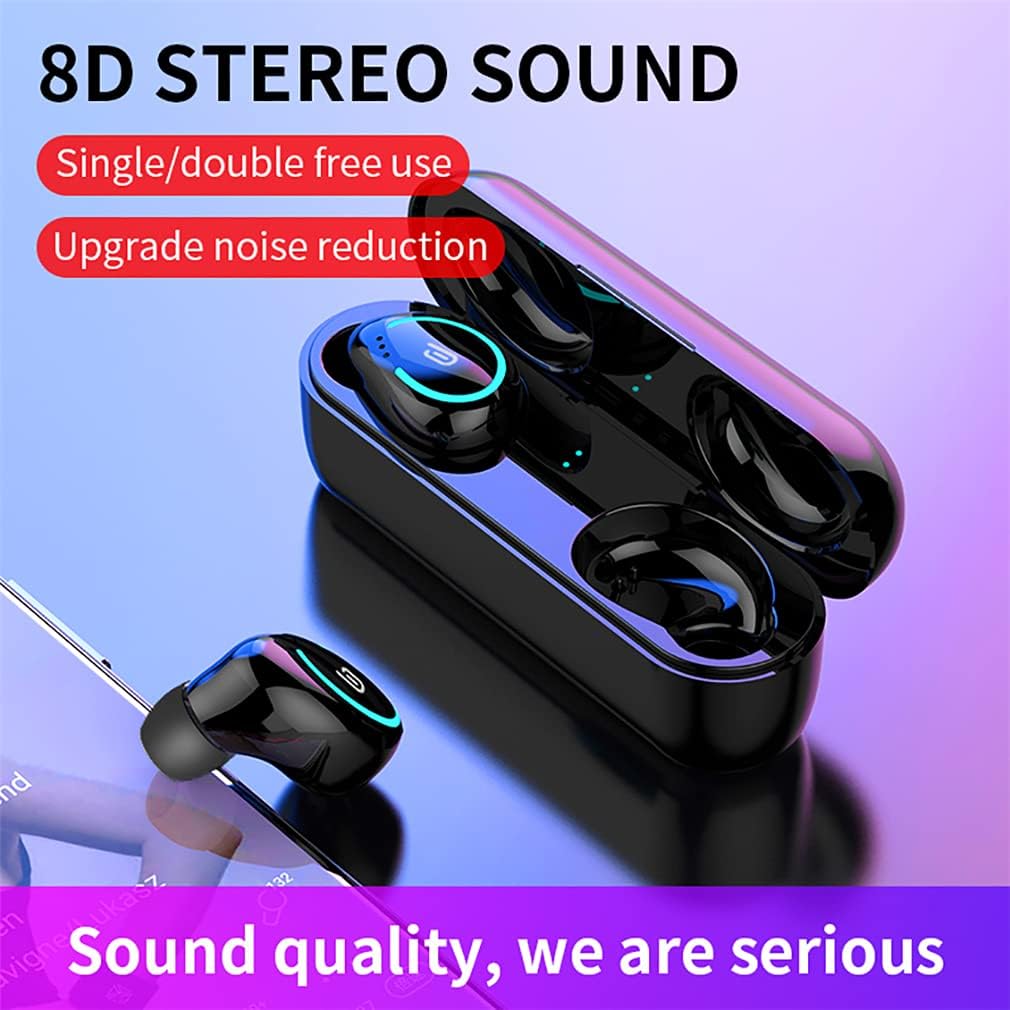
Image: The earbuds and charging case displayed alongside a smartphone, emphasizing the 8D stereo sound quality and the flexibility of using earbuds individually or as a pair.
6. Maintenance
6.1 Cleaning
Regularly clean your earbuds and charging case to maintain optimal performance and hygiene. Use a soft, dry, lint-free cloth. For stubborn dirt, slightly dampen the cloth with water or a mild, non-abrasive cleaner. Avoid getting moisture into any openings.
6.2 Storage
When not in use, store the earbuds in their charging case to protect them from dust, dirt, and physical damage. Store the charging case and earbuds in a cool, dry place, away from extreme temperatures and direct sunlight.
6.3 Water Resistance (IPX7)
The earbuds are rated IPX7 waterproof, meaning they can withstand immersion in water up to 1 meter for 30 minutes. This makes them suitable for workouts and light rain. However, they are not designed for swimming or prolonged submersion. Ensure the earbuds are dry before placing them back into the charging case to prevent damage.

Image: A close-up view of an earbud with water droplets, highlighting its IPX7 waterproof and sweatproof capabilities.
7. Troubleshooting
If you encounter issues with your earbuds, try the following solutions:
- Earbuds not pairing: Ensure both earbuds are fully charged. Place them back in the case, then remove them simultaneously to re-enter pairing mode. Clear previous Bluetooth connections on your device.
- No sound from one earbud: Ensure both earbuds are charged. Try resetting the earbuds by placing them in the case, closing it, and then reopening.
- Earbuds not charging: Check if the charging cable is securely connected to both the case and the power source. Ensure the earbuds are correctly seated in the charging case. Clean the charging contacts on both the earbuds and the case.
- Poor sound quality: Ensure the earbuds are properly seated in your ears. Try different ear tip sizes for a better seal. Check your device's volume settings.
- Connection drops: Ensure your device is within the 10-meter operating range. Avoid obstacles between your device and the earbuds.
8. Specifications
| Feature | Specification |
|---|---|
| Product Name | Sports Games Earbuds |
| Bluetooth Version | V5.0 |
| Product Material | ABS Plastic |
| Supported Protocols | HSP1.2, HFP1.6, A2DP1.3, AVRCP1.5 |
| Sensitivity | ≥90dB |
| Working Frequency | 20-20KHz |
| Working Voltage (Headset) | 5V / 50mA |
| Working Voltage (Charging Box) | 5V / 1.5A |
| Earbud Charging Time | 1 Hour |
| Charging Case Charging Time | Approx. 30 Minutes |
| Working Hours (Single Charge) | 3-6 Hours (depending on usage) |
| Total Playtime (with Charging Case) | Up to 30 Hours |
| Standby Time | 480 Hours |
| Working Distance | 10 Meters |
| Single Earbud Battery Capacity | 50mAh |
| Charging Box Battery Capacity | 400mAh |
| Earbud Charges from Case | 2-3 Times |
| Waterproof Rating | IPX7 |
| Additional Features | Microphone Included, Noise Cancellation |
9. Warranty and Support
For warranty information and customer support, please refer to the documentation provided at the time of purchase or contact the manufacturer directly through their official website or customer service channels. Keep your proof of purchase for warranty claims.