
Introduction
This manual provides essential information for the proper setup, operation, and maintenance of your DEEJAY LED TBH8BLUE Despacito Horn Speaker System. Please read these instructions carefully before using the product to ensure optimal performance and longevity. Keep this manual for future reference.
What's in the Box
Upon unpacking, please verify that all components listed below are present and in good condition:
- 2 x 8" Despacito Horn Speakers
- 2 x Tweeters
- 1 x Banda 555W Driver for Horn
- 1 x TBH2INSHORT (component)
- 1 x D8T2H1 (component)
- 1 x TBH8PINFEMALE (component)
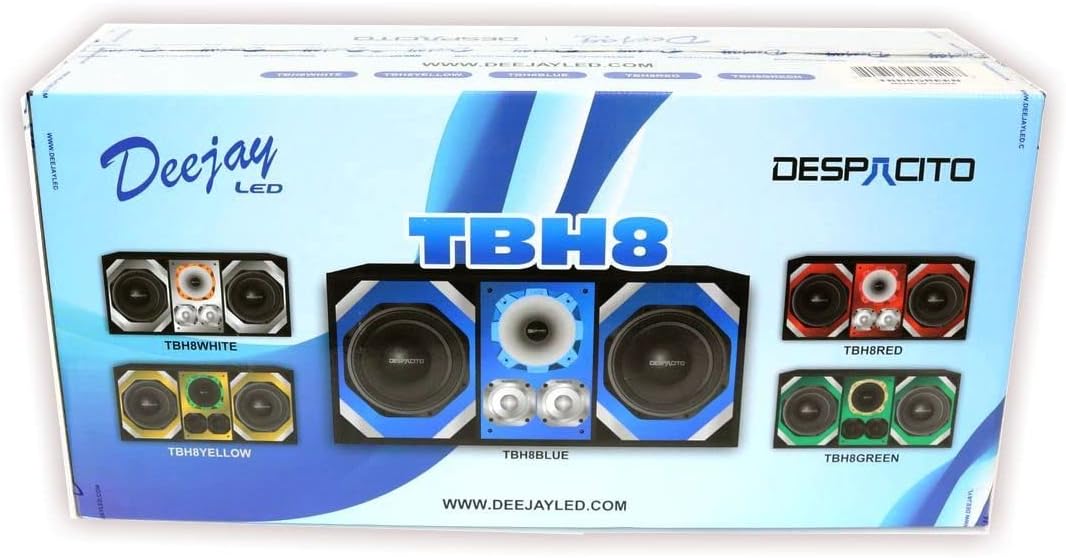
Figure 1: Front view of the product packaging.

Figure 2: Side view of the product packaging, detailing contents.
Setup Instructions
Follow these steps to properly set up your DEEJAY LED TBH8BLUE speaker system:
- Unpacking: Carefully remove all components from the packaging. Inspect for any signs of damage during transit.
- Placement: Position the speaker system in your desired location. The unit is designed for various uses, including indoor entertainment, personal audio, home theater, gaming, and multimedia consumption. Consider the 'Ceiling Mount' option if applicable for your setup.
- Connections: Connect your audio source (e.g., smartphone, tablet, music player, television, computer) to the speaker system using an auxiliary cable. Ensure all connections are secure.
- Power: Connect the speaker system to a suitable power source.
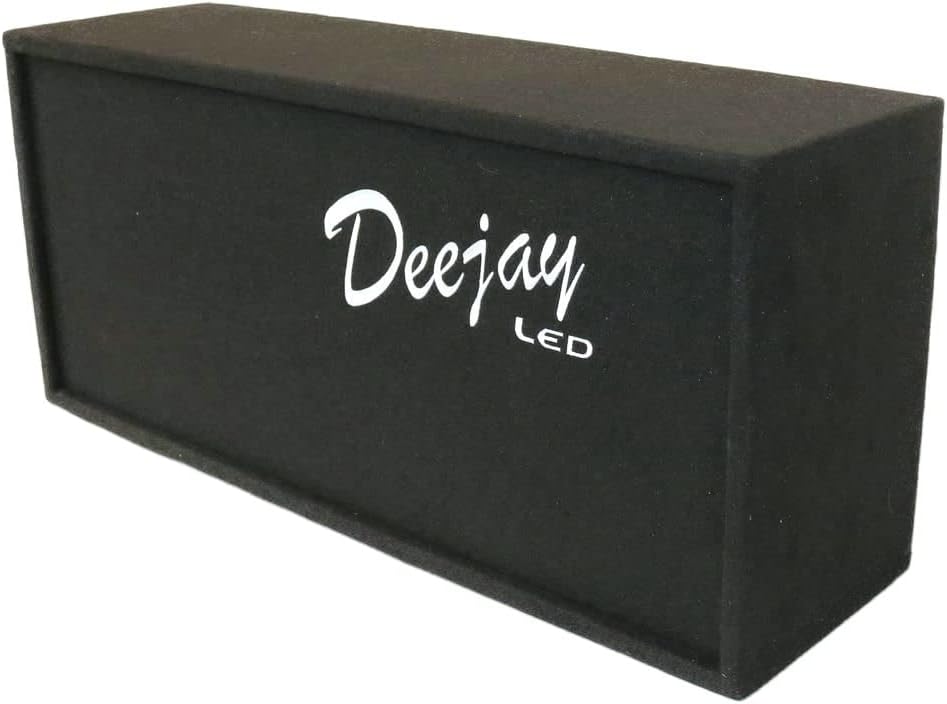
Figure 3: Front angled view of the speaker system.
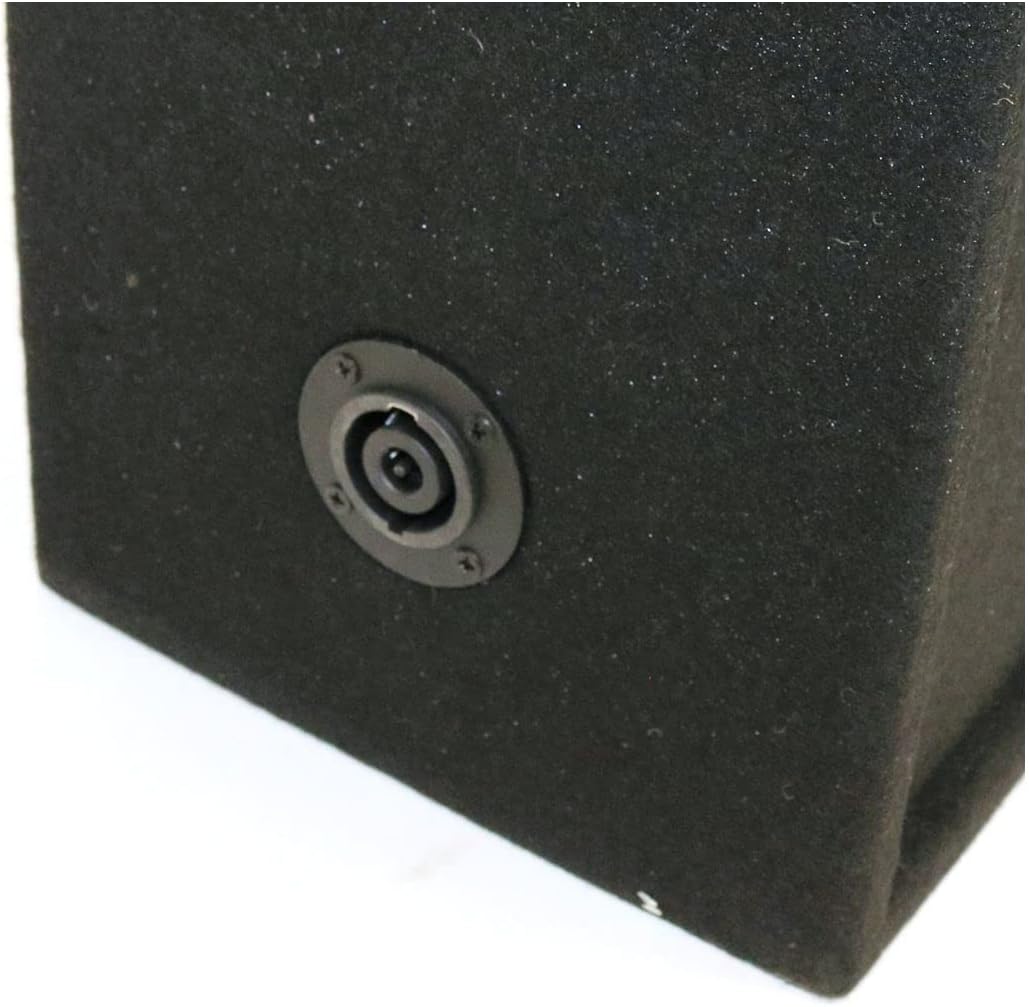
Figure 4: Detail of the auxiliary connection port.
Operating Instructions
Once the speaker system is set up, follow these steps for operation:
- Power On: Turn on the speaker system.
- Audio Source: Ensure your connected audio device is playing content.
- Volume Control: Adjust the volume using the touch control method on the speaker system or directly from your audio source.
- Audio Output: The system supports Stereo and 3D Spatial Audio output, providing a rich listening experience with a maximum output power of 50 Watts.

Figure 5: Front view of the speaker system components.
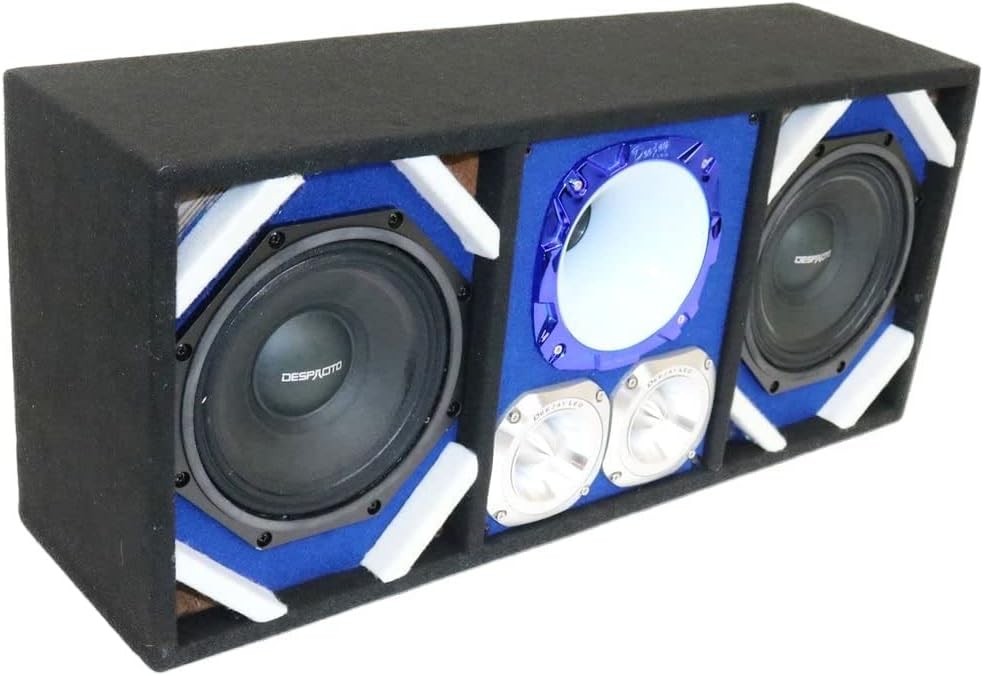
Figure 6: Angled view showcasing the speaker and horn design.
Maintenance
To maintain the performance and appearance of your speaker system, follow these guidelines:
- Cleaning: Use a soft, dry cloth to wipe down the exterior of the speaker system. Avoid using abrasive cleaners or solvents, as they may damage the finish.
- Environment: Keep the speaker system in a dry environment, away from direct sunlight, extreme temperatures, and excessive dust.
- Ventilation: Ensure proper ventilation around the unit to prevent overheating.
- Handling: Handle the speaker system with care to avoid physical damage to the components.
Troubleshooting
If you encounter issues with your speaker system, refer to the following common problems and solutions:
- No Sound:
- Ensure the speaker system is powered on.
- Check all auxiliary cable connections between the speaker and the audio source.
- Verify that the volume on both the speaker system and the audio source is turned up.
- Test with a different audio source or cable to rule out external issues.
- Distorted Sound:
- Reduce the volume on both the speaker system and the audio source.
- Ensure the audio source is not sending an overdriven signal.
- Check for loose connections or damaged cables.
- Intermittent Sound:
- Check for loose auxiliary cable connections.
- Ensure the power connection is stable.
If these troubleshooting steps do not resolve the issue, please contact customer support.
Specifications
| Feature | Specification |
|---|---|
| Model Name | TBH8BLUE |
| Material | Plastic |
| Color | Blue |
| Speaker Type | 3D |
| Speaker Size | 8 Inches |
| Woofer Diameter | 8 Inches |
| Tweeter Diameter | 8 Inches |
| Speaker Maximum Output Power | 50 Watts |
| Connectivity Technology | Auxiliary |
| Audio Output Mode | Stereo, 3D Spatial Audio |
| Control Method | Touch |
| Mounting Type | Ceiling Mount |
| Product Dimensions | 5"D x 5"W x 5"H |
| Item Weight | 40 Pounds |
| Recommended Uses For Product | For Music Players, For Smartphones or Tablets, For Televisions, For Computers |
| Compatible Devices | Smartphone, Tablet |
Warranty and Support
The DEEJAY LED TBH8BLUE Despacito Horn Speaker System comes with an extended warranty. For specific details regarding the warranty period and coverage, please refer to the warranty card included with your product or visit the official DEEJAY LED website.
For technical support, troubleshooting assistance beyond this manual, or warranty claims, please contact DEEJAY LED customer service through their official channels. Have your product model number (TBH8BLUE) and purchase information ready when contacting support.