
WEELMOTION WM-11
WEELMOTION Hoverboard User Manual
Model: WM-11
Introduction
Thank you for choosing the WEELMOTION Hoverboard. This self-balancing scooter is designed to provide an enjoyable and efficient personal transportation experience. Featuring dual motors, LED lights, and a built-in music speaker, it offers a blend of performance and entertainment. This manual provides essential information for the safe operation, maintenance, and troubleshooting of your hoverboard. Please read it thoroughly before first use.
Safety Information
Your safety is paramount. The WEELMOTION Hoverboard is UL 2272 Certified, ensuring it has passed rigorous electrical and fire safety tests. Adhere to all local laws and regulations regarding hoverboard use.
- Always wear appropriate safety gear, including a helmet, knee pads, and elbow pads.
- Do not ride under the influence of alcohol or drugs.
- Avoid riding on uneven surfaces, steep inclines (max 12°), or in wet conditions.
- The hoverboard supports a minimum weight of 40 lbs and a maximum weight of 220 lbs.
- Keep fingers, hair, and clothing away from moving parts.
- Do not attempt to modify the hoverboard.
- The hoverboard incorporates multiple security measures such as Overheat Protection, Short Circuit Protection, Fire Protection Shell, and Over-speed alert. Pay attention to any alerts.

Image: Diagram illustrating the internal components and safety features of the WEELMOTION Hoverboard, including dual motors, maximum weight capacity, and climb angle.
Product Overview
The WEELMOTION Hoverboard is a 6.5-inch self-balancing scooter equipped with advanced features for a smooth and interactive ride.
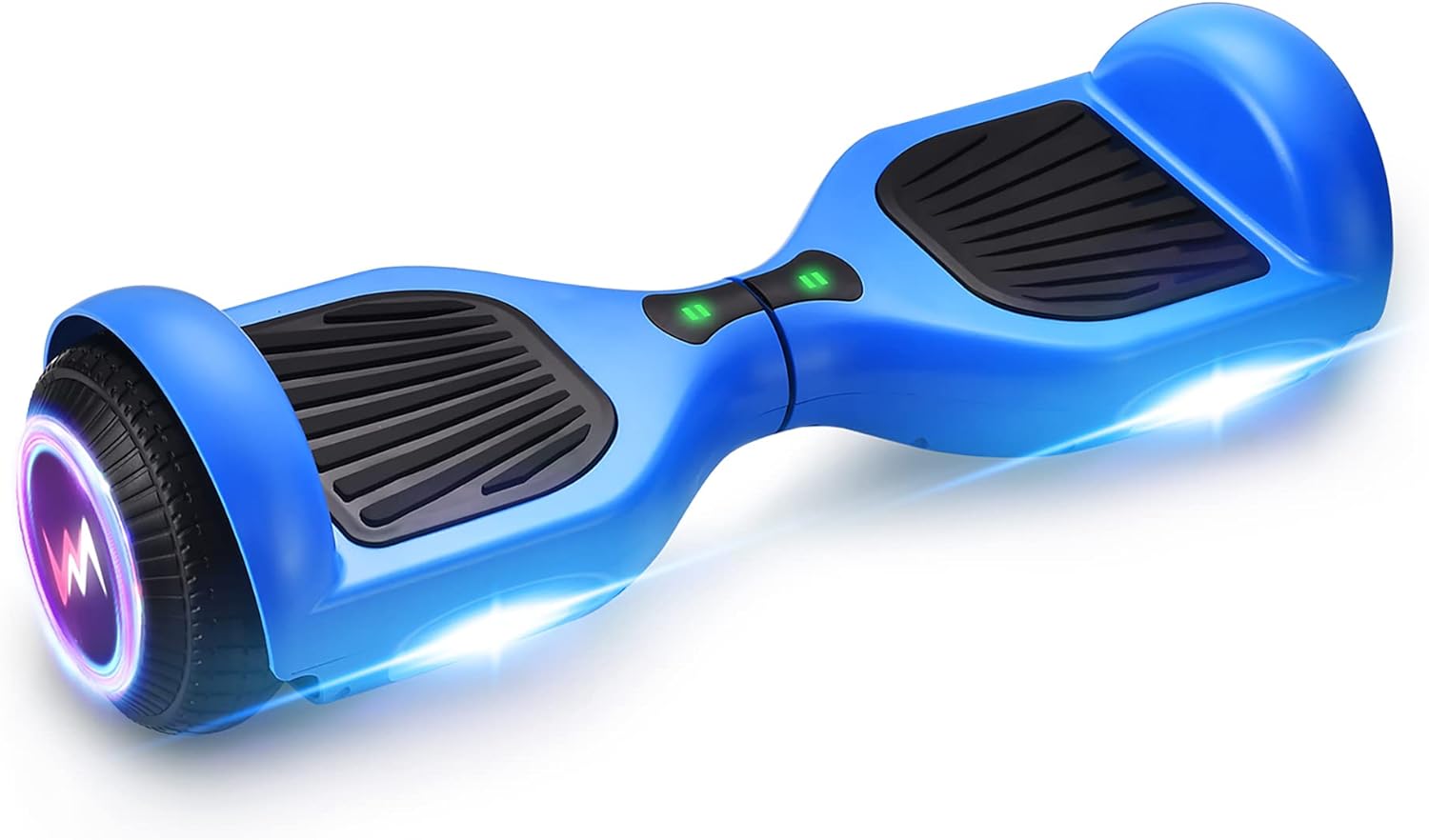
Image: A blue WEELMOTION Hoverboard showcasing its sleek design, LED front lights, and shining wheels.
Key Components:
- Foot Pads: Pressure-sensitive pads for control.
- Wheels: 6.5-inch solid shining tires.
- LED Front Lights: Illuminate the path and enhance visibility.
- Power Indicator: Displays battery level.
- Bluetooth Speaker: For audio playback from connected devices.
- Charging Port: For connecting the charger.
- Power Button: To turn the hoverboard on/off.
Setup
1. Initial Charging
Before first use, fully charge your hoverboard. The included lithium-ion battery requires approximately 2-3 hours for a full charge. The power indicator lights will change to indicate a full charge.
- Connect the charger to the charging port on the hoverboard.
- Plug the charger into a standard electrical outlet.
- Do not overcharge the battery. Disconnect the charger once charging is complete.
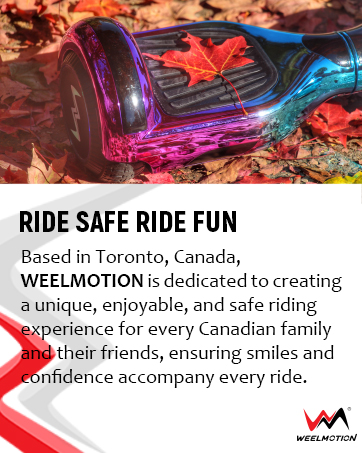
Image: A graphic representing the hoverboard's 36V battery, 10km riding range, UL 2272 certification, and overheat protection, emphasizing long-lasting joy.
2. Power On/Off
Press the power button located on the hoverboard to turn it on. The indicator lights will illuminate. Press and hold the power button again to turn it off.
Operating Instructions
1. Riding Basics
The WEELMOTION Hoverboard features a built-in gyroscope stabilization system and "no-fall" technology, making it easier for beginners.
- Place one foot firmly on a foot pad.
- Quickly step up with your other foot onto the second foot pad. Maintain balance.
- To move forward, gently lean forward. To move backward, gently lean backward.
- To turn, apply slight pressure with one foot. For example, to turn left, press down slightly with your right foot.
- To stop, return to an upright position.
- To dismount, step off one foot at a time, preferably backward.

Image: A person riding the blue WEELMOTION Hoverboard on a paved path, demonstrating its use in an outdoor setting.
2. Bluetooth Speaker Operation
The integrated Bluetooth speaker allows you to enjoy music while riding.
- Ensure the hoverboard is powered on.
- Enable Bluetooth on your mobile device.
- Search for "WEELMOTION" or a similar device name in your device's Bluetooth settings.
- Pair with the hoverboard. Once connected, you can play audio through the hoverboard's speaker.

Image: A blue WEELMOTION Hoverboard with glowing LED lights and an overlay indicating "WIRELESS SPEAKER," highlighting its audio capabilities.
Maintenance
1. Cleaning
Wipe the hoverboard with a damp cloth after each use. Do not use harsh chemicals or abrasive cleaners. Do not rinse with water directly.
2. Battery Care and Storage
- Store the hoverboard in a cool, dry place away from direct sunlight and extreme temperatures.
- If storing for an extended period, charge the battery to about 50% every 2-3 months to prolong its lifespan.
- Do not store the hoverboard with a completely depleted battery.
3. Tire Inspection
Periodically check the 6.5-inch solid tires for any signs of wear or damage. While solid tires are durable, ensure no debris is lodged in them.
Troubleshooting
| Problem | Possible Cause | Solution |
|---|---|---|
| Hoverboard not turning on | Low battery; Power button not pressed correctly | Charge the hoverboard; Ensure power button is pressed firmly |
| Lights flashing/Beeping sound | Over-speed alert; Overheat protection; Sensor malfunction | Reduce speed; Allow hoverboard to cool down; Recalibrate sensors (refer to manufacturer's specific recalibration steps if available) |
| Difficulty balancing/Unresponsive | Improper calibration; Weight limit exceeded/not met | Recalibrate the hoverboard; Ensure rider weight is within 40-220 lbs range |
| Bluetooth not connecting | Bluetooth not enabled on device; Hoverboard not in pairing mode; Device too far | Ensure Bluetooth is on; Restart hoverboard and device; Keep device close to hoverboard |
Specifications
| Feature | Detail |
|---|---|
| Model Number | WM-11 |
| Motor Power | Dual 200W brushless motors (Total 400W) |
| Wheel Size | 6.5 inches (solid tires) |
| Max Speed | Up to 10 km/hr (6.21 Miles per Hour) |
| Range per Charge | 8 - 10 kms (actual range may vary) |
| Battery Type | Lithium-Ion (1 included) |
| Max Climbing Angle | 12° |
| Supported Weight | Min 40 lbs - Max 220 lbs |
| Product Dimensions | 59.5 x 18.5 x 18 cm |
| Item Weight | 6.8 kg (7 Kilograms) |
| Frame Material | Fireproof Plastic or Composite |
| Safety Certification | UL 2272 Certified |
| Included Components | Hoverboard, Charger, Bag |
Warranty and Support
WEELMOTION is committed to providing quality products and customer satisfaction. For warranty information, technical support, or any inquiries, please contact our customer service team.
- Manufacturer: WEELMOTION
- Place of Business: support@weelmotion.co
- Please retain your proof of purchase for warranty claims.
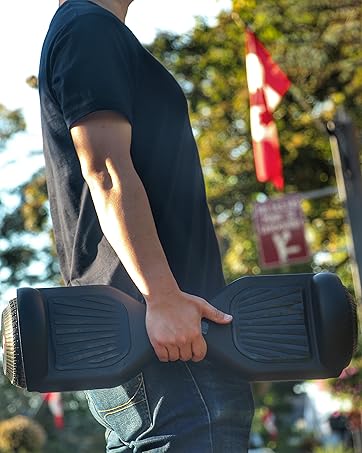
Image: The WEELMOTION brand logo with the slogan "PERFECT GIFT CHOICE STYLE AND SAFETY COMES TO ONE," emphasizing the product's appeal and safety.
Related documentsWM-11

Ask a question about this manual
Ask about setup, troubleshooting, compatibility, parts, safety, or missing instructions. Manuals+ will review the question and use this page’s manual context to help answer it.