
1. Introduction
This manual provides comprehensive instructions for the installation, operation, and maintenance of your Philips Hue Flourish Ceiling Pendant Light. This smart LED light offers a wide spectrum of white light, from warm to cool, and millions of colors, allowing you to create the perfect ambiance for any occasion. It can function as a standalone light controlled via Bluetooth or be integrated into a larger smart lighting system with a Philips Hue Bridge for enhanced features.
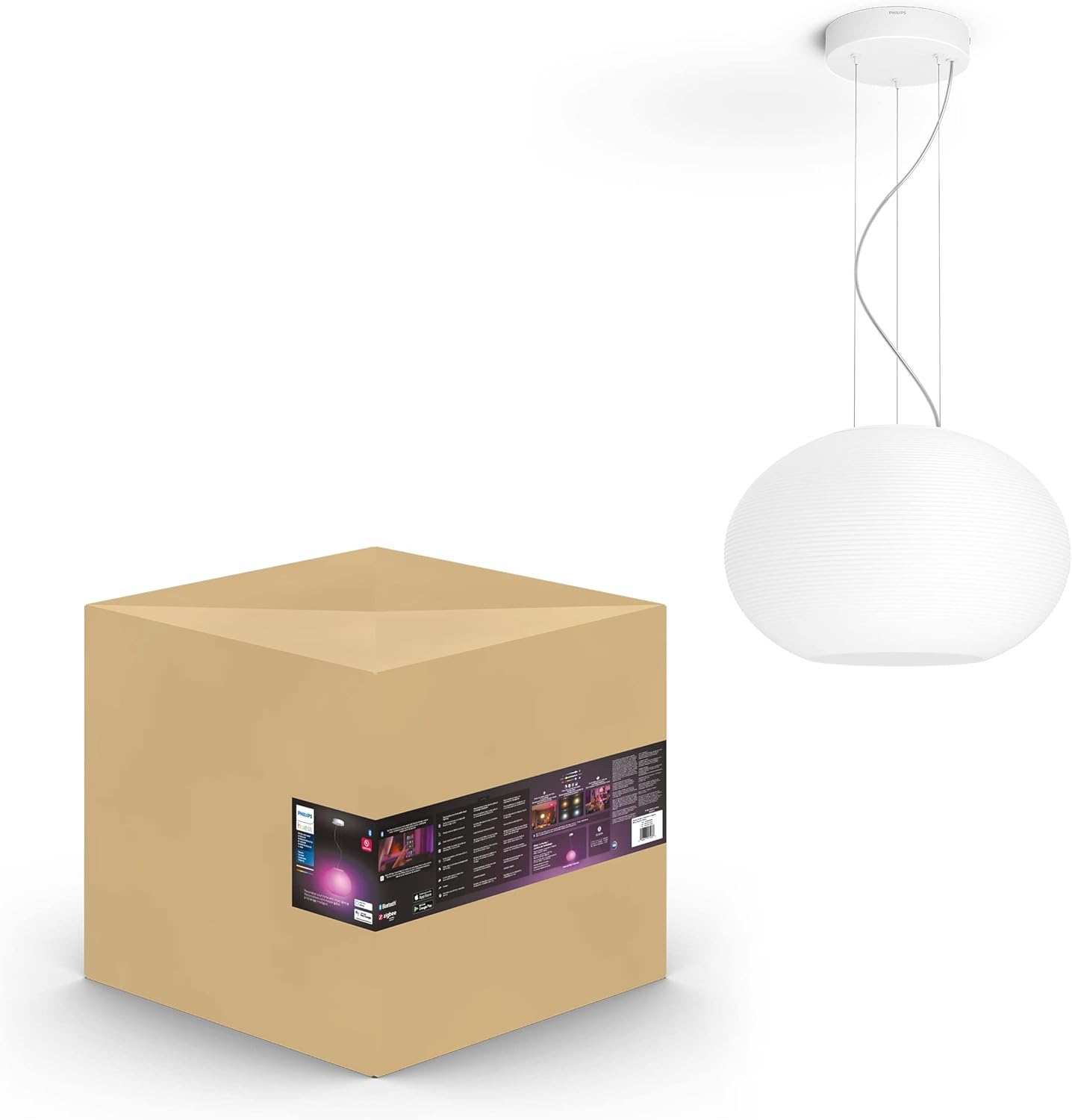
Figure 1.1: The Philips Hue Flourish Ceiling Pendant Light alongside its product packaging.
2. Safety Information
Please read all safety instructions carefully before installation and use. Failure to follow these instructions may result in electric shock, fire, or other injuries.
- Electrical Safety: Always disconnect power at the circuit breaker before installing, cleaning, or servicing the fixture. Ensure the wiring is performed by a qualified electrician if you are unsure.
- Indoor Use Only: This product is designed for indoor use in dry locations. Do not expose to water or high humidity.
- Proper Installation: Ensure the mounting surface can support the weight of the fixture. Follow all local electrical codes and regulations.
- Handling: Handle the glass shade with care to prevent breakage.
- Light Source: The LED light source is integrated and not user-replaceable. Do not attempt to disassemble the light fixture.
3. Package Contents
Verify that all components are present and undamaged before proceeding with installation.
- 1x Philips Hue Flourish Ceiling Pendant Light (with integrated White and Color Ambiance smart LED bulb)
- Mounting hardware (screws, wire nuts, etc.)
- User Manual (this document)
4. Setup and Installation
Installation of the Philips Hue Flourish Ceiling Pendant Light requires basic electrical knowledge. If you are not comfortable with electrical wiring, it is recommended to consult a qualified electrician.
- Turn off Power: Locate the circuit breaker controlling the light fixture's location and turn off the power. Verify power is off using a voltage tester.
- Prepare Mounting Surface: Ensure the ceiling junction box is securely mounted and capable of supporting the fixture's weight (approximately 11.3 lbs).
- Attach Mounting Bracket: Secure the fixture's mounting bracket to the junction box using the provided screws.
- Wire Connections: Connect the electrical wires from the ceiling to the corresponding wires on the fixture (typically black to black, white to white, and ground to ground) using wire nuts. Ensure all connections are secure.
- Mount Fixture: Carefully lift the fixture and attach it to the mounting bracket, securing it with the provided screws or nuts.
- Adjust Height: The pendant light's height can be adjusted by shortening the suspension cables. Refer to the dimensions diagram for guidance.
- Restore Power: Once the fixture is securely installed, restore power at the circuit breaker.

Figure 4.1: Detailed dimensions of the Philips Hue Flourish Ceiling Pendant Light, including height and diameter.
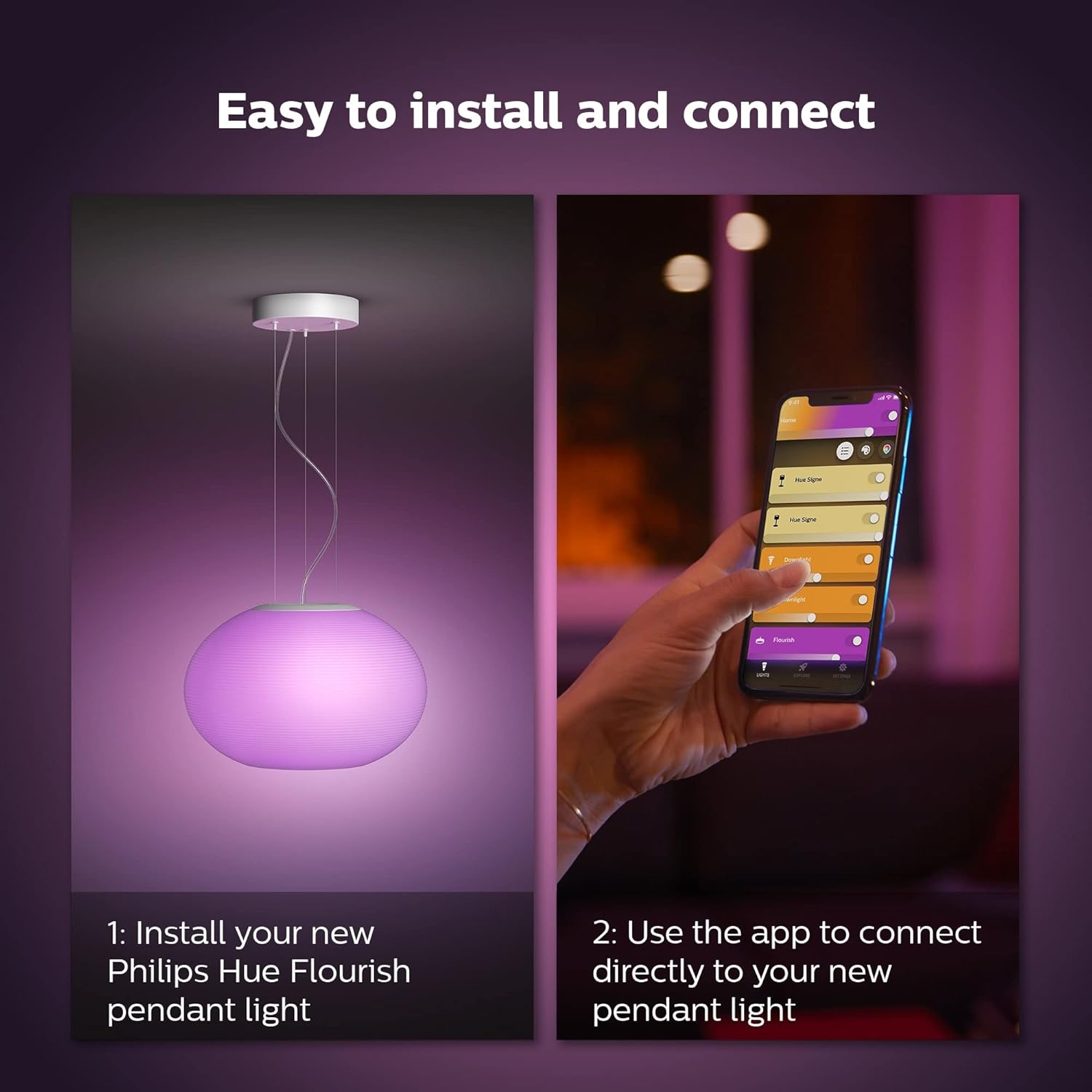
Figure 4.2: Visual guide for installing the pendant light and connecting it via the Philips Hue app.
5. Operating Instructions
Your Philips Hue Flourish light can be controlled in several ways, offering flexibility for your smart home setup.
5.1. Initial Power On
Upon first power-on, the light will illuminate in a default white setting.
5.2. Color and Ambiance Control
The Flourish light offers millions of colors and a range of warm-to-cool white light. These settings are adjusted via the Philips Hue app or compatible smart home platforms.

Figure 5.1: The Philips Hue Flourish light displaying a vibrant pink hue, demonstrating its color-changing capabilities.

Figure 5.2: The glass pendant light offers both cozy warm white and cool white light options to suit different moods and activities.

Figure 5.3: Adjusting the light's color and brightness using the Philips Hue app to set the desired mood.
5.3. Preset Light Recipes
The Philips Hue app includes several preset light recipes designed for daily routines, such as "Relax," "Read," "Concentrate," and "Energize." These can be activated with a single tap.

Figure 5.4: Examples of four preset light recipes available in the Philips Hue app, demonstrating various lighting effects.
6. Connectivity
The Philips Hue Flourish light offers flexible connectivity options to suit your smart home needs.
6.1. Bluetooth Control
For immediate control in a single room, you can connect directly to the light via Bluetooth using the Philips Hue Bluetooth app. This allows for basic control without the need for a Hue Bridge.
6.2. Philips Hue Bridge Integration
To unlock the full suite of smart lighting features, including home automation, control from anywhere in the world, and integration with other smart home devices (via Matter), pair your Flourish light with a Philips Hue Bridge (sold separately). The Hue Bridge provides a secure and stable connection that does not rely on your Wi-Fi network for light control.

Figure 6.1: The Philips Hue Bridge enables full home control, instant response times, and advanced automation options.

Figure 6.2: A comparison of features when using Bluetooth control versus a Philips Hue Bridge.
7. Voice Control
The Philips Hue Flourish light is compatible with popular voice assistants, allowing for convenient hands-free control.
- Amazon Alexa: Link your Philips Hue account in the Alexa app to control your lights with commands like "Alexa, turn on the living room light."
- Google Assistant: Connect your Philips Hue system to Google Home to use commands such as "Hey Google, set the pendant light to blue."
Figure 7.1: Demonstrating easy voice control with Amazon Alexa or Google Assistant.
8. Maintenance
To ensure the longevity and optimal performance of your Philips Hue Flourish light, follow these simple maintenance guidelines:
- Cleaning: Before cleaning, ensure the power to the fixture is turned off. Wipe the glass shade and metal components with a soft, dry, or slightly damp cloth. Do not use abrasive cleaners, solvents, or harsh chemicals, as these can damage the finish.
- Dusting: Regularly dust the fixture to prevent accumulation, which can affect light output and appearance.
- No User Serviceable Parts: The LED light source is integrated and cannot be replaced by the user. Do not attempt to open or repair the fixture.
9. Troubleshooting
If you encounter issues with your Philips Hue Flourish Ceiling Pendant Light, refer to the following common problems and solutions:
| Problem | Possible Cause | Solution |
|---|---|---|
| Light does not turn on. | No power, loose wiring, or faulty fixture. | Check circuit breaker. Ensure all wiring connections are secure. If issues persist, contact customer support. |
| Light is unresponsive to app/voice commands. | Bluetooth range issue, Hue Bridge offline, or app connectivity problem. | Ensure you are within Bluetooth range. Check if your Hue Bridge is powered on and connected to the network. Restart the Hue app. Re-pair the light if necessary. |
| Light appears dim or inconsistent. | Brightness setting too low, or a specific light recipe is active. | Adjust brightness in the Hue app. Try different light recipes or custom settings. Ensure the light is not obstructed by dust or debris. |
| Cannot connect to Philips Hue Bridge. | Bridge not found, network issues, or light is already paired. | Ensure the Hue Bridge is connected to your router and powered on. Try restarting the Bridge. Perform a light search in the Hue app. If the light was previously paired, it might need to be reset (refer to Philips Hue support for specific reset procedures). |
10. Specifications
| Feature | Detail |
|---|---|
| Brand | Philips Hue |
| Model Name | Philips Hue Flourish Ceiling Pendant Light |
| Model Number | 4090631U9 |
| ASIN | B09BP43Z98 |
| UPC | 046677803216 |
| Color | White |
| Material | Glass |
| Light Source Type | Integrated LED |
| Light Color | Warm to Cool White, Millions of Colors |
| Brightness | 2750 lumens |
| Wattage | 39.5 watts |
| Voltage | 120 Volts |
| Product Dimensions | 10"L x 5.5"W x 15"H (Fixture only, height adjustable) |
| Item Weight | 11.3 pounds |
| Control Method | App, Remote (optional), Touch (optional), Voice (Alexa, Google Assistant) |
| Indoor/Outdoor Usage | Indoor |
| Installation Type | Semi Flush Mount |
11. Warranty and Support
Warranty: The Philips Hue Flourish Ceiling Pendant Light comes with a 2-year manufacturer's warranty from the date of purchase. This warranty covers defects in materials and workmanship under normal use. Please retain your proof of purchase for warranty claims.
Customer Support: For technical assistance, troubleshooting beyond this manual, or warranty inquiries, please visit the official Philips Hue support website or contact their customer service.


