
1. Introduction
Thank you for choosing the SXFJF True Wireless Earbuds. This manual provides essential information for setting up, operating, and maintaining your new earbuds. Please read it carefully to ensure optimal performance and a satisfying audio experience.
Package Contents
- 2 x Wireless Earbuds
- 1 x Type-C Charging Cable
- 1 x Charging Case
- 1 x User Manual
2. Product Overview
The SXFJF True Wireless Earbuds offer a professional stereo sound experience with lossless HD rendering technology, delivering deep bass and clear treble. Designed for comfort and stability, they feature soft silicone eartips and a built-in microphone with noise reduction for clear calls.
Key Features
- Bluetooth V5.0: Ensures stable and fast transmission.
- HiFi Stereo Sound: Provides a natural, authentic sound with powerful bass.
- Built-in Microphone: Offers clear call experience with noise reduction.
- Touch Control: Intuitive control for music and calls.
- Auto Pairing: Automatic connection to paired devices.
- Long Battery Life: Up to 6 hours playtime per charge, 30 hours with charging case.
- Ergonomic Design: Comfortable and secure fit.

Figure 2.1: Overview of Earbud Features

Figure 2.2: Earbuds in Charging Case with LED Display
3. Setup and Pairing
3.1 Initial Charging
Before first use, fully charge the earbuds and the charging case. Connect the Type-C charging cable to the charging port on the case and a USB power source. The LED digital display on the case will indicate the charging status and battery level. Charging time is approximately 1.5 hours.

Figure 3.1: USB Type-C Charging Port

Figure 3.2: LED Digital Display on Charging Case
3.2 Pairing with Your Device
- Ensure the earbuds are charged.
- Open the charging case. The earbuds will automatically power on and enter pairing mode.
- On your device (smartphone, tablet, etc.), go to Bluetooth settings and turn on Bluetooth.
- Search for available devices and select "Sports Games Earbuds" (or similar name) from the list.
- Once connected, you will hear a confirmation tone, and the earbuds will be ready for use.
- For subsequent uses, the earbuds will automatically connect to the last paired device when taken out of the case.
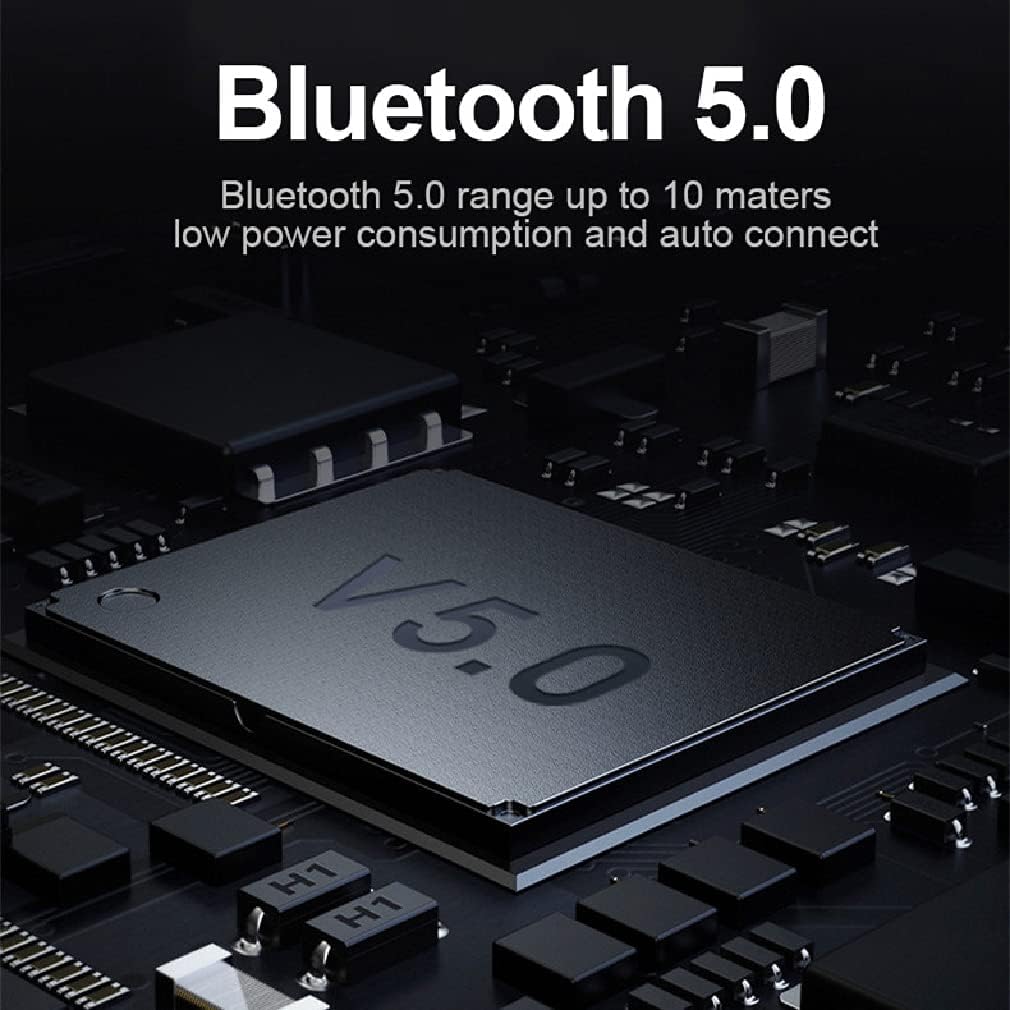
Figure 3.3: Bluetooth V5.0 Technology

Figure 3.4: Automatic Pairing Process
Video 3.1: Product Features and One-Step Pairing Demonstration. This video showcases the earbuds' lightweight design, HiFi stereo sound, Bluetooth 5.4 technology, call noise cancellation, 40-hour playtime, one-step pairing, ergonomic design, smart touch controls, and IPX7 waterproof rating.
4. Operating Instructions
4.1 Touch Controls
The earbuds feature intuitive touch controls for managing audio playback, calls, and voice assistant activation. Specific touch functions may vary slightly, but common controls include:
- Play/Pause: Single tap on either earbud.
- Next Track: Double tap on the right earbud.
- Previous Track: Double tap on the left earbud.
- Answer/End Call: Single tap on either earbud.
- Reject Call: Press and hold on either earbud.
- Activate Voice Assistant: Triple tap on either earbud.
4.2 Audio Quality
Experience high-fidelity stereo sound with the built-in 6mm dynamic drivers. The earbuds are designed to deliver rich audio with clear vocals and deep bass, enhancing your music and call experience.
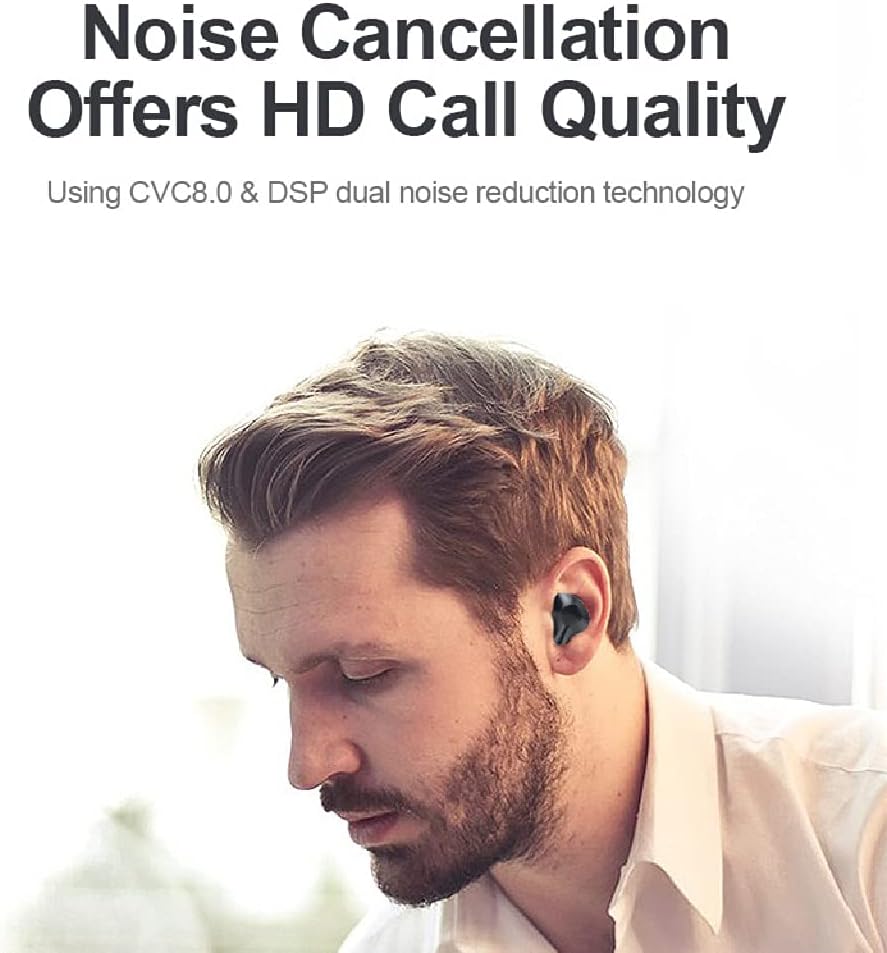
Figure 4.1: HiFi Stereo Sound Components
5. Maintenance and Care
To ensure the longevity and optimal performance of your earbuds, follow these maintenance guidelines:
- Cleaning: Regularly clean the earbuds and charging case with a soft, dry, lint-free cloth. Do not use abrasive cleaners or solvents. Gently remove any earwax buildup from the eartips and speaker mesh.
- Storage: When not in use, store the earbuds in their charging case to protect them from dust and damage. Keep them in a cool, dry place away from extreme temperatures.
- Charging: Charge the earbuds and case regularly, even if not used frequently, to maintain battery health. Avoid overcharging for extended periods.
- Water Resistance: The earbuds are designed with IPX7 water resistance, meaning they can withstand splashes and sweat. However, they are not intended for swimming or prolonged submersion. Ensure they are dry before placing them back in the charging case.
6. Troubleshooting
If you encounter any issues with your earbuds, refer to the following common solutions:
6.1 Pairing Issues
- Earbuds not connecting: Ensure both earbuds are out of the charging case and fully charged. Turn off and on your device's Bluetooth, then try pairing again.
- Only one earbud working: Place both earbuds back into the charging case, close the lid, wait a few seconds, then take them out again. This often re-syncs them.
- Cannot find "Sports Games Earbuds" in Bluetooth list: Ensure the earbuds are in pairing mode (usually indicated by a flashing light). If not, try resetting them (refer to specific reset instructions if available in a separate quick start guide).
6.2 Sound Issues
- No sound or low volume: Check the volume level on both your device and the earbuds. Ensure the earbuds are properly seated in your ears.
- Distorted sound: Move closer to your paired device to avoid interference. Check for any physical obstructions or damage to the earbuds.
6.3 Charging Issues
- Earbuds not charging: Ensure the charging contacts on the earbuds and inside the case are clean and dry. Verify the charging cable is securely connected and the power source is working.
- Charging case not charging: Use the provided Type-C cable and a compatible USB power adapter. Check the cable and port for damage.
7. Specifications
Below are the technical specifications for your SXFJF True Wireless Earbuds:
| Feature | Specification |
|---|---|
| Product Name | Sports Games Earbuds |
| Bluetooth Version | V5.0 |
| Support Modes | L2CAP/A2DP1.2 (AVCTP1.3/AVDTP1.2/AVRCP1.3) |
| Transmission Distance | ≤10 meters (without obstacles) |
| Speaker Diameter | 10MM |
| Speaker Impedance | 32 ohm ± 10% |
| Frequency Response | 20Hz-20KHz |
| Sensitivity | 92dB/±3dB |
| Output Power | 20mW |
| Working Voltage | 3.3V-3.7V |
| Working Time | 4-5 hours (earbuds) |
| Standby Time | 210 hours |
| Charging Time | Approx. 1.5 hours |
| Charging Voltage | DC_5V |
| Noise Control | Active Noise Cancellation (CVC 8.0) |
| Water Resistance Level | IPX7 |
| Form Factor | In Ear |
| Material | Silicone (eartips) |
8. Warranty and Support
For warranty information or technical support, please refer to the contact details provided with your purchase or visit the official SXFJF website. Keep your proof of purchase for any warranty claims.