1. Introduction
Thank you for choosing the Arctic Wind 7,500 BTU Portable Air Conditioner. This manual provides essential information for the safe operation, installation, maintenance, and troubleshooting of your unit. Please read it thoroughly before use and retain it for future reference.
This portable air conditioner is designed to provide efficient cooling for spaces up to 200 square feet, offering a comfortable environment in your home, apartment, or bedroom. Its versatile 3-in-1 operation includes cooling, fan, and dehumidifier modes.
2. Safety Information
Important Safety Instructions:
- Read all instructions before using this appliance.
- This appliance is for indoor use only.
- Always place the unit on a firm, level surface.
- Ensure the power supply matches the voltage specified on the rating label.
- Do not operate the unit with a damaged cord or plug.
- Keep the air intake and exhaust vents clear of obstructions.
- Do not insert objects into the air vents.
- Unplug the unit before cleaning or servicing.
- Do not use chemical solvents to clean the unit.
- Keep children and pets away from the unit during operation.
3. Product Features
- Powerful Cooling: 7,500 BTU (5,150 DOE) cooling capacity, suitable for rooms up to 200 square feet.
- 3-in-1 Operation: Offers Cool, Fan, and Dry (dehumidifier) modes for versatile climate control.
- Portability: Equipped with easy-roll casters and side handles for convenient movement between rooms.
- Washable Air Filter: Features a check filter indicator light and an easily removable, washable filter for simple maintenance.
- Auto Mode: Automatically maintains your set room temperature and restarts with previous settings after a power outage.
- Digital Controls & Remote: Precise digital controls and a full-function remote for convenient operation.
- 24-Hour Timer: Allows for programmable cooling schedules.
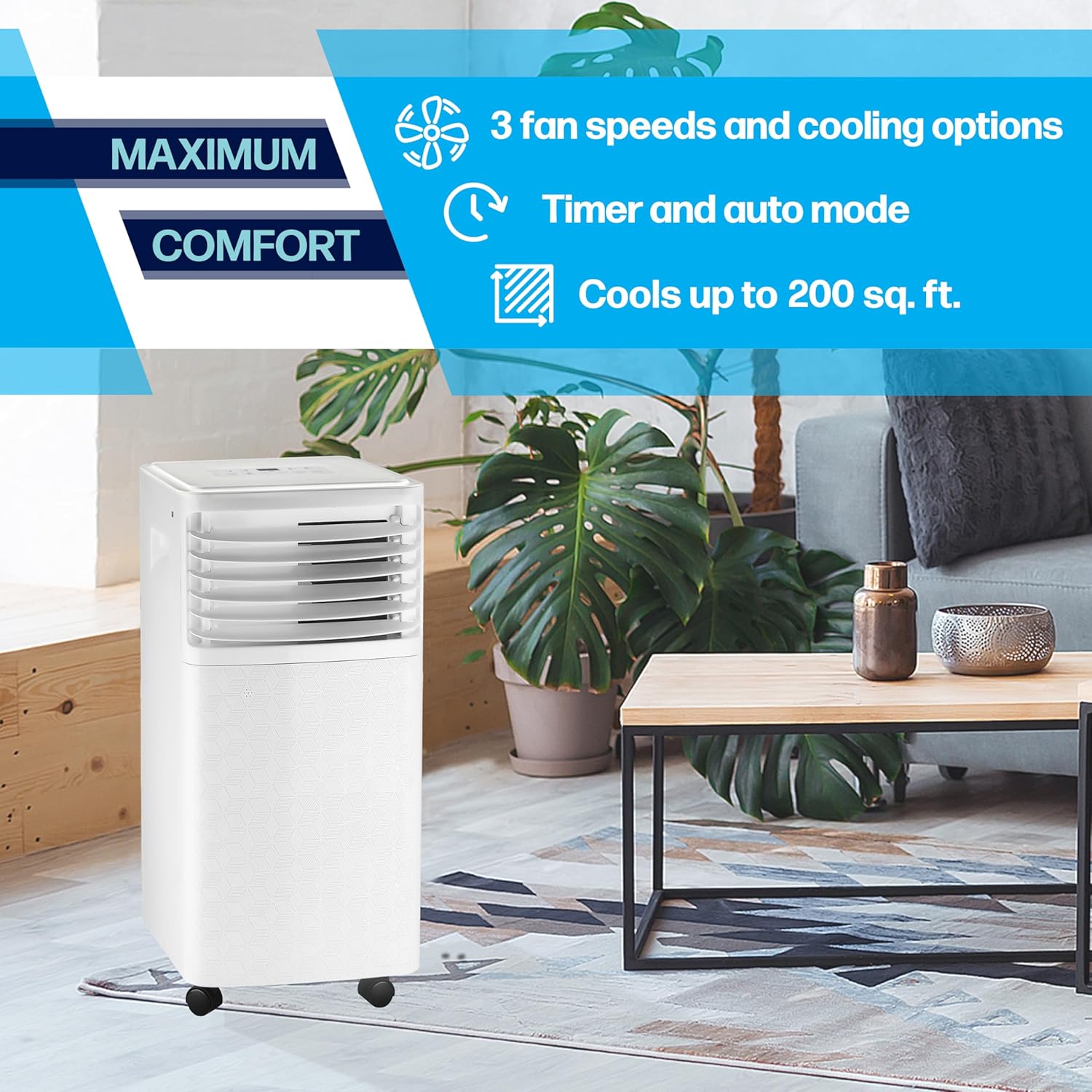
An image illustrating key features such as multiple fan speeds, cooling capabilities, timer functions, and the unit's coverage area.
4. Package Contents
Verify that all items are present in the package:
- Arctic Wind Portable Air Conditioner Unit
- User Manual
- Warranty Information
- Window Venting Kit (includes exhaust hose, window slider kit, and adapters)
- Remote Control (batteries not included)
5. Setup and Installation
Proper installation is crucial for optimal performance. Follow these steps carefully:
5.1 Unit Placement
- Place the air conditioner on a flat, stable surface.
- Ensure there is at least 20 inches (50 cm) of space around the unit for proper airflow.
- Position the unit near a window for exhaust hose installation.

The portable air conditioner blending into a living room environment, demonstrating its compact size and mobility.
5.2 Window Venting Kit Installation
- Assemble the window slider kit to fit your window opening.
- Secure the window slider kit in the open window.
- Attach one end of the exhaust hose to the unit's exhaust outlet.
- Attach the other end of the exhaust hose to the window kit adapter and secure it to the window kit.
- Ensure the exhaust hose is not sharply bent or kinked, as this can restrict airflow and reduce efficiency.
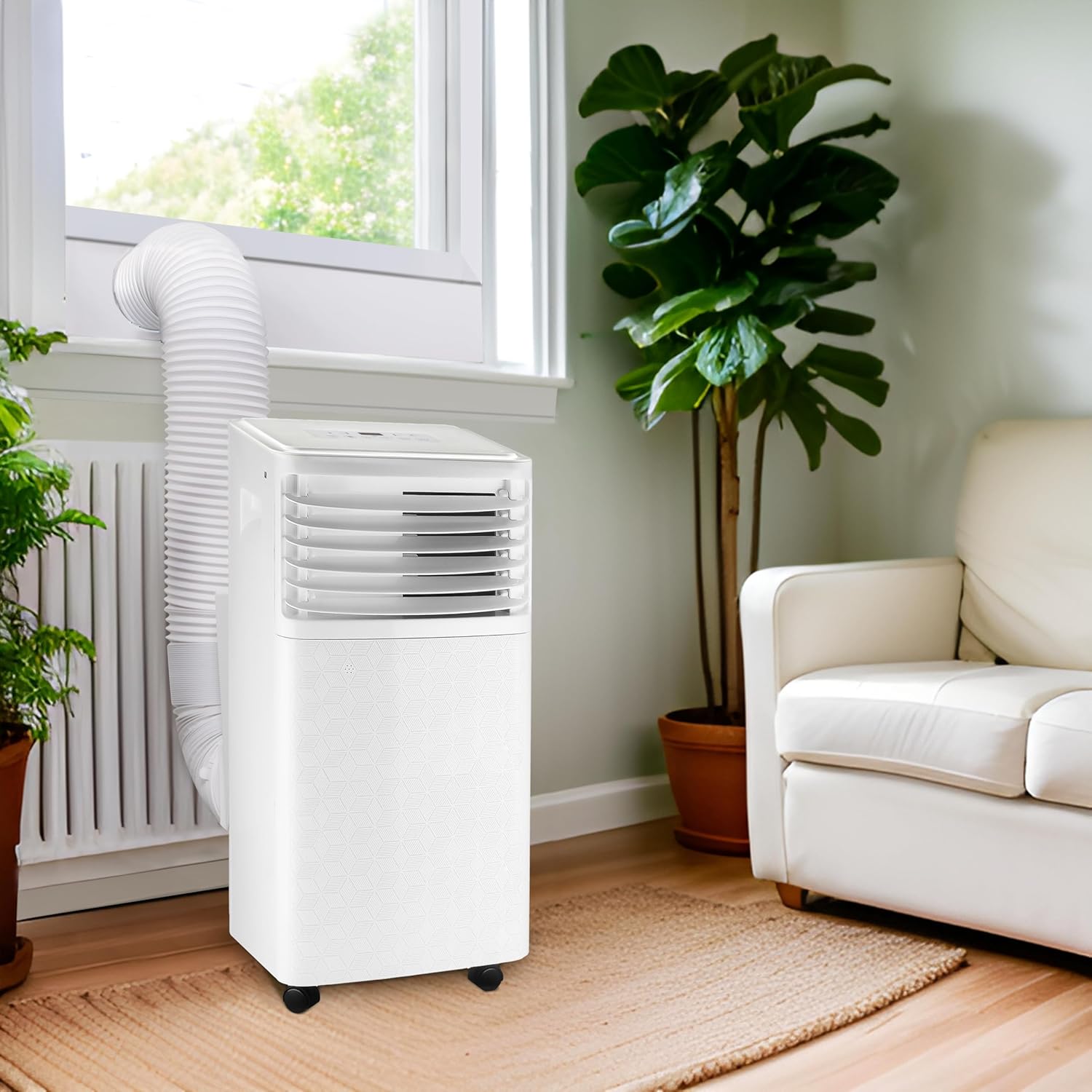
The portable air conditioner positioned in a room, with its exhaust hose properly installed in a window using the provided kit.
5.3 Power Connection
Plug the power cord into a grounded 115V electrical outlet. Do not use extension cords.
5.4 Product Overview Video
An official video showcasing the key features and benefits of the Arctic Wind Portable Air Conditioner, including its cooling capabilities and ease of use.
6. Operating Instructions
The unit can be operated using the control panel on top of the unit or the included remote control.
6.1 Control Panel Overview
The control panel features an LED display and buttons for power, mode selection, fan speed, and timer.
6.2 Power On/Off
Press the Power button to turn the unit on or off.
6.3 Mode Selection
Press the Mode button to cycle through the available modes:
- Cool Mode: Provides powerful cooling and dehumidification. Adjust temperature using the Up/Down arrows.
- Fan Mode: Circulates air without cooling. Select desired fan speed.
- Dry Mode (Dehumidifier): Reduces humidity in the room.
- Auto Mode: The unit automatically selects the operating mode (Cool, Fan, or Dry) based on the ambient room temperature to maintain your set temperature.
6.4 Temperature Adjustment
In Cool or Auto mode, use the Up and Down arrow buttons to set your desired temperature.
6.5 Fan Speed
Press the Fan Speed button to select between Low, Medium, and High fan speeds.
6.6 Timer Function
Press the Timer button to set a delayed start or stop time for the unit. Use the Up/Down arrows to adjust the hours.
6.7 Remote Control
The remote control allows you to operate all functions of the air conditioner from a distance. Ensure batteries are installed correctly (batteries not included).
7. Maintenance
Regular maintenance ensures optimal performance and longevity of your air conditioner.
7.1 Cleaning the Air Filter
The 'Check Filter' indicator light will illuminate when it's time to clean the filter. A dirty filter can reduce cooling efficiency.
- Unplug the air conditioner from the power outlet.
- Locate the air filter cover on the side/rear of the unit.
- Open the cover and carefully remove the filter.
- Wash the filter with warm, soapy water. Rinse thoroughly.
- Allow the filter to air dry completely before reinserting it.
- Close the filter cover.
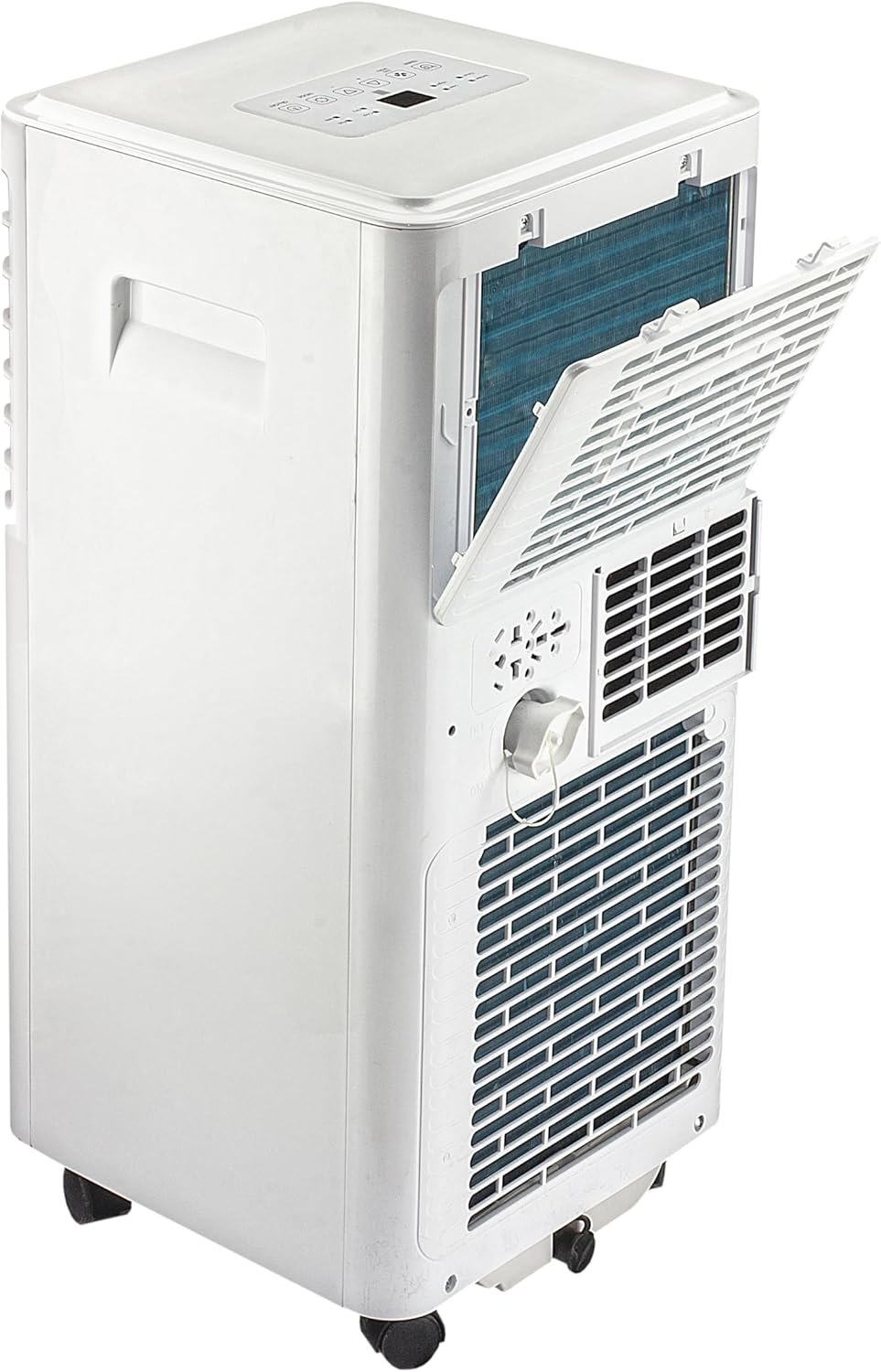
The side panel of the air conditioner opened to reveal the washable air filter, indicating ease of access for maintenance.
7.2 Draining Water
The unit has a self-evaporative system, but in high humidity conditions, the internal water tank may fill up. When this occurs, the unit will stop operating and display an error code (refer to troubleshooting section). To drain the water:
- Unplug the unit.
- Place a shallow pan or tray under the drainage port at the bottom rear of the unit.
- Remove the drain plug to allow water to flow out.
- Once drained, replace the drain plug securely.

The back of the unit, displaying the exhaust vent, drainage plug, and other rear components.
7.3 General Cleaning
Wipe the exterior of the unit with a soft, damp cloth. Do not use harsh chemicals or abrasive cleaners.
8. Troubleshooting
If you experience issues with your air conditioner, consult the following common problems and solutions before contacting customer support.
| Problem | Possible Cause | Solution |
|---|---|---|
| Unit does not turn on | No power; Power cord not fully plugged in; Circuit breaker tripped | Check power outlet; Ensure plug is secure; Reset circuit breaker |
| Unit not cooling effectively | Dirty air filter; Exhaust hose blocked or kinked; Room too large; Doors/windows open | Clean air filter; Check exhaust hose for obstructions; Ensure room size is within specifications; Close all doors and windows |
| Water leakage | Drain plug not secured; Internal water tank full | Ensure drain plug is tightly closed; Drain the internal water tank as per Section 7.2 |
| Loud noise during operation | Unit not on a level surface; Internal components loose | Place unit on a flat, stable surface; Contact customer support if noise persists |
9. Specifications
Refer to the following technical specifications for the Arctic Wind 7,500 BTU Portable Air Conditioner (Model 2AP7500A):
- Model Number: 2AP7500A
- Cooling Capacity: 7,500 BTU (ASHRAE) / 5,150 BTU (DOE)
- Coverage Area: Up to 200 sq. ft.
- Power Source: Corded Electric
- Voltage: 115 Volts
- Wattage: 700 watts
- Item Weight: 49.3 pounds
- Product Dimensions (D x W x H): 12.6 x 12.6 x 26.38 inches
- Sound Level: 51 Decibels
- Material: Plastic
- Special Features: Dehumidifier, Filter Light Reminder, Remote Controlled

A diagram detailing the height, width, and depth of the portable air conditioner for placement planning.
10. Warranty and Support
This Arctic Wind Portable Air Conditioner comes with a 1-Year Limited Warranty. For detailed warranty terms and conditions, please refer to the warranty document included in your package.
For technical support, service inquiries, or to order replacement parts, please contact Arctic Wind customer service. Contact information can typically be found on the product packaging or the official Arctic Wind website.


