
1. Introduction
This manual provides essential instructions for the safe and effective operation of your Elinchrom ONE Off-Camera Flash. Please read this manual thoroughly before using the device to ensure proper setup, usage, and maintenance. Retain this manual for future reference.
The Elinchrom ONE is a portable off-camera flash unit featuring an integrated Li-Ion battery, designed for versatile lighting applications. Its compact size and robust construction make it suitable for various photographic environments.

2. Package Contents
Verify that all items listed below are present in your Elinchrom ONE package:
- 1 x Elinchrom ONE Flash Head
- 1 x Diffusion Dome
- 1 x Wall Charger and Cable
- 1 x Elinchrom ONE Case
- 1 x 5.9' USB Type-C Cable

3. Setup
3.1 Initial Charging
Before first use, fully charge the integrated Li-Ion battery. The Elinchrom ONE features a built-in 41.04 Wh Li-Ion battery.
- Connect the provided USB Type-C cable to the flash unit's charging port.
- Connect the other end of the USB Type-C cable to the supplied 65W USB-C wall charger.
- Plug the wall charger into a power outlet.
Charging Times:
- Fast Charge (unit ON): Approximately 60 minutes to 80%, 100 minutes to 100%.
- Slow Charge (unit OFF): Approximately 80 minutes to 80%, 135 minutes to 100%.
The unit supports Active Charging, allowing operation while connected to a power source, regardless of the battery's charge level.
3.2 Mounting the Flash Unit
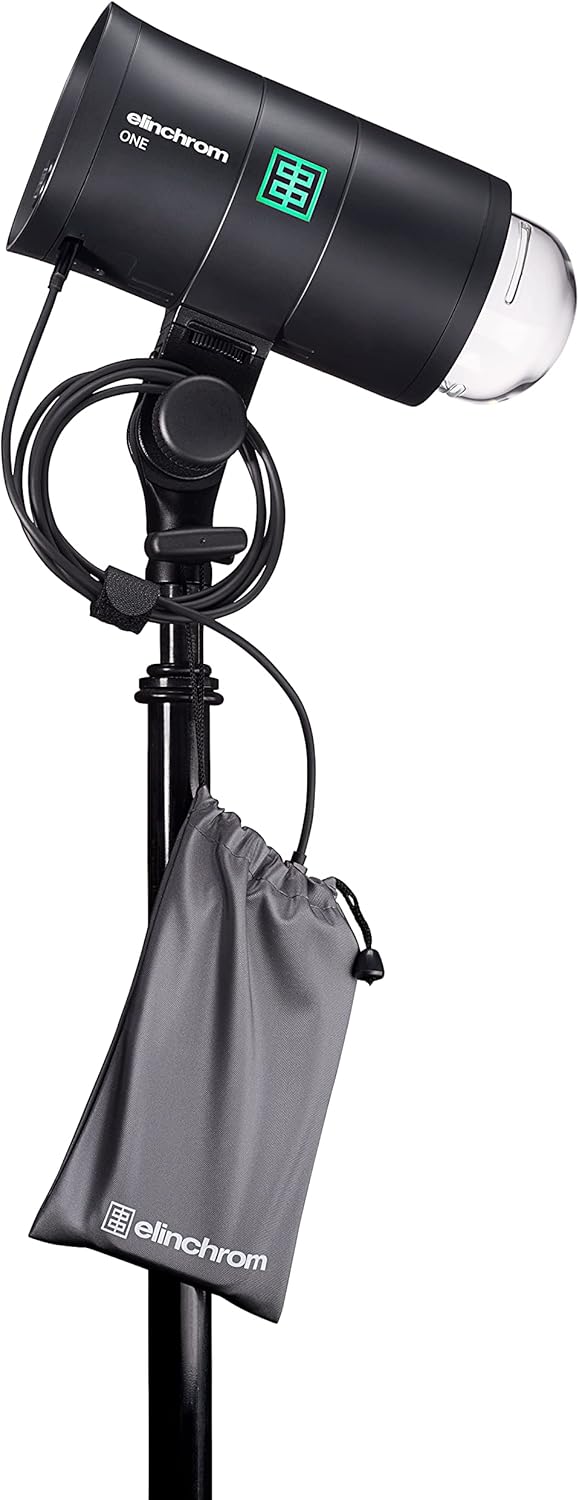
The Elinchrom ONE features a standard 5/8" receiver with dual-axis mounting for attachment to light stands or other grip equipment.
- Loosen the mounting knob on the flash unit's stand mount.
- Slide the flash unit onto the 5/8" spigot of a light stand.
- Tighten the mounting knob securely to prevent movement.
3.3 Attaching Light Modifiers
The Elinchrom ONE is compatible with Elinchrom OCF and Profoto OCF light shapers. An included adapter allows compatibility with standard Elinchrom modifiers.
- To attach an OCF modifier, align the modifier with the flash head and twist until it locks into place.
- For standard Elinchrom modifiers, first attach the provided adapter to the flash head, then mount the modifier onto the adapter.
- The tilt head also includes an umbrella fitting (7 to 8 mm) for attaching umbrellas.


4. Operating Instructions
4.1 Power On/Off
To power on the Elinchrom ONE, press and hold the power button located on the control panel until the screen illuminates. To power off, press and hold the power button again until the screen shuts down.

4.2 Flash Modes
The Elinchrom ONE supports the following flash modes:
- Manual Mode: Allows precise control over flash power output.
- TTL (Through-The-Lens) Mode: Automatically adjusts flash output for correct exposure. Requires a Skyport Transmitter Pro.
- HSS (High-Speed Sync) Mode: Enables flash synchronization at shutter speeds faster than the camera's native sync speed. Requires a Skyport Transmitter Pro.
Adjust flash power within a 5 F-stop range, from 7 to 131 Ws, using the rotary dial or touchscreen interface.

4.3 Modeling Lamp
The integrated modeling lamp is a 20W Bicolor LED with a CRI of 95, providing 3000 Lumens (equivalent to a 120W halogen lamp).
- Color Temperature: Adjustable presets from 2700 K to 6500 K.
- Run Time: Up to 10 hours at minimum power, or 90 minutes at maximum power (modeling lamp only).
Access and adjust modeling lamp settings via the touchscreen interface.
4.4 Triggering
The Elinchrom ONE features a built-in Skyport radio receiver and Bluetooth connectivity.
- Skyport: Supports 20 channels and 4 groups. Radio range is up to 60m indoors and 200m outdoors.
- Bluetooth: Version 4.2 built-in, compatible with Elinchrom Studio Software for Windows, Mac, and iOS devices.
4.5 Battery Management
The integrated Li-Ion battery provides approximately 750 full-power flashes (LED lamp OFF) or 550 full-power flashes (LED lamp ON 100%) on a single charge. Refer to Section 3.1 for charging instructions.
5. Maintenance
- Cleaning: Use a soft, dry cloth to clean the exterior of the flash unit. Avoid abrasive cleaners or solvents.
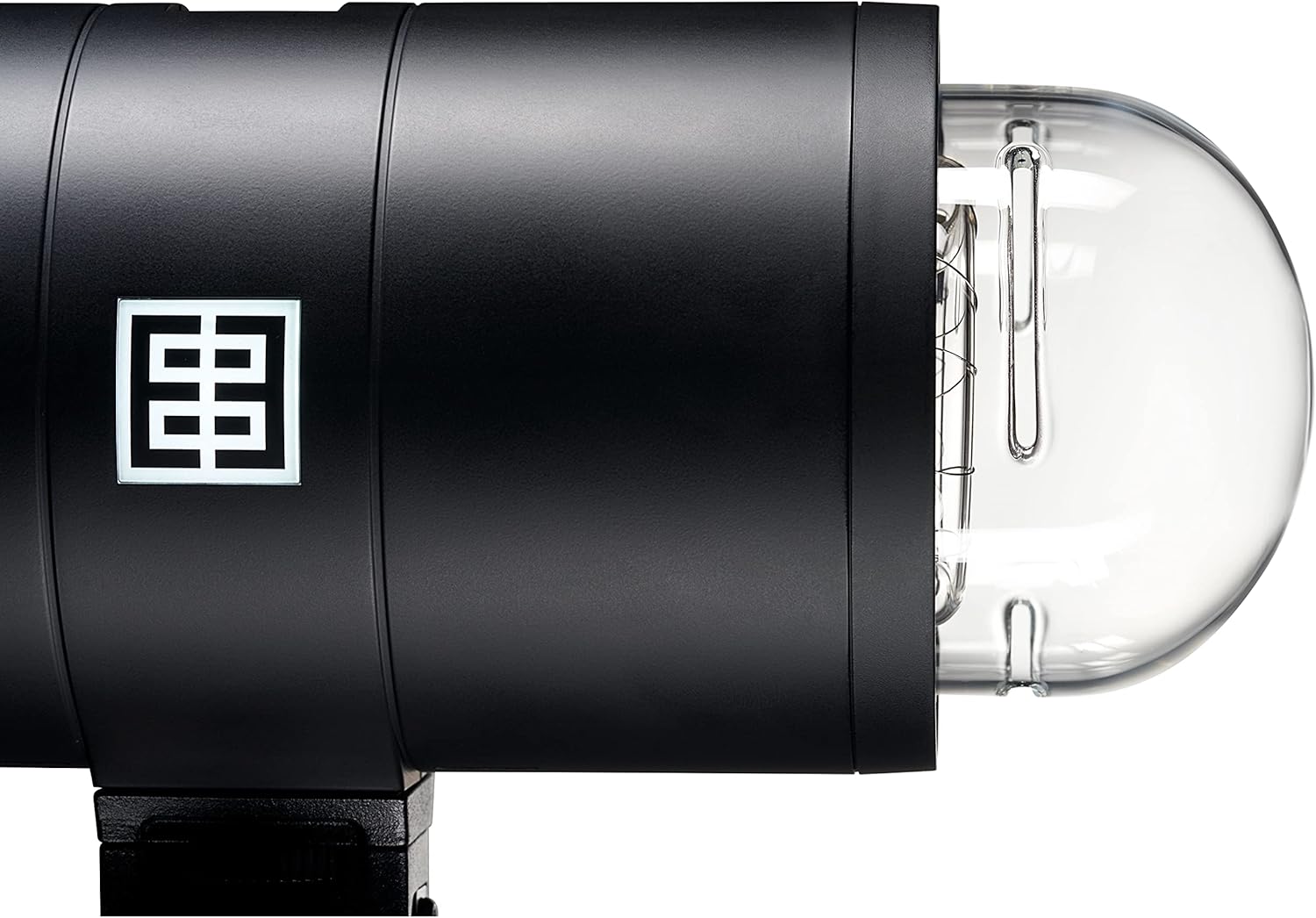
- Flash Tube Replacement: The flash tube is user-replaceable (SKU: EL24091). Refer to the detailed instructions provided with the replacement flash tube for proper installation.
- Storage: Store the unit in its protective case in a cool, dry place when not in use.
6. Troubleshooting
If you encounter issues with your Elinchrom ONE, consider the following general troubleshooting steps:
- Unit Not Powering On: Ensure the battery is sufficiently charged. Connect the unit to the charger and attempt to power on.
- Flash Not Firing: Verify that the flash unit is properly synchronized with your camera's trigger (e.g., Skyport Transmitter Pro). Check flash mode settings (Manual, TTL, HSS).
- Inconsistent Output: Check battery level. Ensure no obstructions are blocking the flash sensor or light output.
- Overheating: The unit features smart proactive cooling. If an overheating warning appears, allow the unit to cool down before continued use.
For persistent issues, consult the Elinchrom support website or contact customer service.
7. Technical Specifications
| Feature | Specification |
|---|---|
| Energy | 131 Ws |
| Power Range | 5 F-Stops / 7 to 131 Ws |
| Flash Duration t0.1 (Normal Mode) | 1/1530s – 1/155s |
| Flash Duration t0.1 (Action Mode) | 1/7000s – 1/625s |
| Recycling Time (Min/Max) | 0.06s / 0.9s |
| Flash Modes | Manual / TTL / HSS (requires Skyport Transmitter Pro) |
| Flash Color Temperature (Max Power) | 5900 K (Action) / 5600 K (HSS) |
| Power Stability | ±0.5% |
| Fan Cooled | Yes, with Smart Proactive Cooling |
| User Replaceable Flash Tube | Yes (SKU: EL24091) |
| Stand Mount | Standard 5/8" Receiver with Dual Axis Mounting |
| Modifier Mount | Elinchrom OCF, Profoto OCF, Elinchrom (via included adapter) |
| Umbrella Fitting | 7 to 8 mm on Tilt Head |
| Battery Type | Built-in 41.04 Wh Li-Ion |
| Modeling Lamp Type | 20W Bicolor LED CRI 95, 3000 Lumens |
| Modeling Lamp Color Temperature | Presets from 2700 K to 6500 K |
| Radio Receiver | Built-in Skyport (20 Channels, 4 Groups) |
| Radio Range | Indoor: up to 60 m / Outdoor: up to 200 m |
| Bluetooth | Version 4.2 Built-in |
| Product Dimensions | 8.86 x 3.94 x 6.5 inches |
| Item Weight | 6.25 pounds |
| Item Model Number | 20932.1 |
| Compatible Mountings | Canon, Nikon, Sony |
| Flash Sync Speed | 1/8000 sec |
8. Warranty and Support
The Elinchrom ONE Off-Camera Flash (Model EL20932.1) typically comes with a 2-year Elinchrom USA manufacturing warranty. Please refer to your purchase documentation or the official Elinchrom website for specific warranty terms and conditions.
For technical support, service, or further inquiries, please visit the official Elinchrom website or contact their authorized service centers.


