
Introduction
This manual provides essential information for the safe and efficient operation of your DEEJAY LED D8T2BLUE Brazil 2 Stage Light. Please read these instructions thoroughly before installation and use, and retain them for future reference. This device is designed for professional stage lighting applications, offering dynamic light effects.
Safety Information
- Always connect the unit to a grounded power outlet.
- Ensure the power cord is not pinched or damaged.
- Do not expose the unit to rain or moisture.
- Avoid direct eye exposure to the light source.
- Ensure adequate ventilation around the unit to prevent overheating.
- Disconnect power before cleaning or servicing.
- This product is for indoor use only.
- Do not attempt to repair the unit yourself. Refer all servicing to qualified personnel.
Package Contents
Verify that all items are present upon unpacking:
- 1 x DEEJAY LED D8T2BLUE Brazil 2 Stage Light Unit
- 1 x Power Cable
- 1 x Instruction Manual (this document)
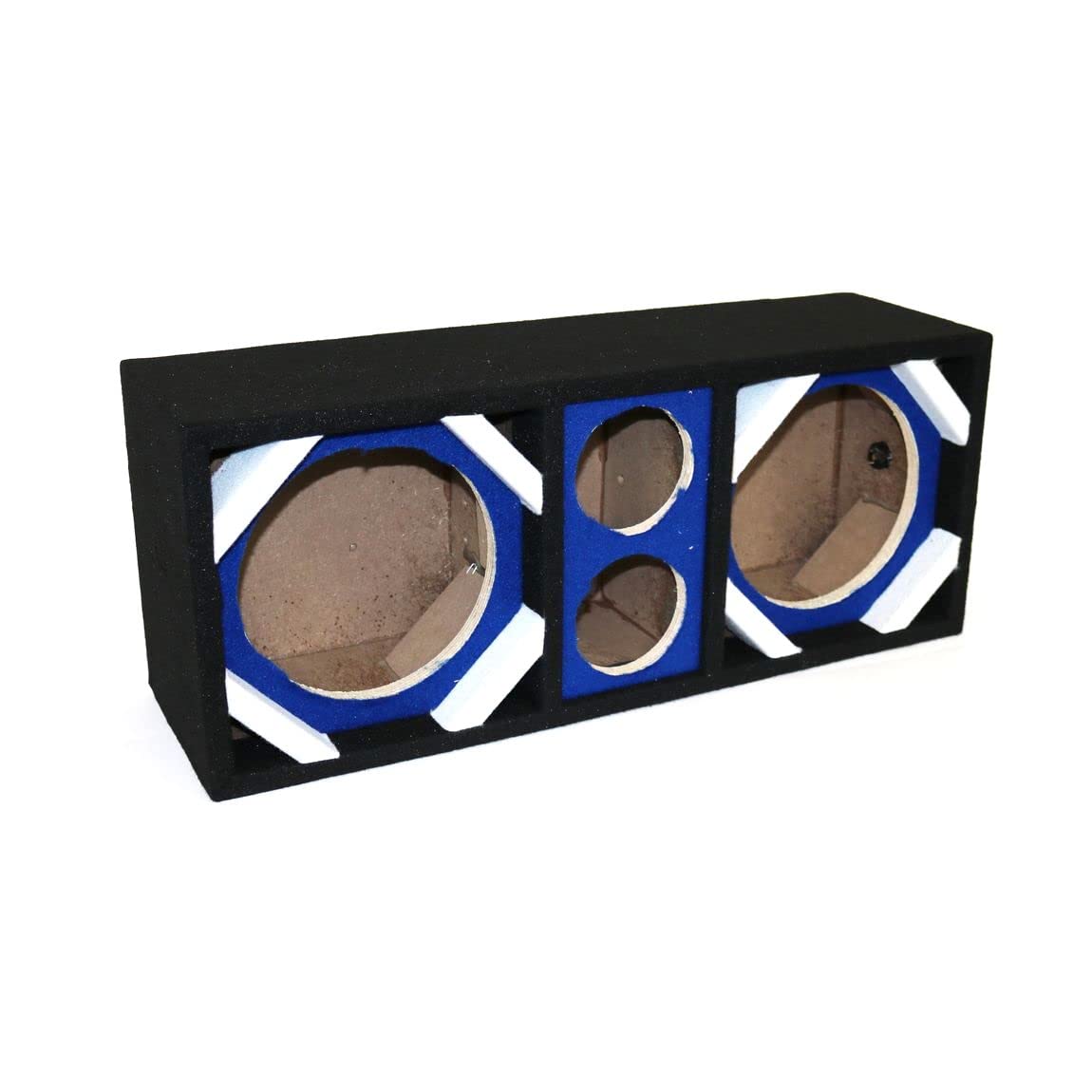
Image showing the DEEJAY LED D8T2BLUE Brazil 2 stage light, highlighting its compact design and blue color.
Setup
- Unpacking: Carefully remove the unit from its packaging. Inspect for any signs of damage during transit.
- Placement/Mounting: Position the stage light on a stable, flat surface or securely mount it using appropriate clamps and safety cables (not included) to a truss or stand. Ensure the mounting surface can support the weight of the fixture. Maintain a safe distance from flammable materials.
- Power Connection: Connect the provided power cable to the unit's power input and then to a suitable grounded electrical outlet (AC 100-240V, 50/60Hz).
- Control Connection (Optional): If using DMX control, connect a DMX cable from your DMX controller to the DMX IN port of the fixture. For multiple fixtures, daisy-chain them by connecting the DMX OUT of the first fixture to the DMX IN of the next.
Operating Instructions
- Power On: Plug in the unit. The display will illuminate, and the unit will initialize.
- Mode Selection: Use the control panel buttons (typically MENU, UP, DOWN, ENTER) to navigate through the operating modes. Common modes include:
- Auto Mode: The fixture runs through pre-programmed light shows automatically.
- Sound-Activated Mode: The light effects respond to ambient sound detected by the built-in microphone.
- DMX Mode: Allows external control via a DMX controller. Set the DMX address according to your system's configuration.
- Master/Slave Mode: Link multiple units where one acts as the master, controlling the others (slaves).
- Adjusting Settings: Use the UP/DOWN buttons to adjust parameters within each mode (e.g., speed of auto programs, sound sensitivity, DMX address). Press ENTER to confirm selections.
- Power Off: Disconnect the power cable from the electrical outlet.
Maintenance
- Cleaning: Regularly clean the lens and housing with a soft, lint-free cloth. Do not use abrasive cleaners or solvents. Ensure the unit is powered off and unplugged before cleaning.
- Inspection: Periodically check power cables and DMX cables for damage. Ensure all mounting hardware is secure.
- Storage: When not in use, store the fixture in a dry, dust-free environment, preferably in its original packaging or a protective case.
Troubleshooting
| Problem | Possible Cause | Solution |
|---|---|---|
| No power | Power cable disconnected; outlet fault; unit fuse blown. | Check power cable connection; test outlet; replace fuse (if accessible and safe). |
| No light output | Unit in blackout mode; DMX signal issue; internal fault. | Check operating mode; verify DMX connection and address; power cycle the unit. |
| Incorrect DMX control | Incorrect DMX address; faulty DMX cable; DMX controller issue. | Verify DMX address setting; test DMX cable; check DMX controller output. |
| Unit overheating | Insufficient ventilation; blocked fan. | Ensure clear airflow around the unit; clean fan vents. |
If the problem persists after attempting these solutions, please contact DEEJAY LED customer support.
Specifications
- Model: D8T2BLUE
- Product Dimensions: 9.07 x 31.75 x 13.75 inches
- Item Weight: 14 pounds
- Manufacturer: DEEJAY LED
- Power Input: AC 100-240V, 50/60Hz (typical for stage lights, assuming based on product type)
- Control Modes: Auto, Sound-Activated, DMX, Master/Slave (typical for stage lights)
Warranty and Support
DEEJAY LED products are manufactured to high standards and are warranted against defects in materials and workmanship. For specific warranty terms and conditions, please refer to the warranty card included with your product or visit the official DEEJAY LED website. For technical support, service, or parts, please contact DEEJAY LED customer service through their official channels.
Please retain your proof of purchase for warranty claims.