
BYTECH BYMCLB105WT
BYTECH BYMCLB105WT Multi Color Cylinder Lamp User Manual
Model: BYMCLB105WT
Introduction
Thank you for purchasing the BYTECH BYMCLB105WT Multi Color Cylinder Lamp. This manual provides essential information for the safe and efficient operation of your new lamp. Please read this manual thoroughly before use and retain it for future reference.
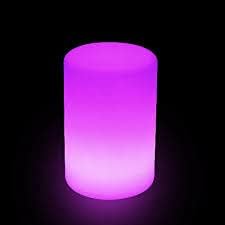
Image: The BYTECH Multi Color Cylinder Lamp illuminated with a purple glow, showcasing its cylindrical design.
Safety Information
- Do not expose the lamp to extreme temperatures or direct sunlight for prolonged periods.
- Keep the lamp away from water and high humidity. This product is not waterproof.
- Do not attempt to disassemble or modify the lamp. This will void the warranty.
- Use only the specified battery type (3x AAA batteries, not included).
- Dispose of batteries properly according to local regulations.
- Keep out of reach of children and pets.
Package Contents
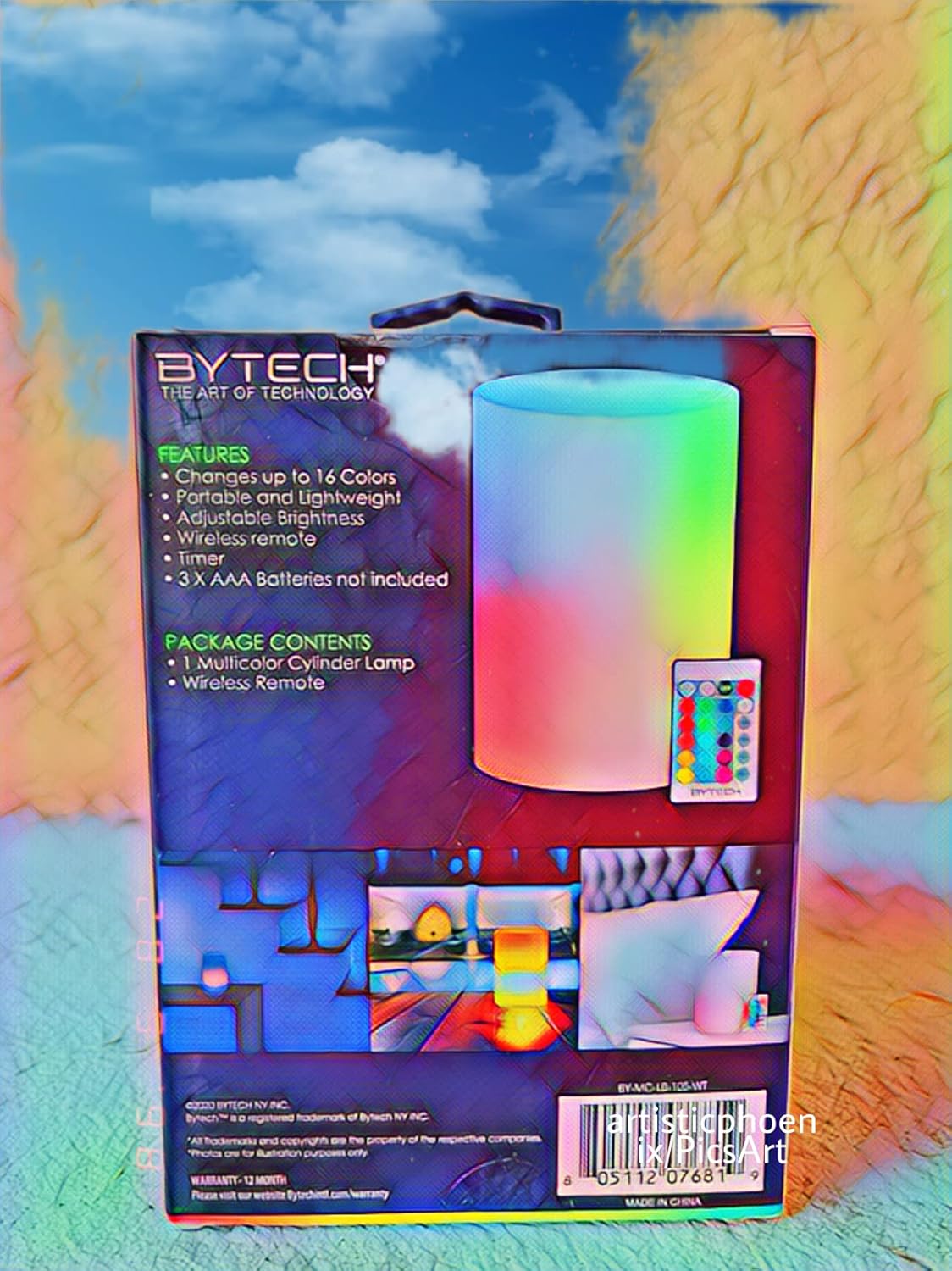
Image: The retail packaging for the BYTECH Multi Color Cylinder Lamp, highlighting its features and included items.
Please verify that all items are present in the package:
- 1 x Multi Color Cylinder Lamp
- 1 x Wireless Remote Control
- User Manual (this document)
Note: 3x AAA batteries for the lamp are not included and must be purchased separately.
Setup
1. Battery Installation
- Locate the battery compartment at the bottom of the lamp.
- Twist the battery cover counter-clockwise to open.
- Insert 3x AAA batteries, ensuring correct polarity (+/-) as indicated inside the compartment.
- Replace the battery cover and twist clockwise to secure it.
2. Remote Control Battery
The wireless remote control typically comes with a pre-installed button cell battery (e.g., CR2025). If the remote does not function, check the battery and replace if necessary.
Operation
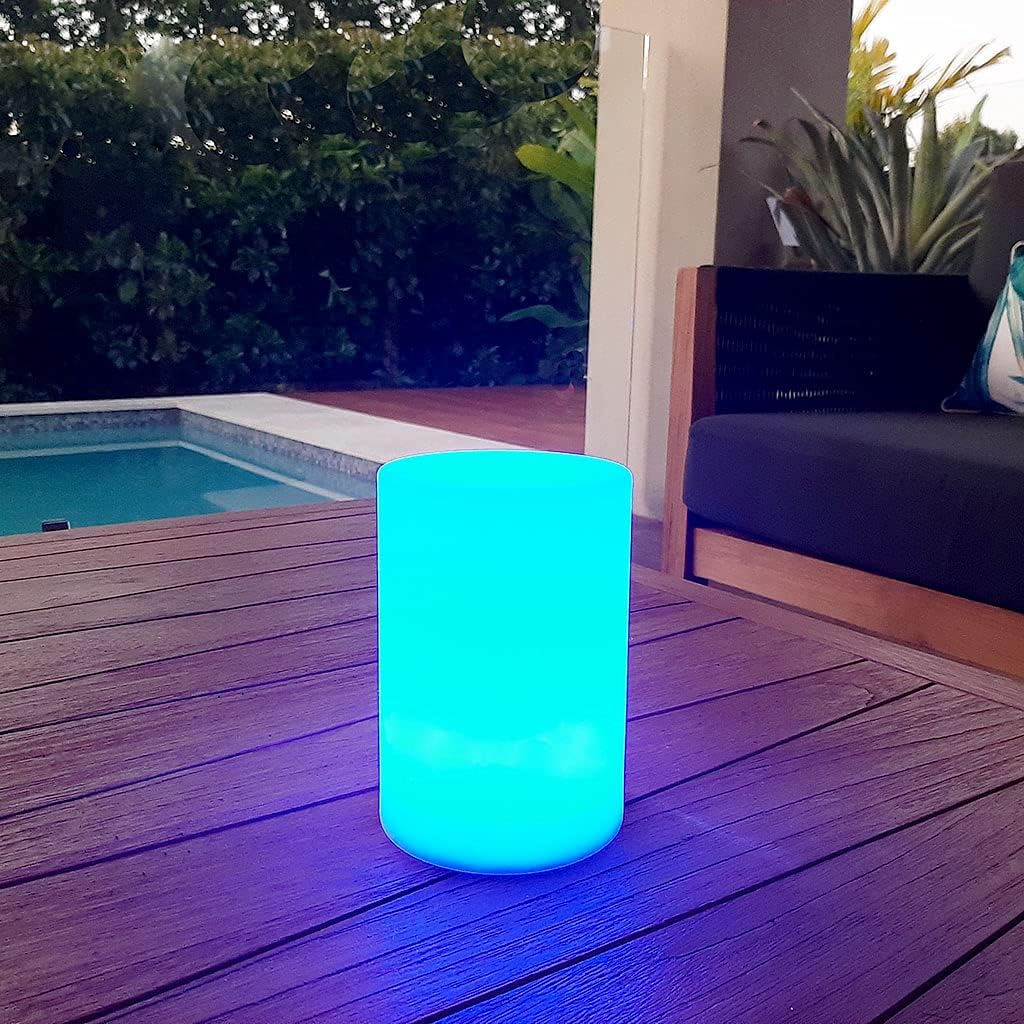
Image: The BYTECH Multi Color Cylinder Lamp emitting a blue light, placed on a wooden table outdoors near a swimming pool, demonstrating its use in various settings.
The BYTECH Multi Color Cylinder Lamp is operated using the included wireless remote control.
Remote Control Functions:
| Button | Function |
|---|---|
| ON/OFF | Turns the lamp on or off. |
| Color Buttons | Selects a specific static color (up to 16 colors). |
| Brightness +/- | Adjusts the brightness level of the selected color or mode. |
| Flash / Strobe / Fade / Smooth | Cycles through different dynamic lighting modes (e.g., rapid color change, gradual fade). |
| Timer | Activates a timer function (specific duration not detailed, refer to remote markings). |

Image: The BYTECH Multi Color Cylinder Lamp illuminated with a vibrant red light, demonstrating another available color option.
Maintenance
- Cleaning: Wipe the lamp with a soft, dry cloth. Do not use abrasive cleaners or solvents.
- Battery Replacement: Replace batteries when the light dims or the remote control becomes unresponsive. Ensure to use fresh AAA batteries.
- Storage: If storing for an extended period, remove the batteries from both the lamp and the remote control to prevent leakage. Store in a cool, dry place.
Troubleshooting
| Problem | Possible Cause | Solution |
|---|---|---|
| Lamp does not turn on. | Batteries are dead or incorrectly installed. | Check battery polarity and replace with fresh AAA batteries. |
| Remote control not working. | Remote battery is dead or pull tab not removed. | Ensure plastic pull tab is removed. Replace remote control battery (e.g., CR2025). |
| Lamp colors are inconsistent or flickering. | Low battery power. | Replace the lamp's AAA batteries. |
| Lamp does not respond to remote. | Obstruction between remote and lamp; remote too far. | Ensure clear line of sight. Move closer to the lamp. |
Specifications
| Feature | Detail |
|---|---|
| Model | BYMCLB105WT |
| Brand | BYTECH |
| Power Source | 3x AAA Batteries (not included) |
| Material | Plastic |
| Light Source | LED (1 light source) |
| Color Options | Up to 16 colors, Colour Changing feature |
| Control Method | Wireless Remote Control |
| Dimensions (approx.) | 18.3 x 11.9 x 11.1 cm |
| Weight (approx.) | 248 grams |
Warranty and Support
BYTECH products are designed for reliability and performance. For warranty information and support, please refer to the official BYTECH website or contact their customer service directly.
Website: www.bytechintl.com/warranty
Please have your model number (BYMCLB105WT) and purchase date ready when contacting support.
Ask a question about this manual
Ask about setup, troubleshooting, compatibility, parts, safety, or missing instructions. Manuals+ will review the question and use this page’s manual context to help answer it.