
Introduction
The XTU 2K FHD Smart Video Doorbell (Model J7) provides enhanced home security with its advanced features, including 2K Full HD video, PIR motion detection, two-way audio, and night vision. Designed for ease of use and reliable performance, this battery-operated doorbell ensures you stay connected to your home from anywhere.

Overview of XTU WiFi Video Doorbell Camera features, including 2K HD Video, IR Night Vision, Long Standby, IP65 Weather-Proof, PIR Motion Detection, Two-way Audio, Anti-theft Siren, and Multi-Device Sharing.
What's in the Box
Verify that all components are present before beginning installation.
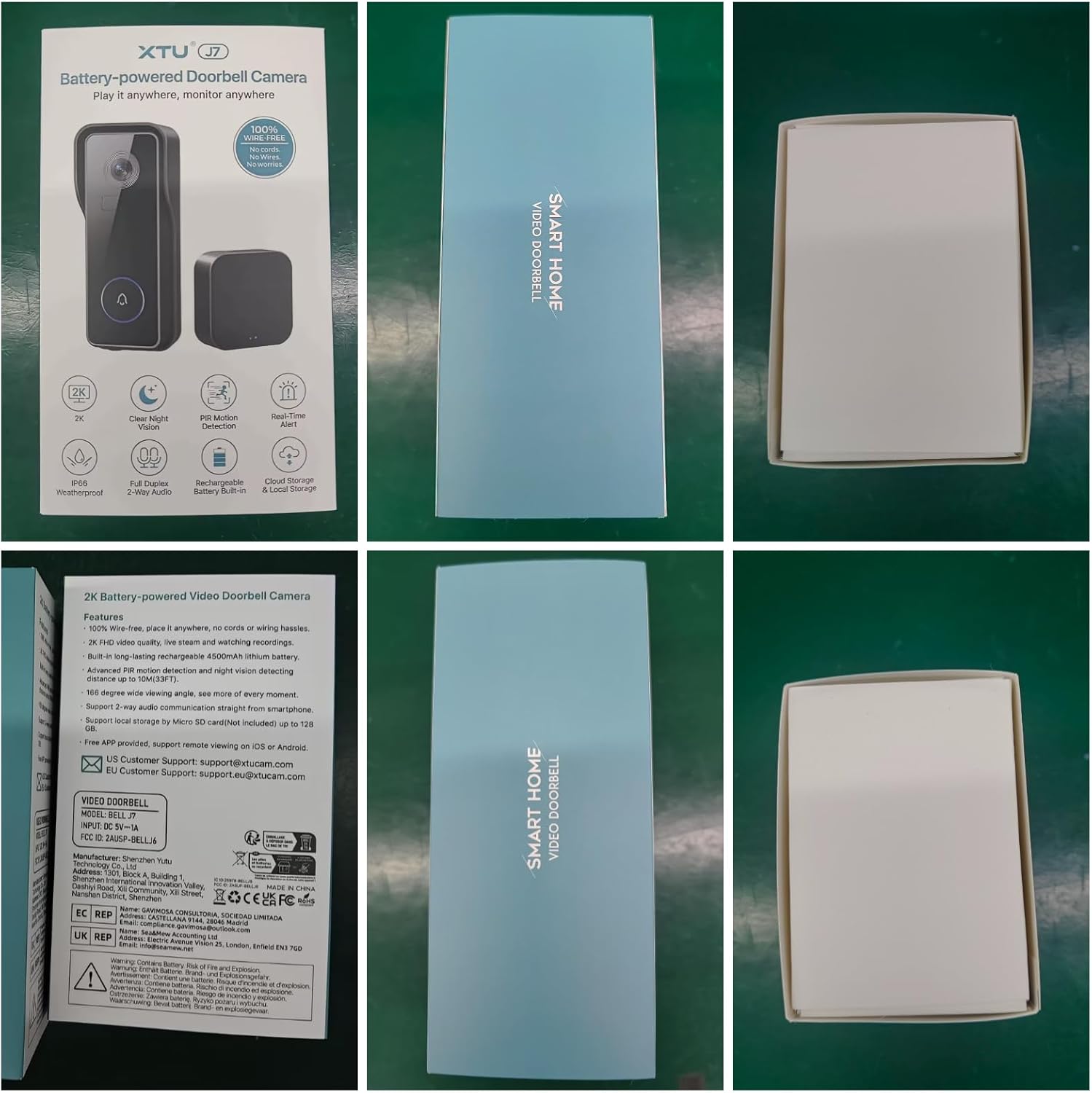
The product packaging for the XTU J7 Doorbell Camera, illustrating key features and included items.
- XTU 2K FHD Smart Video Doorbell (Model J7)
- Wireless Chime
- Mounting Bracket
- Mounting Screws and Anchors
- USB Charging Cable
- User Manual (this document)

The XTU Smart Video Doorbell and its wireless chime, as they appear out of the box.
Setup and Installation
Follow these steps for a quick and efficient setup of your XTU Smart Video Doorbell.
- Charge the Doorbell Camera: Before first use, fully charge the doorbell using the provided USB cable. The LED indicator will show charging status.
- Download the CloudEdge App: Search for "CloudEdge" in your smartphone's app store (Google Play for Android or App Store for iOS) and download the application. Create an account or log in if you already have one.
- Connect to Wi-Fi: Follow the in-app instructions to connect your doorbell to your home's 2.4GHz Wi-Fi network. Ensure a stable Wi-Fi signal at the installation location for optimal performance. The doorbell supports up to 100ft Wi-Fi coverage.
- Install the Doorbell Camera:
- Choose a suitable location near your front door, ensuring a clear view.
- Mount the bracket using the provided screws and anchors.
- Attach the doorbell camera securely to the mounted bracket.
- Pair the Wireless Chime: Plug the wireless chime into a power outlet inside your home. Follow the app's instructions to pair it with your doorbell.

Visual guide for the three main setup steps: charging, app download, and installation.

Illustration of stable WiFi coverage, demonstrating the doorbell's ability to maintain connection across a 100ft range within a home.
Operating Instructions
2K FHD Video and Night Vision
The doorbell captures clear 2K Full HD video with a 140° wide viewing angle. Its advanced infrared night vision allows for clear visibility up to 32 feet in low-light conditions, ensuring round-the-clock monitoring.

Comparison of day and night vision capabilities, demonstrating clear visibility in both lighting conditions.
PIR Motion Detection
The integrated PIR motion sensor detects human movement and sends immediate push notifications to your smartphone. You can adjust the sensitivity settings within the CloudEdge app to minimize false alerts.

Visual representation of the Smart PIR Motion Detection system, highlighting human detection, app notifications, and adjustable sensitivity.
Two-Way Audio and Voice Messages
Communicate with visitors in real-time using the two-way audio feature. You can also utilize pre-recorded voice messages for quick responses when you are unable to speak directly.
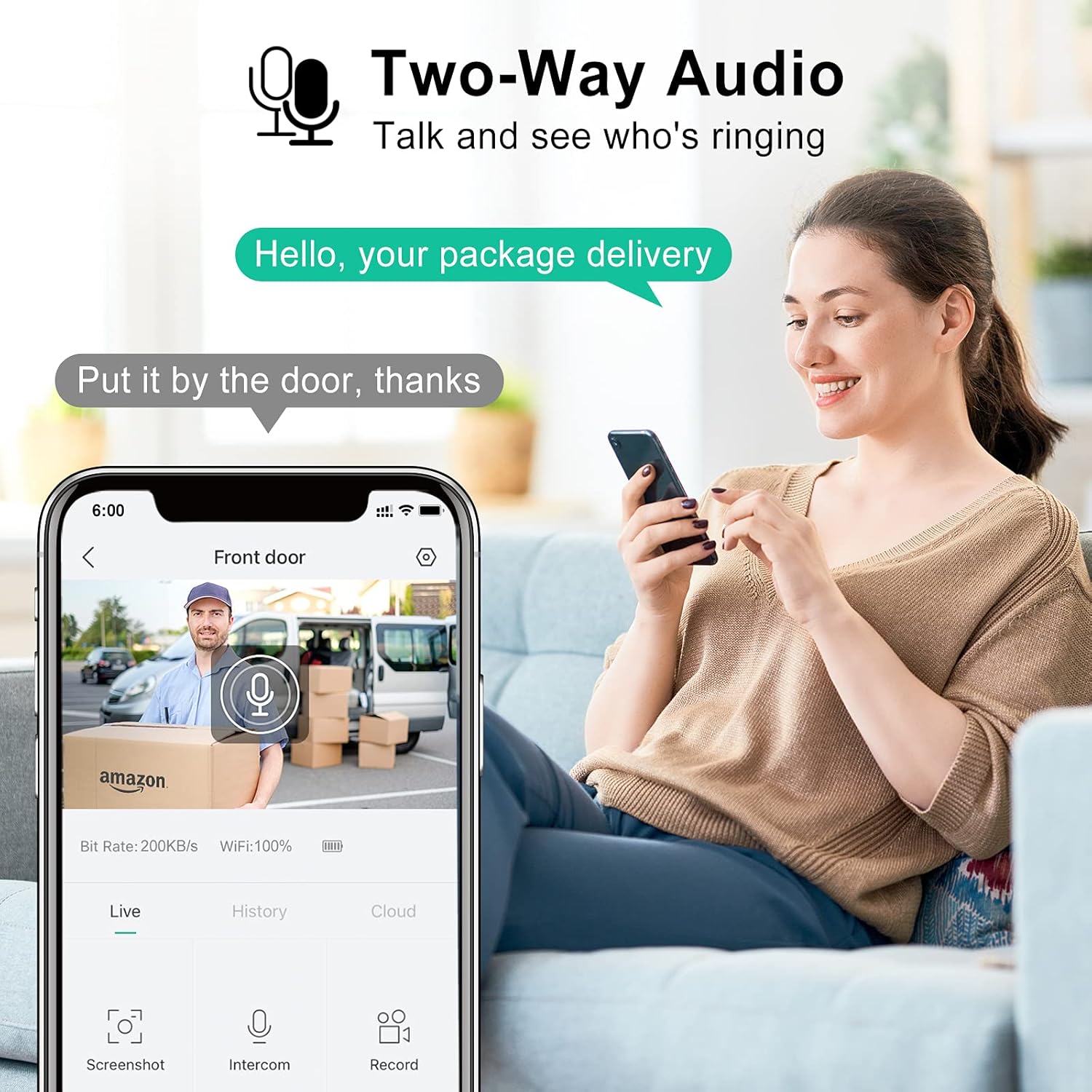
Demonstration of the two-way audio feature, allowing communication with visitors through the doorbell.
App Remote Control
Manage your doorbell and monitor your property from anywhere using the CloudEdge app. Access live view, review recorded footage, and adjust settings remotely.

The CloudEdge app interface, illustrating remote control capabilities to see and speak from any location.
Video Sharing
Share access to your doorbell's live feed and recorded events with family members through the CloudEdge app, allowing multiple users to monitor the property.
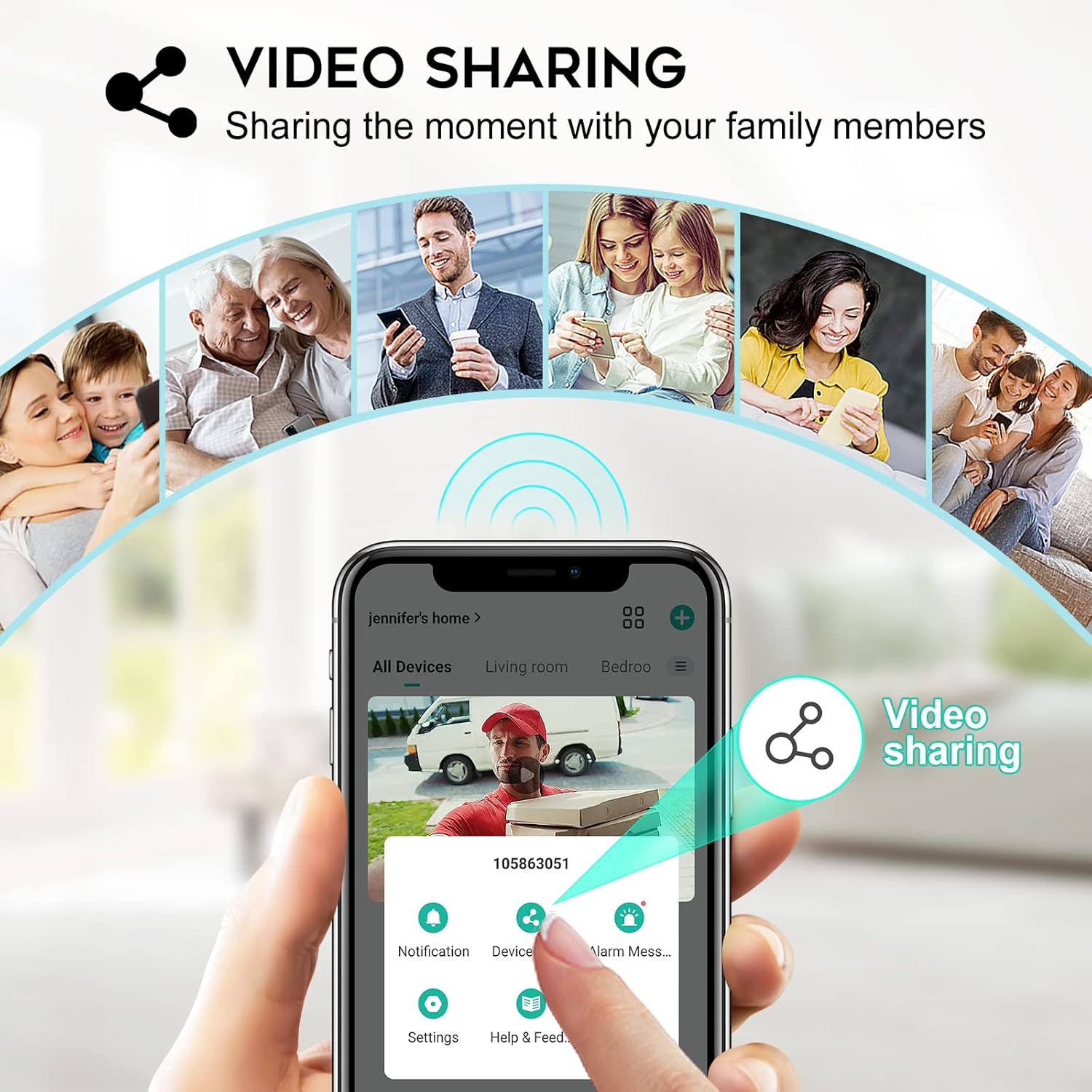
The video sharing feature, enabling multiple family members to view the doorbell's feed.
Enhanced Security Features
The doorbell is equipped with an anti-tamper alarm. If someone attempts to remove the doorbell, it will sound an alarm, and you will receive an immediate notification on your phone.
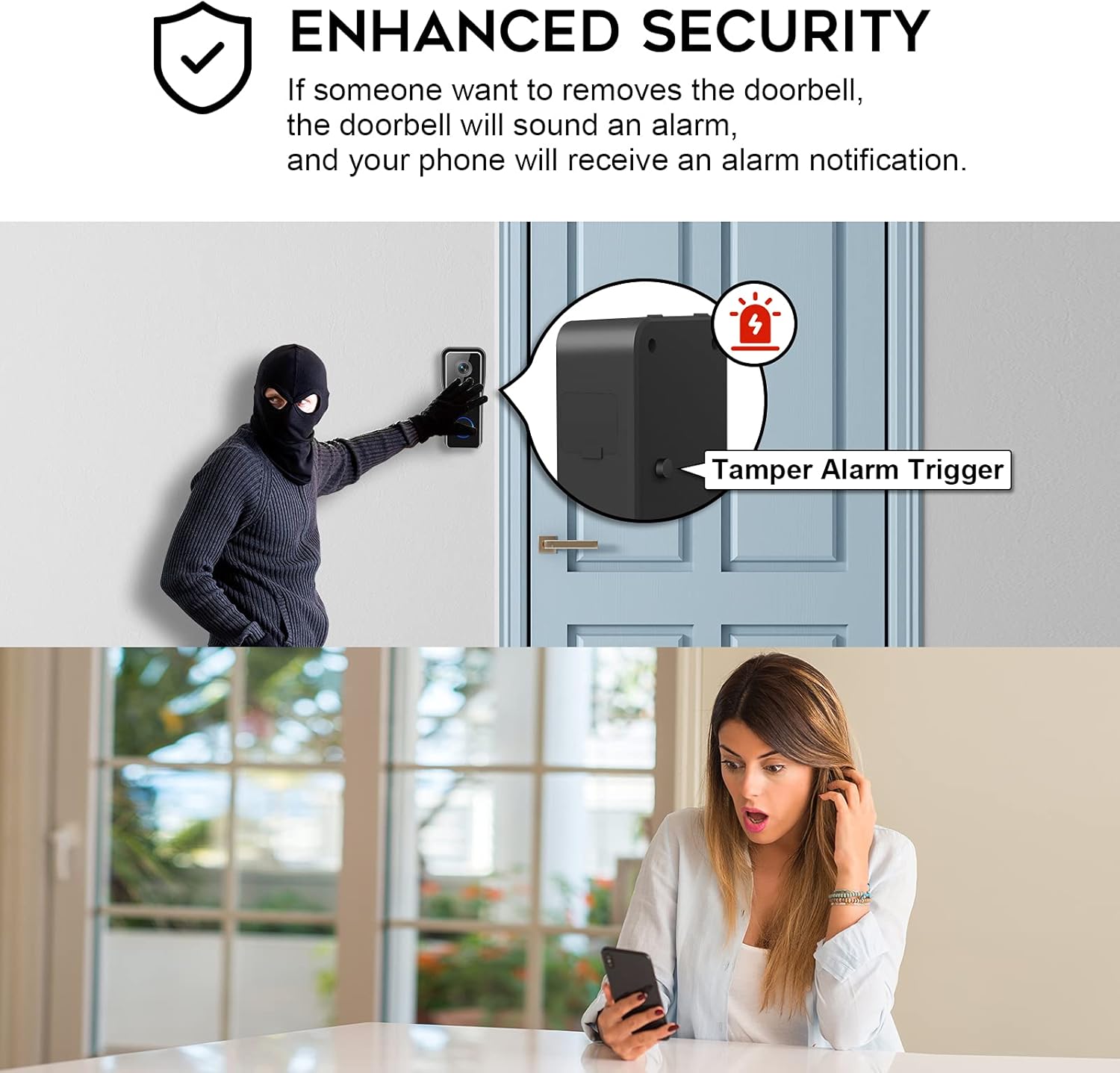
Illustration of the enhanced security feature, showing the doorbell's tamper alarm trigger and instant notification to the user's phone.
Maintenance
- Battery Charging: The doorbell is equipped with a long-lasting rechargeable lithium polymer battery. When the battery level is low, you will receive a notification via the app. Recharge the doorbell using the provided USB cable. Battery life varies based on usage and motion detection frequency.
- Storage Solutions:
- Micro SD Card: The doorbell supports local storage via a Micro SD card (up to 128GB, not included). Insert the card into the designated slot. This provides continuous recording without subscription fees.
- Cloud Storage: Optional cloud storage services may be available through the CloudEdge app for additional backup and accessibility. Refer to the app for details on subscription plans.
- Cleaning: Periodically wipe the doorbell's lens and body with a soft, damp cloth to remove dust and debris. Avoid using harsh chemicals or abrasive materials. The doorbell is IP66 waterproof, designed to withstand various weather conditions.
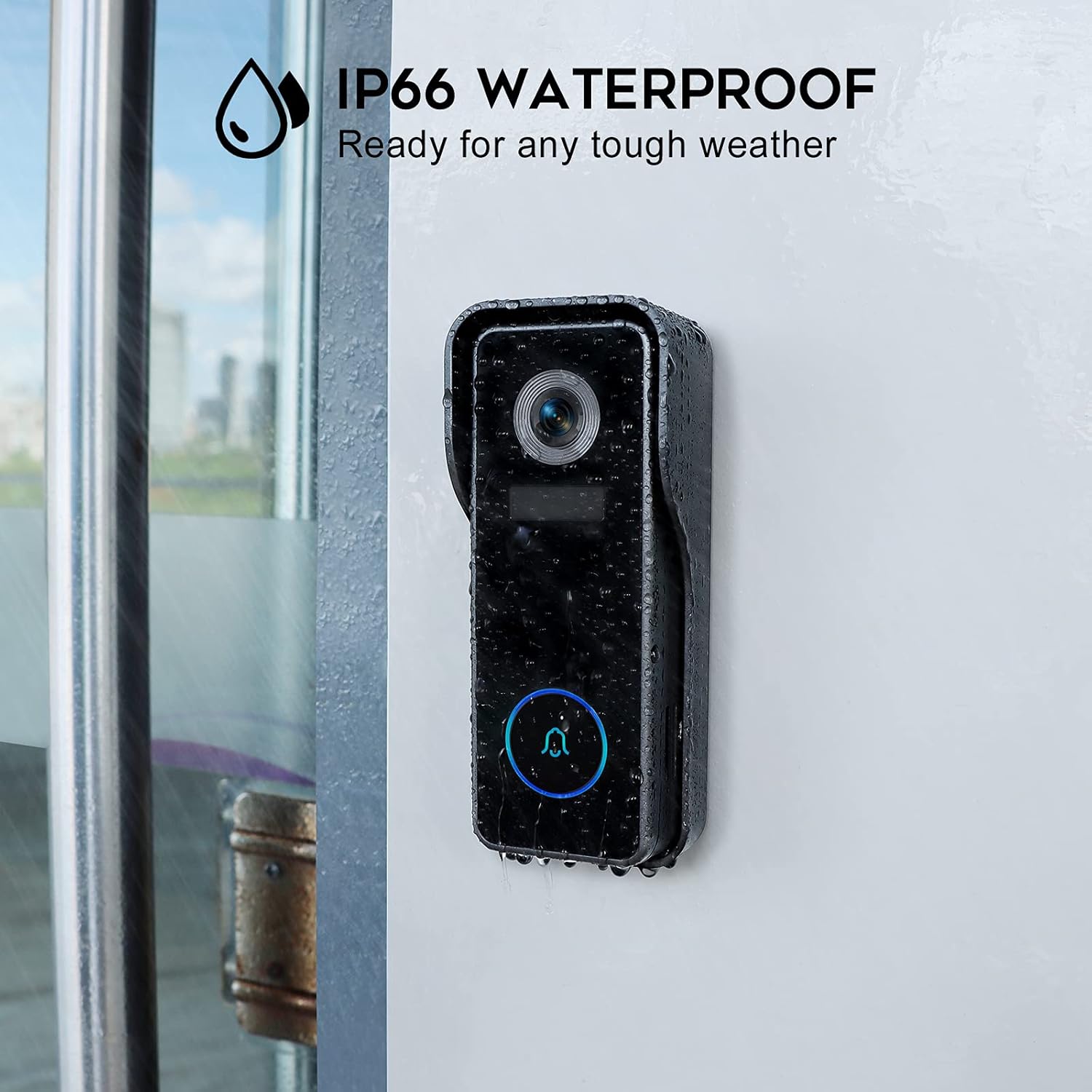
The doorbell's IP66 waterproof rating, ensuring durability in various weather conditions.
Troubleshooting
| Problem | Possible Cause | Solution |
|---|---|---|
| Doorbell not connecting to Wi-Fi | Incorrect Wi-Fi password; Router too far; Only supports 2.4GHz Wi-Fi. | Verify password; Move doorbell closer to router or use a Wi-Fi extender; Ensure your router is set to 2.4GHz or has a combined band. |
| Frequent false motion alerts | Motion sensitivity too high; Environmental factors (e.g., trees, traffic). | Adjust motion detection sensitivity settings in the CloudEdge app; Define specific motion zones to exclude irrelevant areas. |
| Short battery life | High frequency of motion events; Cold weather; Frequent live view access. | Reduce motion detection sensitivity or frequency; Ensure full charge before installation; Consider a solar panel charger (not included) for continuous power in suitable climates. |
| No chime sound | Chime not paired; Chime unplugged; Volume too low. | Re-pair the chime with the doorbell via the app; Ensure chime is plugged into a working outlet; Increase chime volume. |
Specifications
| Feature | Detail |
|---|---|
| Model Number | J7 |
| Video Resolution | 2K FHD (Effective 1080 Pixels) |
| Viewing Angle | 140° |
| Night Vision Range | Up to 32 Feet |
| Connectivity | Wi-Fi (2.4GHz) |
| Power Source | Battery Powered (1 Lithium Polymer battery included) |
| Storage Options | Micro SD Card (up to 128GB, not included), Cloud Storage (optional) |
| Waterproof Rating | IP66 |
| Dimensions (L x W x H) | 5.6 x 3.5 x 13.4 cm |
| Weight | 190 g |
| Material | Metal |
| Installation Type | Screw In (Wall Mount) |
| Compatible Devices | Smartphone, Tablet (via CloudEdge App) |
Warranty and Support
The XTU 2K FHD Smart Video Doorbell comes with a 1 Year Manufacturer Warranty from the date of purchase. This warranty covers defects in materials and workmanship under normal use.
For technical support, troubleshooting assistance, or warranty claims, please contact XTU Customer Support. Refer to the CloudEdge app or product packaging for the most current contact information.
Manufacturer: XTU (Shenzhen Yutu Technology Co., Ltd)


