
FLEXISPOT EC5
FLEXISPOT EC5 Classic Electric Standing Desk User Manual
Model: EC5
Introduction
This manual provides essential instructions for the assembly, operation, maintenance, and troubleshooting of your FLEXISPOT EC5 Classic Electric Standing Desk. Please read this manual thoroughly before assembly and use to ensure safe and efficient operation.

Image: The FLEXISPOT EC5 Classic Electric Standing Desk, featuring a bamboo desktop and white frame, set up in a home office environment.
Safety Information
Important Safety Warnings:
- This desk has a maximum weight limit of 287 pounds (130.18 kg). Do not exceed this limit.
- Assembly is required. Improper assembly may lead to stability issues and potential injury.
- Always ensure the desk is fully assembled and all screws are tightened before use.
- This product is not intended for use by children. Keep children away from the desk, especially during height adjustments.
- To prevent tipping, especially when the desk is at its maximum height, always secure the desk to a wall using appropriate anchoring hardware (not included).
- Failure to follow these safety instructions may result in injury or damage to the product.
Setup and Assembly
The FLEXISPOT EC5 Classic desk requires assembly. Follow these general guidelines for a smooth setup process. Refer to the detailed assembly instructions provided in your product packaging for specific steps and diagrams.
Tools Required:
- Phillips-head screwdriver
- Allen wrenches (usually included with hardware)
- Power drill with appropriate bits (optional, but recommended for efficiency)
Assembly Tips:
- Unpacking: Carefully unpack all components and verify against the parts list in your instruction manual. Keep packaging materials for potential returns or future transport.
- Work Area: Assemble the desk on a soft, clean, and raised surface if possible to protect the desktop and ease the process.
- Frame Alignment: Ensure the desk frame is perfectly square during the initial assembly steps. Misalignment can cause issues with screw holes and overall stability.
- Tightening Screws: Hand-tighten screws initially, then fully tighten all screws once the frame is aligned and components are in place. Avoid over-tightening.
- Cable Management: After assembly, route all power and control cables neatly and secure them to the underside of the table using the provided clips or ties. This prevents snagging and ensures a clean appearance.
- Initial Power Test: Before flipping the desk upright, plug in the unit and perform a quick test of the height adjustment mechanism to ensure all connections are secure and functional.

Image: The FLEXISPOT EC5 Classic desk integrated into a modern office setup, showcasing its functionality.
Operating Instructions
Your FLEXISPOT EC5 Classic Electric Standing Desk features a dual-motor system for smooth and quiet height adjustments, controlled by an intelligent keypad.
Height Adjustment:
- The desk can be adjusted from a minimum height of 24.4 inches (62 cm) to a maximum height of 50 inches (127 cm).
- Use the Up (▲) and Down (▼) buttons on the intelligent keypad to manually adjust the desk height.
- The dual motors operate quietly, typically generating less than 45dB of sound, ensuring minimal disturbance.

Image: Illustration demonstrating the 3-stage height adjustable frame of the FLEXISPOT EC5 Classic desk.
Intelligent Keypad Functions:

Image: A detailed view of the intelligent keypad, showing the LED display and buttons for height adjustment and memory presets.
- LED Display Panel: Shows the current desk height in inches or centimeters.
- Memory Presets (1, 2, 3, 4): The keypad features four memorizable height settings.
- Adjust the desk to your desired height using the Up/Down buttons.
- Press the "M" button (if present, or a similar memory set button) followed by the desired number button (1, 2, 3, or 4) to save the current height.
- To recall a saved height, simply press the corresponding number button.
Anti-Collision System:
The desk is equipped with an anti-collision system designed to detect obstacles during height adjustment. If an obstruction is detected, the desk will automatically stop and slightly reverse direction to prevent damage or injury.

Image: A visual representation of the anti-collision system, showing the desk stopping and reversing upon encountering an obstacle.
Maintenance
Proper maintenance ensures the longevity and optimal performance of your FLEXISPOT EC5 Classic Electric Standing Desk.
- Cleaning: Wipe the desk surface and frame with a dry cloth. For stubborn marks, use a slightly damp cloth with a mild, non-abrasive cleaner, then dry immediately. Avoid harsh chemicals.
- Inspections: Periodically check all screws and connections to ensure they remain tight. Re-tighten if necessary.
- Cable Management: Ensure cables remain securely fastened and are not pinched or damaged.
Troubleshooting
If you encounter issues with your FLEXISPOT EC5 Classic Electric Standing Desk, refer to the following common problems and solutions. For more complex issues, please contact customer support.
| Problem | Possible Cause | Solution |
|---|---|---|
| Desk does not move or respond to controls. | Power cable disconnected, control box error, motor cable disconnected. |
|
| Desk moves unevenly or makes unusual noises. | Uneven load, loose connections, motor issue. |
|
| Anti-collision system triggers frequently. | Obstruction, sensitivity setting. |
|
Specifications
| Feature | Detail |
|---|---|
| Model | EC5 Classic |
| Brand | FLEXISPOT |
| Desk Design | Computer Desk |
| Product Dimensions | 120.7D x 59.9W x 59.9H Centimetres (48" x 24" desktop) |
| Height Adjustment Range | 24.4" to 50" (62 cm to 127 cm) |
| Motor Type | Dual Motor, 3-Stage Legs |
| Noise Level | Less than 45dB |
| Maximum Load Capacity | 287 lbs (130.18 kg) |
| Desktop Material | Bamboo (FSC Certified) |
| Frame Material | Steel |
| Color | White Frame + Rectangular Top (Bamboo) |
| Assembly Required | Yes |
| Care Instructions | Wipe with Dry Cloth |
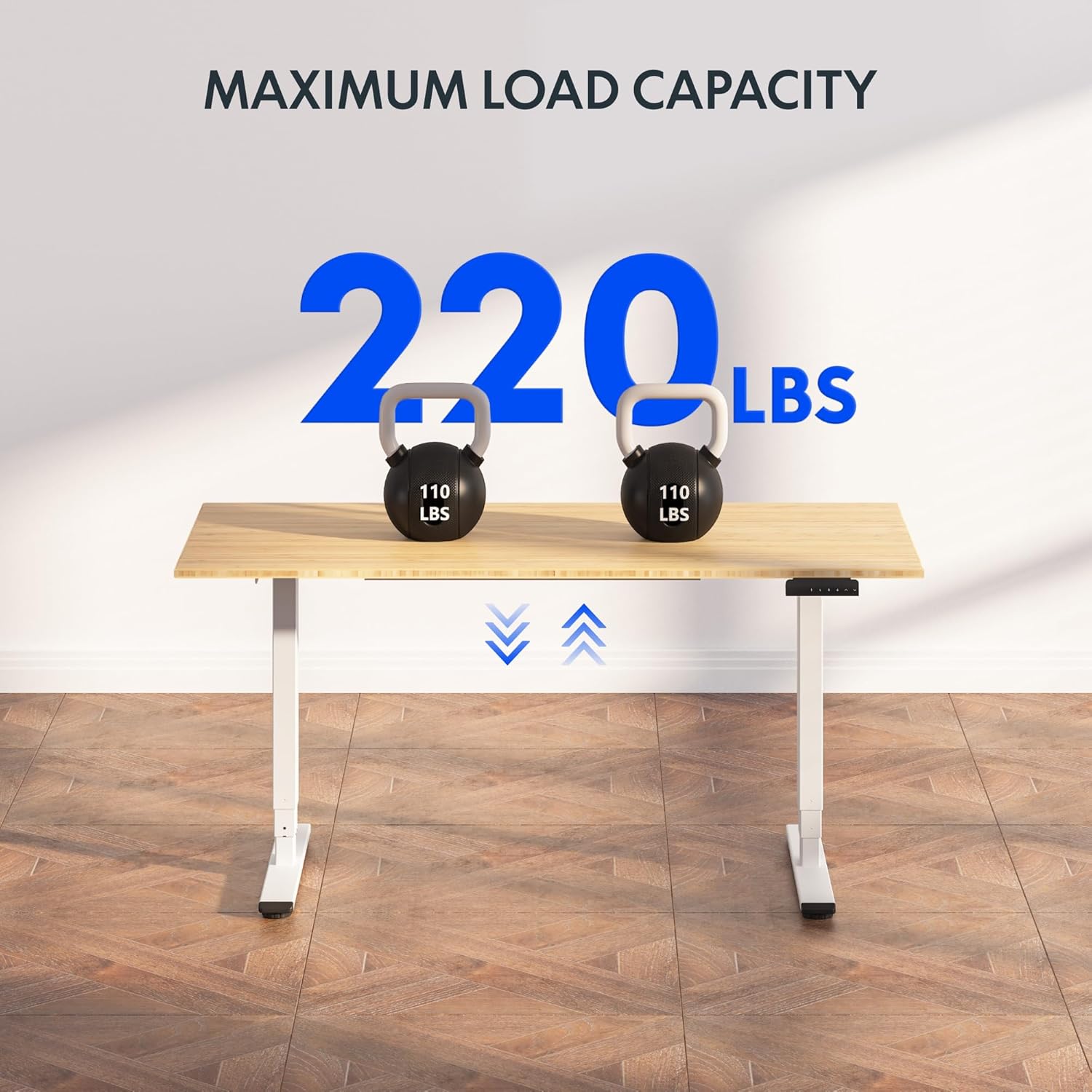
Image: The FLEXISPOT EC5 Classic desk demonstrating its maximum load capacity with two 110 lbs kettlebells.
Warranty Information
FLEXISPOT products are designed for durability and performance. While specific warranty details may vary, FLEXISPOT generally offers a comprehensive warranty on its standing desk frames and motors. Please refer to the warranty card included with your product or visit the official FLEXISPOT website for the most current and detailed warranty information applicable to your EC5 Classic model.
Keep your proof of purchase for warranty claims.
Customer Support
For further assistance, technical support, or to inquire about parts, please contact FLEXISPOT customer service.
- Online Support: Visit the official FLEXISPOT website for FAQs, support articles, and contact forms.
- Brand Store: You can also visit the FLEXISPOT Store on Amazon for product information and support.
Related documentsEC5


Ask a question about this manual
Ask about setup, troubleshooting, compatibility, parts, safety, or missing instructions. Manuals+ will review the question and use this page’s manual context to help answer it.