
Introduction
This manual provides detailed instructions for the setup, operation, maintenance, and troubleshooting of your Toshiba 32-inch Class V35 Series LED HD Smart Fire TV. Please read this manual thoroughly before using your television to ensure proper and safe operation.
What's in the Box
Upon opening the television packaging, you will find the following components:
- Toshiba 32-inch Class V35 Series LED HD Smart Fire TV
- Stand (2 pieces)
- AC Power Cable
- Alexa Voice Remote
- AAA Batteries for Remote Control
- Important Safety Information and Warranty Card
- Screws for Stand Assembly

The Toshiba 32-inch Class V35 Series LED HD Smart Fire TV.
Setup
1. Unboxing and Initial Placement
Carefully remove the television from its packaging. The TV is secured with white foam inserts. Ensure all accessories, including the stand feet, are removed from the foam packaging before discarding. Place the TV face down on a soft, clean surface to avoid scratching the screen.

The television can be placed on a flat surface using its included stands or mounted on a wall.
2. Connecting Power and Accessories
Locate the power cord and connect it to the TV's power input. If using the included stand, attach the stand feet to the bottom of the TV using the provided screws. If wall-mounting, ensure the appropriate VESA mount is used (not included) and follow the wall mount manufacturer's instructions.

The television measures approximately 28.2 inches wide, 16.9 inches high, and 3.4 inches deep without the stand.
3. Remote Control Setup
Unwrap the Alexa Voice Remote and insert the two AAA batteries into the battery compartment. The remote is designed for easy navigation and voice commands.

The Alexa Voice Remote allows for voice control and quick access to streaming services.
4. Initial Power-On and Software Updates
Plug in the TV. The Fire TV logo will appear as the system boots up. You will be prompted to choose your language. After selecting your language, the TV will attempt to connect to a network and check for software updates. If an update fails, disconnect the power cable for a few seconds and then plug it back in to retry the update process. Do not unplug the power cable during an update.
5. Network Connection
The TV will scan for available Wi-Fi networks. Select your network and enter the password to establish an internet connection. A stable internet connection is required for Fire TV features and software updates.
6. Amazon Account Sign-in
You will be prompted to sign in with your Amazon account. You can sign in online via a web browser or by scanning a QR code with your mobile device. This step registers your TV to your Amazon account, enabling access to Fire TV content and features.
7. Parental Controls
The TV offers parental controls to manage content access for children. You can set up a child PIN to restrict access to grown-up experiences and manage content sharing from your Amazon account. It is recommended to enable parental controls for child-friendly profiles.
Operating
1. Smart Features and Alexa Voice Remote
Your Toshiba Fire TV provides access to thousands of channels, apps, and Alexa skills. Use the Alexa Voice Remote to control your TV with voice commands, search for content, and manage smart home devices.
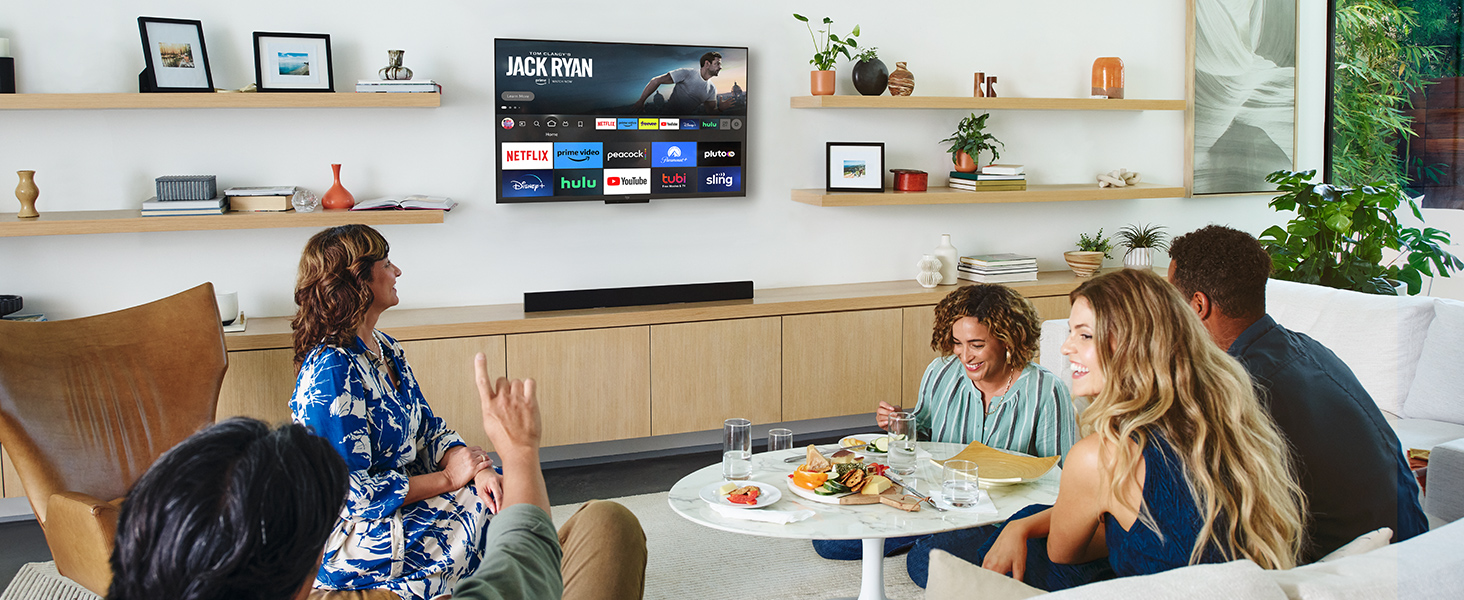
Enjoy a wide range of content with your Toshiba Fire TV.
2. Content Access
Access popular streaming services such as Netflix, Prime Video, YouTube, Hulu, Disney+, Apple TV, ESPN, and Peacock directly from your home screen. Some services may require separate subscriptions.
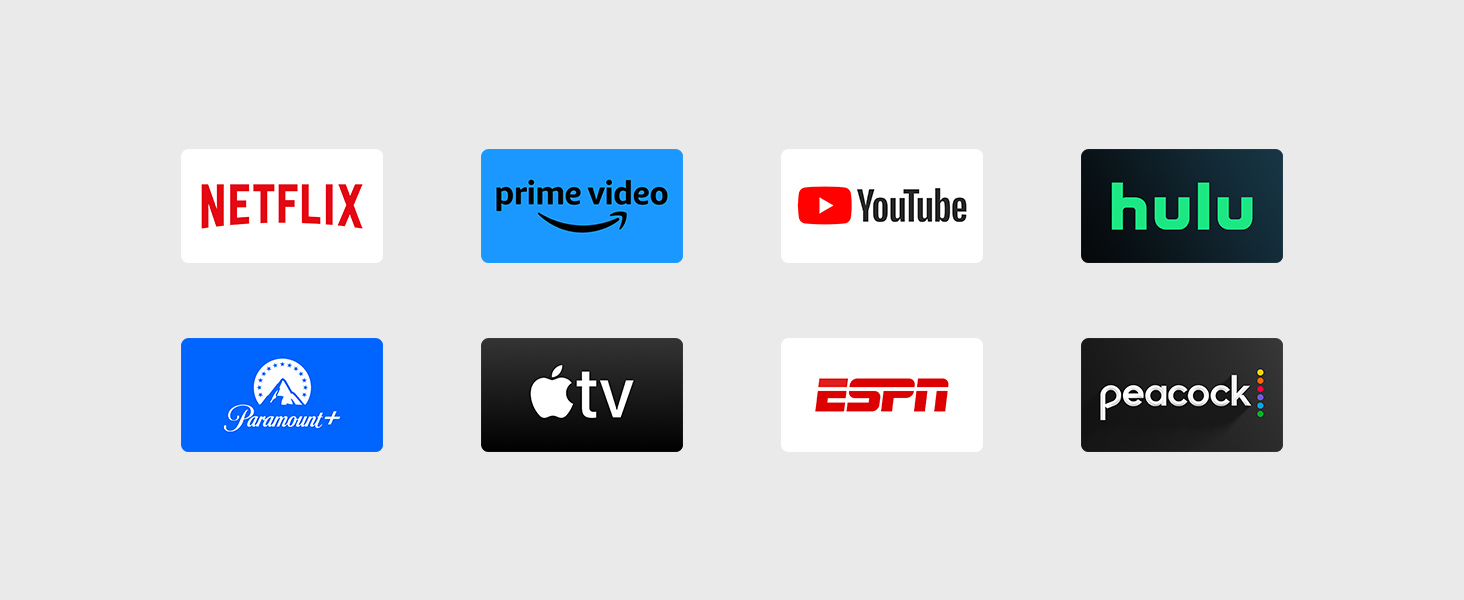
A selection of popular streaming services accessible on the Fire TV.
3. Gaming
The Fire TV supports various gaming applications, allowing you to play games directly on your television. Check the app store for available titles and compatible controllers.
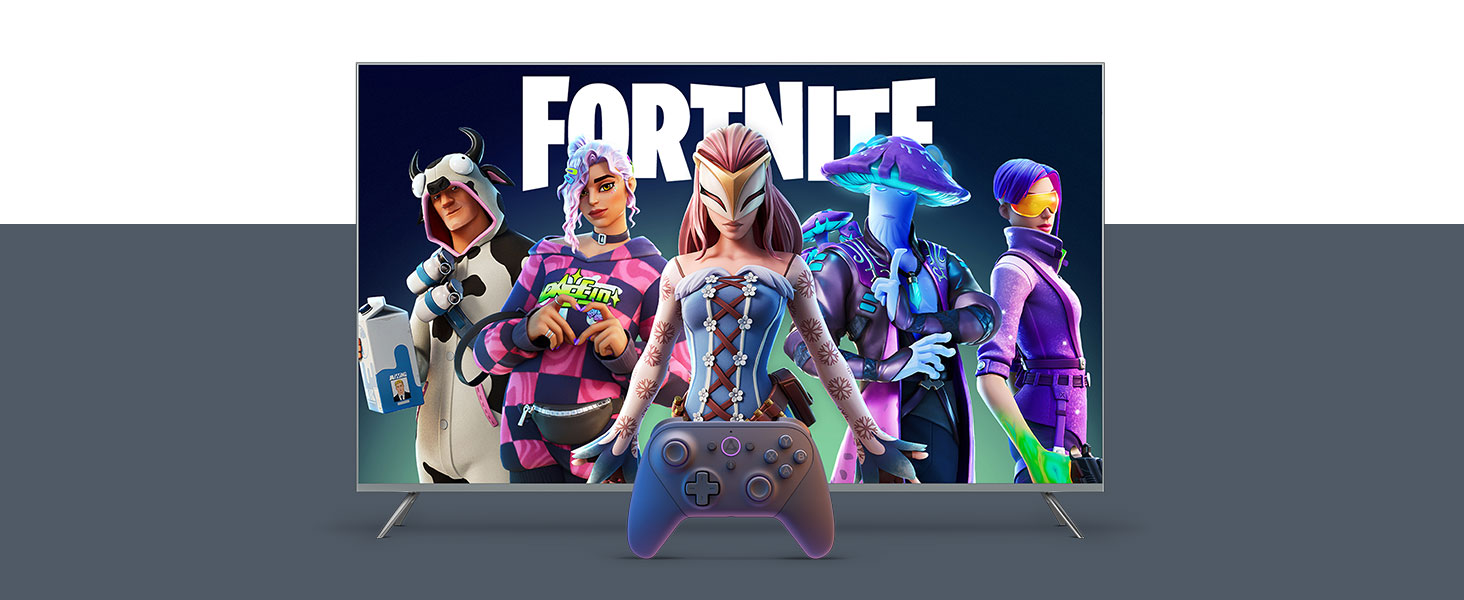
Experience gaming directly on your Toshiba Fire TV.
Maintenance
To maintain the performance and longevity of your Toshiba Fire TV, follow these guidelines:
- Cleaning the Screen: Use a soft, lint-free cloth specifically designed for electronics. Do not use harsh chemicals or abrasive materials. Lightly dampen the cloth with water if necessary, and gently wipe the screen.
- Cleaning the Body: Wipe the TV's frame and back with a soft, dry cloth.
- Ventilation: Ensure the ventilation openings on the back of the TV are not blocked to prevent overheating.
- Power Cord: Regularly check the power cord for any damage. If damaged, discontinue use and contact customer support.
Troubleshooting
If you encounter issues with your Toshiba Fire TV, refer to the following common solutions:
- Unable to Update TV: If the TV displays an "Unable to update your TV" message, try disconnecting the power cable for a few seconds and then plugging it back in. If the issue persists, visit amazon.com/devicesupport for further assistance.
- Remote Not Responding After Factory Reset: If the TV does not recognize the remote after a factory reset and is stuck on the language selection screen, try the following: Unplug your Fire TV for 60 seconds. Press and hold the Left button, Menu button, and Back button on the remote simultaneously for 12 seconds. Release the buttons and wait 5 seconds. This procedure may help re-pair the remote.
- No Power: Ensure the power cable is securely connected to both the TV and a working power outlet.
- No Picture/Sound: Check the input source, cable connections, and volume settings.
- Wi-Fi Connection Issues: Restart your router and modem. Ensure the TV is within range of your Wi-Fi network.
Specifications
| Feature | Specification |
|---|---|
| Brand | Best Buy (Toshiba) |
| Model Number | 32V35KU |
| Screen Size | 32 Inches |
| Display Technology | Standard LED |
| Resolution | 720p |
| Refresh Rate | 60 Hz |
| Product Dimensions (DxWxH) | 3.4"D x 28.2"W x 16.9"H |
| Item Weight | 9 Kilograms (19.8 pounds) |
| Color | Black |
| Connectivity Technology | Wi-Fi |
| Special Features | Built-In Speaker, Flat |
Important Information
- Energy Consumption: 66 kWh per year, based on the television operating 4 hours per day for 365 days. Actual energy consumption may vary depending on usage.
- Visible Screen Diagonal: 32 inches / 82 cm.
Warranty and Support
Your Toshiba Fire TV comes with a manufacturer's warranty. Please refer to the 'Important Safety Information and Warranty Card' included in your product packaging for detailed warranty terms and conditions. For technical support or further assistance, please visit the official Best Buy or Toshiba support websites, or consult the Amazon device support page.


