
1. Introduction
The Bose SoundLink Flex is a portable Bluetooth speaker designed to deliver clear, deep, and immersive audio. Engineered for durability, it features a rugged design with IP67 water and dust resistance, making it suitable for various environments, including outdoor and pool use. Its proprietary PositionIQ technology automatically optimizes sound based on the speaker's orientation.
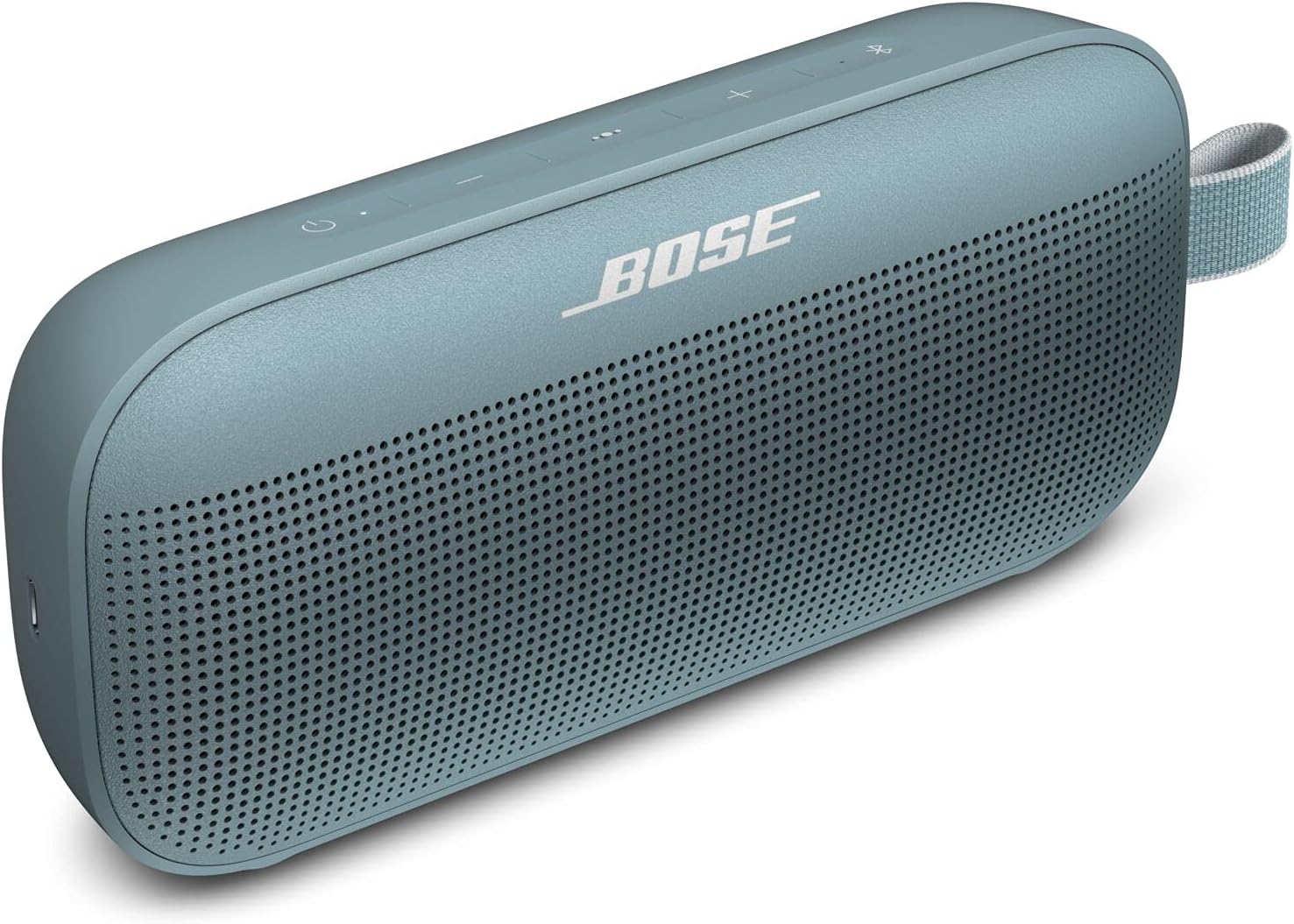
Figure 1.1: Bose SoundLink Flex Bluetooth Speaker in Stone Blue.
2. What's in the Box
Your SoundLink Flex package includes the following items:
- Bose SoundLink Flex Bluetooth Speaker
- USB-C Charging Cable
3. Product Overview & Design
The SoundLink Flex features a robust construction with a powder-coated steel grille and a silicone body, providing both durability and a premium feel. It is designed to be portable and withstand various environmental conditions.
3.1. Physical Characteristics
- Dimensions: 2.05"D x 7.91"W x 3.54"H
- Weight: 1.3 Pounds
- Material: Plastic (Silicone body, steel grille)
- Utility Loop: Equipped with a nylon utility loop for easy attachment to bags or other items.

Figure 3.1: Front view of the speaker, highlighting the grille and Bose logo.

Figure 3.2: Side view of the speaker, showing its slim profile and utility loop.

Figure 3.3: The speaker's utility loop allows for easy attachment to backpacks for on-the-go listening.
3.2. Durability
The SoundLink Flex is rigorously tested to meet IP67 standards, ensuring it is both dustproof and waterproof. It is designed to float if dropped in water, providing added peace of mind during outdoor activities.

Figure 3.4: The speaker's IP67 rating ensures resistance to water and dust.

Figure 3.5: The SoundLink Flex is designed to float, preventing it from sinking if dropped in water.
4. Setup
4.1. Charging the Speaker
Before initial use, fully charge your SoundLink Flex speaker. Use the provided USB-C cable to connect the speaker to a power source.
- Charging Port: USB-C (located on the side of the speaker).
- Charging Time: Approximately 4 hours for a full charge.
4.2. Power On/Off
Press the Power button (⏻) located on the top panel of the speaker to turn it on or off.
4.3. Bluetooth Pairing
To connect your SoundLink Flex to a Bluetooth device:
- Turn on the speaker.
- The Bluetooth indicator light will blink blue, indicating it's ready to pair.
- On your device, enable Bluetooth and select