
1. Introduction
Thank you for purchasing the DELLA 10000 BTU Window Air Conditioner. This manual provides important information for the proper installation, operation, and maintenance of your new appliance. Please read this manual thoroughly before using the air conditioner and keep it for future reference. Always follow basic safety precautions to reduce the risk of fire, electric shock, and personal injury.
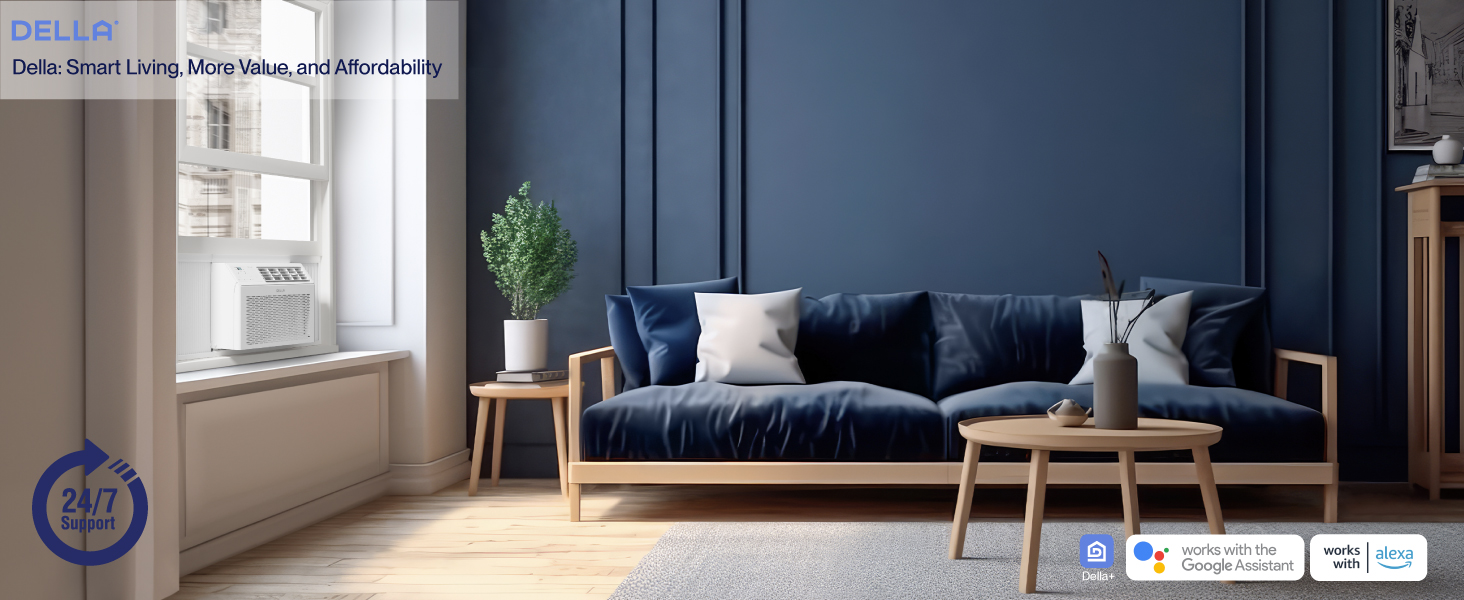
Image: The DELLA 10000 BTU Window Air Conditioner installed in a window, effectively cooling a modern living room space.
2. Product Overview
The DELLA 10000 BTU Window Air Conditioner is designed for efficient cooling and smart control. Key features include:
- Energy Saving: UL Listed with a Combined Energy Efficiency Rate (CEER) of 10.9 to reduce energy costs.
- Efficient Cooling: 10,000 BTU capacity cools up to 450 square feet, ideal for single bedrooms or large living rooms.
- Smart Design: Includes a remote control, user-friendly LED control panel, and Wi-Fi smart controls via the Della+ app.
- Multiple Modes: Auto, Cool, Fan, and Dry modes with 3 fan speeds.
- Convenience Features: 24-hour timer, sleep mode, and eco energy-saving mode.
- Quiet Operation: Sound levels as low as 54 dB for minimal disturbance.
- Reusable Filter: Washable and reusable filter for improved air quality.
Included Components: Installation Kit, Window Air Conditioner.
3. Setup & Installation
The DELLA Window AC unit features a T-design for easy installation, saving up to 60% more time compared to traditional window ACs. It is suitable for windows from 23 to 36 inches wide, with a minimum height of 14.5 inches.
Installation Steps:
- Step 1: Secure into window frame. Carefully place the unit into the window opening and secure it within the window frame.
- Step 2: Mount with four screws. Use the provided screws to firmly mount the unit to the window frame.
- Step 3: Extend side panels into wall. Extend the accordion-style side panels to fill the gaps between the unit and the window frame, ensuring a tight seal.

Image: A visual guide illustrating the three simple steps for installing the DELLA window air conditioner.
Installation Kit Components:
- Filler Panels
- Insulation Strips
- Lock Frame & Sash Lock
- Screws
- Window Sash Seal
- Top Mounting Rail

Image: A detailed view of all components included in the installation kit, designed for easy assembly and reduced air leaks.
Dimensions:
The compact size of the unit is 18.58 x 17.32 x 13.31 inches, with a weight of 48.7 lbs.

Image: Diagram showing the product dimensions (width, depth, height) and recommended window opening size.
4. Operating Instructions
Your DELLA air conditioner can be controlled via the unit's LED control panel, the included remote control, or the Della+ app on your smartphone.
Control Panel & Remote:
The temperature setting range is 61°F-88°F. You can select from 3 fan speeds and 4 modes: Auto, Cool, Fan, and Dry. The remote control provides convenient access to all functions.

Image: The sleek remote control for the DELLA air conditioner, allowing easy adjustment of settings.
Della+ App & Smart Features:
The redesigned Della+ app allows you to control your device anytime, anywhere. It supports Geo-Location features, enabling the unit to activate based on your proximity to home.

Image: A smartphone displaying the Della+ app interface, showcasing options for custom unit naming, temperature control, mode selection, and scheduling.
Geo Location Function Setup:
Utilize the Geo Location feature to automatically control your unit based on your arrival or departure from a preset location. This feature is managed through the Della+ app.
Video: An official guide from Align Inc. demonstrating how to set up and customize the Geo Location function within the Della+ app for smart control of your air conditioner.
Sleep Mode:
The intelligent sleep mode adjusts the temperature overnight for optimal comfort and energy saving.
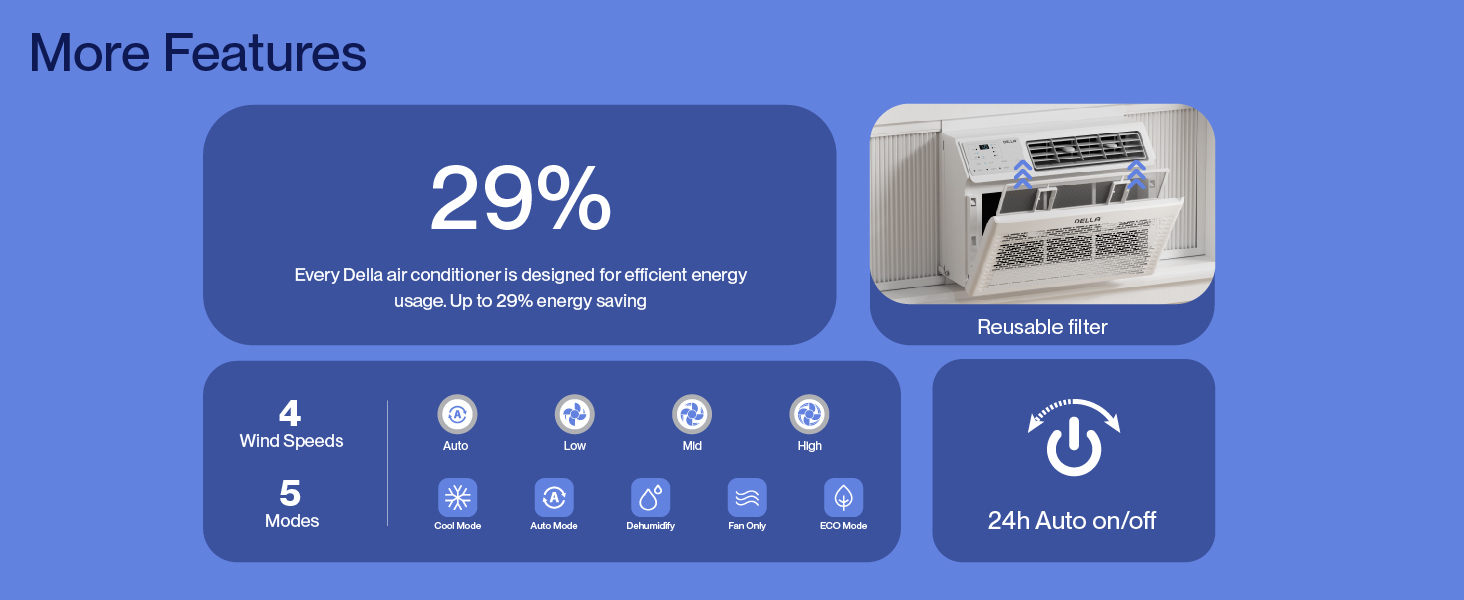
Image: A graph illustrating the temperature adjustments made by the intelligent sleep mode throughout the night for enhanced comfort.
5. Maintenance
Regular maintenance ensures optimal performance and longevity of your air conditioner.
Cleaning the Reusable Filter:
The unit features a washable and reusable filter. Regularly clean the filter to maintain air quality and cooling efficiency. Refer to the diagram for filter access.

Image: The front panel of the DELLA air conditioner with the reusable filter partially removed, showing the filter's location for cleaning.
6. Troubleshooting
If your air conditioner is not functioning as expected, refer to the following common issues:
- Unit does not turn on: Ensure the unit is properly plugged into a working electrical outlet. Check the circuit breaker.
- No fan movement or cooling: If the display shows a temperature but the fan or compressor does not engage, try resetting the unit by unplugging it for a few minutes and then plugging it back in. Ensure the selected mode is 'Cool' and the temperature setting is lower than the ambient room temperature.
- Insufficient cooling: Check if the air filter is clean. Ensure windows and doors are closed to prevent warm air from entering the room. Verify that the unit's BTU capacity is appropriate for the room size.
- Unusual noises: Some operational noises are normal. If you hear excessive or unusual noises, ensure the unit is securely installed and not vibrating against the window frame.
For persistent issues, please contact customer support.
7. Specifications
| Feature | Specification |
|---|---|
| Brand | Della |
| Model Number | 048-TL-W10KWD |
| Cooling Power | 10000 British Thermal Units (BTU) |
| Capacity | 0.8 Tons |
| Coverage Area | Up to 450 Square Feet |
| Voltage | 115 Volts |
| Wattage | 959.5 watts |
| Combined Energy Efficiency Rate (CEER) | 10.9 |
| Sound Level | 56 Decibels |
| Product Dimensions | 17.32 x 18.58 x 13.31 inches |
| Item Weight | 48.7 pounds |
| Power Source | Corded Electric |
| Installation Method | Window |
| Special Features | Dehumidifier, Fast Cooling, Remote Controlled, WiFi Enabled |
| Color | White |
8. Warranty & Support
Your DELLA air conditioner comes with a 1-Year Warranty. For any questions, technical assistance, or warranty claims, our customer support team is available 24/7.

Image: A visual representation highlighting the availability of 24/7 customer support and a 1-year warranty for the product.


