
Macook MCUS-81271

Macook Mini Rice Cooker
Instruction Manual
Product Overview
The Macook Mini Rice Cooker (Model: MCUS-81271) is designed for convenience and efficiency, perfect for individuals or small households. It features a compact design, simple operation, and a non-stick inner pot for easy cleaning.

Image: The Macook Mini Rice Cooker, white in color, with its lid open revealing cooked rice and a serving of curry. The cooker has a simple control panel with 'WARM' and 'COOK' indicators.
Key Features:
- 3-Cup Capacity: Prepares up to 3 cups of cooked rice, ideal for 1-2 people.
- Compact and Portable: Lightweight design suitable for travel or small living spaces.
- Single-button Operation: Simple 'Cook' and 'Keep Warm' functions.
- Detachable Power Cord: Enhances portability and storage.
- Non-stick Inner Pot: Ensures easy food release and cleaning.
- Included Accessories: Comes with a measuring cup and rice spoon.
What's Included
Your Macook Mini Rice Cooker package includes the following components:

Image: A flat lay of all components included with the Macook Mini Rice Cooker. From left to right: Non-stick Pan, Removable Lid, Rice Scoop, Measuring Cup, and Power Cord.
- Rice Cooker Unit (Main Body)
- Non-stick Cooking Pan
- Removable Lid
- Detachable Power Cord
- Rice Measuring Cup
- Serving Scoop
Setup and First Use
- Unpack: Carefully remove all components from the packaging.
- Clean: Before first use, wash the non-stick inner pot, removable lid, measuring cup, and serving scoop with warm, soapy water. Rinse thoroughly and dry completely. Do not immerse the main rice cooker unit in water.
- Placement: Place the rice cooker on a stable, flat, heat-resistant surface, away from direct sunlight or heat sources. Ensure adequate ventilation around the unit.
- Assemble: Insert the clean non-stick inner pot into the main rice cooker unit. Place the removable lid securely on top.
- Connect Power: Connect the detachable power cord to the rice cooker unit, then plug it into a standard 120-volt electrical outlet.
Operating Instructions
Cooking Rice:
- Measure Rice: Use the provided measuring cup to measure the desired amount of rice. One full measuring cup typically yields about 2 cups of cooked rice. The cooker has a 1.5-cup uncooked capacity, yielding up to 3 cups cooked.
- Rinse Rice: Rinse the rice thoroughly under cold water until the water runs clear. This helps remove excess starch.
- Add Water: Place the rinsed rice into the non-stick inner pot. Add the appropriate amount of water. A general guideline is a 1:1 ratio for white rice (e.g., 1 measuring cup of rice to 1 measuring cup of water). Adjust water quantity based on rice type and desired consistency.
- Place Pot: Ensure the outer surface of the inner pot is dry, then place it into the rice cooker body. Close the lid securely.
- Start Cooking: Plug in the rice cooker. Push the 'COOK' switch down. The 'COOK' indicator light will illuminate.
- Automatic Keep Warm: Once cooking is complete, the rice cooker will automatically switch to the 'WARM' mode, and the 'WARM' indicator light will illuminate. This function keeps your rice warm and ready to serve.
- Serve: After the 'WARM' light activates, allow the rice to rest for 5-10 minutes before opening the lid. Use the provided serving scoop to fluff and serve the rice. The included rice spoon is designed not to scratch the non-stick coating.
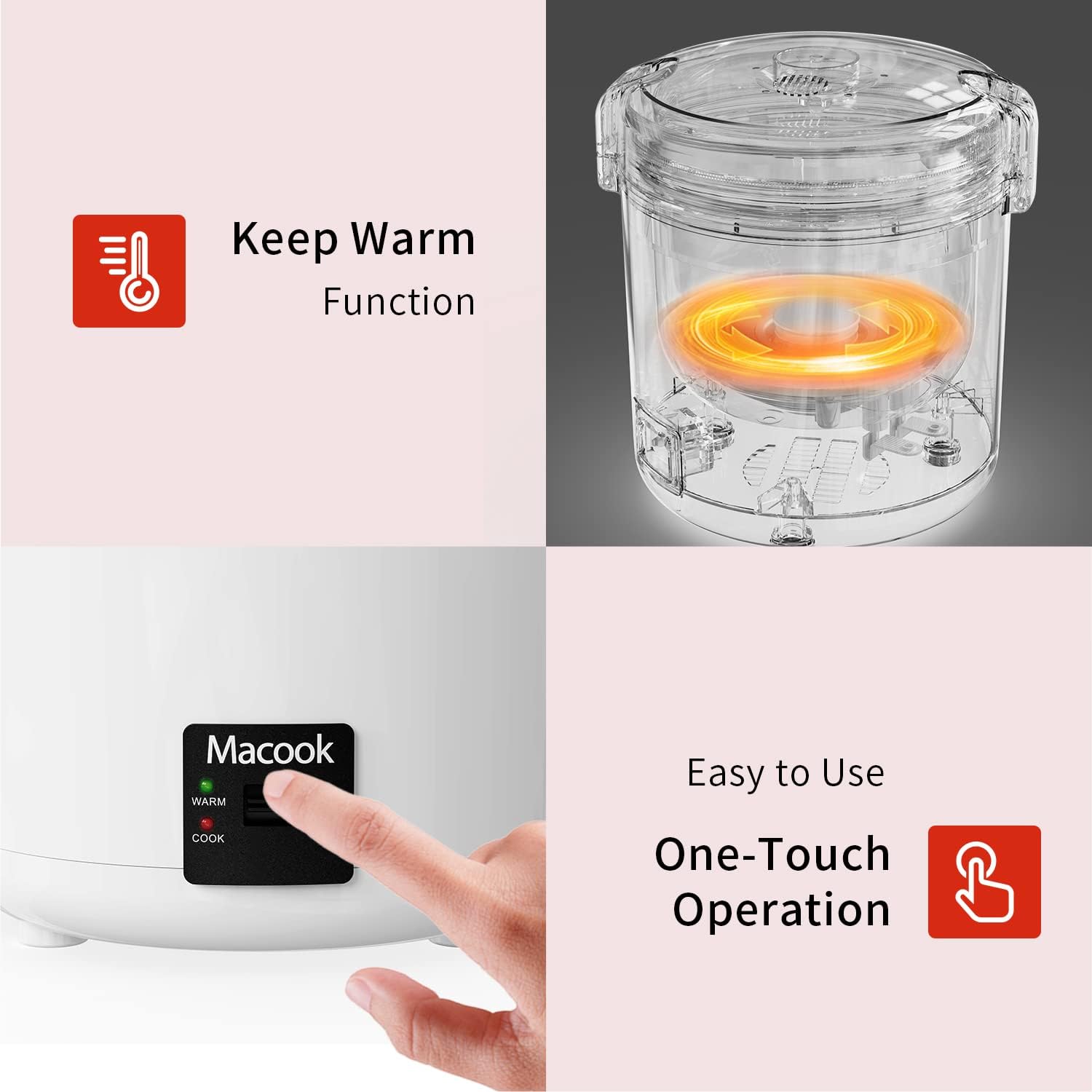
Image: A hand pressing the 'COOK' switch on the Macook Mini Rice Cooker, illustrating its simple one-touch operation. The 'WARM' and 'COOK' indicator lights are visible.
Other Uses:
Beyond white rice, this cooker is versatile for preparing other grains, oatmeal, and steaming vegetables. Adjust water levels and cooking times accordingly.

Image: A collage showing various meals that can be prepared using the Macook Mini Rice Cooker, including rice, pasta, oatmeal, and steamed vegetables.
Maintenance and Cleaning
Proper cleaning and maintenance will extend the life of your rice cooker.
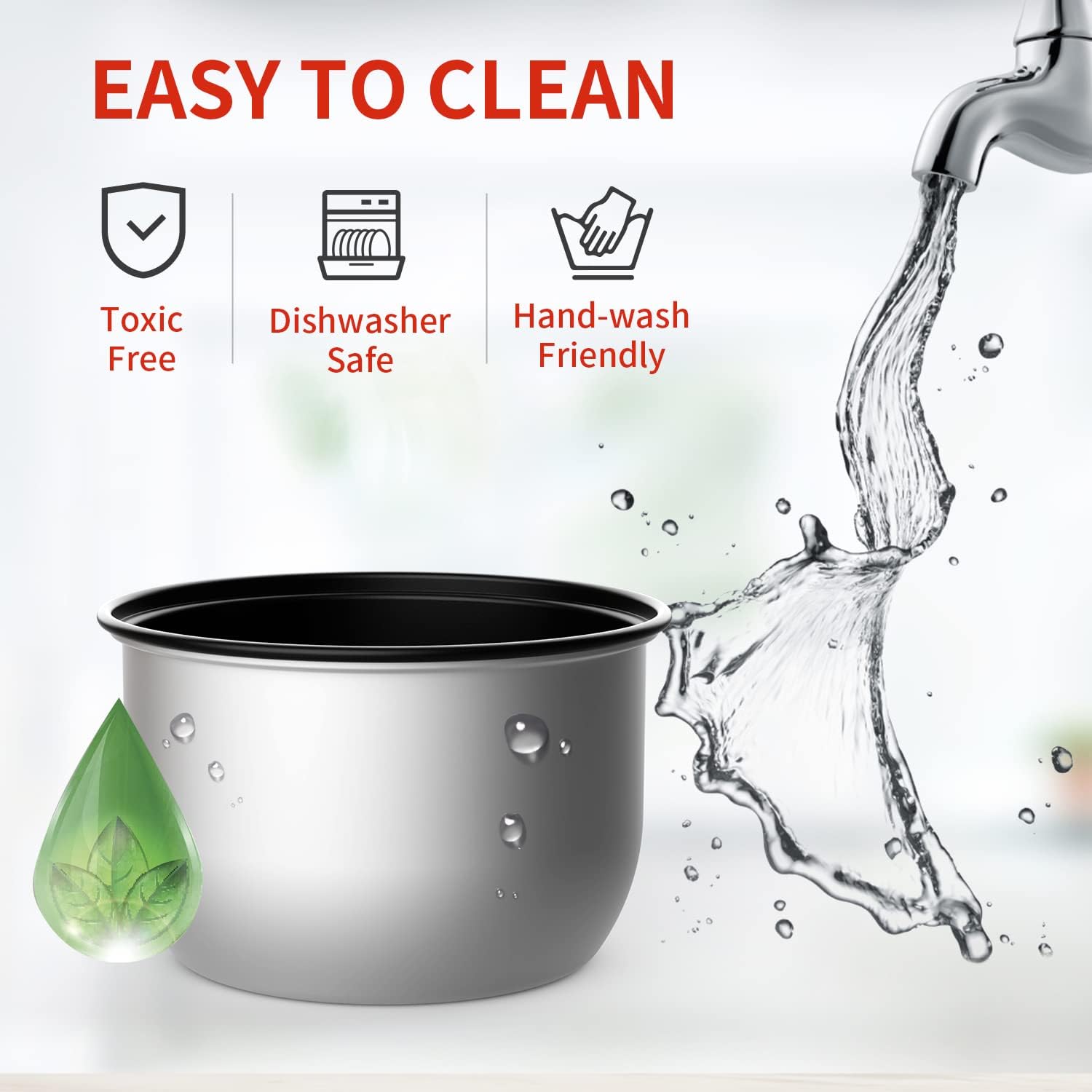
Image: An illustration highlighting the easy-to-clean features of the Macook Mini Rice Cooker's inner pot, including "Toxic Free", "Dishwasher Safe", and "Hand-wash Friendly" icons, with water being poured into the pot.
- Always Unplug: Before cleaning, ensure the rice cooker is unplugged from the power outlet and has cooled down completely.
- Inner Pot and Lid: The non-stick inner pot and removable lid can be washed with warm, soapy water. They are also dishwasher safe. Avoid abrasive cleaners or scouring pads that could damage the non-stick coating.
- Main Unit: Wipe the exterior of the rice cooker body with a damp cloth. Do not immerse the main unit in water or any other liquid.
- Storage: Store the rice cooker in a dry place when not in use.
Troubleshooting
| Problem | Possible Cause | Solution |
|---|---|---|
| Rice is too hard/dry | Insufficient water; lid not sealed properly. | Add slightly more water next time; ensure lid is closed tightly. |
| Rice is too soft/mushy | Too much water; rice not rinsed. | Reduce water slightly next time; rinse rice thoroughly before cooking. |
| Cooker does not turn on | Not plugged in; power outage; faulty outlet. | Check power cord connection; test outlet with another appliance; contact customer support if issue persists. |
| Rice sticks to the bottom | Not enough water; inner pot coating damaged. | Ensure proper water ratio; avoid using metal utensils that can scratch the non-stick surface. |
Specifications
| Attribute | Detail |
|---|---|
| Brand | Macook |
| Model Name | Mini Rice Cooker |
| Model Number | MCUS-81271 |
| Capacity | 1.5-Cup Uncooked (3-Cup Cooked) |
| Color | White |
| Material | Plastic (exterior), Non-stick (inner pot) |
| Wattage | 200 watts |
| Voltage | 120 Volts |
| Product Dimensions | 7 x 6 x 7 inches (approximate) |
| Item Weight | 2.58 pounds |
| Special Features | Non-Stick, One-Touch Operation, Portable, Auto Keep Warm |

Image: Diagram showing the dimensions of the Macook Mini Rice Cooker and its inner pot, with measurements in inches.
Warranty and Support
Macook products are manufactured with quality and reliability in mind. For specific warranty details and terms, please refer to the warranty card included with your product or visit the official Macook website.
If you encounter any issues or have questions regarding your Macook Mini Rice Cooker, please contact Macook Customer Support:
- Online Support: Visit the Macook Store on Amazon for FAQs and product information.
- Email/Phone: Refer to your product packaging or the official website for direct contact information.
Please retain your purchase receipt for warranty claims.
Related documentsMCUS-81271


Ask a question about this manual
Ask about setup, troubleshooting, compatibility, parts, safety, or missing instructions. Manuals+ will review the question and use this page’s manual context to help answer it.