
1. Important Safety Instructions
Please read these instructions carefully before using the appliance to prevent damage, fire, or injury. Keep this manual for future reference.
- Always ensure the appliance is placed on a stable, heat-resistant surface.
- Do not immerse the appliance, cord, or plug in water or other liquids.
- Unplug the appliance from the outlet when not in use, before assembling or disassembling parts, and before cleaning.
- Do not operate any appliance with a damaged cord or plug, or after the appliance malfunctions or has been damaged in any manner.
- Keep children away from the appliance during operation. The surface can become hot.
- Do not use accessories not recommended by the manufacturer.
- This appliance is for household use only.
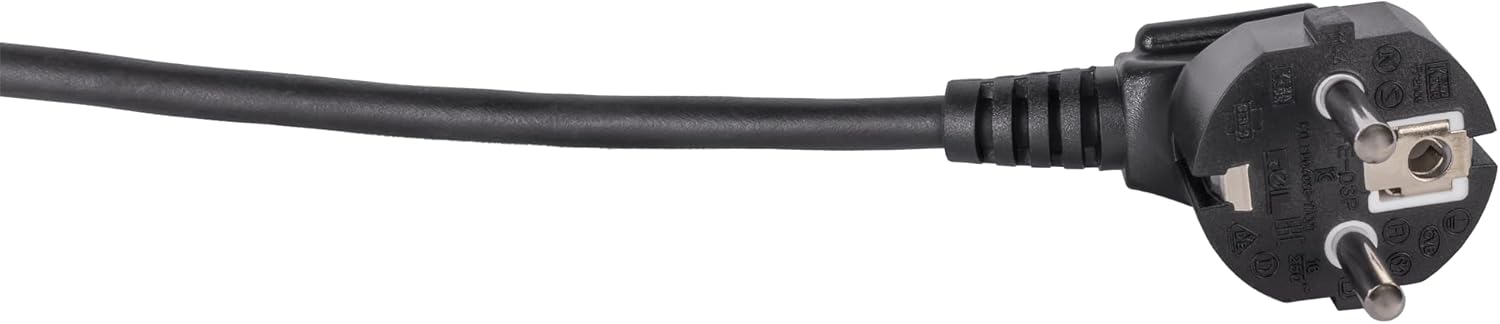
Image: Standard European power plug. Ensure the plug is fully inserted into a grounded outlet.
2. Product Overview
2.1 Components
The Steba BM 3 Bread Maker includes the following main components:
- Main Unit with Control Panel and Display
- Removable Baking Pan with Non-stick Coating
- Kneading Paddle
- Measuring Cup
- Measuring Spoon
- Hook for removing kneading paddle
- Lid with Viewing Window

Image: Front view of the Steba BM 3 Bread Maker, showing its compact design.
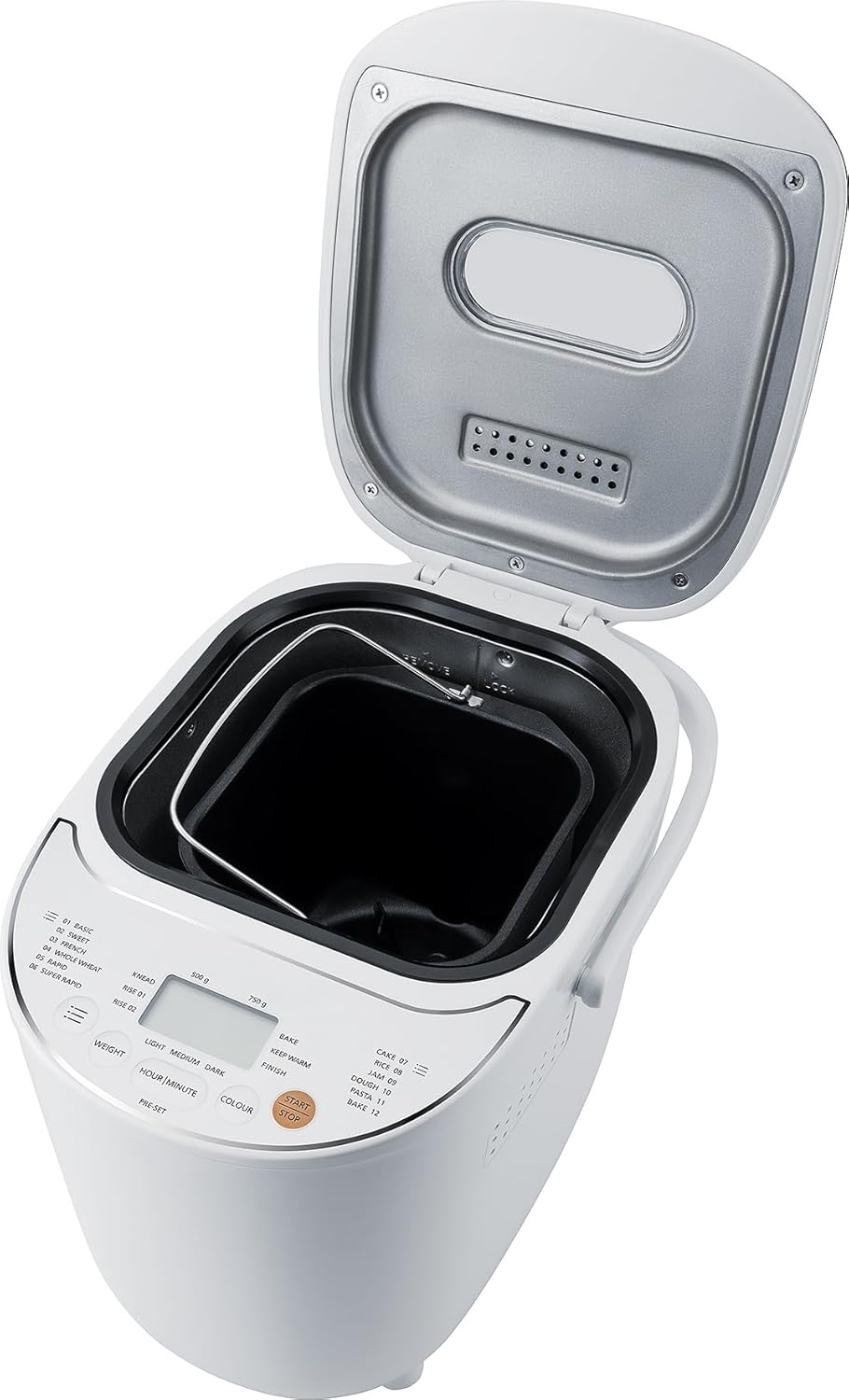
Image: The bread maker with its lid open, revealing the removable baking pan inside.
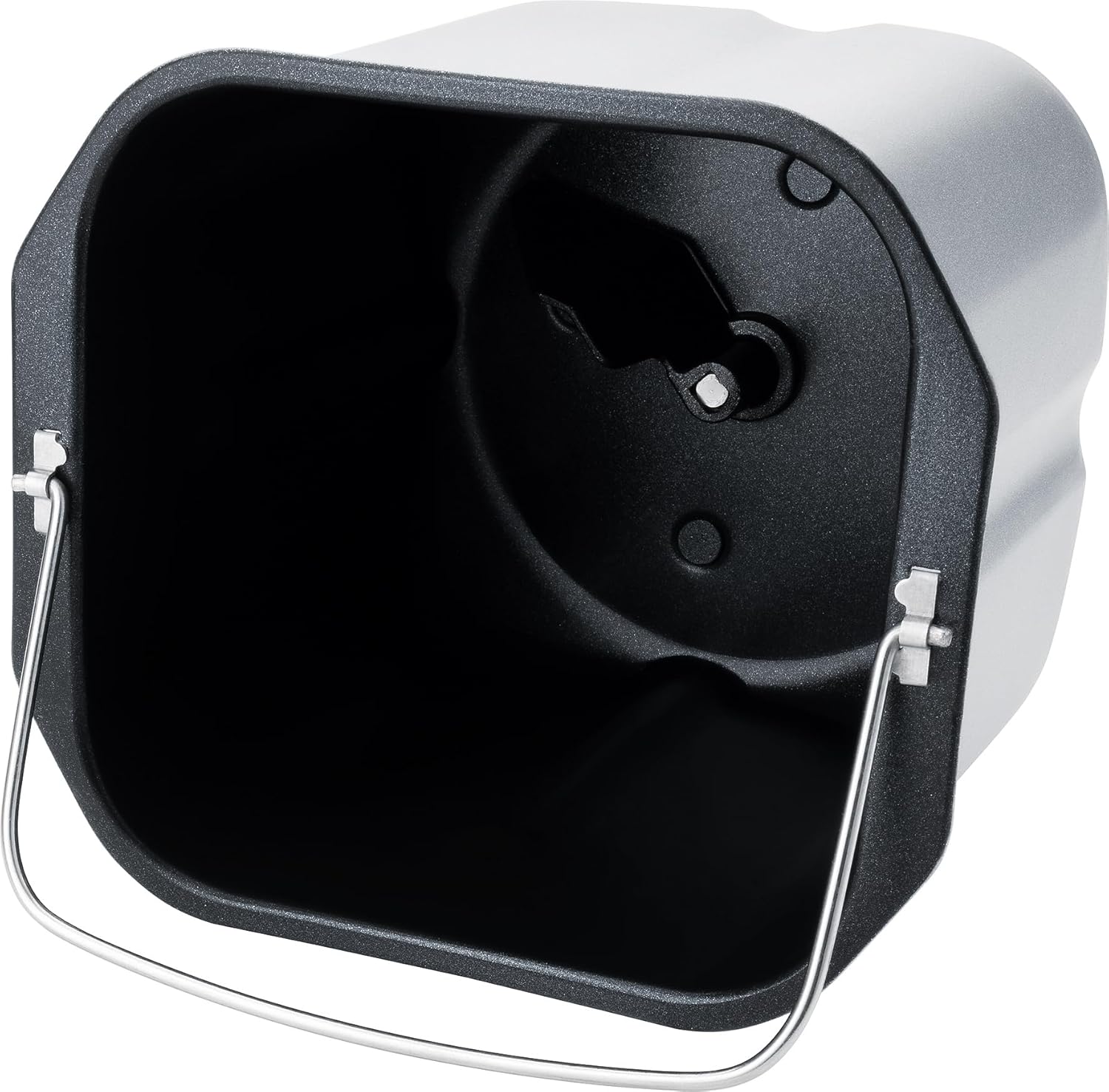
Image: Detailed view of the non-stick baking pan with the kneading paddle shaft.

Image: Included accessories: a measuring cup, a double-sided measuring spoon, and a hook for removing the kneading paddle.
2.2 Control Panel and Display
The intuitive Touch-Control panel allows for easy program selection and setting adjustments.

Image: Close-up of the control panel, showing the digital display, program list, and control buttons for weight, time, color, and start/stop.
Key Controls:
- Display: Shows selected program, time, and settings.
- Program Selection: Choose from 12 automatic programs (Basic, Sweet, French, Whole Wheat, Rapid, Super Rapid, Cake, Rice, Jam, Dough, Pasta, Bake).
- Weight Button: Adjust bread weight (500g or 750g).
- Colour Button: Select crust browning level (Light, Medium, Dark).
- Hour/Minute (Pre-set) Buttons: Set delay timer for up to 13 hours.
- Start/Stop Button: Initiate or cancel a program.
3. Setup and First Use
3.1 Unpacking
- Carefully remove the bread maker and all accessories from the packaging.
- Remove any protective films or stickers from the appliance.
- Wash the baking pan, kneading paddle, measuring cup, and spoon in warm, soapy water. Rinse thoroughly and dry completely. The main unit should only be wiped with a damp cloth.
3.2 Initial Use
- Place the bread maker on a clean, dry, and stable surface.
- Insert the baking pan into the main unit and twist it clockwise until it locks into place.
- Attach the kneading paddle onto the shaft inside the baking pan.
- For the first use, it is recommended to run a short 'Bake' cycle (Program 12) without ingredients for about 10 minutes to burn off any manufacturing residues. Ensure good ventilation during this process.
- Allow the appliance to cool down completely before cleaning and proceeding with actual baking.
4. Operation
4.1 Basic Bread Making Steps
- Add Ingredients: Follow a recipe and add liquid ingredients first, then dry ingredients, and finally yeast. Ensure yeast does not come into direct contact with liquids or salt.
- Select Program: Plug in the bread maker. The default program (usually 'Basic') will appear on the display. Press the 'Program' button repeatedly to cycle through the 12 available programs until your desired program is selected.
- Set Weight: Press the 'Weight' button to choose between 500g or 750g loaf size, if applicable for the selected program.
- Set Crust Colour: Press the 'Colour' button to select Light, Medium, or Dark crust.
- Start Baking: Press the 'Start/Stop' button. The bread maker will begin the selected program.
- Completion: Once the program finishes, the bread maker will beep and automatically switch to a 1-hour 'Keep Warm' function.
- Remove Bread: Unplug the appliance. Using oven mitts, carefully remove the baking pan by twisting it counter-clockwise and lifting it out. Invert the pan to release the bread onto a wire rack to cool. If the kneading paddle remains in the bread, use the provided hook to remove it.
4.2 Delay Timer Function
The delay timer allows you to set the bread maker to finish baking at a later time, up to 13 hours. This is ideal for fresh bread in the morning.
- Add all ingredients to the baking pan.
- Select your desired program, weight, and crust colour.
- Press the 'Hour' and 'Minute' buttons to set the desired delay time. The displayed time includes the baking cycle duration.
- Press 'Start/Stop'. The timer will count down, and the bread maker will start automatically when the delay time expires.
Note: Do not use the delay timer with recipes containing highly perishable ingredients like milk, eggs, or fresh fruit, as they may spoil.

Image: An assortment of various types of freshly baked bread, illustrating the potential output of the bread maker.
5. Maintenance and Cleaning
Proper cleaning and maintenance ensure the longevity and optimal performance of your bread maker.
5.1 Cleaning
- Always unplug the appliance and allow it to cool completely before cleaning.
- Baking Pan and Kneading Paddle: These parts are non-stick and should be washed by hand with warm, soapy water. Avoid abrasive cleaners or scouring pads that could damage the non-stick coating. Rinse thoroughly and dry completely.
- Main Unit: Wipe the exterior of the bread maker with a soft, damp cloth. Do not use harsh chemicals or immerse the unit in water.
- Lid: The lid can be wiped clean with a damp cloth. The viewing window can be cleaned with a mild glass cleaner if necessary.
5.2 Storage
Store the bread maker in a dry, clean place, away from direct sunlight and out of reach of children.
6. Troubleshooting
If you encounter issues with your bread maker, refer to the following common problems and solutions:
| Problem | Possible Cause | Solution |
|---|---|---|
| Bread does not rise | Expired yeast, incorrect water temperature, too much salt/sugar, wrong program. | Check yeast expiry, use lukewarm water, ensure correct ingredient ratios, select appropriate program. |
| Bread is too dense | Too much flour, not enough liquid, yeast issue. | Measure ingredients precisely, ensure proper liquid-to-flour ratio, check yeast activity. |
| Kneading paddle stuck in bread | Normal occurrence. | Use the provided hook to carefully remove the paddle after the bread has cooled slightly. |
| Appliance not starting | Not plugged in, program not selected, 'Start/Stop' not pressed. | Ensure power connection, select a program, press 'Start/Stop'. |
7. Specifications
Technical details for the Steba BM 3 Bread Maker:
- Model Number: 188300
- Brand: Steba
- Voltage: 230 Volt
- Wattage: 540 Watt
- Capacity: Up to 750 Grams
- Product Dimensions (D x W x H): 34D x 27.5W x 24H cm
- Item Weight: 4 Kilograms
- Material: Plastic
- Number of Programs: 12
- Care Instructions: Hand wash only (for removable parts)
- EU Spare Parts Availability: 2 Years

Image: Diagram showing the dimensions of the Steba BM 3 Bread Maker: 34 cm depth, 27.5 cm width, and 24 cm height.
8. Warranty and Support
For warranty claims, technical support, or service inquiries, please contact your retailer or the manufacturer directly. Keep your proof of purchase for warranty validation.


