
Introduction
This manual provides detailed instructions for the setup, operation, maintenance, and troubleshooting of your BlitzWolf BW-AT2 Smart Sports Watch. Please read this manual thoroughly to ensure proper use and to maximize the performance and lifespan of your device.
Product Overview
The BlitzWolf BW-AT2 is a smart sports watch designed to assist with fitness tracking and daily notifications. Key features include:
- 24-hour Heart Rate Monitoring
- Blood Pressure and Blood Oxygen Monitoring
- Multiple Sports Modes
- IP68 Waterproof Rating
- 400mAh Battery Capacity with 10-15 days working time
- 1.3-inch IPS Full Touch Screen (240*240 HD resolution)
- Call Alert & SMS Reminder
- Music Control and Remote Camera Function
- Compatible with Android and iOS operating systems

Image: The watch screen showing an incoming call alert and an SMS reminder, indicating its notification capabilities.

Image: An illustration highlighting the watch's 'Life Assistance' features, including sleeping tracking, sedentary reminders, weather updates, stopwatch, alarm clock, remote camera control, music control, and theater mode.

Image: The 1.3-inch IPS Full Touch Screen of the smartwatch, demonstrating its clarity and customizable watch faces. It also indicates brightness adjustment functionality.
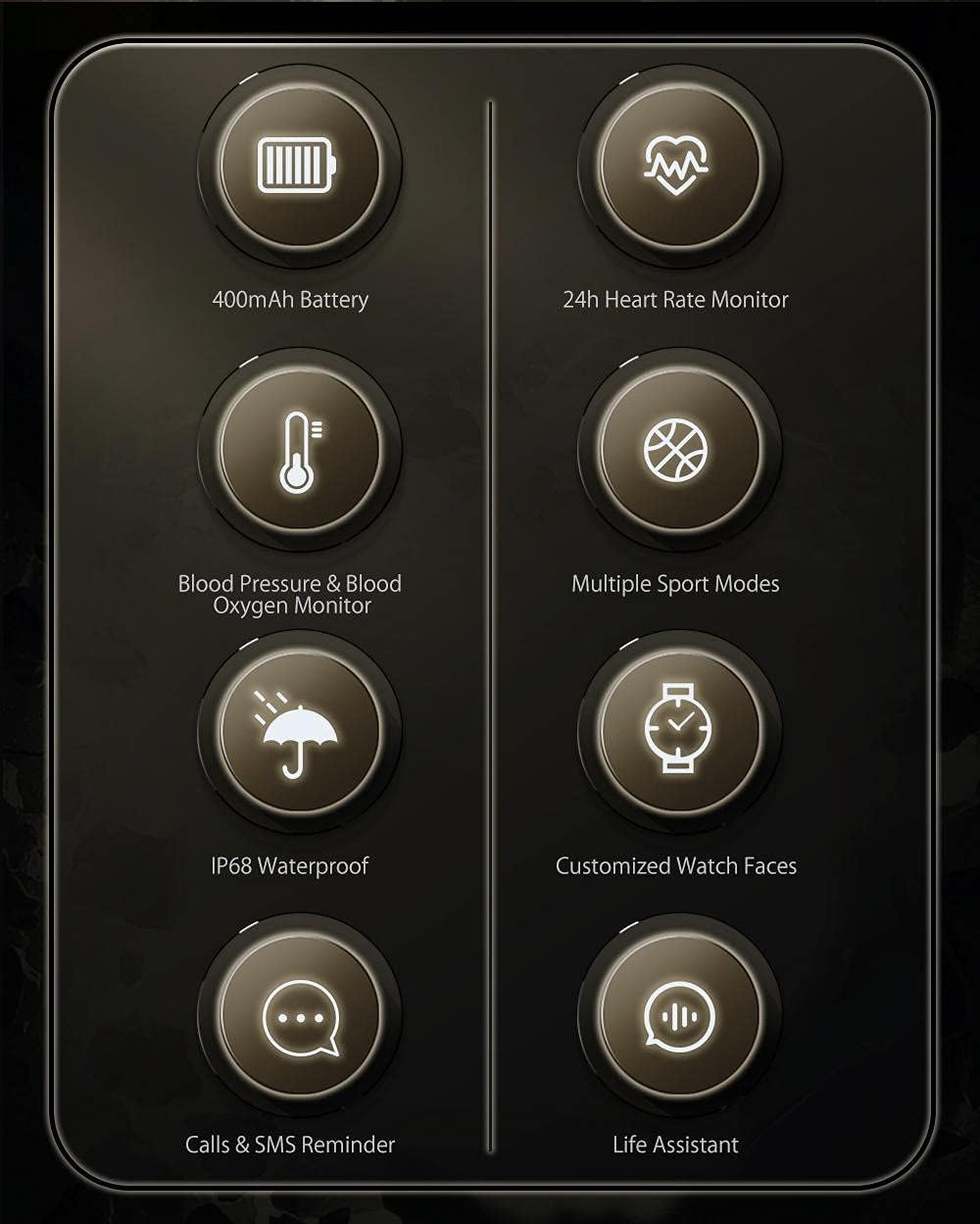
Image: A visual summary of the watch's main functions, including 400mAh battery, 24h heart rate monitor, blood pressure & blood oxygen monitor, multiple sport modes, IP68 waterproof, customized watch faces, calls & SMS reminder, and life assistant features.
Setup
1. Charging the Device
Before first use, fully charge your BW-AT2 smartwatch. Connect the provided charging cable to the charging port on the watch and a standard USB power adapter (not included). The watch will display a charging indicator. A full charge typically takes approximately 2 hours.
2. App Installation and Pairing
- Download the App: Search for the official BlitzWolf smartwatch application in your smartphone's app store (Google Play Store for Android or Apple App Store for iOS).
- Create Account: Open the app and follow the on-screen instructions to create a user account or log in if you already have one.
- Enable Bluetooth: Ensure Bluetooth is enabled on your smartphone.
- Pair Device: In the app, navigate to the 'Device' or 'Add Device' section. Select 'BW-AT2' from the list of available devices. Confirm the pairing request on both your phone and the watch if prompted.
- Initial Sync: Once paired, the watch will synchronize data with the app. This may take a few moments.
Operating Instructions
Basic Navigation
- Touch Screen: Swipe left, right, up, or down to navigate through menus and functions. Tap to select an option.
- Side Buttons: The watch features physical buttons for quick access to certain functions or to return to the home screen. Refer to the watch's on-screen prompts for specific button actions.
Key Functions
- Heart Rate Monitoring: Access the heart rate function from the main menu. The watch will automatically begin measuring your heart rate. For continuous monitoring, enable the 24-hour tracking feature in the app settings.
- Blood Pressure & Blood Oxygen: Select the respective functions from the menu. Ensure the watch is worn snugly on your wrist for accurate readings. These measurements are for reference only and should not be used for medical diagnosis.
- Sports Modes: Choose from various sports modes (e.g., running, cycling, walking) to track your activity. The watch will record duration, distance, calories burned, and heart rate during your workout.
- Notifications: Once paired with your smartphone, the watch will display incoming call alerts and SMS reminders. Ensure notification permissions are granted in the companion app.
- Music Control: Control music playback on your smartphone directly from the watch (play, pause, skip tracks).
- Remote Camera: Use the watch as a remote shutter button for your smartphone's camera.
- Weather: View current weather conditions after syncing with the app and granting location permissions.
- Alarm Clock & Stopwatch: Set alarms and use the stopwatch function directly on the watch.
Language Settings
The watch supports multiple languages including English, Chinese, Japanese, German, French, Spanish, Arabic, Russian, Ukrainian, and Portuguese. You can change the language setting through the watch's menu or the companion app.
Maintenance
Cleaning
Wipe the watch and strap regularly with a soft, dry cloth. If necessary, use a slightly damp cloth and then dry thoroughly. Avoid using harsh chemicals or abrasive materials.
Water Resistance (IP68)
The BW-AT2 has an IP68 waterproof rating, meaning it is resistant to dust and can withstand immersion in water up to 1.5 meters for up to 30 minutes. It is suitable for daily use, hand washing, and light rain. However, it is not recommended for hot showers, saunas, or diving, as steam and high water pressure can compromise the seal.
Battery Care
To prolong battery life, avoid fully discharging the watch frequently. Charge it when the battery level is low. Store the watch in a cool, dry place if not used for extended periods, and charge it periodically to prevent deep discharge.
Troubleshooting
| Issue | Possible Solution |
|---|---|
| Watch does not turn on | Ensure the watch is fully charged. Connect it to the charger for at least 30 minutes. |
| Cannot pair with smartphone | Check if Bluetooth is enabled on your phone. Ensure the watch is within range. Restart both the watch and your phone. Try unpairing and re-pairing through the app. |
| Inaccurate health readings | Ensure the watch is worn snugly on your wrist, not too tight or too loose. Avoid excessive movement during measurement. Clean the sensor on the back of the watch. |
| Notifications not received | Verify that the watch is paired and connected to your phone. Check app notification permissions on your phone and within the companion app settings. Ensure 'Do Not Disturb' mode is off on both devices. |
| Short battery life | Reduce screen brightness. Turn off continuous heart rate monitoring if not needed. Limit frequent use of power-intensive features. Ensure the watch is fully charged. |
Specifications
- Model: BW-AT2
- Display: 1.3-inch IPS Full Touch Screen, 240*240 HD resolution
- Battery Capacity: 400mAh
- Working Time: 10-15 days (typical usage)
- Water Resistance: IP68
- Connectivity: Bluetooth
- Compatibility: Android, iOS
- Sensors: Heart Rate, Blood Pressure, Blood Oxygen
- GPS: No GPS
- Memory: 128MB
- Supported Languages: English, Chinese, Japanese, German, French, Spanish, Arabic, Russian, Ukrainian, Portuguese
- User Interface: Buttons, Touch Screen
Warranty and Support
Specific warranty information for the BlitzWolf BW-AT2 Smart Sports Watch is typically provided at the point of purchase or within the product packaging. Please refer to your purchase documentation for details regarding warranty coverage and duration.
For technical support or further assistance, please contact the BlitzWolf customer service department through their official website or the contact information provided with your product. When contacting support, please have your model number (BW-AT2) and purchase details ready.


