Product Overview
The MSI SPATIUM M470 is a high-performance internal Solid State Drive designed for modern computing systems. Optimized for the PCIe Gen4 interface, this M.2 NVMe SSD delivers exceptional read/write speeds, making it ideal for demanding applications, gaming, and professional workloads. Its compact M.2 2280 form factor integrates 3D NAND flash technology, providing substantial storage capacity while maintaining a small footprint. Advanced data security and error-correction features are built-in to ensure the longevity and reliability of your data.

Image: The MSI SPATIUM M470 SSD shown alongside its retail packaging, highlighting its compact design and branding.
Setup and Installation
Installing the MSI SPATIUM M470 SSD requires careful handling and adherence to your system's motherboard manual. This SSD utilizes the M.2 2280 form factor and connects via a PCIe Gen4x4 interface.
Before Installation:
- Ensure your motherboard has an available M.2 slot that supports PCIe Gen4 NVMe SSDs.
- Power off your computer and disconnect it from the power source.
- Ground yourself to prevent electrostatic discharge (ESD) damage to components.
- Consult your motherboard's manual for specific M.2 slot locations and installation procedures.
Installation Steps:
- Locate an available M.2 slot on your motherboard. It typically resembles a small horizontal slot with a screw stand-off at the end.
- Carefully insert the MSI SPATIUM M470 SSD into the M.2 slot at a slight angle. The gold contacts on the SSD should align with the slot.
- Gently push the SSD down until it is parallel with the motherboard.
- Secure the SSD with the M.2 screw (not included with the SSD, typically provided with the motherboard or purchased separately) into the stand-off.
- Close your computer case and reconnect all cables.
- Boot your system and access the BIOS/UEFI to confirm the SSD is recognized. You may need to initialize and format the drive within your operating system before use.

Image: A direct top-down view of the MSI SPATIUM M470 SSD, showing its M.2 2280 form factor and key components, useful for identifying the correct orientation during installation.

Image: An angled perspective of the MSI SPATIUM M470 SSD, illustrating its slim profile and connector, which aids in visualizing the insertion process into an M.2 slot.
Operating the SSD
Once installed and recognized by your system, the MSI SPATIUM M470 SSD operates as a high-speed storage device. Its performance is optimized for the PCIe Gen4 interface, delivering rapid data transfer rates.
Performance Characteristics:
- Sequential Read Speeds: Up to 5000 MB/s
- Sequential Write Speeds: Up to 4400 MB/s
- Interface: PCIe Gen4x4, complying with NVMe 1.4 standard
- Storage Technology: 3D NAND flash for dense and efficient storage.

Image: A graphic illustrating the sequential read speed of 5000 MB/s and write speed of 4400 MB/s for the MSI SPATIUM M470 SSD.

Image: A comparison chart demonstrating the superior speeds of the SPATIUM M470 PCIe Gen4 SSD compared to traditional SATA3 SSDs and conventional HDDs, highlighting its rapid data transfer capabilities.
Data Security and Longevity:
The SPATIUM M470 incorporates several features to ensure data integrity and extend the lifespan of the NAND flash storage:
- Trim Support: Optimizes performance and longevity by allowing the operating system to inform the SSD which data blocks are no longer in use and can be wiped.
- S.M.A.R.T. (Self-Monitoring, Analysis, and Reporting Technology): Monitors the drive's health and performance, providing early warnings of potential issues.
- LDPC ECC (Low-Density Parity-Check Error-Correcting Code): Advanced error correction to maintain data accuracy.
- E2E Data Protection (End-to-End Data Protection): Ensures data integrity throughout the entire data path within the SSD.

Image: A visual representation of the data security and error-correction features of the MSI SPATIUM M470, including Trim, S.M.A.R.T., LDPC ECC, and E2E Data Protection.
Maintenance
Solid State Drives generally require less maintenance than traditional hard disk drives due to the absence of moving parts. However, a few practices can help ensure optimal performance and longevity:
- Keep Firmware Updated: Periodically check the MSI official website for any available firmware updates for your SPATIUM M470 SSD. Firmware updates can improve performance, stability, and address potential issues.
- Monitor Drive Health: Utilize S.M.A.R.T. monitoring tools (often built into operating systems or third-party utilities) to keep an eye on the drive's health status.
- Ensure Proper Cooling: While SSDs generate less heat than some other components, adequate airflow within your PC case is important. For M.2 NVMe SSDs, especially high-performance ones like the M470, a motherboard with an integrated M.2 heatsink or an aftermarket heatsink can help maintain optimal operating temperatures, preventing thermal throttling and ensuring consistent performance.
- Avoid Filling to Capacity: Try to avoid filling the SSD to its absolute maximum capacity. Leaving some free space (e.g., 10-15%) allows the drive's wear-leveling algorithms to function more effectively, contributing to longer lifespan.
Troubleshooting
If you encounter issues with your MSI SPATIUM M470 SSD, consider the following troubleshooting steps:
SSD Not Detected:
- Check Physical Connection: Ensure the SSD is fully seated in the M.2 slot and the retaining screw is properly secured.
- BIOS/UEFI Settings: Access your system's BIOS/UEFI and verify that the M.2 slot is enabled and the SSD is recognized. Some motherboards may require specific settings for NVMe drives.
- Driver Installation: Ensure your operating system has the necessary NVMe drivers. Windows 10/11 typically includes native support, but motherboard chipset drivers should also be up to date.
- Motherboard Compatibility: Confirm your motherboard's M.2 slot supports PCIe Gen4 NVMe SSDs. Older motherboards may only support PCIe Gen3 or SATA M.2 drives.
Slow Performance:
- PCIe Slot Generation: Ensure the SSD is installed in a PCIe Gen4 M.2 slot. If installed in a Gen3 slot, performance will be limited to Gen3 speeds.
- Thermal Throttling: High temperatures can cause the SSD to reduce performance to prevent damage. Ensure adequate cooling and consider an M.2 heatsink if temperatures are consistently high.
- Drive Fullness: Performance can degrade if the drive is nearly full. Try to maintain some free space.
- Operating System Optimization: Ensure TRIM is enabled in your operating system. For Windows, this is usually automatic.
Data Corruption/Errors:
- Run Disk Check: Use your operating system's built-in disk checking tools (e.g.,
chkdskon Windows). - S.M.A.R.T. Data: Check the S.M.A.R.T. data using a utility to identify any reported errors or warnings.
- Firmware: Ensure the SSD firmware is up to date.
If these steps do not resolve the issue, please refer to the Support section for further assistance.
Specifications
| Feature | Detail |
|---|---|
| Brand | MSI |
| Series | SPATIUM |
| Model Number | M470 |
| Digital Storage Capacity | 1000 GB (1 TB) |
| Hard Disk Interface | NVMe |
| Connectivity Technology | SATA (Note: Interface is NVMe, SATA is a general connectivity category) |
| Special Feature | Hardware Encryption |
| Hard Disk Form Factor | 2280 Inches (M.2 2280) |
| Hard Disk Description | Solid State Drive |
| Compatible Devices | Desktop (and compatible laptops/motherboards) |
| Installation Type | Internal Hard Drive |
| Color | Black |
| Item Weight | 0.282 ounces |
| Product Dimensions (LxWxH) | 3.2 x 0.87 x 0.09 inches |
| Date First Available | July 10, 2021 |

Image: A clear top view of the MSI SPATIUM M470 SSD, showcasing its dimensions and labeling, which corresponds to the detailed specifications.
Warranty Information
MSI stands by the quality and reliability of the SPATIUM M470 SSD with a 5-Year comprehensive warranty. This warranty coverage lasts up to 5 years or until the Total Bytes Written (TBW) in the product specification is met, whichever happens first. The SPATIUM M470 has a TBW rating of up to 3300 TBW.
Please retain your proof of purchase for warranty claims. For detailed terms and conditions, refer to the official MSI warranty policy available on their website.
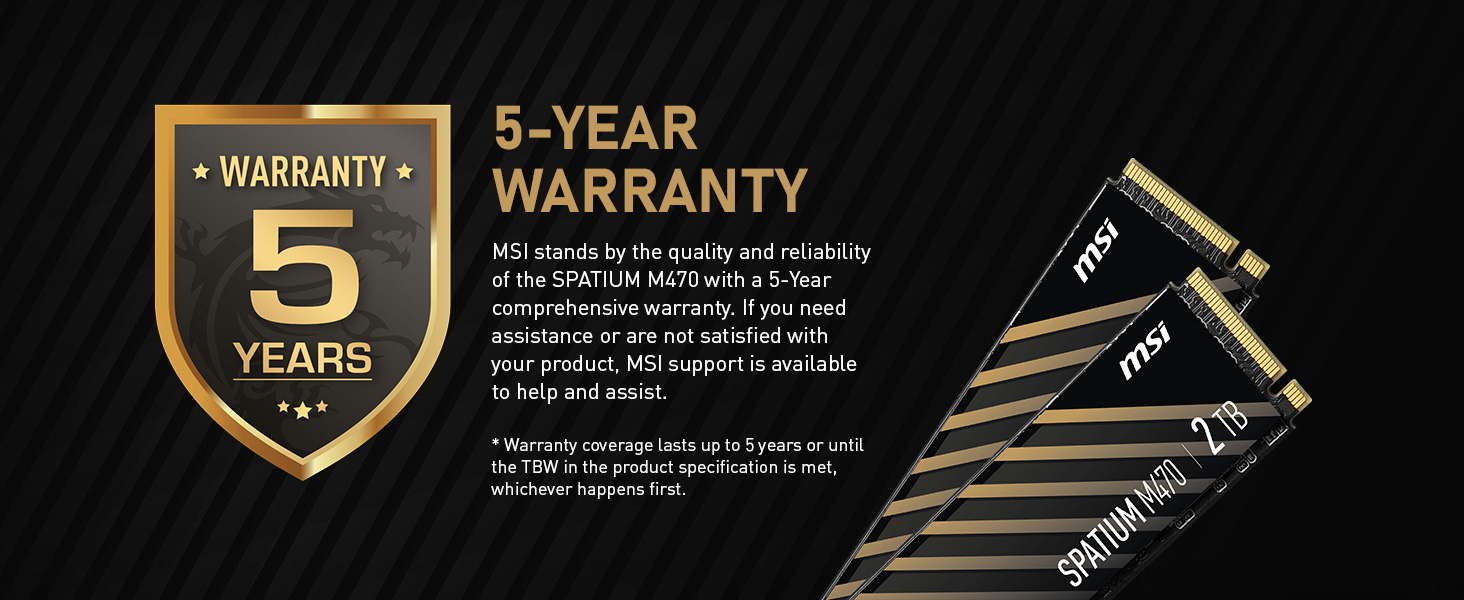
Image: A graphic highlighting the 5-year warranty provided by MSI for the SPATIUM M470 SSD, emphasizing product support and reliability.
Support and Contact
If you require further assistance, technical support, or have questions regarding your MSI SPATIUM M470 SSD, please contact MSI customer support.
- Online Support: Visit the official MSI website for drivers, FAQs, and support resources.
- Contact Information: Refer to the MSI website for regional contact details, including phone numbers and email support.
- Product Registration: Consider registering your product on the MSI website to facilitate support and warranty claims.
You can find more information and support resources on the MSI Store on Amazon or the official MSI global website.