
ALERTCAM BM-06
ALERTCAM Suction Cup Mount Instruction Manual
Model: BM-06
1. Introduction
This manual provides instructions for the installation, operation, and maintenance of your ALERTCAM Suction Cup Mount. This mount is designed to securely attach your Blink security cameras to smooth surfaces without the need for tools or drilling.
Compatibility: Designed for Blink XT / XT2, Blink Mini, Blink Outdoor 4 (4th Gen), and Blink Outdoor (3rd Gen) Cameras.

Image: A visual chart illustrating the compatibility of the ALERTCAM suction cup mount with various Blink camera models, including Blink Outdoor 4 (4th Gen), Blink Outdoor (3rd Gen), Blink XT / XT2, Blink Mini 2, Blink Mini, and Blink Indoor.
2. Package Contents
Verify that all items are present in your package:
- ALERTCAM Suction Cup Mount(s)
- Instruction Manual (this document)

Image: Two ALERTCAM suction cup mounts, showing the product as it would appear in its packaging.
3. Setup and Installation
Follow these steps to properly set up and install your ALERTCAM Suction Cup Mount:
- Prepare the Surface: Ensure the mounting surface is smooth, clean, and dry. Suitable surfaces include windows, tiles, metal, or glass. Avoid porous or textured surfaces.
- Attach Camera to Mount: Securely attach your Blink camera to the mount's screw thread.
- Position the Mount: Press the suction cup firmly against the desired smooth surface.
- Engage Suction Lock: Push down the lever on the suction cup to create a strong vacuum seal.
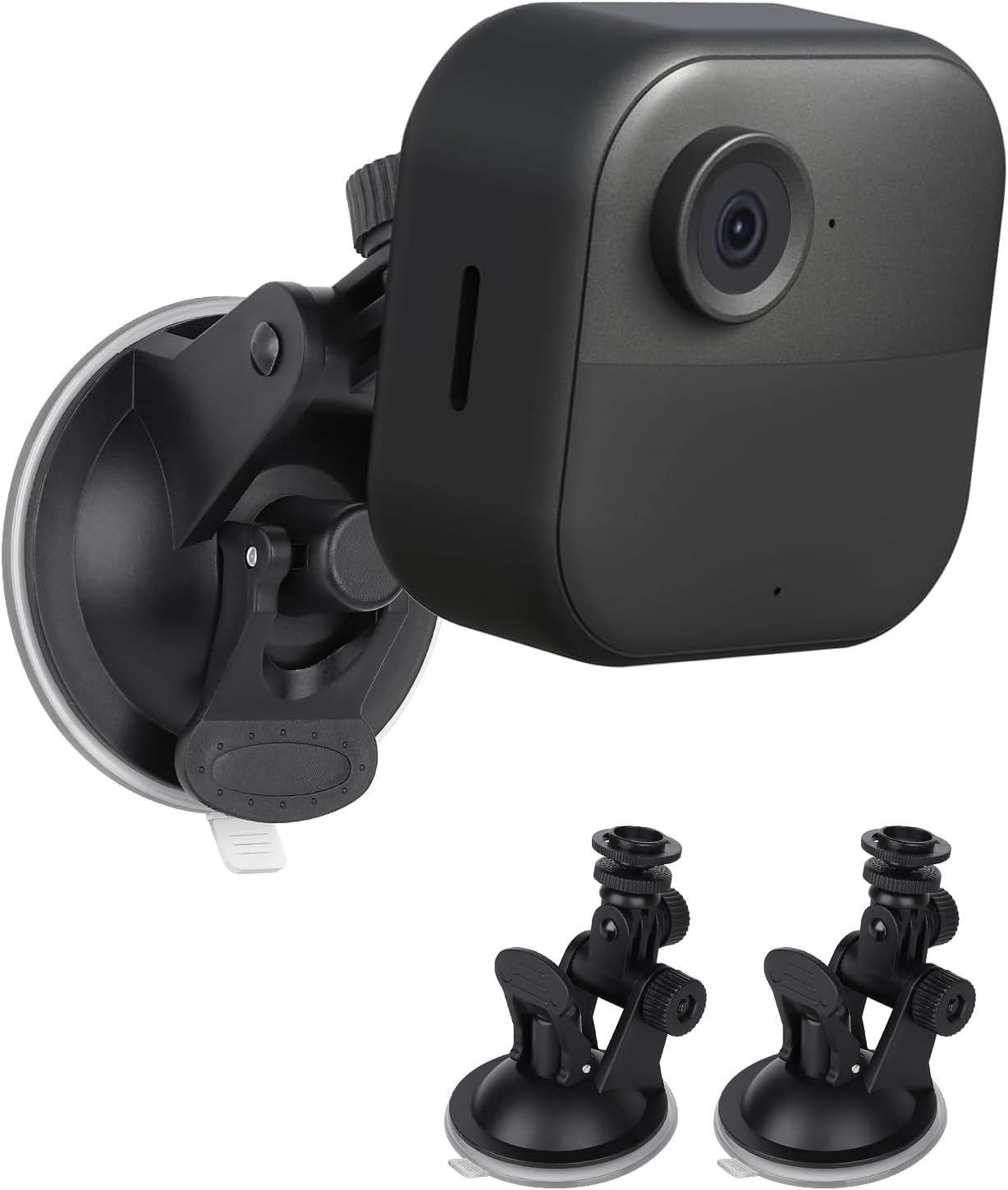
Image: A Blink camera securely attached to the ALERTCAM suction cup mount, demonstrating the assembled unit.

Image: A visual guide illustrating the "Lock" and "Release" actions for the suction cup mechanism, with a note indicating compatibility only with smooth surfaces.
4. Operating Instructions
The ALERTCAM Suction Cup Mount offers flexible positioning for your Blink camera:
- 360-Degree Angle Adjustment: The mount features a ball joint that allows for full 360-degree rotation, enabling you to achieve any desired camera angle.
- 180-Degree Tilt Adjustment: The mount also allows for 180-degree tilt adjustment to fine-tune your camera's vertical viewing angle.
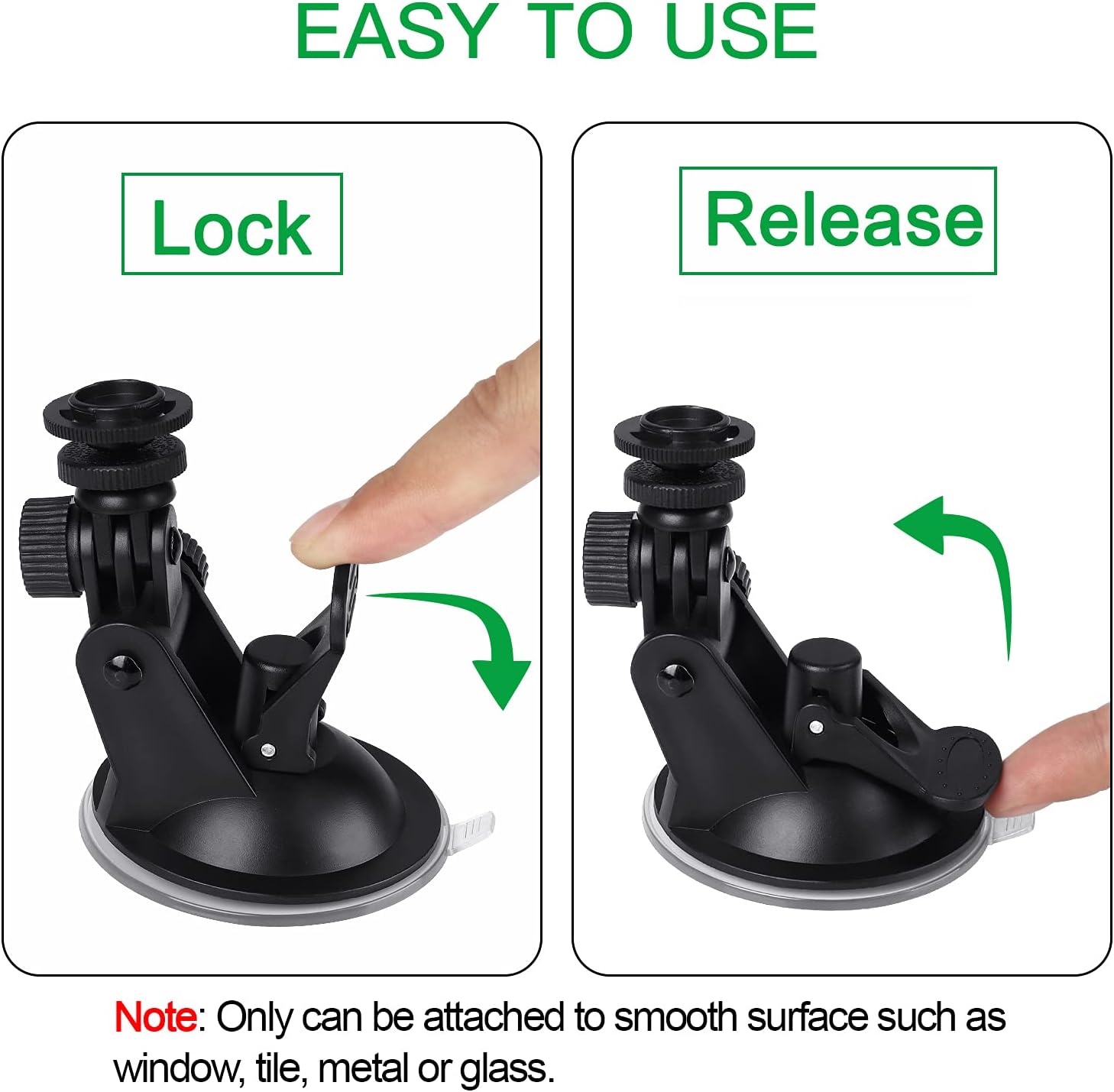
Image: A technical diagram highlighting the 180-degree rotation ball for angle adjustment and providing key dimensions of the suction cup mount.
Example Use Cases:
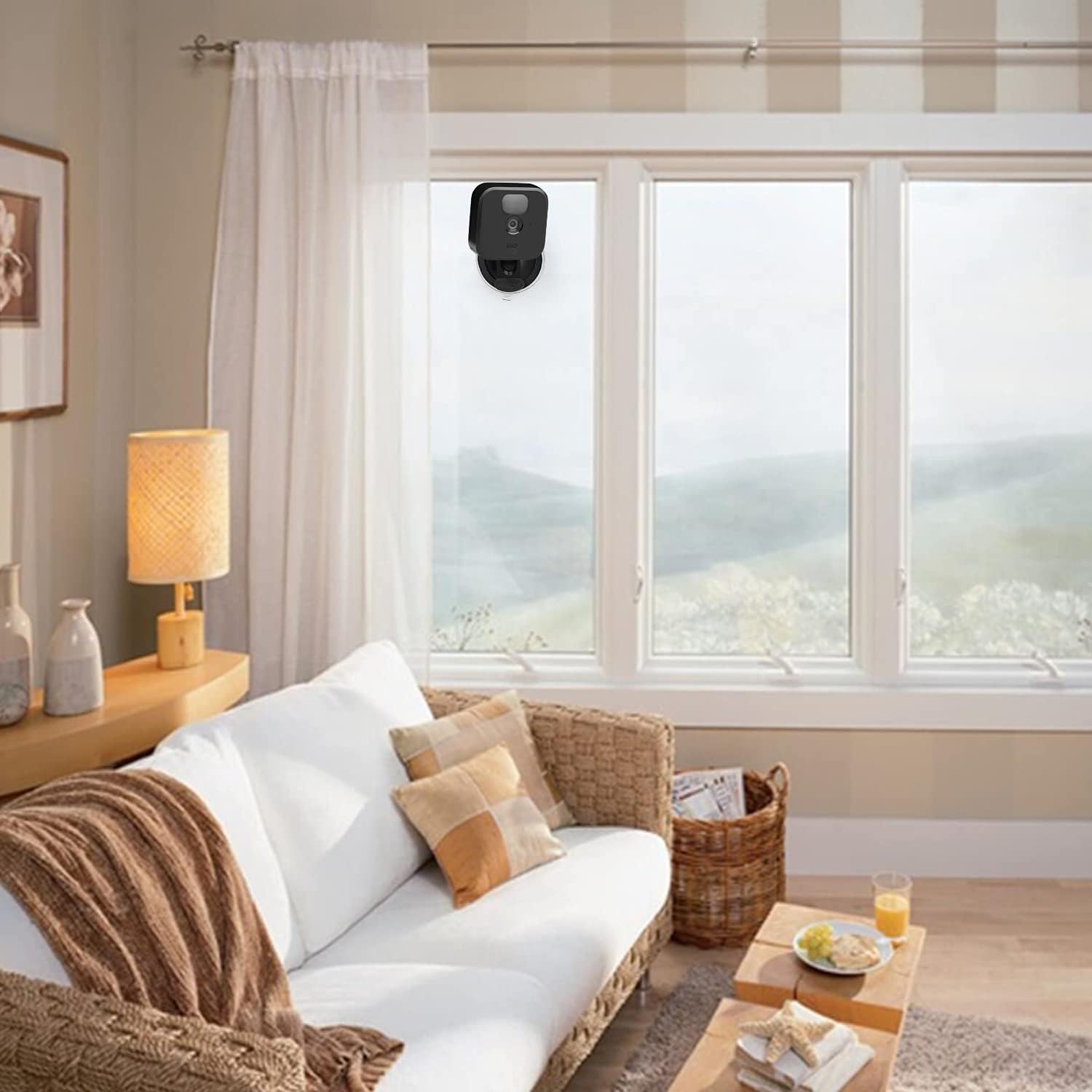
Image: A Blink camera installed on the exterior of a large window, demonstrating outdoor placement using the suction cup mount.

Image: A Blink camera installed on an interior window, showcasing indoor application of the suction cup mount for home monitoring.
Video Demonstration:
Video: A demonstration of the ALERTCAM suction cup mount's adjustability, showing how to position the camera up, down, and side-to-side. This video highlights the flexibility of the mount for various viewing angles.
5. Maintenance
To ensure optimal performance and longevity of your suction cup mount:
- Clean Suction Cup: Periodically clean the suction cup and the mounting surface with a damp cloth to remove dust or debris. Ensure both are completely dry before re-attaching.
- Check Suction: Regularly check the suction seal, especially in environments with significant temperature fluctuations. Re-apply if the seal appears to weaken.
- Storage: When not in use, store the mount in a clean, dry place away from direct sunlight and extreme temperatures.
6. Troubleshooting
| Problem | Possible Cause | Solution |
|---|---|---|
| Mount does not stick or falls off. |
|
|
| Camera angle shifts. |
|
|
7. Product Specifications
- Model: BM-06
- Compatibility: Blink XT / XT2, Blink Mini, Blink Outdoor 4 (4th Gen), Blink Outdoor (3rd Gen) Camera
- Material: High-quality plastic and rubber
- Dimensions: Approximately 3.58 x 3.58 x 2.91 inches (Package Dimensions)
- Item Weight: 4.6 ounces
- Manufacturer: SKY Direct
- Country of Origin: China
8. Warranty and Support
ALERTCAM is dedicated to providing high-quality and long-lasting security camera accessories. If you encounter any problems with your ALERTCAM Suction Cup Mount, please do not hesitate to contact us for assistance.
For support, please visit the official ALERTCAM store or contact customer service through your purchase platform.
Note: Specific warranty terms may vary. Please refer to your purchase documentation for detailed warranty information.
Ask a question about this manual
Ask about setup, troubleshooting, compatibility, parts, safety, or missing instructions. Manuals+ will review the question and use this page’s manual context to help answer it.