
Kewig Z8-B
KEWIG Car Charger Model Z8-B Instruction Manual
Dual QC3.0 USB Fast Car Charger Adapter with Blue LED & ON/Off Switch
Introduction
This manual provides detailed instructions for the safe and efficient use of your KEWIG Car Charger Model Z8-B. Please read this manual thoroughly before using the product and retain it for future reference.

Image: The KEWIG Car Charger Model Z8-B, featuring dual USB ports with blue LED illumination and a power switch.
Safety Information
To ensure safe operation, please observe the following precautions:
- Do not disassemble or modify the charger.
- Keep the charger away from water, moisture, and extreme temperatures (-20°C to 60°C).
- Avoid dropping or subjecting the charger to strong impacts.
- Ensure the car's cigarette lighter socket is clean and free of debris before insertion.
- Unplug the charger when not in use for extended periods.
- Do not operate the charger if it appears damaged.
Product Features
- Dual QC3.0 USB Ports: Enables fast charging for two compatible devices simultaneously, up to 4 times faster than conventional charging. Each port provides 18W / 3A output, with a total output of 36W. Backward compatible with QC 2.0 & 1.0.
- Blue LED Indicator: Illuminates to help locate the charging ports in low-light conditions.
- Touch ON/Off Switch: Controls the blue LED light. Note: The switch's primary function is for the LED, but some vehicle electrical systems may allow it to control power to the USB ports as well.
- Durable Construction: Made from high-temperature and low-temperature resistant materials for reliable operation in various environments.
- Built-in Smart Chip: Provides multiple safety protections, including overcharge, overcurrent, over-temperature, and short-circuit protection.
- Universal Compatibility: Compatible with a wide range of mobile devices, delivering optimal charge speeds to both Quick Charge and non-Quick Charge devices.
Package Contents
- 1 x KEWIG Car Charger Model Z8-B
- 2 x USB Cables
Setup Instructions
- Locate the Cigarette Lighter Socket: Identify the 12V cigarette lighter or power outlet in your vehicle.
- Insert the Charger: Firmly insert the KEWIG Car Charger into the cigarette lighter socket. Ensure it is fully seated for a stable connection. The blue LED light should illuminate, indicating power.
- Connect Your Device: Plug one end of your USB charging cable into one of the QC3.0 USB ports on the charger and the other end into your mobile device.

Image: The KEWIG Car Charger inserted into a car's power outlet, showing the blue LED illumination.
Video: A demonstration of the KEWIG Car Charger being installed and used to charge devices in a vehicle.
Operating Instructions
- Charging Devices: Once the charger is plugged into the car's power outlet and your device is connected via a USB cable, charging will begin automatically. The blue LED indicates the charger is powered.
- Using the Touch Switch: The touch switch on the charger controls the blue LED light. Tap the switch to turn the LED on or off.

Image: Illustration of the touch switch controlling the blue LED light on the car charger.
- Simultaneous Charging: The charger is designed to charge two devices concurrently at their optimal speeds.

Image: The KEWIG Car Charger simultaneously charging two smartphones.

Image: A graphic demonstrating the faster charging speed of QC3.0 compared to standard 5V/1A charging.
Maintenance
- Cleaning: Use a dry, soft cloth to wipe the exterior of the charger. Do not use liquid cleaners or solvents.
- Storage: When not in use, store the charger in a cool, dry place, away from direct sunlight and extreme temperatures.
- Inspection: Periodically check the charger and USB cables for any signs of wear or damage. Replace damaged components immediately.
Troubleshooting
| Problem | Possible Cause | Solution |
|---|---|---|
| Charger not powering on (no blue LED). |
|
|
| Device not charging or charging slowly. |
|
|
| Blue LED not turning on/off with switch. |
|
|
Specifications
| Feature | Detail |
|---|---|
| Model Number | Z8-B |
| Input Voltage | 12 Volts (DC) |
| Output (Each Port) | 18W / 3A (QC3.0) |
| Total Output | 36W |
| USB Ports | 2 (Dual QC3.0) |
| Special Features | Touch Switch, Blue LED Light |
| Operating Temperature | -20°C to 60°C |
| Dimensions | 3.15 x 2.28 x 1.54 inches |
| Item Weight | 1.44 ounces |
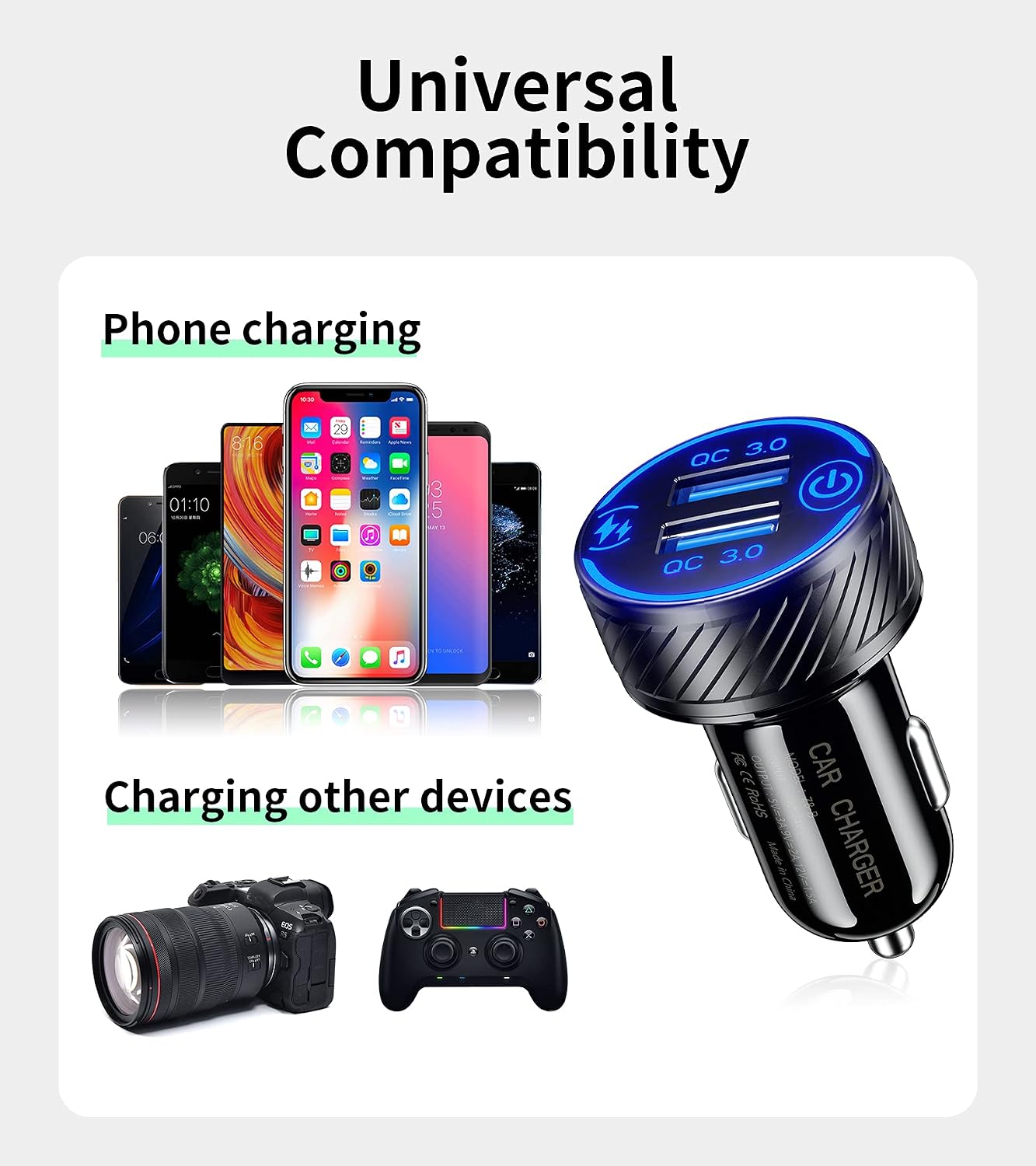
Image: A visual representation of the KEWIG Car Charger's broad compatibility with various smartphones, cameras, and game controllers.
Warranty and Support
KEWIG products are designed for reliability and performance. For warranty information or technical support, please contact KEWIG customer service through the retailer where the product was purchased or visit the official KEWIG brand store online.
Official KEWIG Brand Store: KEWIG Store
Related documentsZ8-B


Ask a question about this manual
Ask about setup, troubleshooting, compatibility, parts, safety, or missing instructions. Manuals+ will review the question and use this page’s manual context to help answer it.