
RCA ANT860EV
RCA Amplified Outdoor or Attic HDTV Antenna Instruction Manual
Model: ANT860EV
Product Overview
The RCA Amplified Outdoor or Attic HDTV Antenna (Model ANT860EV) is designed to provide clear reception of digital over-the-air (OTA) television broadcasts, including 4K, 8K, and 1080p HDTV signals. This multi-directional antenna offers an 80-mile range and is capable of receiving both VHF and UHF stations. Its compact and durable design allows for versatile installation in either attic or outdoor environments, making it a reliable solution for accessing free local network programming.

Image: The RCA Amplified Outdoor or Attic HDTV Antenna, showcasing its multi-directional design.
Key Features:
- Versatile Mounting: Designed for both attic and outdoor installation, with durable construction to withstand various weather conditions.
- Free HDTV: Access top-rated network programming (CBS, NBC, FOX, ABC, etc.) without monthly fees or subscriptions.
- Enhanced Signal Reception: Features an amplifier and spiral design for superior reception and boosting of weak signals.
- High-Quality Broadcasts: Supports 4K, 8K, and 1080p HDTV signals for optimal picture and sound quality, covering both UHF and VHF frequencies.
- Complement to Streaming: Serves as an excellent complement to streaming services and a reliable backup during cable or satellite outages.
Package Contents
Before beginning installation, ensure all components are present:

Image: All components included in the RCA Amplified Outdoor or Attic HDTV Antenna package, including the antenna unit, mounting hardware, power supply, and coaxial cable.
- RCA Amplified Outdoor or Attic HDTV Antenna Unit
- Mounting Bracket and Hardware (screws, wall anchors, U-bolts for pole mounting)
- Power Inserter/Amplifier
- AC Power Adapter
- Coaxial Cable
- Instruction Manual (this document)
Setup and Installation
Proper installation is crucial for optimal performance. The antenna can be mounted in an attic or outdoors.
1. Site Selection
Choose a location that provides the clearest line of sight to local broadcast towers. Use the RCA Signal Finder app (available on iOS and Android) to identify the best direction and signal strength for your area.

Image: Screenshots of the RCA Signal Finder app, illustrating steps to download, enter address, and aim the antenna for best reception.
- Attic Installation: Mount the antenna as high as possible within the attic, away from large metal objects or electrical wiring that could interfere with the signal.
- Outdoor Installation: For best results, mount the antenna outdoors on a mast, roof, or exterior wall. Ensure it is securely fastened and clear of obstructions like trees or buildings.

Image: The RCA antenna mounted in an attic, demonstrating a typical indoor installation scenario.
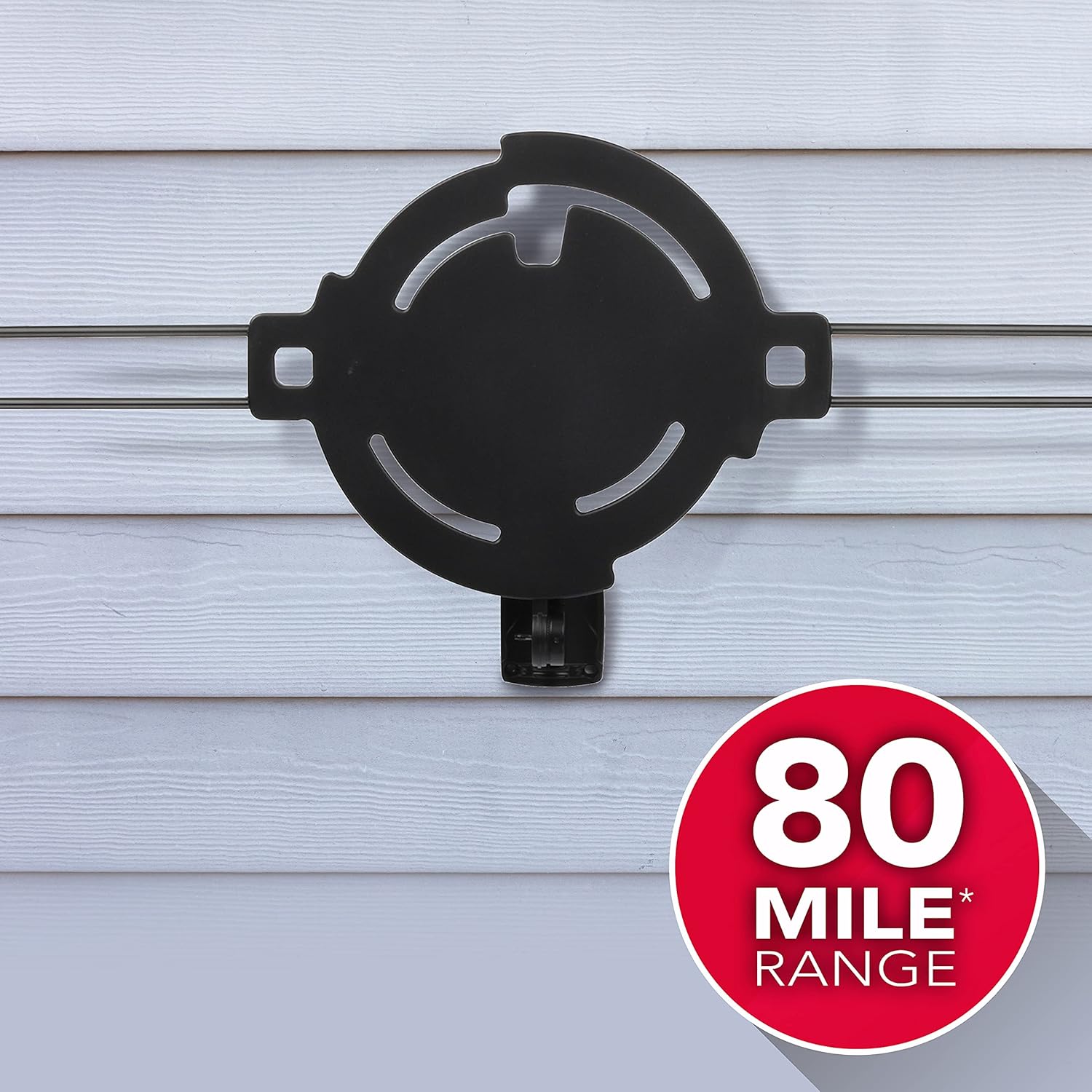
Image: The RCA antenna mounted on an exterior wall, illustrating an outdoor installation.
2. Mounting the Antenna
- Assemble the antenna elements if not already pre-assembled. Refer to the diagram for proper orientation.
- Attach the mounting bracket to the antenna unit.
- Secure the antenna to your chosen surface (wall, mast, or attic beam) using the provided screws or U-bolts. Ensure it is level and stable.
3. Connecting to TV
- Connect one end of the coaxial cable to the antenna's output port.
- Connect the other end of the coaxial cable to the "Antenna In" or "RF In" port on the power inserter/amplifier.
- Connect a second coaxial cable (not included, or use the one provided if long enough) from the "TV Out" port on the power inserter/amplifier to the "Antenna In" or "RF In" port on your television.
- Plug the AC power adapter into the power inserter/amplifier, then plug the adapter into a standard electrical outlet. The amplifier boosts the signal for better reception.
Operating Instructions
1. Channel Scan
After installation and connection, perform a channel scan on your television:
- Turn on your television and select the correct input source (usually "TV" or "Antenna").
- Navigate to your TV's menu settings. Look for options like "Channel Setup," "Auto Program," "Channel Scan," or "Antenna Scan."
- Initiate the scan. This process may take several minutes as your TV searches for available over-the-air channels.
- Once the scan is complete, your TV will display the number of channels found. You can now browse and watch free local broadcasts.

Image: A couple enjoying clear HD television reception, illustrating the benefit of the antenna.
2. Optimizing Reception
- If you are not receiving all desired channels or experience signal dropouts, try slightly adjusting the antenna's direction and performing another channel scan.
- Ensure the amplifier is powered on and properly connected. The amplifier is crucial for boosting weak signals, especially for channels at the edge of the 80-mile range.
- Minimize obstructions between the antenna and broadcast towers.
Maintenance
The RCA Amplified Outdoor or Attic HDTV Antenna is designed for durability and requires minimal maintenance.
- Regular Inspection: Periodically check outdoor installations for secure mounting and any signs of wear or damage to the antenna or coaxial cable, especially after severe weather.
- Cleaning: If necessary, gently wipe the antenna with a soft, damp cloth to remove dirt or debris. Do not use harsh chemicals or abrasive cleaners.
- Cable Integrity: Ensure coaxial cable connections remain tight and free from corrosion.
Troubleshooting
| Problem | Possible Cause | Solution |
|---|---|---|
| No channels found or poor reception. | Antenna not aimed correctly; amplifier not powered; loose connections; obstructions; too far from broadcast towers. | Re-aim antenna using the RCA Signal Finder app and re-scan channels. Ensure amplifier is plugged in and its light is on. Check all coaxial cable connections. Relocate antenna to a higher or less obstructed position. |
| Picture pixelates or freezes. | Weak signal; interference. | Adjust antenna direction slightly. Ensure amplifier is working. Check for sources of interference (e.g., large metal objects, other electronics). |
| Only some channels are received. | Antenna not optimized for all frequencies (VHF/UHF); specific channels are weaker. | Perform a full channel scan. Try minor adjustments to antenna orientation. Some channels may be harder to receive due to distance or terrain. |
| Antenna not powering on (if applicable). | Power adapter or inserter issue. | Verify power adapter is securely plugged into both the inserter and a working electrical outlet. Check for any damage to the power inserter. |
Specifications
| Attribute | Detail |
|---|---|
| Brand | RCA |
| Model Number | ANT860EV |
| Item Weight | 3.67 pounds |
| Product Dimensions | 113 x 1 x 1 inches |
| Color | Black |
| Impedance | 75 Ohm |
| Maximum Range | 80 Miles |
| Number of Channels | 100 (theoretical maximum) |
| Supported Broadcasts | 4K, 8K, 1080p HDTV (VHF & UHF) |
| Manufacturer | Voxx Accessories Corporation |
| UPC | 044476138881 |
Warranty and Support
For warranty information and technical support, please refer to the official RCA website or contact their customer service. Keep your purchase receipt as proof of purchase.
RCA Customer Support: Visit RCA Support Website
Manufacturer: Voxx Accessories Corporation
Related documentsANT860EV


Ask a question about this manual
Ask about setup, troubleshooting, compatibility, parts, safety, or missing instructions. Manuals+ will review the question and use this page’s manual context to help answer it.