
RADLEY RYS03-2056
RADLEY Smart Watch RYS03-2056 User Manual
Your comprehensive guide to the Radley London Series 3 Smart Watch.
Introduction
Welcome to the user manual for your new RADLEY Smart Watch RYS03-2056. This smart watch features a vibrant colour screen, intuitive crown navigation, and an impressive battery life of up to 7 days. Designed for convenience and style, it helps you stay connected and track your daily activities. This manual provides detailed instructions on setting up, operating, maintaining, and troubleshooting your device to ensure you get the most out of its capabilities.

Figure 1: Front view of the RADLEY Smart Watch RYS03-2056, displaying the time and date.
Setup
1. Unboxing and Initial Charge
Upon unboxing your RADLEY Smart Watch, ensure all components are present: the smart watch, USB charger, and this instruction manual. Before first use, fully charge your watch.
- Connect the USB charger to a compatible USB power source (e.g., computer USB port, wall adapter).
- Attach the magnetic end of the charger to the charging points on the back of your watch. Ensure it snaps securely into place.
- The watch display will indicate charging status. A full charge typically takes approximately 2 hours.
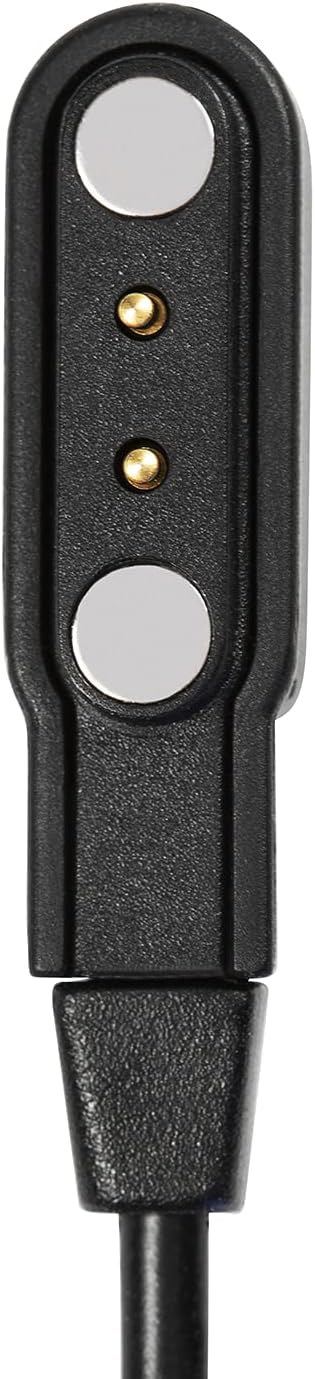
Figure 2: The magnetic USB charger for the smart watch.

Figure 3: The Radley London presentation gift box, which includes the watch and accessories.
2. App Installation and Pairing
To unlock the full potential of your smart watch, download the free Radley London Active App on your smartphone. The app is compatible with both iOS and Android devices.
- Search for "Radley London Active" in your smartphone's app store (Apple App Store for iOS, Google Play Store for Android).
- Download and install the app.
- Open the Radley London Active App and follow the on-screen instructions to create an account or log in.
- Ensure Bluetooth is enabled on your smartphone.
- Within the app, navigate to the device pairing section and select your RADLEY Smart Watch from the list of available devices.
- Confirm the pairing request on both your watch and smartphone.

Figure 4: A smartphone displaying the Radley London Active App interface.
Operating Instructions
Your RADLEY Smart Watch offers a range of features to enhance your daily life. Navigate through the watch's functions using the crown and touch screen.
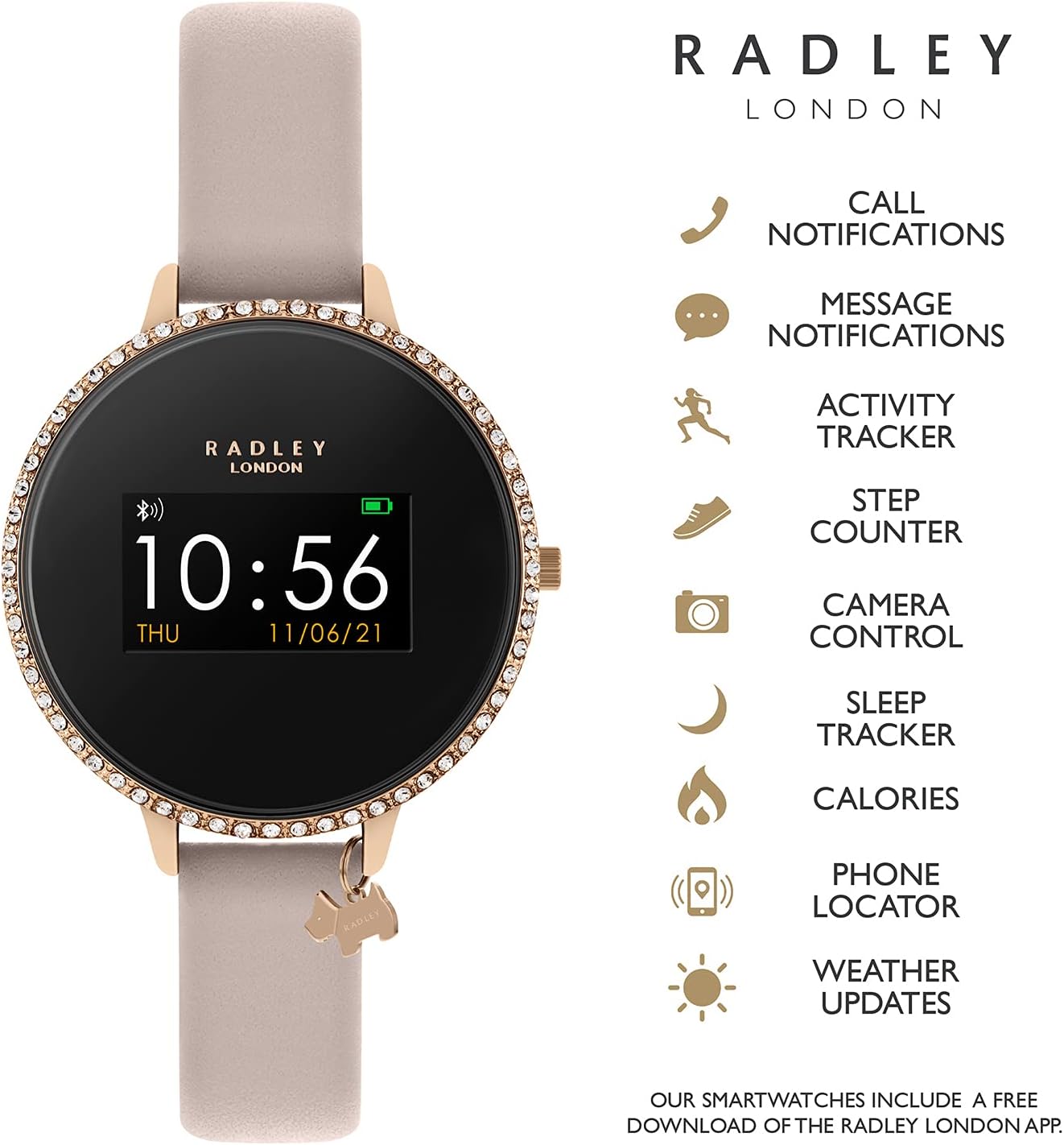
Figure 5: The smart watch displaying its various features and capabilities.
Key Features:
- Call and Message Notifications: Receive alerts for incoming calls and messages directly on your wrist. Configure notification settings via the Radley London Active App.
- Activity Tracking: Monitor specific activities such as running, walking, cycling, and climbing in real-time. The watch tracks distance, steps, and calories burned.
- Sleep Tracking: Analyze your sleep patterns to understand your sleep quality. View detailed reports in the companion app.
- Live Weather Updates: Get current weather information directly on your watch, provided it's connected to your smartphone.
- Selfie Camera Control: Use your watch as a remote shutter for your smartphone's camera.
- Find Your Phone Function: If your phone is misplaced but within Bluetooth range, use this feature to make it ring.
- Alarms and Reminders: Set alarms and reminders through the app to vibrate on your watch.
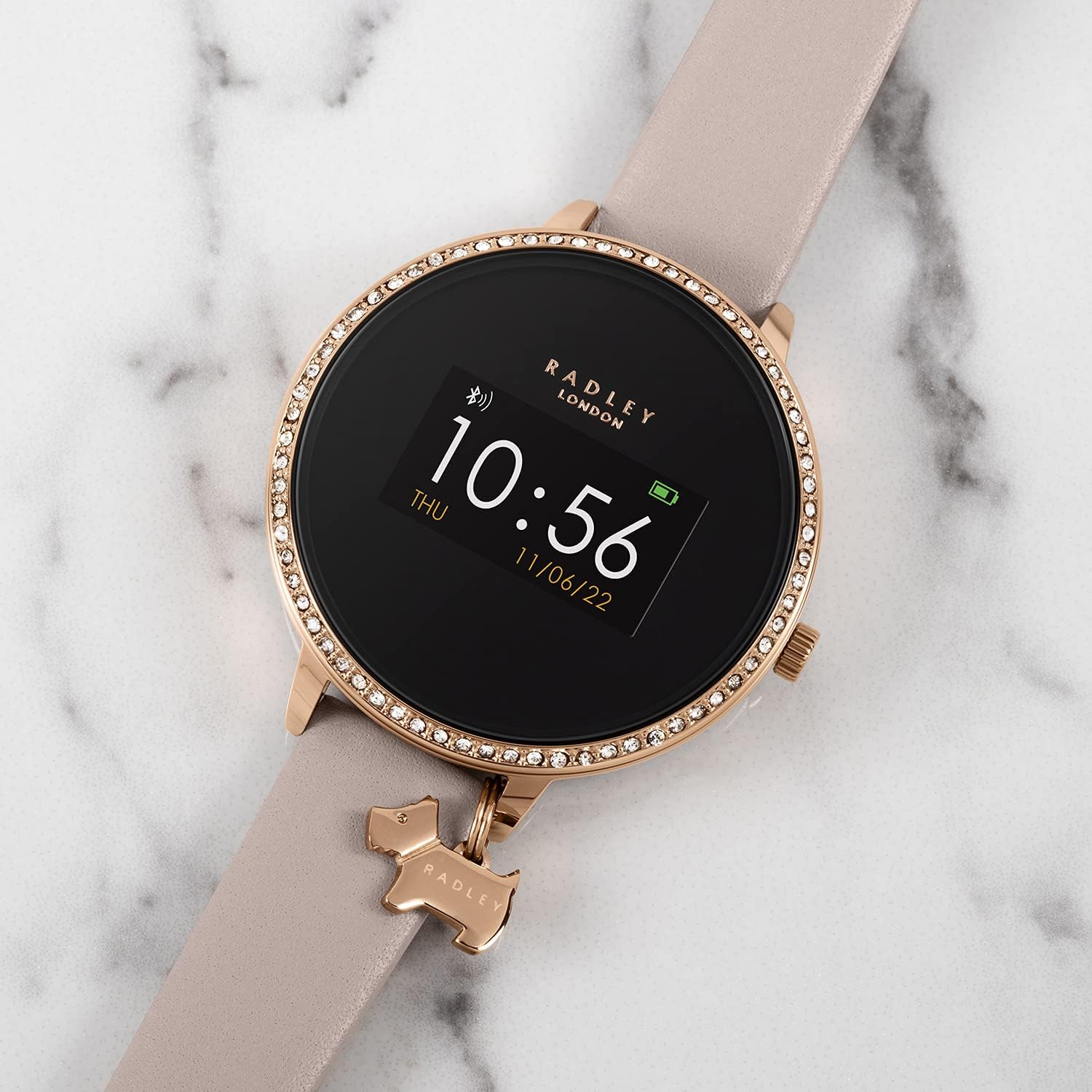
Figure 6: The RADLEY Smart Watch RYS03-2056 resting on a marble surface, showcasing its design.
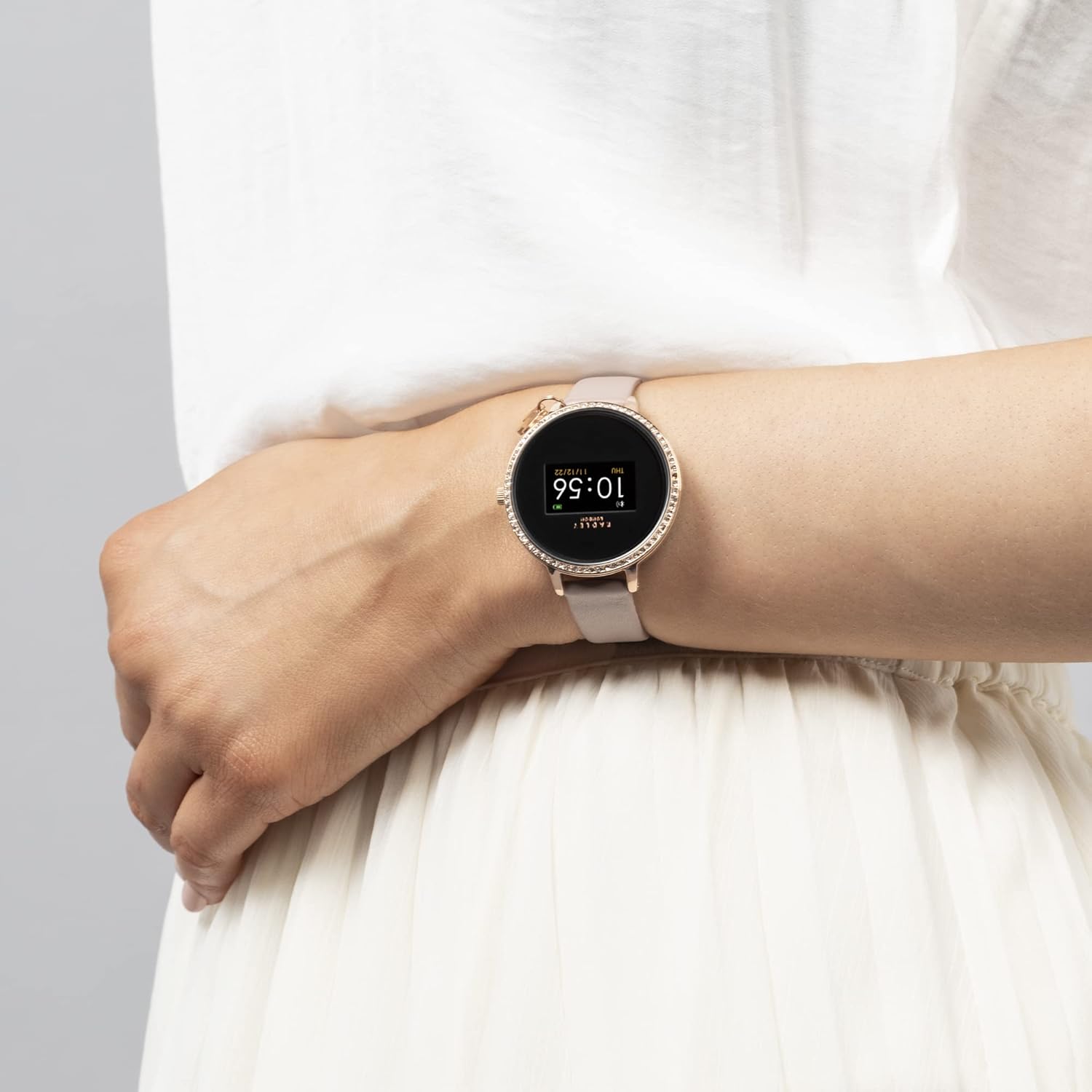
Figure 7: The RADLEY Smart Watch RYS03-2056 worn on a person's wrist, demonstrating its size and fit.
Maintenance
Proper care will extend the life and maintain the appearance of your RADLEY Smart Watch.
- Cleaning: Gently wipe the watch screen and strap with a soft, damp, lint-free cloth. Avoid using harsh chemicals or abrasive materials.
- Water Resistance: The watch is splashproof only. Avoid submerging it in water, showering, or swimming with it.
- Storage: When not in use for extended periods, store the watch in a cool, dry place away from direct sunlight.
- Battery Care: To preserve battery health, avoid fully discharging the battery frequently. Charge it regularly.
Troubleshooting
If you encounter issues with your RADLEY Smart Watch, try the following solutions:
| Issue | Possible Solution |
|---|---|
| Watch not turning on | Ensure the watch is fully charged. Connect it to the USB charger and allow it to charge for at least 30 minutes before attempting to power on. |
| Cannot pair with smartphone |
|
| Notifications not appearing |
|
| Inaccurate activity tracking | Ensure the watch is worn snugly on your wrist. Calibrate settings within the Radley London Active App if available. |
Specifications
| Feature | Detail |
|---|---|
| Model | RYS03-2056 |
| Brand | RADLEY |
| Operating System Compatibility | iOS, Android |
| Display Technology | LCD |
| Display Type | Digital |
| Scanner Resolution | 240 x 240 |
| Battery Average Life | Up to 7 days |
| Battery Type | Lithium Ion (rechargeable, sealed) |
| Wireless Type | Bluetooth |
| Connector Type | USB |
| Water Resistance | Splashproof only |
| Item Weight | 30 g |
| Band Material Type | Leather |
Warranty and Support
Your RADLEY Smart Watch RYS03-2056 comes with a 1-year manufacturer guarantee. This warranty covers defects in materials and workmanship under normal use.
For warranty claims or technical support, please refer to the contact information provided in your product packaging or visit the official RADLEY website. Ensure you have your proof of purchase and the watch's model number (RYS03-2056) ready when contacting support.
Related documentsRYS03-2056


Ask a question about this manual
Ask about setup, troubleshooting, compatibility, parts, safety, or missing instructions. Manuals+ will review the question and use this page’s manual context to help answer it.