
1. Introduction
The Lasko FHV820 Oscillating Hybrid Fan and Space Heater provides versatile year-round comfort for your home. This electric unit combines a powerful ceramic space heater with a high-velocity electric tower fan, designed to meet diverse heating and cooling needs. It features multiple heat settings, fan speeds, widespread oscillation, and convenient digital controls with a remote.

Figure 1: Lasko FHV820 Hybrid Fan and Space Heater with included remote control.
2. Important Safety Information
Please read and understand all safety instructions before using this appliance. Failure to do so may result in electric shock, fire, or serious injury.
Key Safety Features:
- Automatic Overheat Protection: The unit is equipped with a safety mechanism that automatically shuts off the heater if it overheats.
- Cool-Touch Housing: The exterior remains cool to the touch during operation, reducing the risk of burns.
- Tip-Over Safety Switch: The appliance will automatically shut off if accidentally tipped over.

Figure 2: Safety features of the Lasko FHV820, including overheat protection, cool-touch housing, and a tip-over safety switch.
3. Setup and Assembly
The Lasko FHV820 comes fully assembled. However, the power cord needs to be routed through the base for stability and proper placement.
Base Assembly:
- Carefully remove the unit from its packaging.
- Locate the two halves of the base. Align and press them together until they click into place.
- Thread the power cord through the designated channel in the base to ensure it lies flat and is not pinched.
- Secure the base to the bottom of the fan unit by aligning the arrows and rotating clockwise until it locks.
- Ensure the cord is fully secured within the cord keepers on the underside of the base.
Video 1: Demonstration of Lasko FHV820 base assembly and remote control storage.
4. Operating Instructions
The Lasko FHV820 can be operated using the touch-sensing controls on the unit's top panel or the included digital remote control.
Controls Overview:
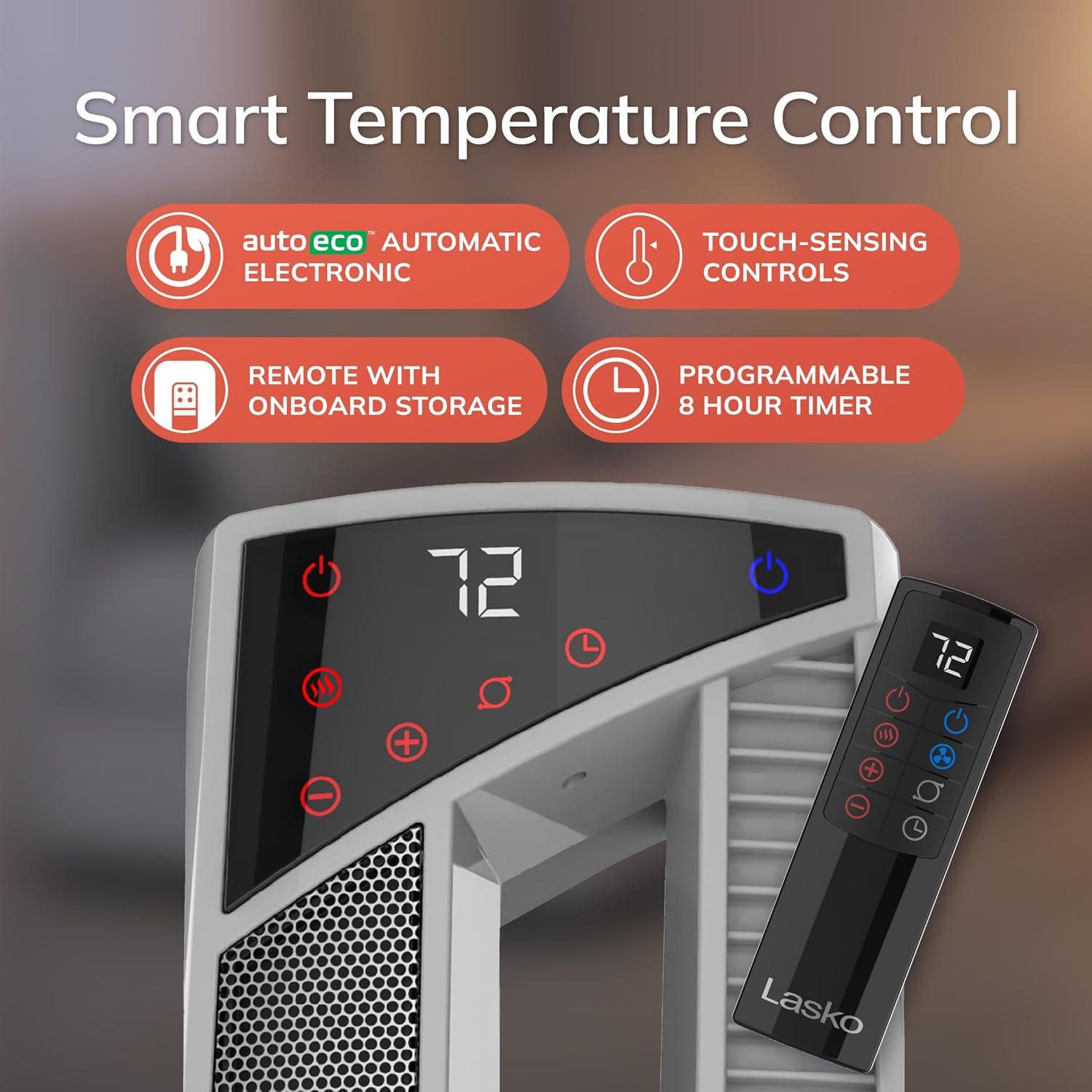
Figure 3: Digital display and remote control for the Lasko FHV820.
- Power Button: Turns the unit ON/OFF.
- Heat Settings: Select from 3 heat levels (Low, Medium, High). The AutoEco thermostat automatically adjusts heat output to maintain your preferred temperature.
- Fan Speeds: Choose from 4 fan speeds (Low, Medium, High, High Velocity) for cooling and air circulation.
- Oscillation: Activates widespread oscillation to distribute air evenly.
- Timer: Set the unit to run for up to 8 hours, adjustable in 30-minute increments.
Switching Modes:
Press the dedicated Heat or Fan button on the control panel or remote to switch between heating and cooling modes.
Video 2: Demonstration of the Lasko FHV820's oscillation feature and mode switching.
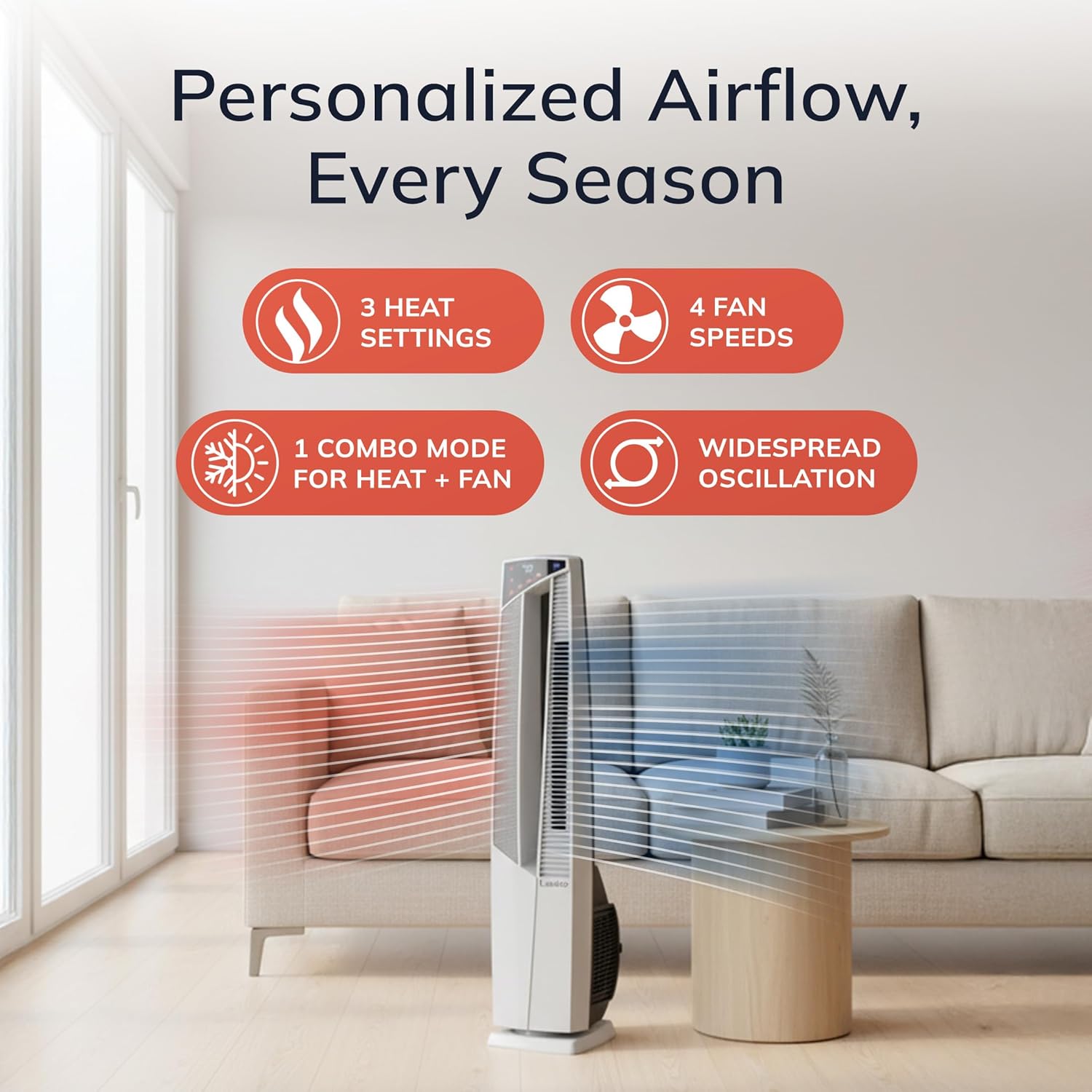
Figure 4: Personalized airflow options including heat settings, fan speeds, and oscillation.
5. Maintenance
Regular cleaning of the filters is essential to maintain optimal performance and efficiency.
Cleaning the Filters:
- The unit features built-in, easy-to-clean filters.
- Refer to the user manual for specific instructions on how to access and clean the filters.
- Ensure the unit is unplugged before performing any maintenance.
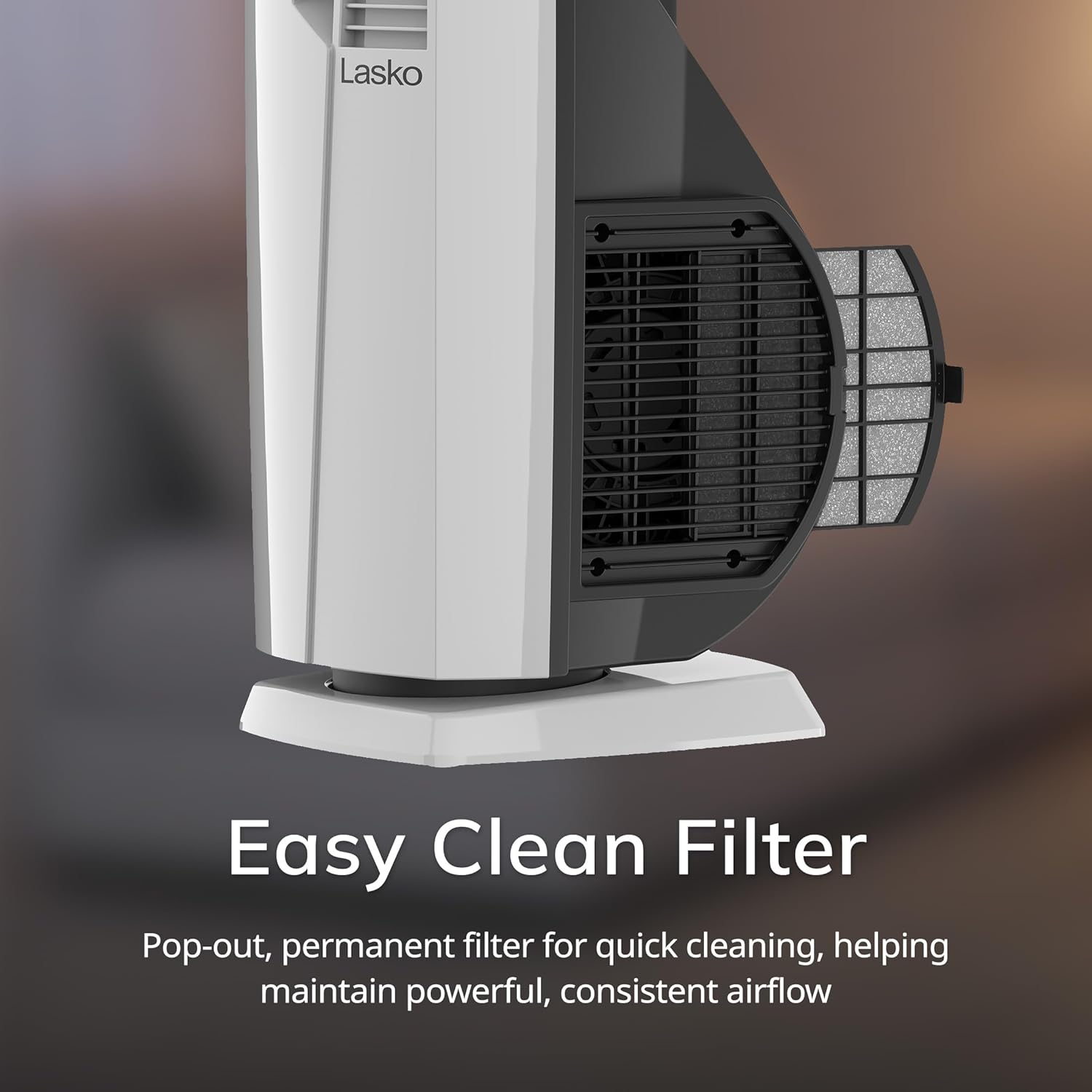
Figure 5: The easy-to-clean filter design of the Lasko FHV820.
6. Troubleshooting
If your Lasko FHV820 is not operating as expected, please check the following common issues:
- Unit Not Turning On: Ensure the power cord is securely plugged into a working electrical outlet. Check if the tip-over switch has been activated (reposition the unit on a flat, stable surface).
- No Heat/Fan Output: Verify that the correct mode (Heat or Fan) is selected and the desired temperature/speed setting is active. Check for any obstructions around the air intake or output vents.
- Reduced Airflow/Heating: Clean the filters as described in the Maintenance section. Dust and debris can restrict airflow.
- Unit Shuts Off Unexpectedly: This may indicate the overheat protection has been activated. Unplug the unit, allow it to cool down for at least 10 minutes, and then check for any obstructions before restarting.
Video 3: User review demonstrating the Lasko FHV820's features and tip-over safety.
7. Specifications
| Feature | Detail |
|---|---|
| Brand | Lasko |
| Model Number | FHV820 |
| Color | White |
| Product Dimensions | 10.96"D x 8"W x 38.65"H |
| Item Weight | 11.5 pounds |
| Power (Heating) | 1500W |
| Voltage | 120 Volts |
| Amperage | 12.5 Amps |
| Heat Settings | 3 (Low, Medium, High) |
| Fan Speeds | 4 (Low, Medium, High, High Velocity) |
| Timer | 8-hour auto-off (30-minute increments) |
| Special Features | High Velocity Tower, AutoEco Thermostat, Remote Control, Portable, Tip-Over Switch, Automatic Overheat Protection, Cool-Touch Housing |
| Heating Coverage | 150 sq. ft. |
| Certifications | ETL |
8. Warranty and Support
The Lasko FHV820 Oscillating Hybrid Fan and Space Heater comes with a 3-year limited manufacturer’s warranty. For warranty claims, technical support, or replacement parts, please contact Lasko customer service directly. Refer to the included user manual for contact details or visit the official Lasko website.


