
Introduction
This manual provides instructions for the proper use and care of DETONGER 40x100mm (1.57" x 3.94") Thermal Sticker Labels. These labels are designed for use with compatible DETONGER label makers, offering a reliable solution for various labeling needs. Please read this manual thoroughly to ensure optimal performance and longevity of your labels.
Key Features
DETONGER thermal labels are engineered with several features to enhance durability and usability:
- Waterproof: Resistant to water exposure, ensuring labels remain legible even in damp conditions.
- Oil-Proof: Designed to repel oils and grease, preventing smudging and maintaining print quality.
- Tear-Proof: Durable material resists tearing, providing long-lasting identification.
- Clear Printing: Optimized for sharp and clear thermal printing.
- Scratch Resistance: Surface treatment helps prevent scratches, preserving label information.
- Strong Viscosity: Features a robust adhesive for secure attachment to various surfaces.
- Fade Resistance: Designed to resist fading over time, ensuring long-term readability.
- Thick Paper: Constructed with a substantial paper thickness for enhanced durability.
- No Carbon Tape Required: Utilizes direct thermal printing technology, eliminating the need for ink or toner ribbons.
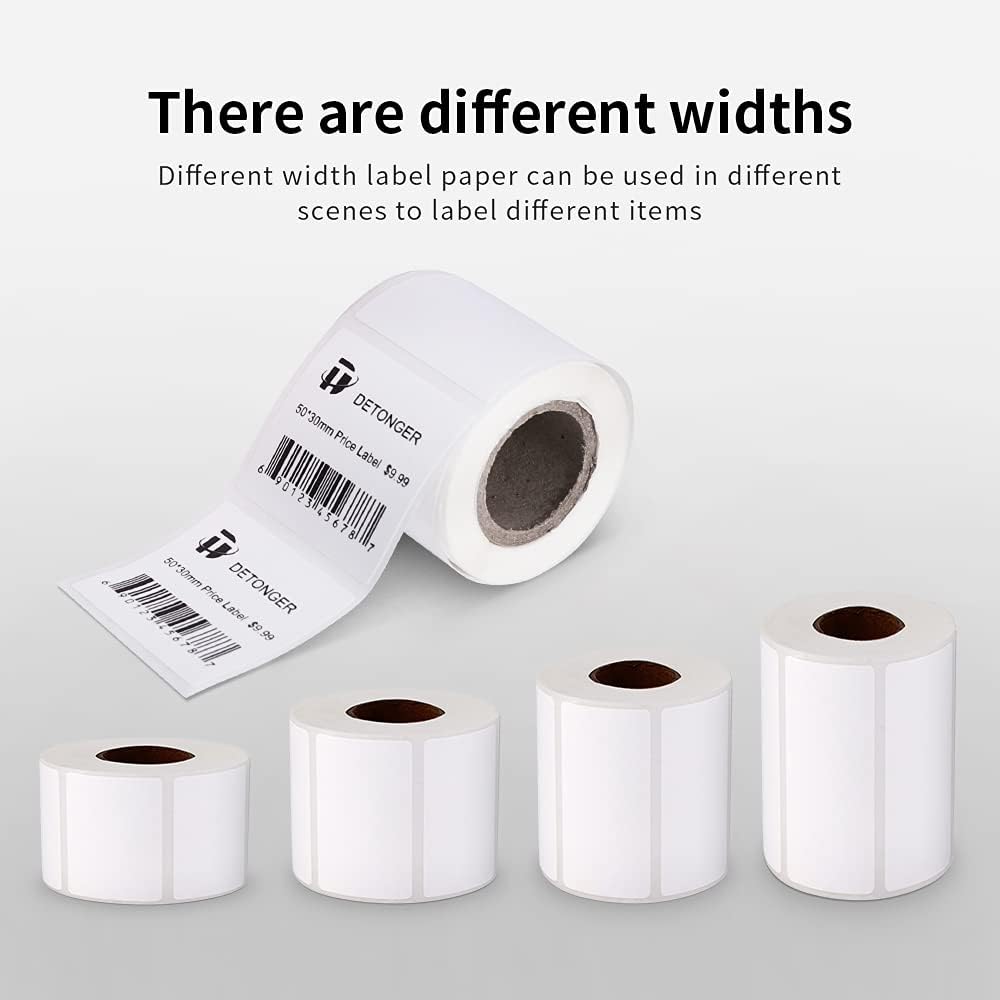
Image: Visual representation of key label features including print clarity, scratch resistance, strong viscosity, fade resistance, paper thickness, and waterproof/oil-proof properties.
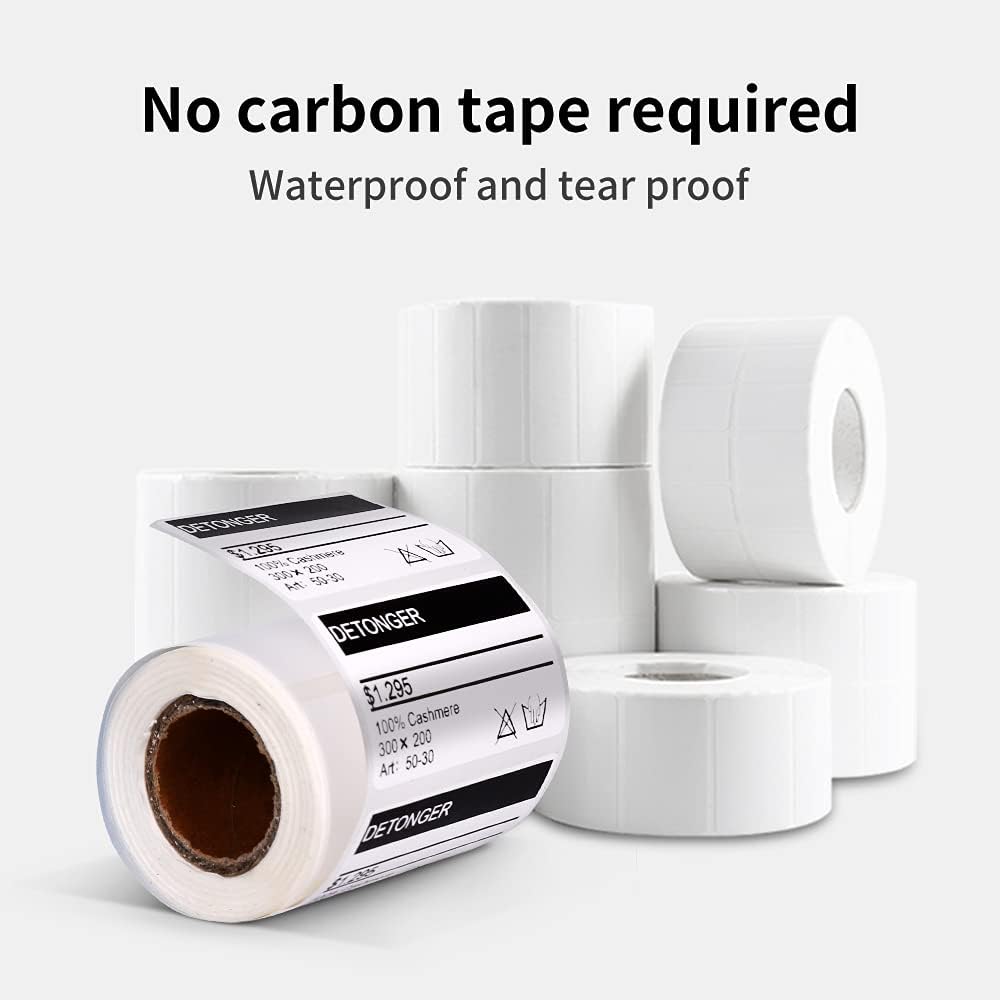
Image: Illustration highlighting that no carbon tape is needed for these thermal labels, emphasizing their waterproof and tear-proof qualities.

Image: Diagram illustrating the multi-layered structure of the thermal label paper, consisting of a protective layer, a thermal sensitive layer, and a ground paper layer.
Compatibility
These DETONGER 40x100mm thermal labels are specifically designed for seamless compatibility with the following DETONGER label maker models:
- DP23S
- DP26
- DP30S
- DP23
- DP23P
- DP23L

Image: Display of various DETONGER label maker models (DP23S, DP23, DP23P, DP23L) confirming their compatibility with these labels.

Image: A DETONGER DP30S label maker shown with a label roll, confirming its compatibility.
Setup and Installation
Follow these steps to properly install the label roll into your compatible DETONGER label maker:
Loading the Label Roll
- Open the cover of your DETONGER label maker.
- Take a roll of DETONGER 40x100mm thermal labels. Ensure the printable side of the label faces downwards when inserting.
- Place the label roll into the designated compartment, making sure it sits securely.
- Close the label maker cover firmly until it clicks into place.
Video: This video demonstrates the process of installing a paper roll into a DETONGER label maker. It shows opening the device, placing the label roll with the printable side down, and closing the cover. The relevant segment for installation is from 0:03 to 0:13.
Operating Instructions
Once the labels are installed, follow these steps to operate your label maker and print labels:
Powering On and Feeding Labels
- Press the power button once to turn on the label maker. An indicator light should illuminate.
- Press the power button again to feed a blank label, ensuring it is correctly aligned for printing.
Editing and Printing Labels
- Open the DETONGER label maker application on your smartphone or device.
- Create a new label and set the dimensions to 40mm width and 100mm height.
- Add your desired text or content to the label design. You can adjust fonts and formatting within the app.
- Connect your label maker to the app via Bluetooth. Select your printer from the list of discovered devices.
- Once connected, initiate the print command from the application.
- Carefully tear off the printed label from the label maker.
Video: This video demonstrates the process of powering on the label maker, feeding labels, editing label content on a smartphone application, connecting to the printer, and finally printing the customized label. The relevant segment for operation is from 0:14 to 0:53.
Care and Maintenance
To maintain the quality and performance of your DETONGER thermal labels, consider the following:
- Storage: Store label rolls in a cool, dry place away from direct sunlight and extreme temperatures to prevent premature fading or adhesive degradation.
- Handling: Avoid touching the thermal sensitive surface of the labels with bare hands as oils can affect print quality.
- Cleaning: If labels become dirty before application, gently wipe with a dry, soft cloth. Avoid abrasive cleaners or solvents.
- Application Surface: For optimal adhesion, ensure the surface where the label is applied is clean, dry, and smooth.
Troubleshooting
If you encounter issues with your labels, consider these common solutions:
- Poor Print Quality: Ensure the label roll is inserted correctly with the printable side facing the print head. Check your label maker's settings for print density.
- Labels Not Feeding: Verify the label roll is properly seated and not jammed. Ensure the label maker cover is fully closed.
- Labels Not Sticking: Clean the application surface thoroughly. Ensure the surface is dry and free of dust, oil, or other contaminants.
- Labels Fading: Store labels away from heat, direct sunlight, and chemical exposure.
Specifications
| Attribute | Detail |
|---|---|
| Brand | DETONGER |
| Model Number | A01-DP |
| Label Size | 40x100mm (1.57" x 3.94") |
| Labels per Roll | 80 Sheets |
| Material Type | Paper (Thermal) |
| Color | White |
| Shape | Rectangular |
| Special Features | Waterproof, Oil-Proof, Tear-Proof |
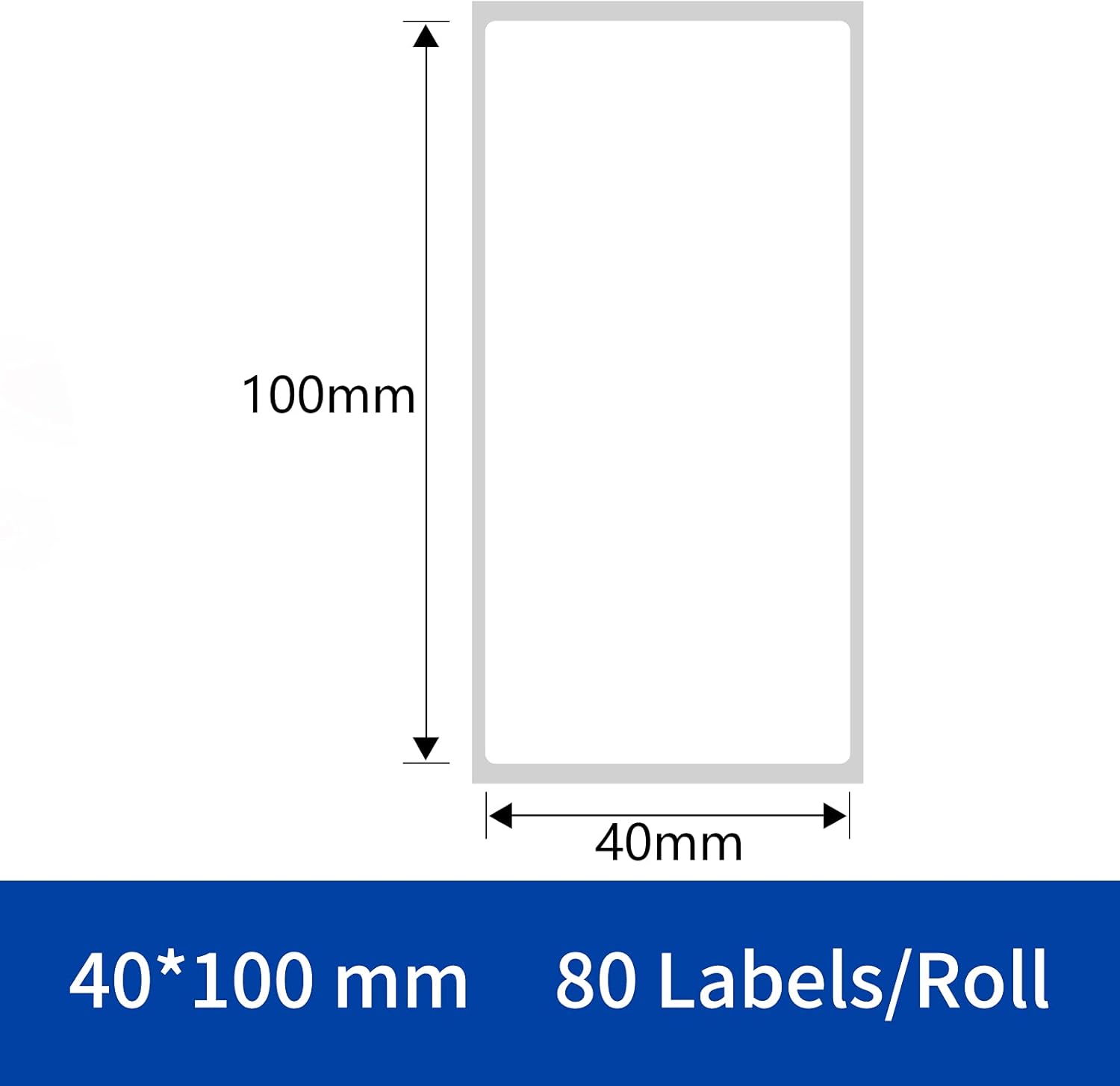
Image: Visual representation of the 40x100mm label dimensions and quantity per roll.
Usage Scenarios
These versatile labels are suitable for a wide range of applications, helping you organize and identify items efficiently:
- Organization Labels: For drawers, bins, and storage containers.
- Package Labels: For shipping, inventory, or product identification.
- Equipment Labels: For tools, devices, or machinery.
- Clothes Labels: For garment tags or sizing.
- Round Labels: For jars, bottles, or decorative purposes (if cut to shape).
- Food Labels: For containers, ingredients, or expiry dates.

Image: Examples demonstrating diverse applications of DETONGER labels, including organizing items, labeling packages, equipment, clothing, and food containers.
Warranty and Support
For information regarding product warranty, returns, or technical support, please refer to the documentation provided with your DETONGER label maker or visit the official DETONGER website. Keep your purchase receipt for warranty claims.
